 1 / 7
XP-Pen Star03 V2 STAR03V2 12-Inch Graphics Tablet
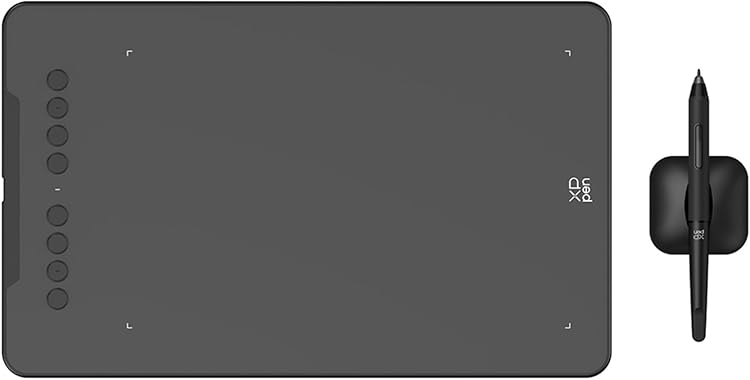
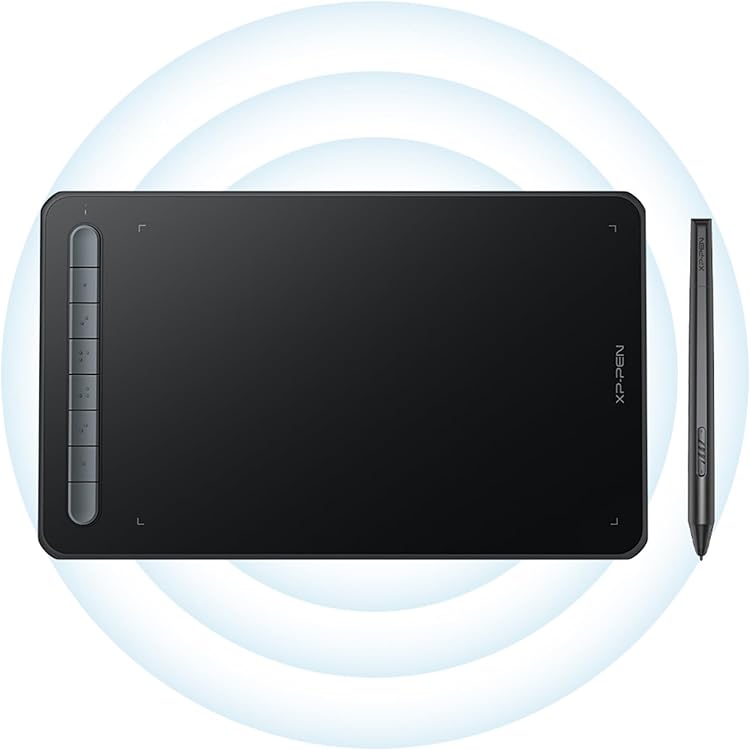
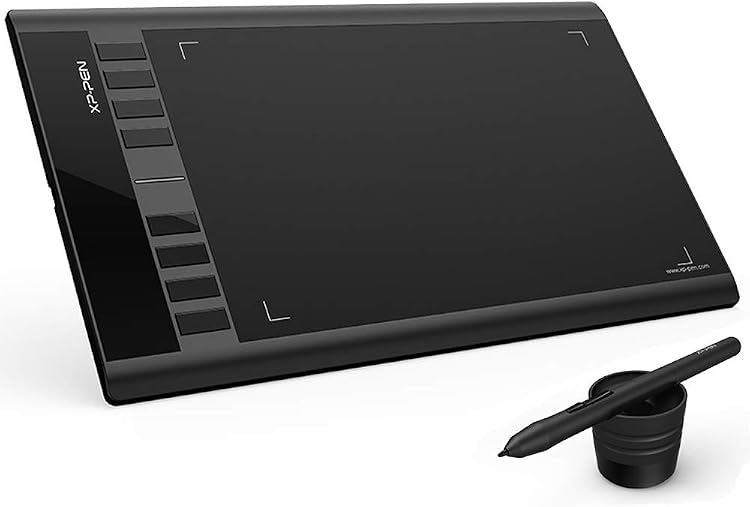
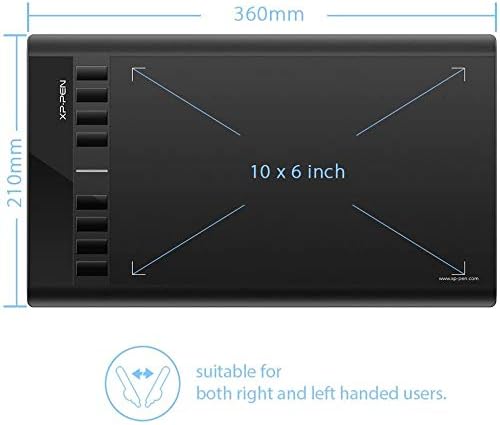
STAR03V2: The XP-Pen Star03 V2 is a USB-connected graphics tablet with a passive stylus, pressure sensitivity and customisable shortcut keys. Its listed active drawing area is 10 x 6 inches, while the product details also describe it as a 12-inch tablet. It suits drawing and handwriting on a compatible computer, but it is not a screen-based pen display.
At a glance
- Passive stylus is described as requiring no battery or charging.
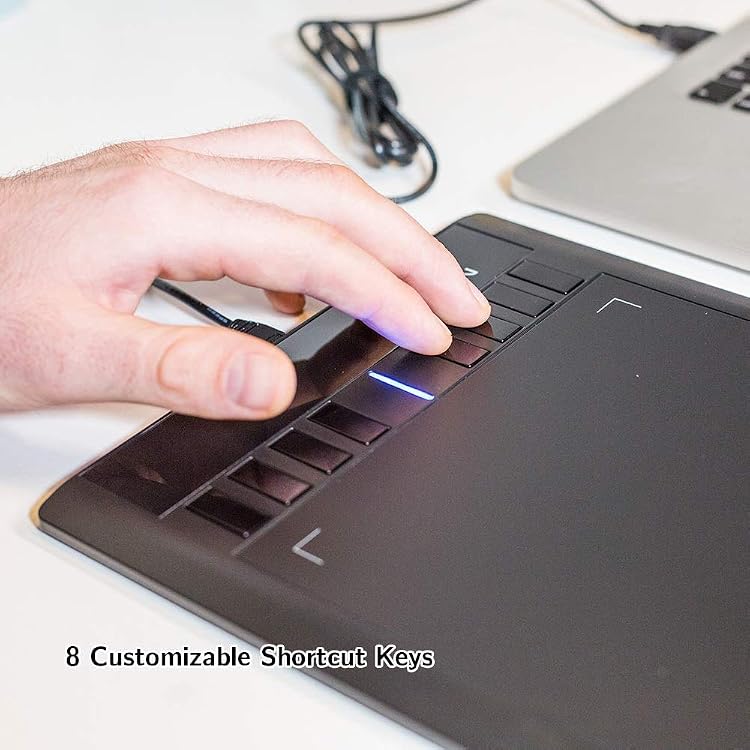
- Eight shortcut keys are customisable, with common drawing functions assigned by default.
- The listed active drawing area is 10 x 6 inches.
- The listing names drawing, illustration, image editing, handwriting and online teaching as uses.
Reference price: £49.99
Price checked: 14 Nov 2026
View offerAhead of Black FridayExplore the selectionOften bought together
Pros and cons
Pros
- A passive pen avoids charging the stylus, according to the product description.
- Eight configurable tablet shortcuts can make common actions easier to reach without a separate keyboard.
- The claimed operating-system range includes Windows and Mac, with Linux and Chrome OS also mentioned in the detailed compatibility information.
Cons
- This is a graphics tablet for use with a computer, not a pen display with an integrated drawing screen.
Technical specifications
17 specifications| Brand | XP-Pen |
|---|---|
| Model | STAR03V2 |
| Screen size listed | 12 Inches |
|---|---|
| Screen technology listed | LCD |
| Active drawing area | 10" x 6" |
| Resolution | 5080 LPI |
| Pressure sensitivity | 8192 Levels |
|---|---|
| Shortcut keys | 8 customizable shortcuts |
| Pen type | Passive |
| Connection listed | USB |
|---|---|
| Operating system listed | Compatible avec Windows 10/8/7 et Mac OS X 10.10 (et versions supérieures) |
| Additional compatibility listed | Compatibility: Windows 10/8/7(32/64bit), Mac OS X version 10.10 or later, Linux (Detailed versions), Chrome OS 88.0.4324.109 and above. |
| Weight listed | 680 Grams |
|---|---|
| Dimensions listed | 21L x 36W centimetres |
| USB cable length | 150 CM |
| Accuracy | ±0.01 Inch |
|---|---|
| Supply voltage | DC 5V |
What to know before buying
Listing details to confirm
Listing details are inconsistent: the product is called 12 inches and LCD in the specifications, but the feature information gives a 10 x 6-inch active area and describes a graphics tablet rather than a display. The OS compatibility entries also vary in detail. Confirm the physical drawing area, screen description and support for your specific system before buying.
What’s in the box
- Quick Start GuideIncluded
- StylusCheck selected pack
- USB CableIncluded
- Pen nibsCheck selected pack
- Pen-clipper nib removerCheck selected pack
- User manualCheck selected pack
Check which accessories are included in your selected pack before buying.
Who is it for?
A good fit for
- Digital drawing, illustration and image editing with a desktop or laptop.
- Handwriting, signatures and online whiteboard or teaching tasks.
- Students and hobbyists who want shortcut controls on a medium-sized drawing surface.
Less suited to
- Buyers who want to draw directly on an integrated screen.
- People who need a wireless tablet, since the listed connection is USB.
Customer reviews on Amazon
- 5 stars
70% 70% - 4 stars
19% 19% - 3 stars
6% 6% - 2 stars
2% 2% - 1 star
3% 3%
Customer feedback describes the tablet as easy to set up and use, and reports good performance with Photoshop and Clip Studio. Customers also appreciate the customisable buttons and its usefulness for students, hobbyists and teaching. Ergonomics are mixed: some feedback praises the pen feel, while other reports mention cursor movement issues. The positive reports are relevant to the listed pressure sensitivity and shortcut controls, but the mixed cursor feedback is worth considering if precise drawing is central to your work.
Positive themes
- Customer feedback reports easy setup and use, performance with Photoshop and Clip Studio, and appreciation for the customisable buttons.
- Customers describe it as useful for students and hobbyists, including teaching tasks.
Mixed feedback
- Feedback about ergonomics is mixed, including differing views of pen feel and reports of cursor movement issues.
Frequently asked questions
Does the Star03 V2 have a built-in drawing display?
The listing identifies it as a graphics tablet, but also gives LCD and 12-inch details. It does not clearly establish that it is a pen display. Check the selected listing if an integrated screen is important.
What is the active drawing area?
The feature information specifies 10 x 6 inches. This differs from the 12-inch screen-size entry, so confirm the measurement before purchase.
Does the stylus need charging?
The product description calls the stylus passive and says it does not require batteries or charging.
Which computers and operating systems are listed as compatible?
Windows and Mac are listed, with Linux and Chrome OS also named in the detailed compatibility information. The compatibility entries are not fully consistent, so verify support for your computer and OS version.
Alternative options
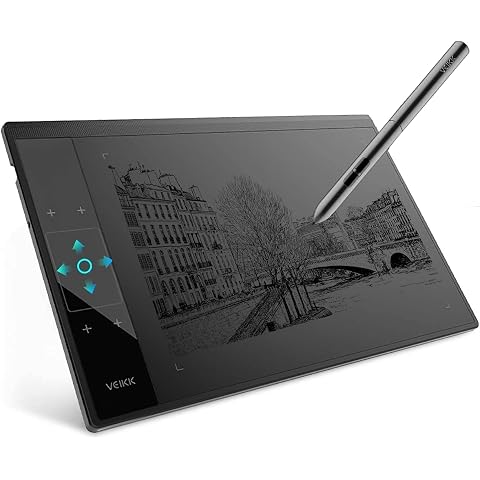
Graphic Drawing Tablet VEIKK A30 10 x 6 Inch Drawing Tablet for Beginner | Drawing Pad with 16384 Level Battery-free Pen for PC Supports Mac/Windows/Linux,Graphics Tablet w/ 4 Touch Keys and 1 Panel
£41.59
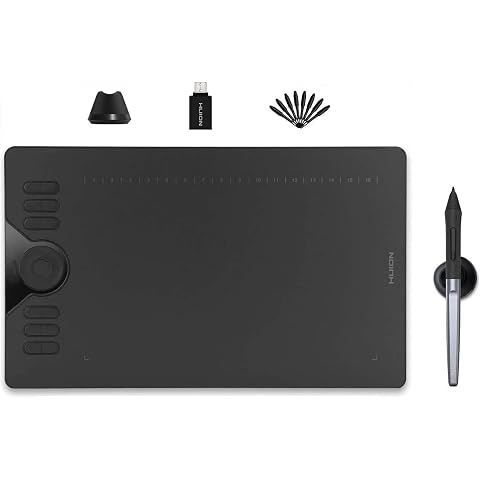
HUION Drawing Tablet HS610 10x6.25 inch 12 Express Keys & Touch Strip | Battery-Free Stylus, 8192 Pen Pressure, Tilt, Work with Windows/Mac/Android, Graphic Tablet for Animation, Design, Writing
£42.74
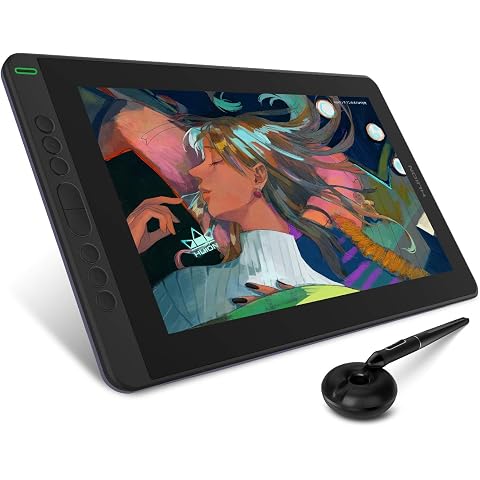
HUION Kamvas 13 Drawing Tablet with Screen 8 Shortcut Keys 13.3" Purple | PenTech 3.0, 8192 Pen Pressure, Fully Laminated Anti-Glare Glass, Works with Windows, Mac and Linux for Illustration Creation
£167.19
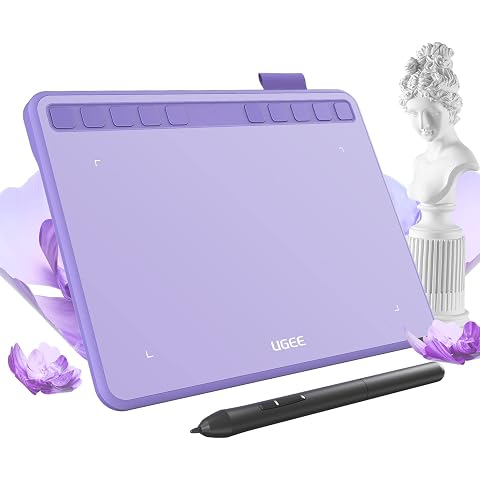
ugee S640 Drawing Tablet 6.3 x 4 In Graphics Pad for Beginner | 8192 Pen Pressure 10 Customisable shortcut Keys with Battery-free Stylus Compatible with for Mac, Windows PC and Android
£27.99
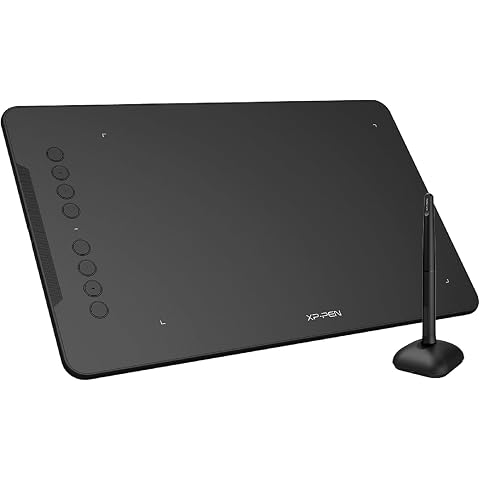
XPPen Deco 01 V3 Drawing Tablet with 10" x 6.25" Working Area | Portable Graphics Tablet with 8 Shortcut Keys, 16K Pen Pressure, Works with Windows, Mac & Android, Ideal for Sketch, Design
£47.99
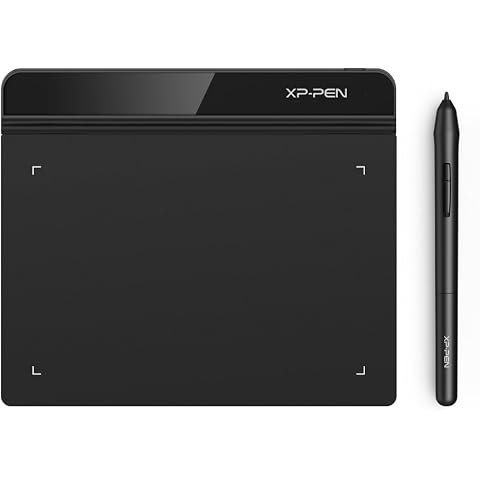
XPPen Star G640 Drawing Tablet with 6x4 inch Active Area | Digital Art Tablet with 8192 Battery-free stylus for Graphics Design, Business Signature, OSU!, Works with Windows&Mac OS
£23.99
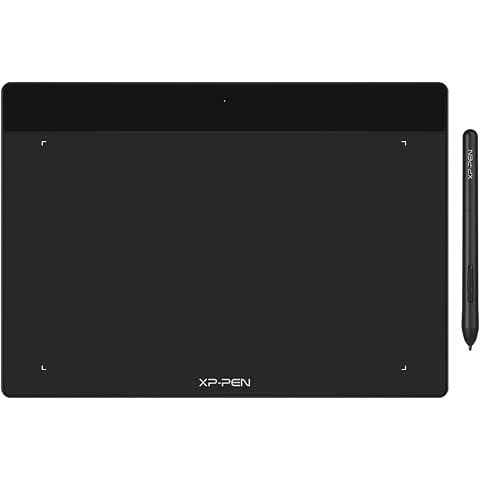
XP-PEN Deco Fun L Graphics Drawing Tablet 10" x 6.27" Digital Wirting Pad with 8,192 Levels Pressure Sensitivity Pen (Classic Black)
£38.24
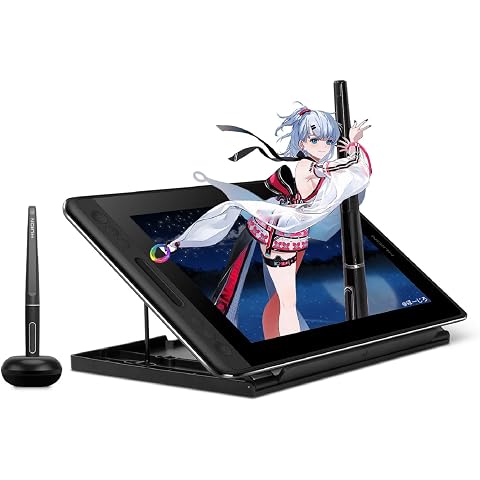
HUION Kamvas Pro 12 Drawing Tablet with Screen 11.6" Adjustable Stand | Battery-free Pen with Tilt Function 4 Express Keys & 1 Touch Bar Best Gift for Beginner Digital Graphic Artis
£151.99
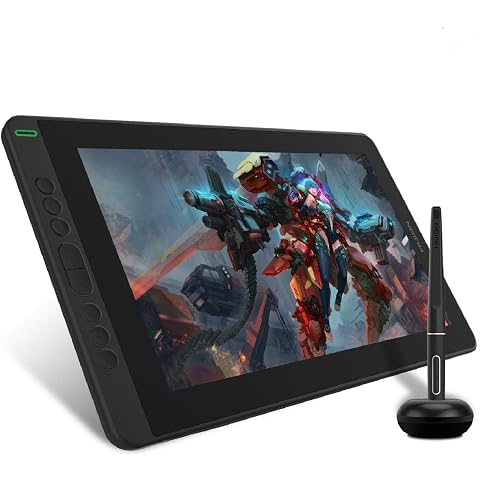
HUION Kamvas 13 Drawing Tablet with Screen 8 Shortcut Keys 13.3" Black | PenTech 3.0, 8192 Pen Pressure, Fully Laminated Anti-Glare Glass, Works with Windows, Mac and Linux for Illustration Creation
£169.99
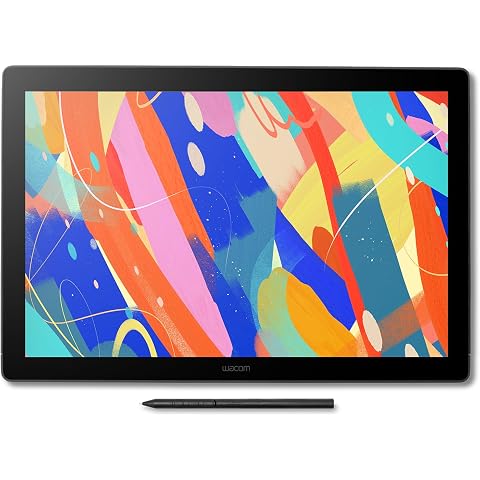
Wacom Cintiq 16 (2025 edition), Pen Display, 2.5K, incl. Wacom Pro Pen 3 | Drawing Tablet (PC necessary), pen-on-paper feel with anti-glare etched glass, high color accuracy with Japanese technology
£532.69
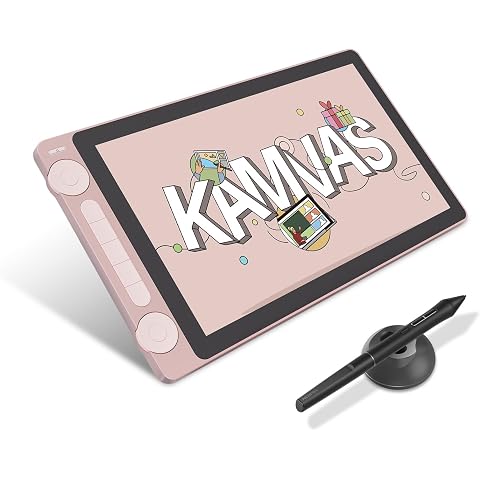
HUION Kamvas 13 Gen 3 Drawing Tablet with Screen, Dual Dial, 13.3", Pink | PenTech4.0 16384 Pen Pressure, 5 Express Keys, Anti-Glare Glass, Works with Windows/Mac/Android for Art Design
£198.55
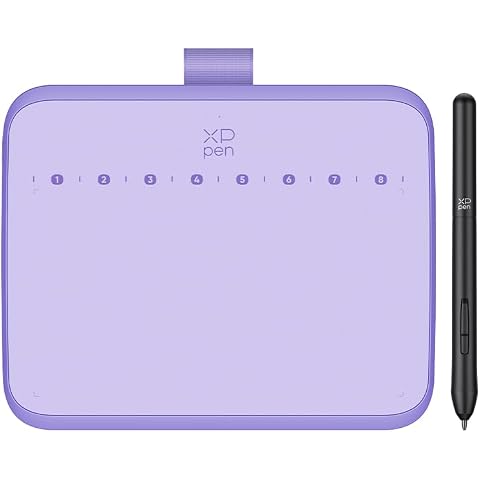
XPPen Deco 640 Drawing Tablet with 16x9cm Active Area, 16K Pressure Levels | Digital Art Pad with 8 Shortcut Keys for OSU!, Graphics Design, Distance Education,Works with Windows, macOS and Android
£28.04