Mice
Products · Mice
13 active deals
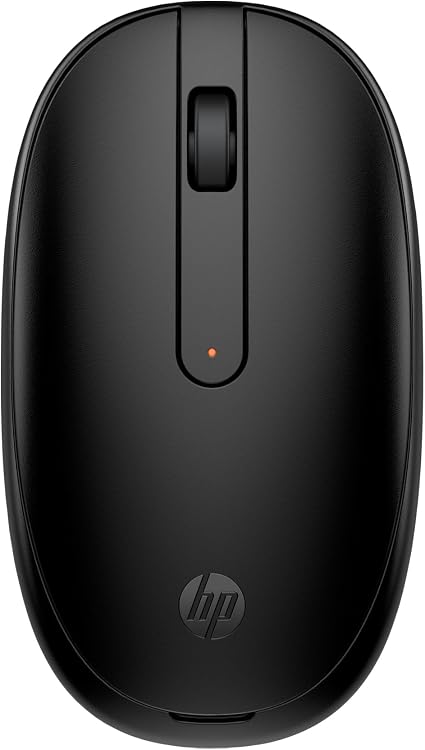
HP 240 Bluetooth Mouse, 1600 DPI
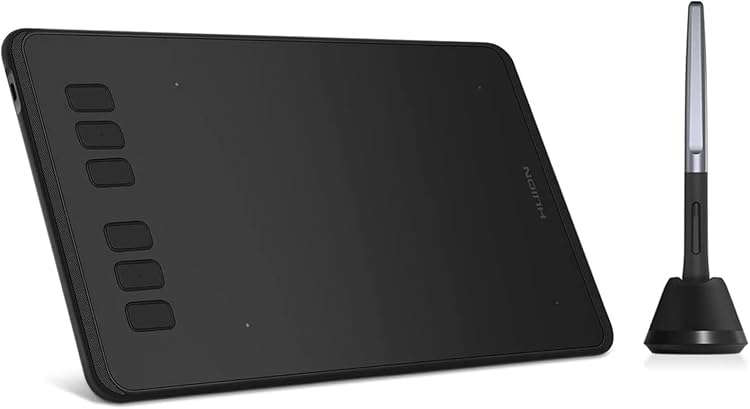
HUION Inspiroy H640P 6 × 4-inch Drawing Tablet
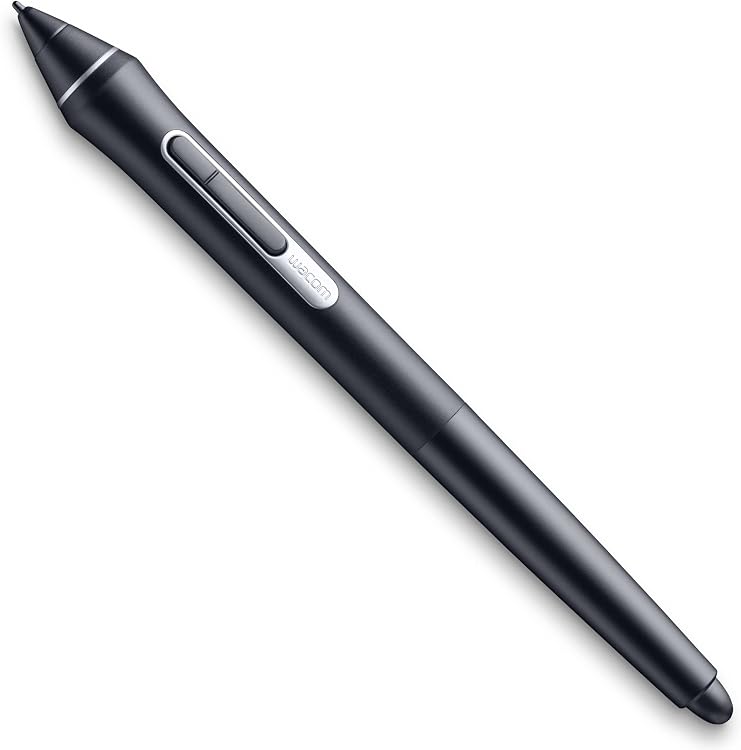
Wacom Pro Pen 2 KP-504E-00DZ, 8192 pressure levels
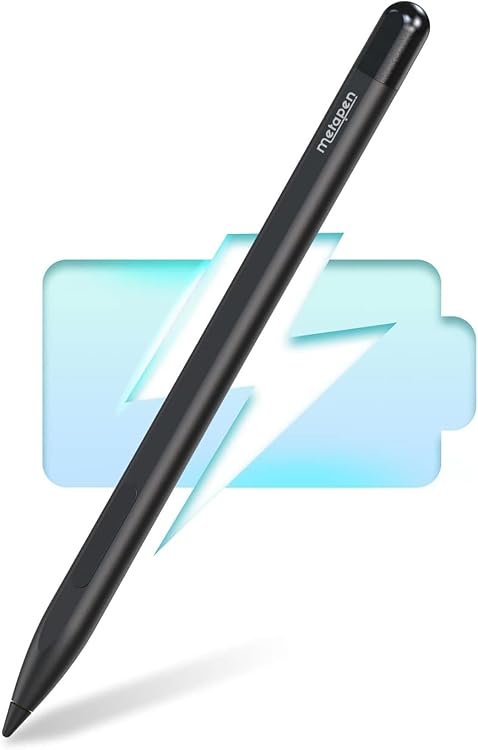
Metapen M1 Stylus Pen ME-MPP712 for Surface
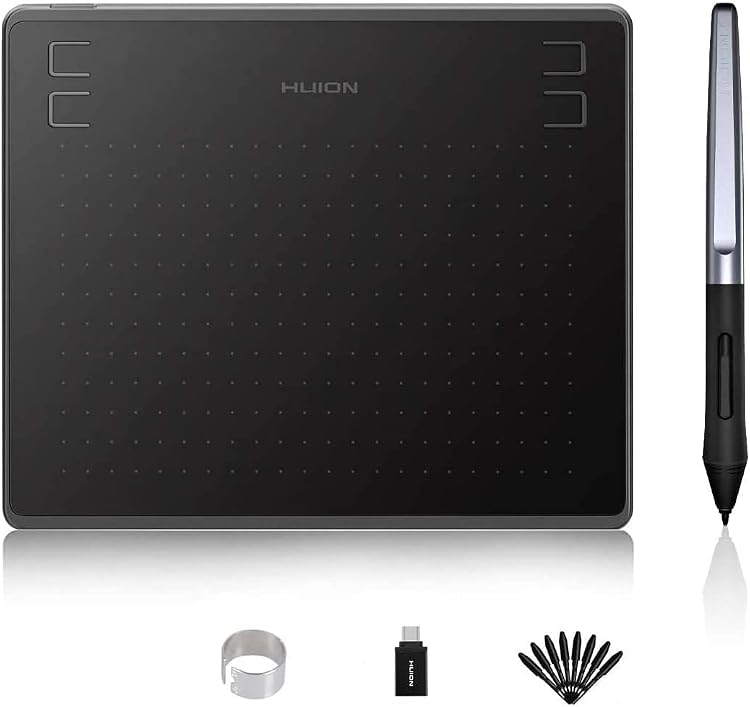
HUION HS64 6.3-inch Drawing Tablet with 4 Express Keys
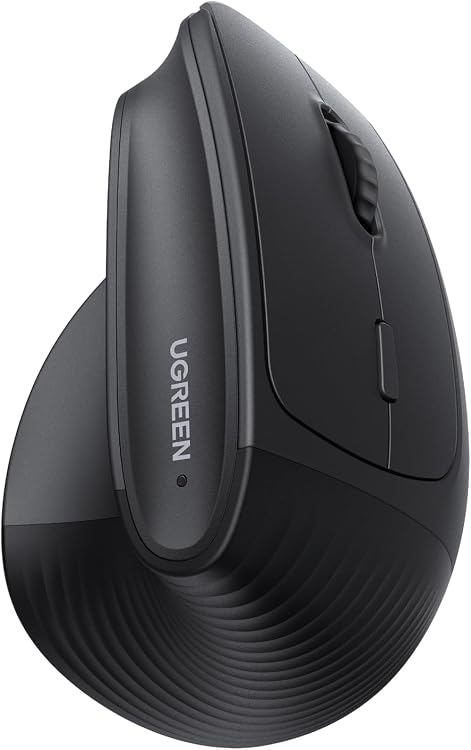
UGREEN 65042 Ergonomic Wireless Vertical Mouse
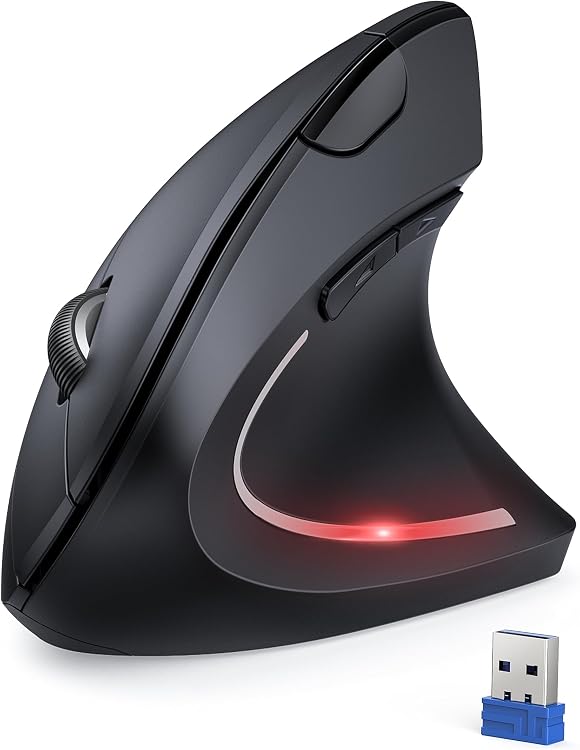
TECKNET 4800DPI Wireless Vertical Mouse
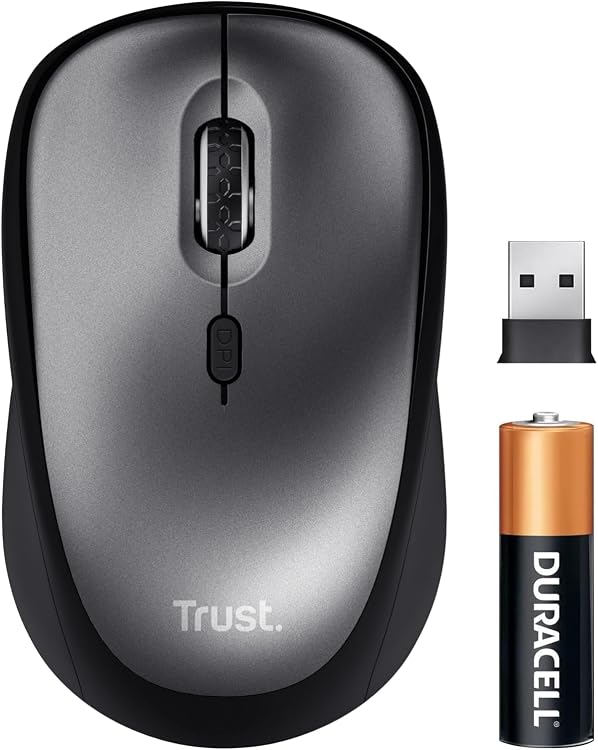
Trust Yuki Wireless Mouse, 800–1600 DPI
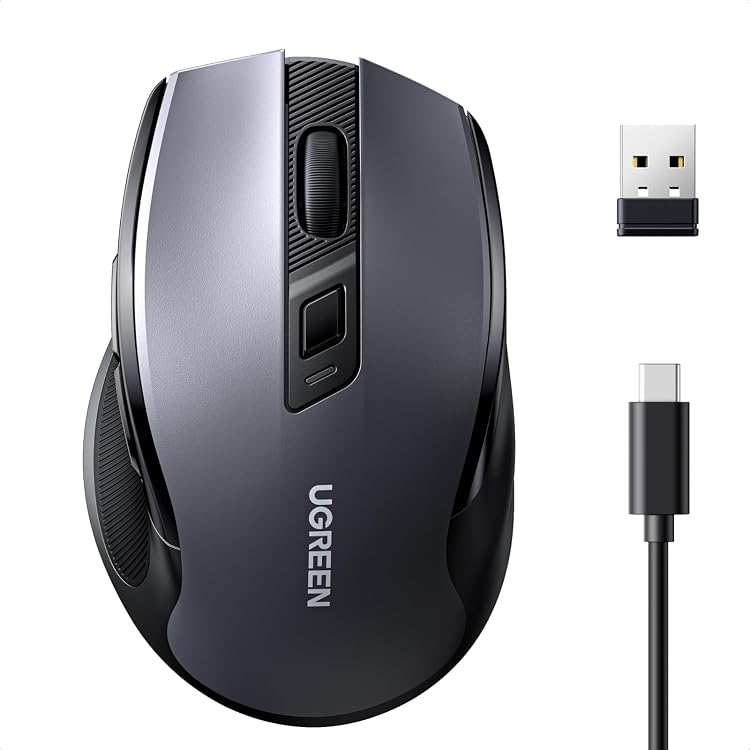
UGREEN 85082 Wireless Mouse, Bluetooth and 2.4GHz, USB-C Rechargeable
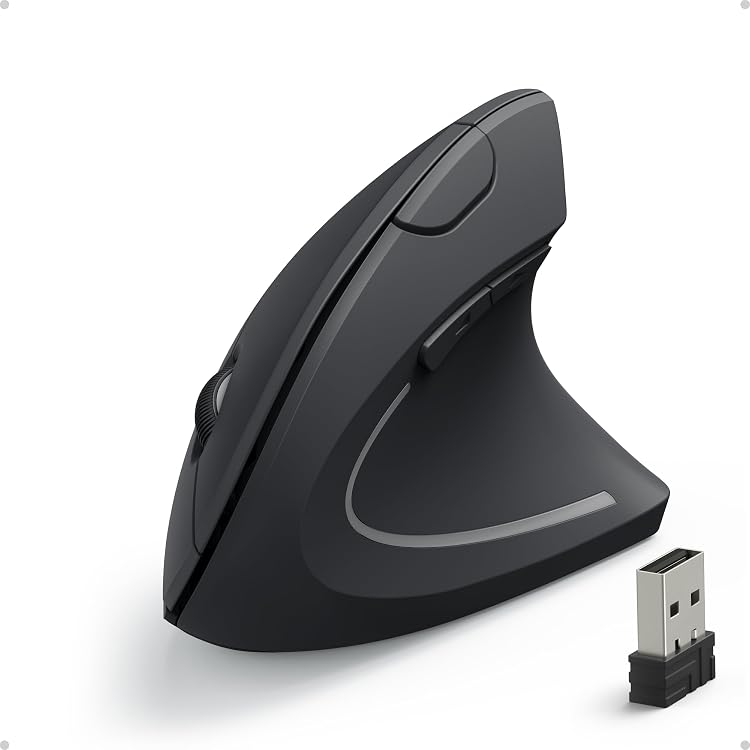
Anker Wireless Vertical Ergonomic Optical Mouse, 800/1200/1600 DPI
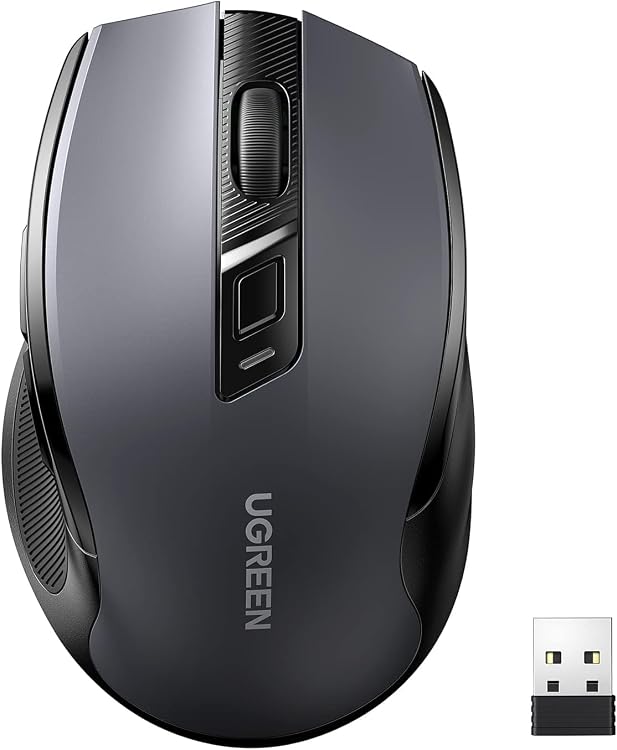
UGREEN 90545 Wireless Mouse, 4000 DPI, 6 Buttons
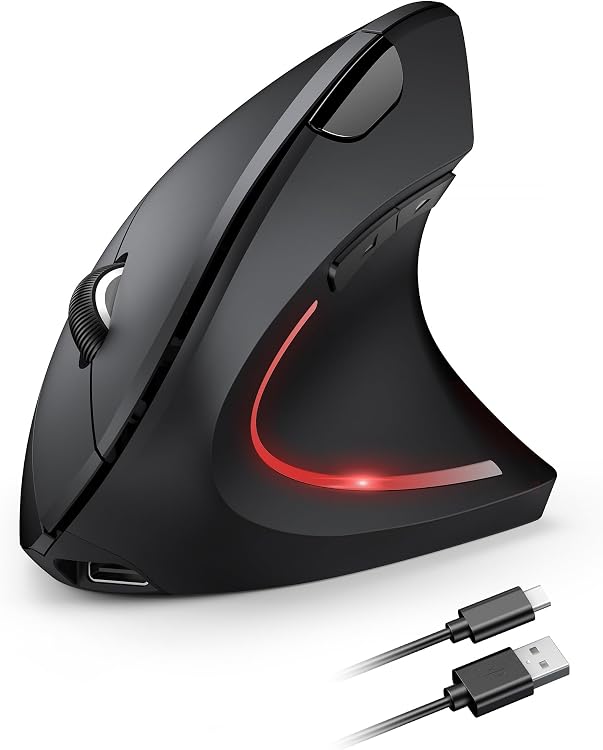
TECKNET TK-MS007 Rechargeable Vertical Mouse
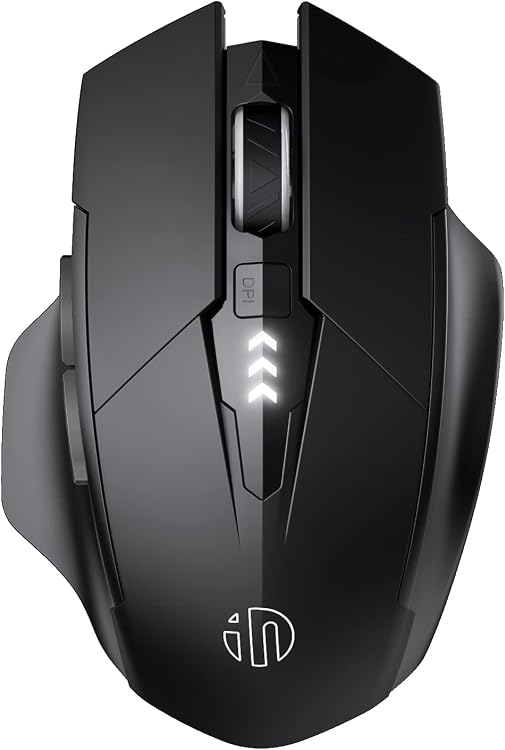
INPHIC PM6 Pro Silent Wireless Mouse, 6 Buttons
Top deals in Mice
Big discounts across a variety of models and stores.
UGREEN 85082 Wireless Mouse, Bluetooth and 2.4GHz, USB-C Rechargeable
TECKNET TK-MS007 Rechargeable Vertical Mouse
Anker Wireless Vertical Ergonomic Optical Mouse, 800/1200/1600 DPI
Trust Yuki Wireless Mouse, 800–1600 DPI
UGREEN 90545 Wireless Mouse, 4000 DPI, 6 Buttons
TECKNET 4800DPI Wireless Vertical Mouse
INPHIC PM6 Pro Silent Wireless Mouse, 6 Buttons
New in Mice
Recently added or updated deals.
HP 240 Bluetooth Mouse, 1600 DPI
HUION Inspiroy H640P 6 × 4-inch Drawing Tablet
Wacom Pro Pen 2 KP-504E-00DZ, 8192 pressure levels
Metapen M1 Stylus Pen ME-MPP712 for Surface
HUION HS64 6.3-inch Drawing Tablet with 4 Express Keys
UGREEN 65042 Ergonomic Wireless Vertical Mouse
Mice: choosing by grip, weight and how you use them
A mouse can have an excellent sensor and still feel uncomfortable if you have to stretch your fingers to click. Before comparing specifications, think about where your hand will rest, how much space you have and which movements you repeat.
For work, fit and the scroll wheel matter. For gaming, tracking and responsiveness matter too. For travel, size and connectivity take priority. One model rarely handles all three situations equally well.
Size and grip: shape matters more than length
Length alone is not enough: width, hump height and hump position change how the mouse supports your hand. A palm grip generally benefits from a shell that fills the hand. A claw grip needs room to arch the fingers. A fingertip grip suits a body that is easy to move without resting your whole palm on it.
A compact mouse is not automatically suitable for small hands: a body that sits too low may make you curl your fingers inward. Vertical mice change the orientation of your forearm and take time to get used to. They are not an automatic improvement. Choose by posture and button access, not the word “ergonomic”.
Weight for gaming, working and carrying in a bag
For games involving broad sweeping movements, around 50–80 g can make a mouse easier to lift and reposition. Low weight alone does not make it better. A light shell that flexes when squeezed, or an unbalanced weight distribution, can feel less pleasant than a few extra grams.
For office work, weight matters less if you move the mouse only a little and value an accurate scroll wheel. For travel, thickness and protection inside your bag matter too: a flat model takes up less space but provides less support. A trackball keeps its base stationary, useful on a small desk, in exchange for learning a different movement.
Right-handed, left-handed or genuinely ambidextrous
A symmetrical shape does not guarantee left-handed suitability: side buttons may appear only on the left, positioned for a right thumb. For left-handed use, look for buttons on the right of the shell, buttons that can switch sides, or ones that do not get in the way if you will not use them.
Sculpted right-handed shells and many vertical models do not accommodate a change of hand. Swapping the primary and secondary click in your operating system does not correct that geometry. At a shared workstation, a genuinely ambidextrous shape can be worth giving up a pronounced thumb rest.
Sensor and tracking: look beyond maximum DPI
DPI describes how far the pointer moves for a given physical distance, not sensor quality. An adjustable range that includes roughly 800–3200 DPI covers many desktop uses. Your display and preferences also influence the choice. The advertised maximum does not describe accuracy or consistency.
For low-sensitivity gaming, what matters is tracking fast movements without skips or unwanted acceleration. At 1000 Hz, data is reported every millisecond. Moving to 4000 or 8000 Hz reduces that interval, not the entire latency. Outside competitive gaming, stability usually matters more than paying for those numbers.
Buttons and scroll wheels that make a practical difference
Two side buttons are enough for forward, back or frequently used actions. MMO mice add a button grid that is useful if you can distinguish the buttons without looking. For editing and spreadsheets, a side wheel or tilt wheel can reduce repeated scrolling movements. Advanced button assignments often depend on software and operating-system support.
A stepped wheel makes switching weapons or scrolling through rows easier. Free spinning moves through long documents faster but gives less control over small increments. Quiet clicks help in shared spaces, although they feel different. Onboard memory is useful for keeping settings when moving between computers without installing software.
Bluetooth, receiver or cable: match the connection to the response you need
Bluetooth leaves a port free and makes switching between devices easier, but do not assume its response will suit competitive gaming. A well-implemented 2.4 GHz receiver connection can deliver latency comparable to a wired connection. The technology alone does not guarantee it. For office work, both wireless options are usually sufficient.
A wired mouse needs no charging, although cable stiffness and drag can hinder movement. With a wireless mouse, use an extension to bring the receiver closer if distance or obstacles cause dropouts. Establish whether the mouse works while charging and whether the cable carries data: some cables only charge while communication remains wireless.
Built-in or replaceable batteries: runtime and service life
An AA or AAA battery lets you resume use by swapping it and makes replacing the power source straightforward over the years. Factor in its weight and carrying spares. A built-in battery simplifies recharging. If it cannot be replaced, degradation can limit the mouse’s useful life.
Advertised hours depend on lighting, connection and polling rate: a high-polling mode usually consumes more power. Compare runtime under similar conditions, not a Bluetooth figure against one for intensive gaming. For travel, consider a physical power switch, receiver storage and whether you need another cable.
Surfaces and replacement parts that add real value
A uniform mouse pad usually gives more predictable tracking than a glossy desk. Glass requires explicit compatibility: not every sensor works on it. Worn or dirty glide feet change friction. Replacing them can restore smooth movement without replacing the mouse.
Before choosing a variant, distinguish its size, handedness, included connections and compatible receiver: sharing a family name does not ensure shared accessories. Available replacement feet, cables and receivers add practical value. Paying extra for extreme DPI is less worthwhile than getting the right fit or a wheel you will use every day.