 1 / 7
XP-Pen Deco MW Wireless Drawing Tablet, 8 × 5 in Active Area
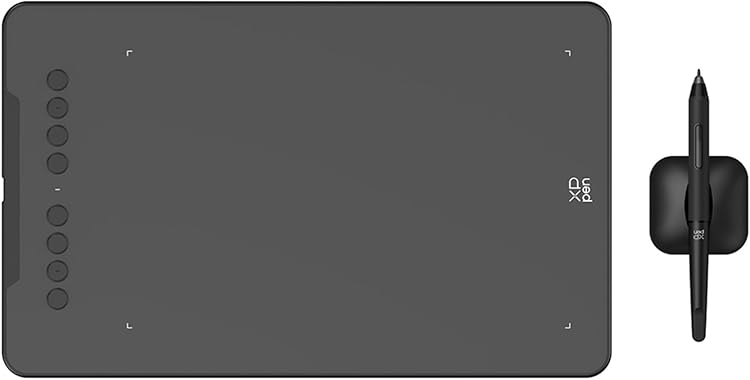
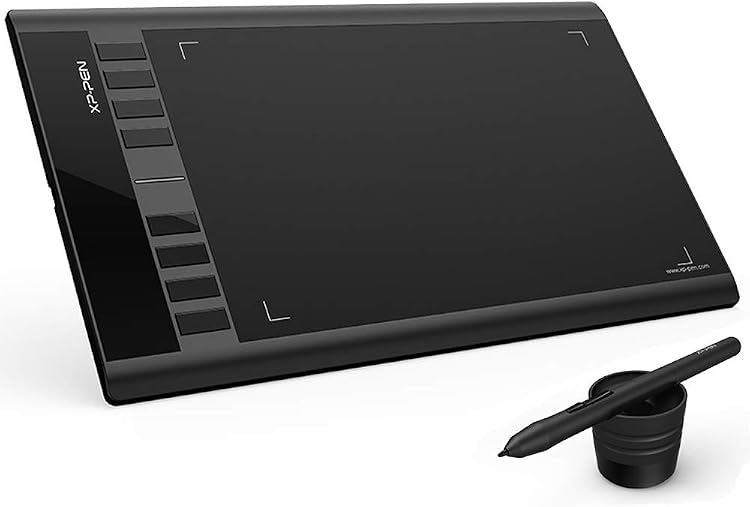
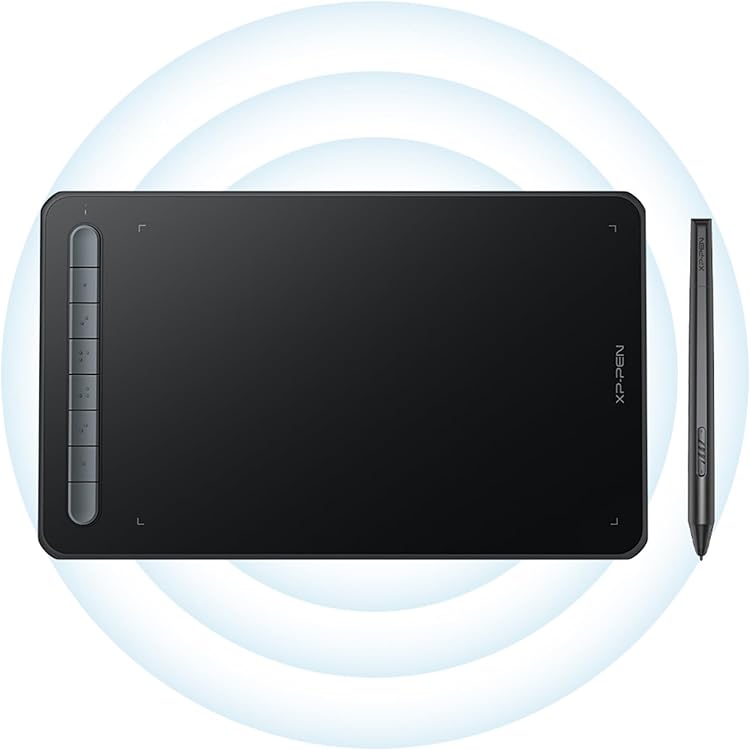
The XP-Pen Deco MW is a wireless graphics tablet with an 8 × 5-inch active area, designed to control a connected computer or compatible mobile device rather than work as a standalone screen. Its pressure-sensitive stylus and shortcut keys suit drawing and design workflows, while wireless use depends on the tablet’s battery and compatible device setup.
At a glance
- The tablet must connect to a computer or compatible mobile device and does not have a standalone drawing display.
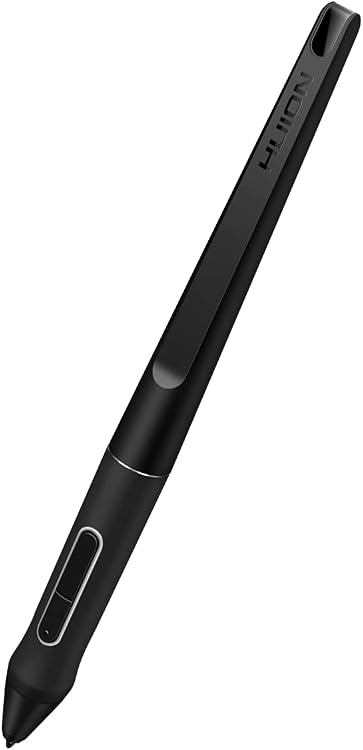
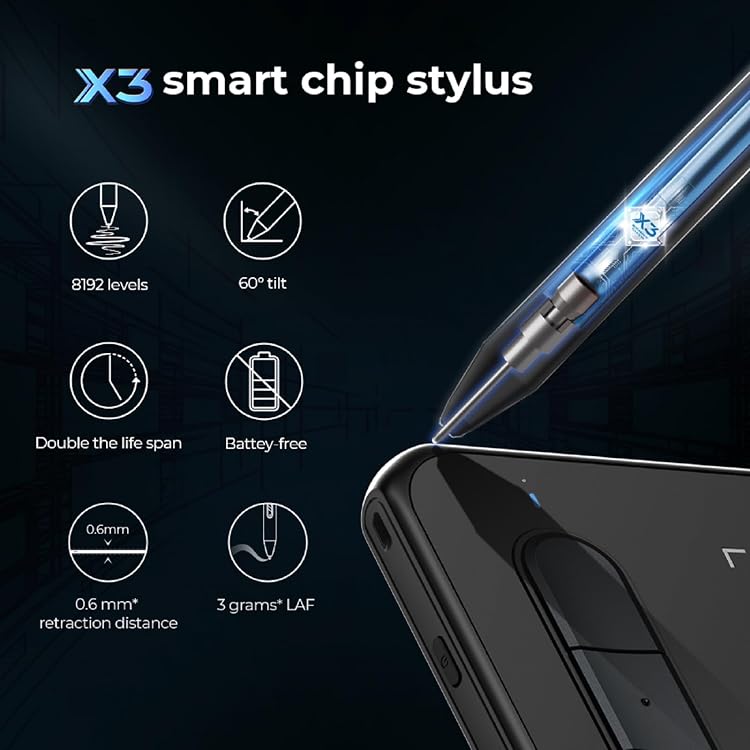
- The listing describes Bluetooth and USB connectivity, with an 8 × 5-inch active surface and an X3 Elite battery-free stylus.
- Eight shortcut keys can be customised according to the product information.
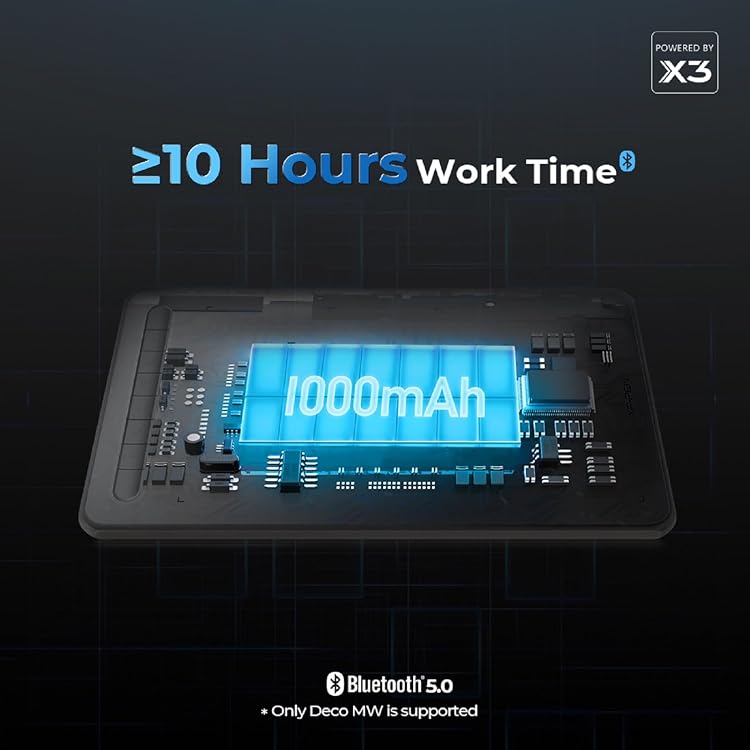
- The stated operating time is more than 10 hours, but this is a manufacturer claim and depends on wireless use.
Reference price: £79.99
Price checked: 14 Nov 2026
View offerAhead of Black FridayExplore the selectionOften bought together
Pros and cons
Pros
- The 8 × 5-inch work area offers a compact drawing surface for desk use or carrying between workspaces.
- The listed 8192 pressure levels and 60° tilt support suit pen-based drawing workflows.
- Bluetooth and USB connection options provide a choice between wireless and wired setup.
- A battery-free stylus avoids charging the pen itself.
Cons
- This is a pen tablet without a built-in drawing display, so users draw on its surface while viewing the connected device’s screen.
- The 8 × 5-inch active area may feel restrictive for buyers who want a larger drawing surface.
Technical specifications
14 specifications| Brand | XP-Pen |
|---|---|
| Model | Deco MW |
| Screen size listed | 8 Inches |
|---|---|
| Screen technology listed | LED |
| Active surface area | 8 inches x 5 inches |
| Connection listed | Bluetooth, USB |
|---|---|
| Pressure sensitivity | 8192 Levels |
| Stylus tilt support | 60° |
| Initial activation force | 3 g |
| Operating systems listed | Windows, Mac, Android, Chrome OS, Linux |
|---|
| Dimensions listed | 25.9L x 15.7W centimetres |
|---|---|
| Weight listed | 455 Grams |
| Battery capacity | 1000mAh/3.7V |
| Continuous operation time | > 10 hours |
What to know before buying
- The product is described as compatible with several operating systems, but iOS support is limited to ibisPaint version 9.1.0 or later on iOS 12.0 or iPad OS 13.1 or later.
- For USB connection, the listing describes a USB Type-A requirement and also mentions adapters. Check the connector and driver requirements for the device you plan to use.
Listing details to confirm
The listing gives inconsistent weight information: one detail says 455 Grams, while feature copy says 283g. It also differs on included items, with a USB-C cable in the contents field but a longer package list elsewhere. Confirm the selected listing’s weight and kit contents before purchase. The stated operating time appears as both up to 10 hours and more than 10 hours, so treat it as an estimate rather than a guaranteed duration.
What’s in the box
- USB-C cableIncluded
- X3 Elite stylusCheck selected pack
- 10 replacement nibsCheck selected pack
- Wireless dongleCheck selected pack
- USB to USB-C adapterCheck selected pack
- USB to Micro USB adapterCheck selected pack
- USB cableCheck selected pack
- Nib extractorCheck selected pack
- Quick guideCheck selected pack
- Maintenance cardCheck selected pack
Check which accessories are included in your selected pack before buying.
Who is it for?
A good fit for
- Artists and designers who want a compact pen tablet for drawing, animation or design on a connected device.
- People who prefer wireless connection options and customisable shortcut keys for creative tasks.
- Users who want a battery-free stylus and pressure-sensitive input.
Less suited to
- Anyone seeking a standalone tablet with its own drawing screen.
- Buyers who need a larger active drawing area or confirmed package contents without checking the selected listing.
Customer reviews on Amazon
- 5 stars
51% 51% - 4 stars
12% 12% - 3 stars
20% 20% - 2 stars
5% 5% - 1 star
12% 12%
The supplied evidence contains aggregate ratings but no written customer-feedback summary, so it does not establish what buyers praised or criticised. The rating profile is mixed rather than uniformly positive. It cannot show whether experiences relate to the tablet’s compact 8 × 5-inch area, connection setup or another factor.
Frequently asked questions
Does the XP-Pen Deco MW have a screen for drawing?
No. The listing says it must connect to a PC, laptop or compatible smartphone. You view your work on that device’s display.
What is the active area?
The product title and specifications describe an 8 × 5-inch active surface.
Can it connect wirelessly?
The listing specifies Bluetooth and USB connectivity. It also describes 2.4 GHz wireless support, but check the selected listing for the relevant included receiver and cable.
Does the stylus need charging?
The product information describes the X3 Elite stylus as battery-free, so it does not need to be charged.
Is it compatible with iOS?
The listing limits iOS support to ibisPaint version 9.1.0 or later on iOS 12.0 or iPad OS 13.1 or later. Other compatibility details name Windows, Mac, Android, Chrome OS and Linux.
Alternative options
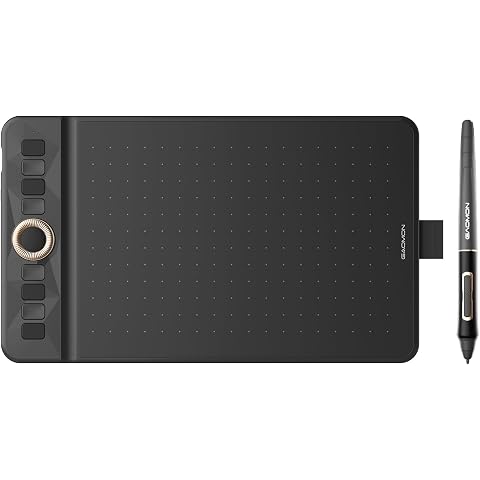
GAOMON WH851 Bluetooth Drawing Tablet 8 x 5 inches Graphics Tablet | 16384 Pen Pressure Intuitive Dial and 8 Hot Keys Type-C Port Portable for Creators, Work with Mac Windows Android and tablets
£44.65
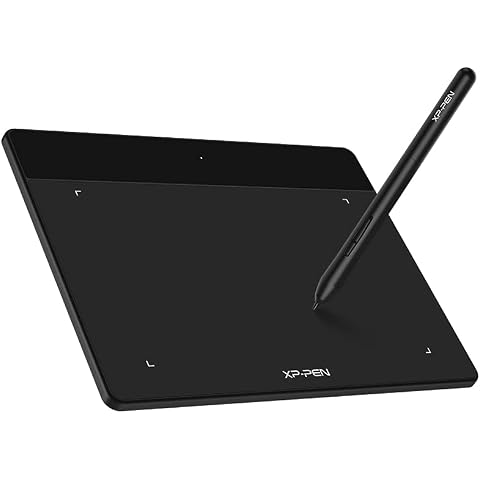
XP-PEN Deco Fun S Drawing Tablet 6.3"x 4"OSU tablet Graphics Pad Digital Writing Board Supports Windows, Mac, Linux and Chromebook (Classic Black)
£25.49
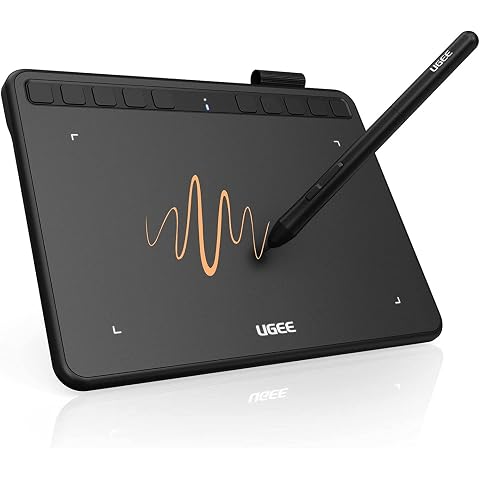
ugee S640 Drawing Tablet 6.3 x 4 In Graphics Pad for Beginner | 8192 Pen Pressure 10 Customisable shortcut Keys for Digital Art, OSU Playing, Compatible with Windows PC, Mac
£28.99
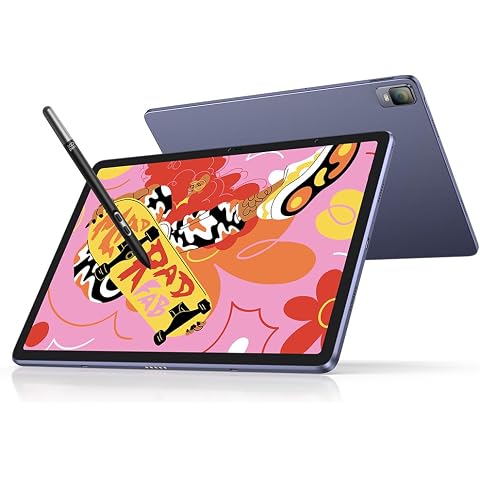
XPPen Magic Drawing Pad Standalone Graphics Tablet with 12.2" Screen | Portable Digital Art Pad with X3 Pro Slim Stylus, 16K Pressure Levels, Ideal for Painting, Reading, Gaming, Photographing
£499.99
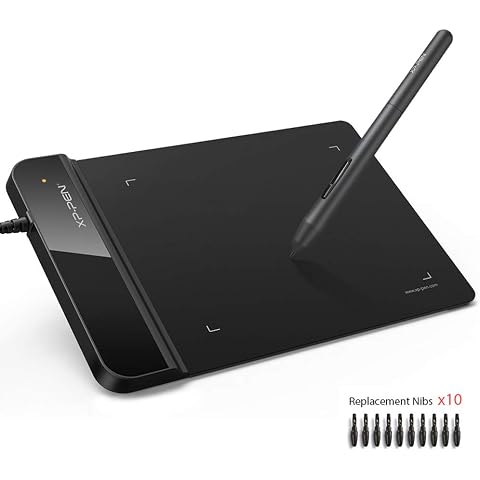
XP-PEN G430S Graphics Tablet 4x3 inch for osu! Art Design Pen Drawing Tablet Black
£18.39
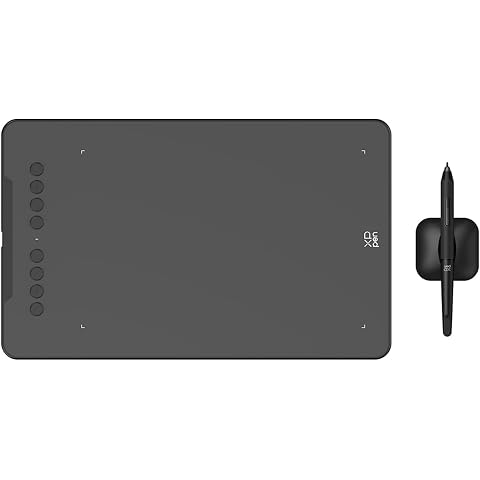
XPPen Deco 01 V3 Graphics Drawing Tablet with 10x6.25 inch Drawing Area | Digital Graphics Tablet with Battery-Free Stylus, 16K Pen Pressure, 8 Express Keys, Works with Windows/macOS/Android/ChromeOS
£47.99
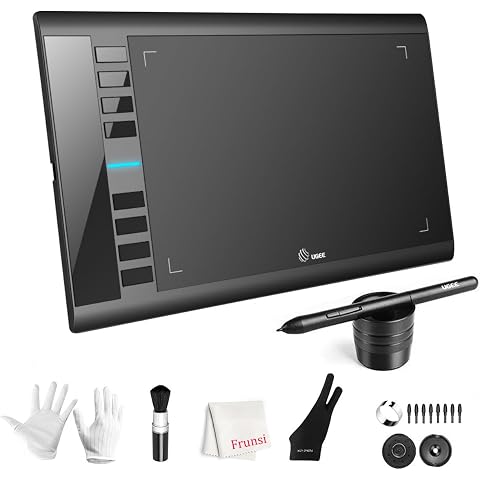
UGEE M708 Drawing Tablet, 10*6 inch, 16k Sensitivity Stylus Graphic Design | 16384 Level Pressure Battery Free Pen Stylus, 8 Hot Keys Compatible with Windows PC Macbook Chromebook Linux
£47.89
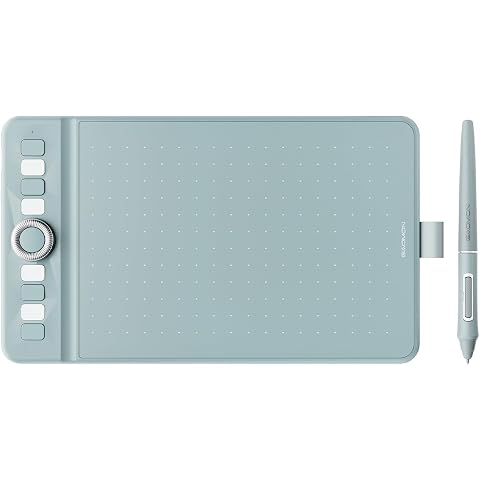
GAOMON WH851 Bluetooth Drawing Tablet 8 x 5 inches Graphics Tablet | 16384 Pen Pressure Intuitive Dial and 8 Hot Keys Type-C Port Portable for Creators, Work with Mac Windows Android and tablets
£44.65
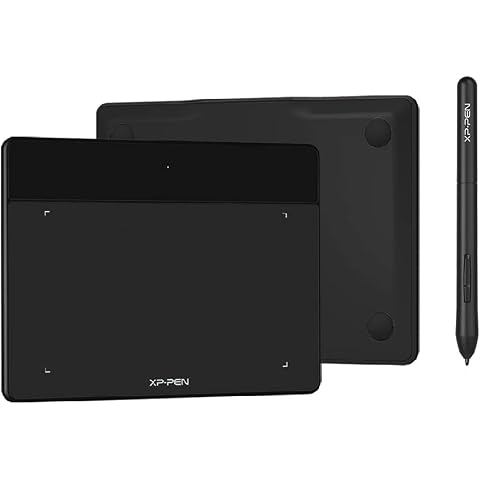
XP-PEN Deco Fun XS Graphic Drawing Tablet Size 4 x 3 Inches Ideal for Electronic Signature and Distance Education – Classic Black
£21.24
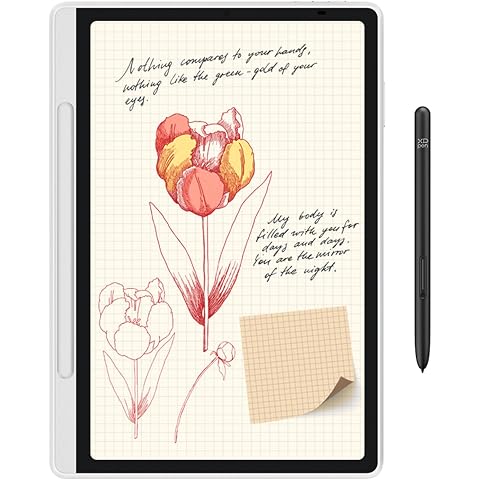
XPPen Magic Note Pad with 10.9" Color Display, 90Hz Refresh Rate, 16.7 Millions Colors, Notebook with 16K Pen Pressure Levels, Ideal for Instant Note-taking, Reading, Document Annotation
£339.99
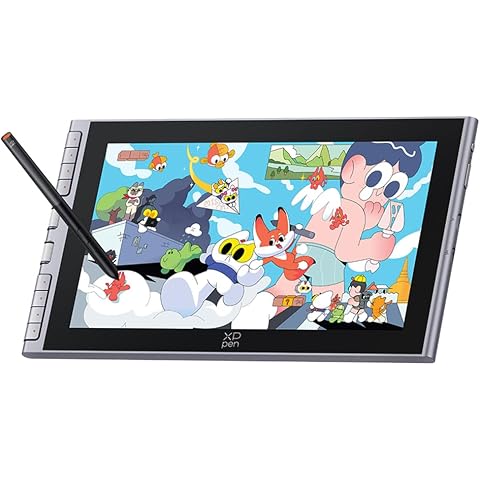
XPPen Artist 12 3rd Drawing Tablet with 11.9" FHD Screen & X4 Chip Stylus | Graphics Tablet with 8 Shortcut Keys & Dual Dial, Ideal for Beginners & On-the-Go Creators, Requires PC/Laptop Connection
£189.99
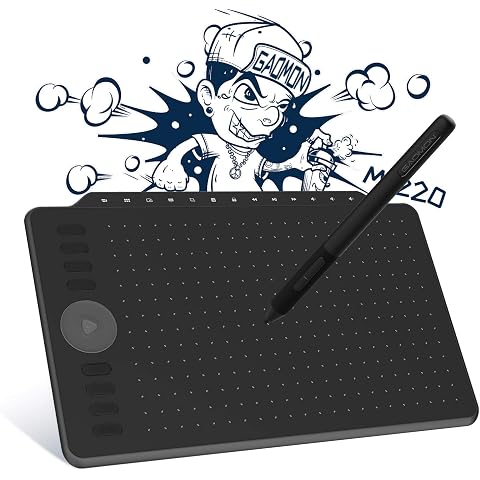
GAOMON M1220 Drawing Tablet 10.2 x 6.36 inches Graphics Tablet for Creators | 8192 Pen Pressure Battery-Free Stylus 8 Hot Keys+13 Soft Keys+1 Dial key Art Tablet for Design Work with Mac Windows Android
£47.48