 1 / 7
UGREEN 65488 Mac mini Dock with DisplayPort and NVMe enclosure
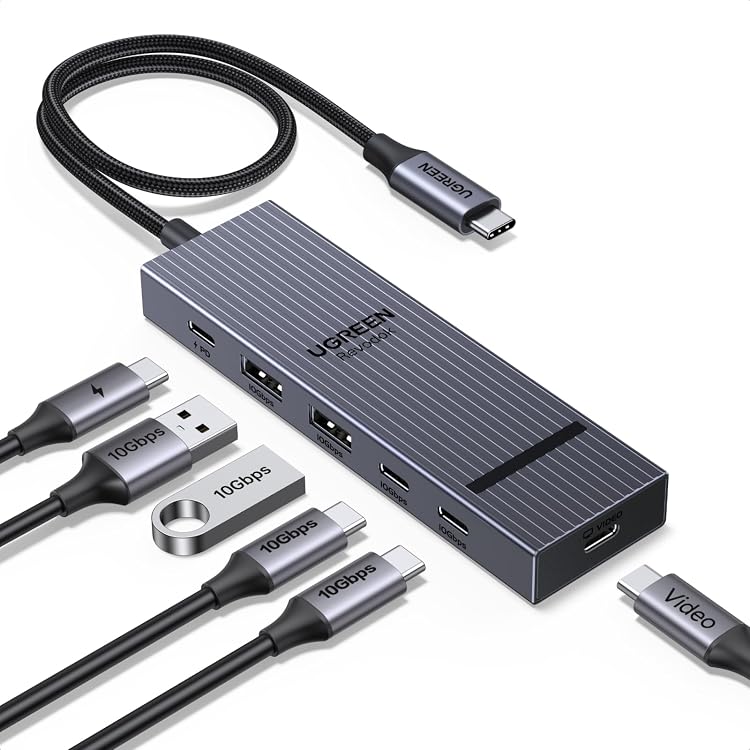
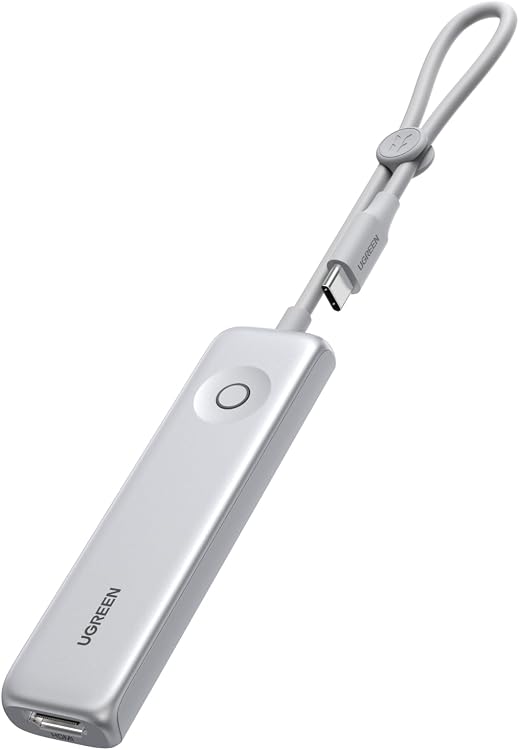
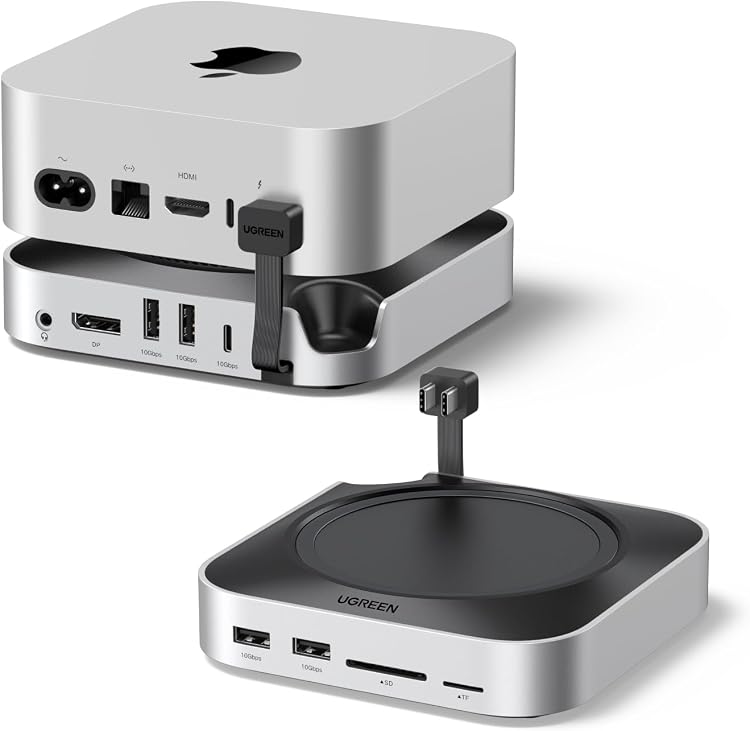
UGREEN 65488 is a Mac mini dock that adds USB data ports, card readers, audio, DisplayPort output and an M.2 NVMe enclosure. Its headline 4K at 240Hz DisplayPort capability is stated for Mac mini M4 Pro only, while the base M4 is limited to 4K at 60Hz.
At a glance
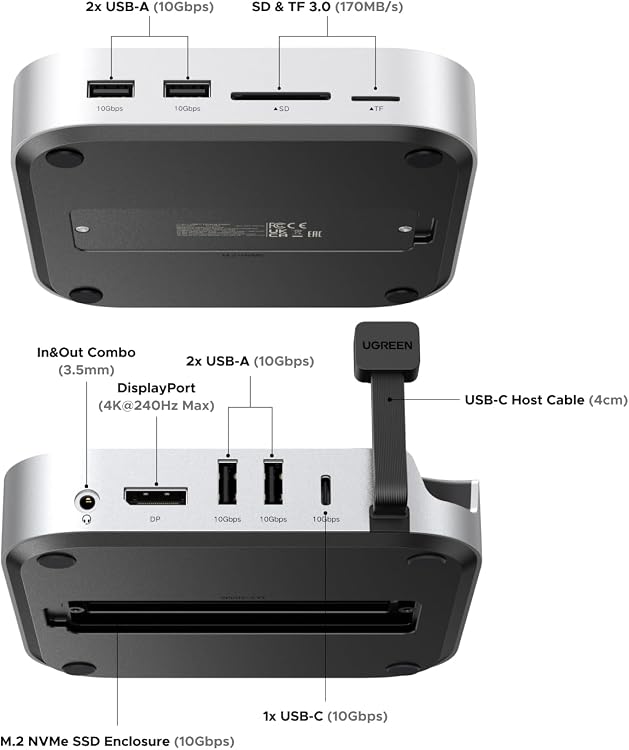
- Adds four USB-A and one USB-C data port, each specified at 10Gbps.
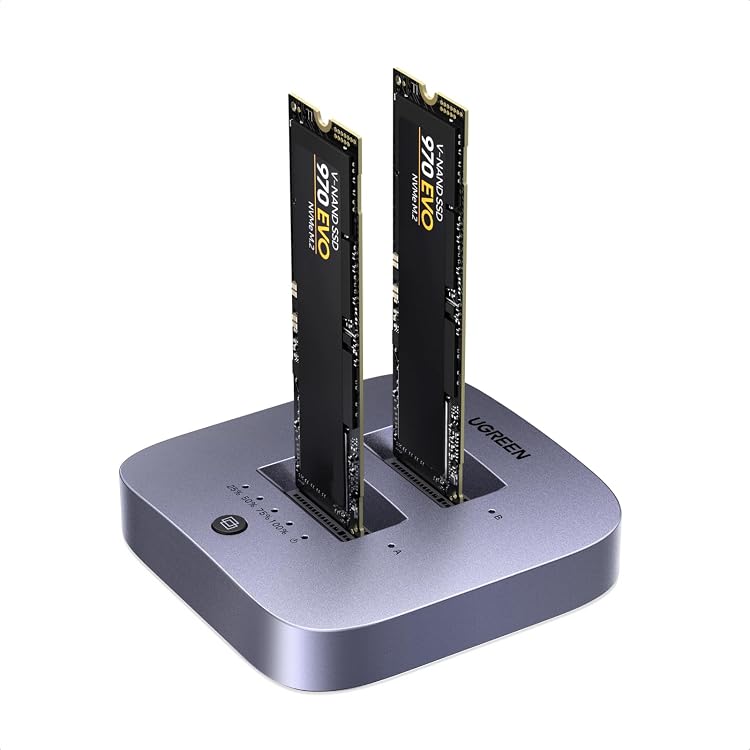
- The built-in M.2 enclosure supports NVMe SSDs up to 8TB, but the SSD is not included.
- Includes DisplayPort, SD and microSD card slots, and a 3.5mm audio port.
- The base has a groove intended to keep the Mac mini power button accessible.
Reference price: £99.99
Price checked: 14 Nov 2026
View offerAhead of Black FridayExplore the selectionOften bought together
Pros and cons
Pros
- Combines storage expansion with five 10Gbps data ports and card-reader connections in one dock.
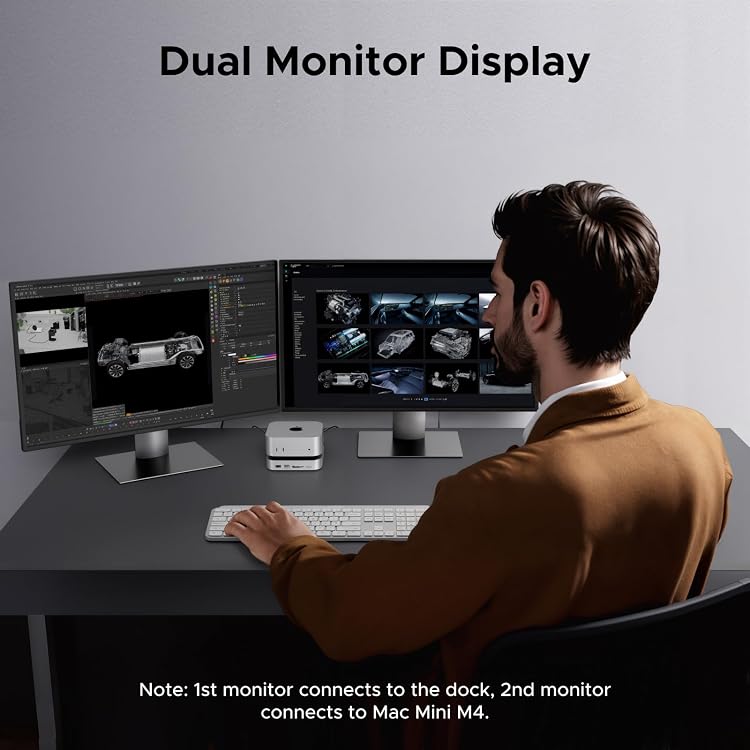
- Supports a second 4K display when the other monitor connects to the Mac mini's HDMI or Thunderbolt port.
- The dock's DisplayPort can reach 4K at 240Hz with the M4 Pro, according to the listing.
Cons
- USB-A and USB-C data ports are stated not to support display output or charging.
Technical specifications
19 specifications| Brand | UGREEN |
|---|---|
| Model | 65488 |
| Host interface | USB Type C |
|---|---|
| Total ports | 10 |
| USB ports | 5 |
| HDMI ports | 1 |
| USB-A data ports | 4 × 10Gbps USB-A data ports |
| USB-C data port | 10Gbps USB-C data port |
| NVMe enclosure | 10Gbps NVMe SSD enclosure |
| Maximum supported storage | up to 8TB |
| Supported SSD sizes | 2230, 2242, 2260 and 2280 |
| Card-reader speed | up to 170MB/s |
| DisplayPort maximum | up to 4K@240Hz |
|---|---|
| Dual-display connection | via the dock's DisplayPort and your Mac mini's HDMI or Thunderbolt port |
| Audio connection | 3.5mm audio port |
| Compatible devices listed | mac mini m4, mac mini m4 pro |
|---|---|
| Minimum operating system | Mac OS 14 Sonoma |
| Dimensions listed | 12.7L x 12.7W x 2.9H centimetres |
|---|---|
| Colour listed | Sliver |
What to know before buying
- DisplayPort capability depends on the Mac mini: the listing states up to 4K@240Hz only for M4 Pro and 4K@60Hz for the base M4. Dual display uses the dock's DisplayPort plus the Mac mini's HDMI or Thunderbolt port. The USB-A and USB-C ports are data-only, and the NVMe SSD is not included. The listing title names M6 and M5 Pro as well as M4, but the compatible-device details name only M4 and M4 Pro. Check the selected Mac mini model and listing compatibility before buying.
Who is it for?
A good fit for
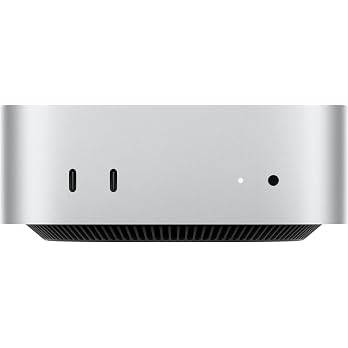
- Mac mini M4 or M4 Pro owners who want extra USB data connections, card readers and an NVMe SSD enclosure.
- M4 Pro users seeking a dock DisplayPort connection specified for up to 4K at 240Hz.
- Setups that can connect a second display directly to the Mac mini's HDMI or Thunderbolt port.
Less suited to
- Anyone needing USB ports on the dock for charging or video output.
- Buyers expecting an SSD to be included or needing confirmed compatibility with models not named in the compatible-device details.
Customer reviews on Amazon
- 5 stars
71% 71% - 4 stars
16% 16% - 3 stars
6% 6% - 2 stars
2% 2% - 1 star
5% 5%
Customer feedback describes the dock as easy to set up and a good fit, with positive comments about speed and value. Opinions on the ports are mixed, and some customers mention that it takes up two Thunderbolt slots. That trade-off is relevant when planning connections alongside the dock's five data ports and its DisplayPort, which is separate from the Mac mini connection used for a second display.
Positive themes
- Customers report that it fits well and is easy to set up.
- Customer feedback includes positive impressions of speed and value.
Mixed feedback
- Feedback about the ports is mixed. Some customers like the extra connections, while others mention the dock takes up two Thunderbolt slots.
Frequently asked questions
Does this dock include an SSD?
No. The listing says the NVMe SSD is not included. The enclosure supports M.2 NVMe drives in 2230, 2242, 2260 and 2280 sizes, up to 8TB.
Can it output 4K at 240Hz?
The listing specifies up to 4K@240Hz through DisplayPort only with Mac mini M4 Pro. It states the base M4 is limited to 4K@60Hz through DisplayPort.
How do I connect two displays?
Connect one display to the dock's DisplayPort and the other to the Mac mini's HDMI or Thunderbolt port, as directed in the listing.
Can the USB data ports charge devices or carry video?
No. The listing explicitly says the USB-A and USB-C data ports do not support charging or media display.
Alternative options
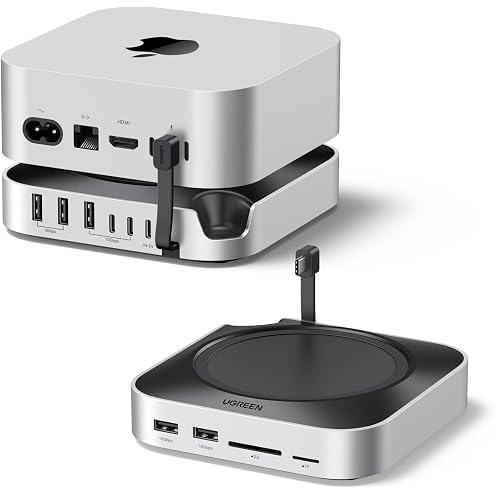
UGREEN Mac Mini M6/M5 Pro/M4 Dock with 10G NVMe SSD Enclosure (Up to 8TB) | 3x USB-A 10Gbps, 2x USB-A 3.0, 2x USB-C 10Gbps USB C Hub, 170MB/s SD/TF Card Reader, Dock & Stand for Mac Mini M4/M4 Pro
£59.99
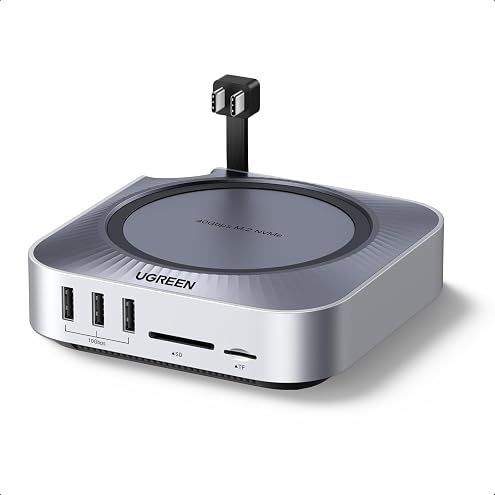
UGREEN Mac mini M6/M5 Pro/M4 Dock 40Gbps, 10-in-1, 8TB Max NVMe SSD Slot | 5x 10Gbps USB-A/C, 8K@30Hz HDMI, SD/TF 4.0, Audio, Cooling Fan, USB C Hub & Stand for Mac mini M4/M4 Pro (Up to 8TB SSD Slot)
£99.99
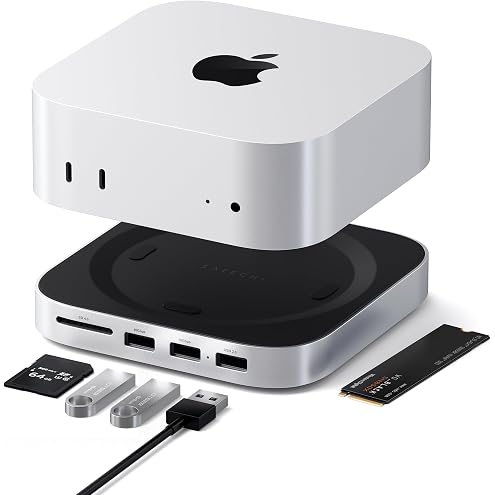
SATECHI Hub & Stand Mac mini M6, M5 Pro, M4, NVMe SSD Enclosure, Silver | 2x USB-A up to 10 Gbps, USB-A data port, SD card reader, optimized self-cooling, for Mac Mini M6, M5 Pro, M4/M4 Pro
£86.01
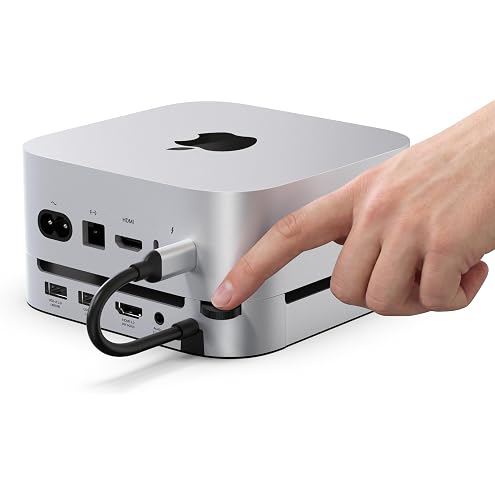
Stouchi Mac mini M6, M5 Pro, M4 Dock Stand with NVMe SATA SSD Enclosure | 10Gbps | Easy Power Button | Stable Wi-Fi | 2* USB A 10Gbps, 4K@60Hz HDMI, SD/TF Slot, 2* USB A, Audio 3.5mm | for M4/M5/M6
£59.99
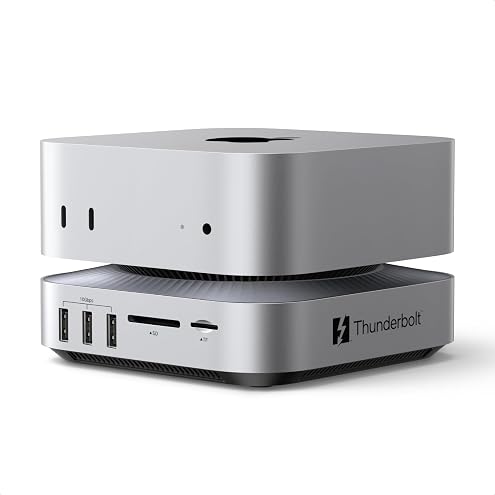
UGREEN Maxidok 10-in-1 Thunderbolt 5 Mac Mini Dock, 8TB NVMe SSD Slot | 120Gbps Max, 3x TBT5, DP 2.1, Dual 6K@60Hz, 3x 10Gbps USB-A, SD/TF 4.0, Active Cooling for Mac mini M6, M5 Pro, M4, M4 Pro
£199.99
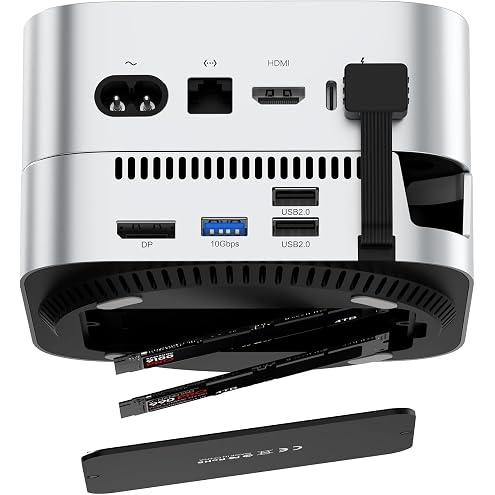
Mac Mini M6/M5 Pro/M4 Dock with Dual M.2 NVMe SSD Enclosure (10Gbps, 16TB) | 4K@120Hz DisplayPort, 4x USB-A 10Gbps, 2x USB-A 2.0, 170MB/s SD/TF Card Reader, Dock & Stand for Mac Mini M4/M4 Pro/M5 Pro/M6
£79.99