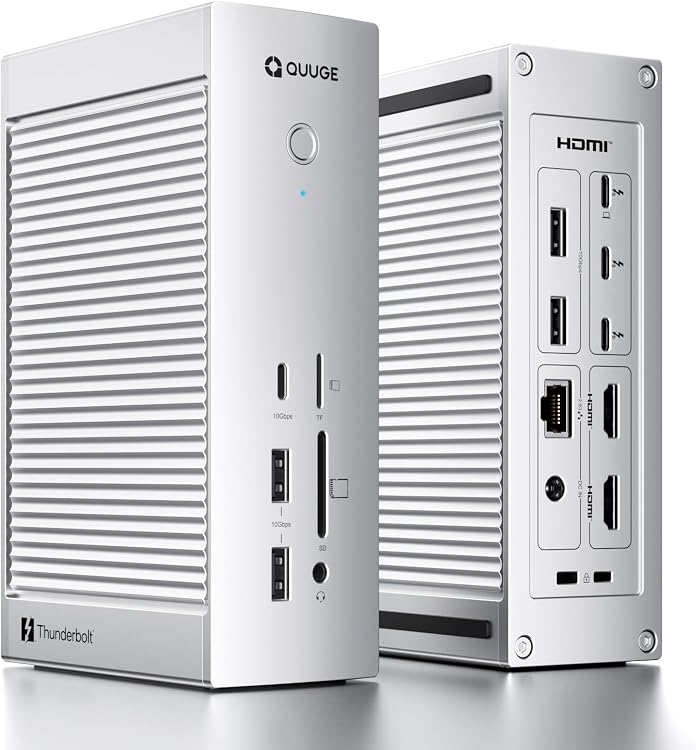
 1 / 7
QUUGE CORE 2 Thunderbolt 5 Dock, 14-in-1
The QUUGE CORE 2 is a 14-in-1 Thunderbolt 5 docking station for compatible Thunderbolt 5 or Thunderbolt 4 laptops. Its mix of display, USB, networking and card-reader connections is aimed at consolidating a multi-device desk setup, with display support dependent on the host computer.
At a glance
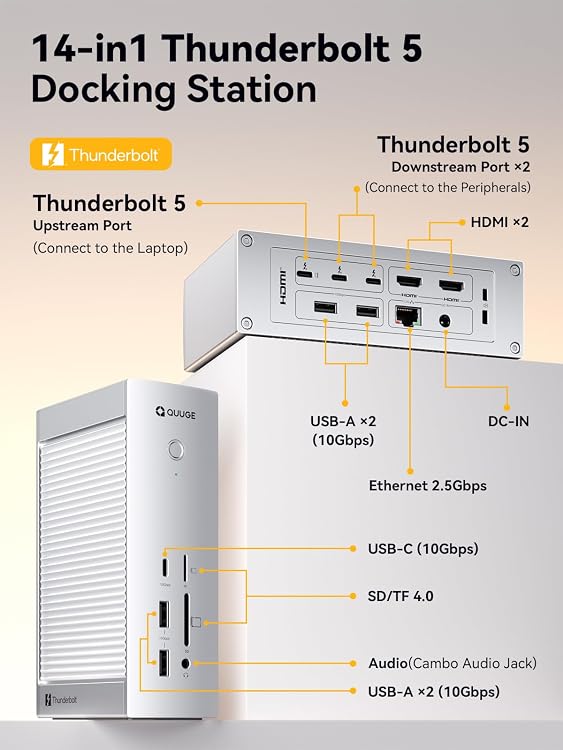
- Port selection includes Thunderbolt 5, USB-C and USB-A, HDMI, Ethernet, SD and TF readers, and 3.5mm audio.
- The listing claims up to 140W laptop charging through the upstream Thunderbolt 5 port.
- Display limits vary by host. Windows is listed for dual displays up to 8K@60Hz, while Mac is listed for up to 6K@60Hz, with additional caveats for standard M-series Macs.
- The aluminium enclosure is described as wave-shaped for heat dissipation.
Reference price: £349.99
Price checked: 14 Nov 2026
View offerAhead of Black FridayExplore the selectionPros and cons
Pros
- A broad connection set can reduce the need for separate adapters for USB peripherals, displays, wired networking and memory cards.
- The claimed upstream charging of up to 140W may suit a compatible laptop setup where charging and docking through one connection is useful.
- The listing gives host-dependent dual-display guidance rather than one universal resolution claim.
Cons
- The listed weight of 2.2 Kilograms and dimensions make it more suited to a fixed desk than frequent travel.
- The dock is specified for Thunderbolt 5 or Thunderbolt 4 host ports, limiting its intended use with laptops that lack either connection.
Technical specifications
21 specifications| Brand | QUUGE |
|---|---|
| Port count | 14 |
| Colour | silver |
| Total USB ports | 8 |
|---|---|
| HDMI ports | 2 |
| Hardware interface | 3.5mm Audio, Ethernet, HDMI, MicroSD, SDHC, Thunderbolt, USB 3.2 Gen 2 |
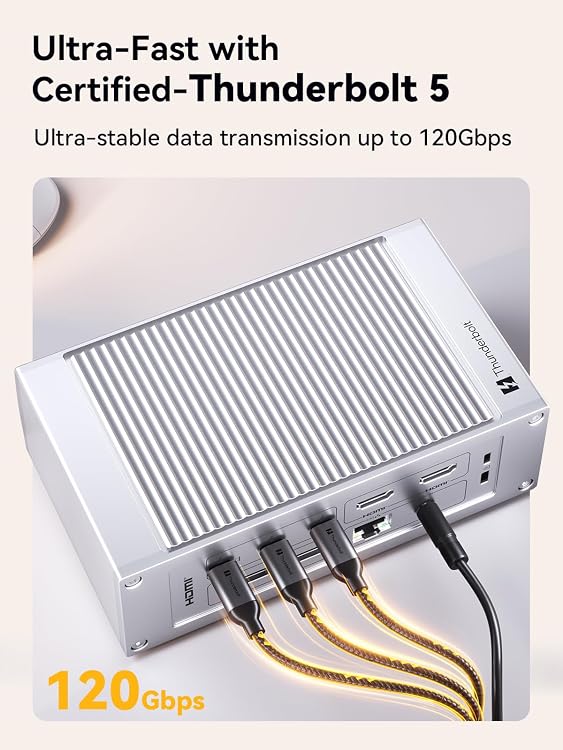
| Thunderbolt bandwidth | up to 120Gbps |
|---|---|
| Windows dual-display claim | up to 8K@60Hz |
| Mac dual-display claim | up to 6K@60Hz |
| Laptop charging through upstream port | up to 140W |
| Downstream Thunderbolt charging | up to 30W and 15W |
| Host connection requirement | Thunderbolt 5 or Thunderbolt 4 ports |
|---|---|
| Operating system guidance | macOS 15 or later, or Windows 10 version 22H2 or later, Windows 11 version 23H2 or later |
| Compatible devices listed | HP EliteBook Folio 9470m, MacBook Air, MacBook Pro, Microsoft Surface 3, Microsoft Surface Book |
| Compatible notebook model listed | HP Chromebook 14 |
| Dimensions listed | 15L x 15.2W x 3.8H centimetres |
|---|---|
| Weight listed | 2.2 Kilograms |
| Wattage | 140 watts |
|---|---|
| Input voltage | 140 Volts |
| Product warranty | 1 year manufacturer |
|---|---|
| EU spare part availability duration | 2 Years |
What to know before buying
Listing details to confirm
Display capability depends on the host and operating system. Standard M1, M2 and M3 MacBooks are listed as limited to one external display at up to 4K@60Hz through Thunderbolt, or two HDMI displays at up to 4K@60Hz that mirror the same content. The listing also gives conflicting operating-system guidance, naming Windows 11 as the minimum required version in specifications but Windows 10 version 22H2 or later in feature text. Its compatible-device list includes models without a stated Thunderbolt 5 or 4 port, so confirm your laptop's port and display support before purchase. The 140 Volts input-voltage entry is also inconsistent with the stated 140 watts and is not clarified.
Who is it for?
A good fit for
- Desk-based users with a Thunderbolt 5 or Thunderbolt 4 laptop who need several peripheral connections in one dock.
- Users with compatible host hardware who want to connect external displays, wired Ethernet, USB devices and SD or TF cards.
- Laptop owners seeking a dock whose upstream port is claimed to supply up to 140W charging.
Less suited to
- People needing a lightweight travel hub.
- Owners of laptops without Thunderbolt 5 or Thunderbolt 4 who expect the advertised full functionality.
- Mac users who need two independent external displays from a standard M1, M2 or M3 MacBook.
Customer reviews on Amazon
- 5 stars
72% 72% - 4 stars
14% 14% - 3 stars
6% 6% - 2 stars
8% 8% - 1 star
0% 0%
Aggregate customer ratings lean positive overall, but include a smaller lower-star share as well. Ratings alone do not show what owners liked or disliked, so they offer limited guidance on port reliability, compatibility or display performance. For a dock with host-dependent display support, verify your laptop configuration rather than treating the overall rating as proof of a particular setup working.
Frequently asked questions
Will this dock provide two independent displays with every MacBook?
No. The listing says standard M1, M2 and M3 MacBooks support one external display through Thunderbolt at up to 4K@60Hz. It describes two HDMI displays on those models as mirroring the same content.
What laptop connection does the dock require?
The feature text says it is designed for laptops with Thunderbolt 5 or Thunderbolt 4 ports. Check both your laptop's port and the dock's display compatibility guidance.
How many USB ports are listed?
The specifications state eight USB ports. The detailed port list names one USB-C 10Gbps port and four USB-A 10Gbps ports, so the listing does not fully reconcile the total with its port breakdown.
Does the listed 140W mean the dock always charges a laptop at that rate?
No. The listing claims up to 140W through the upstream Thunderbolt 5 port. Actual charging depends on the connected laptop and setup.
Alternative options
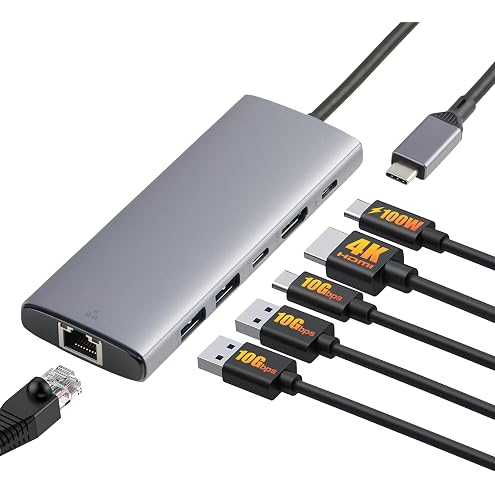
Amazon Basics USB C Hub for PC Laptops, 6-in-1 Multiport Adapter with 100W Max PD Charging, 4K HDMI, 2 USB-A Ports, Ethernet, Type C Data Port
£15.99
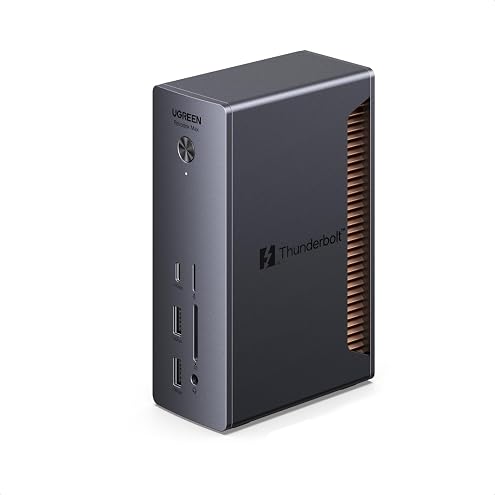
UGREEN Thunderbolt 5 Docking Station, 13-in-1, 120Gbps Max TB5 Laptop Dock | 4x TBT5, Dual 8K@60Hz, Triple 4K, 140W Max Charging, 2.5GbE, SD/TF 4.0, Revodok Max Dock for TBT5/4 MacBook & Windows Laptop
£239.99
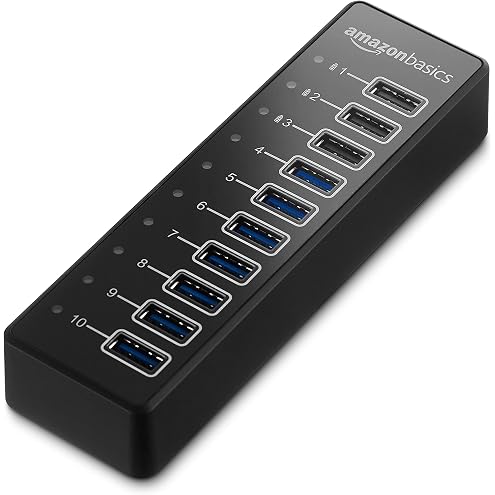
Amazon Basics 10-port hub converts 1 USB A 3.1 port into 10 ideal for charging and syncing smartphones and tablets supports Apple charging, Black
£58.90
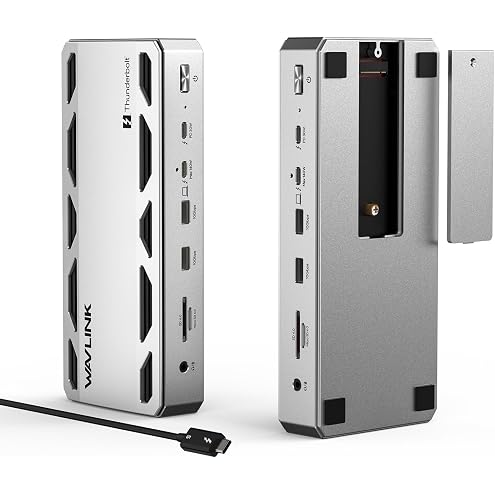
WAVLINK Intel Certified Thunderbolt 5 Dock, TB5 Docking Station with M.2 | 120Gbps Transfer, 64Gbps M.2 SSD Transfer, 140W PD IN, 2.5G Ethernet, 4x 10Gbps USB-A, SD 4.0, Compatible with TB5/4 Laptops
£349.99
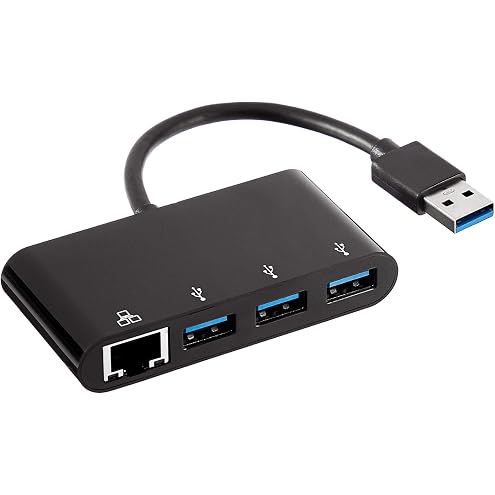
Amazon Basics 4-Port Adapter With 3 USB-A Ports + 1 RJ45 Gigabit Ethernet Port, Black
£19.35
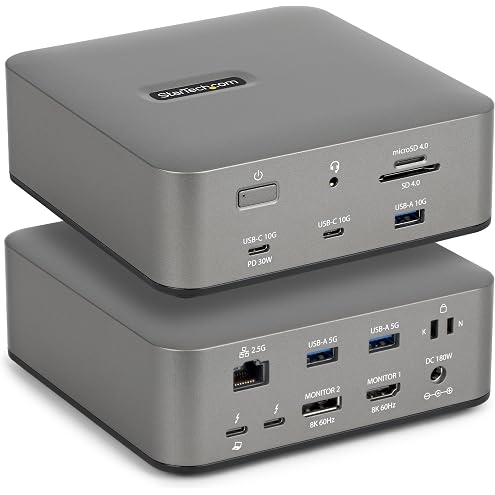
StarTech Thunderbolt 5 USB4 Dock, Triple 4K 144Hz, Dual 8K 60Hz, 140W PD | Plug-and-play Windows and macOS, Thunderbolt 5 Certified, Dual 6K on Mac, 120Gbps max transfer, SD 4.0, 30W phone, USB 10Gbps
£247.00