Cases & Screen Protectors
Products · Cases & Screen Protectors
1 active deal
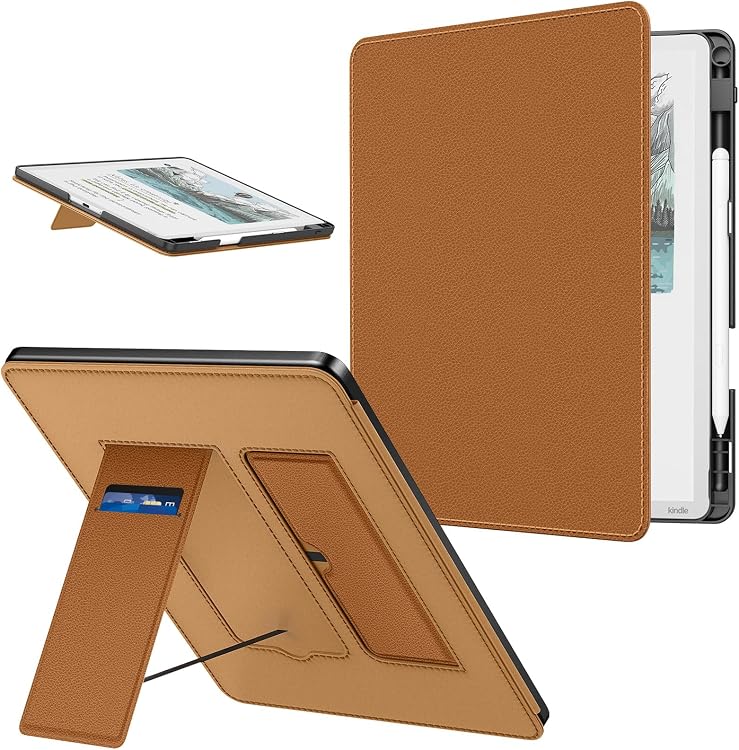
Cases and screen protectors: compatibility before durability claims
Protecting a phone, tablet or e-reader is not simply covering it. The case must leave buttons and ports usable, while the protector preserves comfortable screen use. Decide whether you mainly want to avoid scuffs, everyday knocks or sideways viewing, without expecting an accessory to prevent every kind of damage.
Identify the exact model and variant
Check full device name, generation and size. Similar variants can have different cameras, buttons or dimensions and may not share a case. For tablets and readers, also check orientation and sensor positions if closing the cover activates sleep. A generous cut-out does not prove correct fit. Look for explicit compatibility rather than choosing by screen diagonal alone: that figure does not describe corners or port positions.
Grip and raised edges versus added bulk
A flexible case can be easier to fit and remove, but the whole design matters. Assess grip, corners and raised edges around the camera and screen. Where drop tests are advertised, check the height, surface and device used: those conditions do not cover every impact. Extra thickness can obstruct pockets, holders or button presses. With a folding cover, check stand stability and device access. The right compromise depends on how you carry and use it.
Clear, matte or privacy protection
Glass and flexible films provide different feel and fit. A matte surface can reduce reflections while changing clarity and texture; a privacy filter restricts side viewing and may affect perceived brightness. Check compatibility with an under-screen fingerprint reader and stylus if used. Hardness labels do not guarantee an unbreakable display. Review coverage and clearance with the case so its edges do not lift the protector after installation.
Accessories that need to work together
For wireless charging, confirm compatibility of the complete arrangement, especially with metal plates, rings or card compartments. A magnet does not make every case work with every system. On tablets, review stylus and keyboard space without sacrificing closure. An alignment kit can help place a protector, but cannot correct wrong dimensions. Consider replaceable parts and cleaning: a case that traps dirt must be removed and maintained according to its material.