Data Storage
Explore Data Storage by subcategory and find the deals you are looking for.
Subcategories
Products · Data Storage
24 active deals
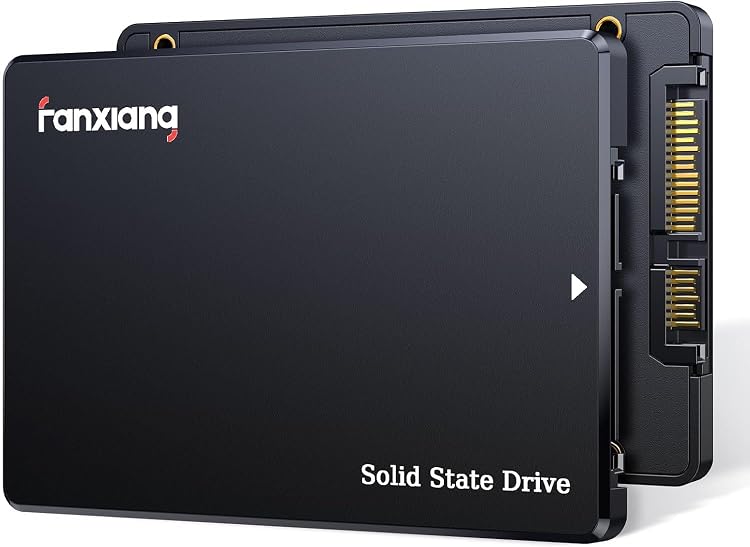
fanxiang S101Q 240GB 2.5-inch SATA III SSD
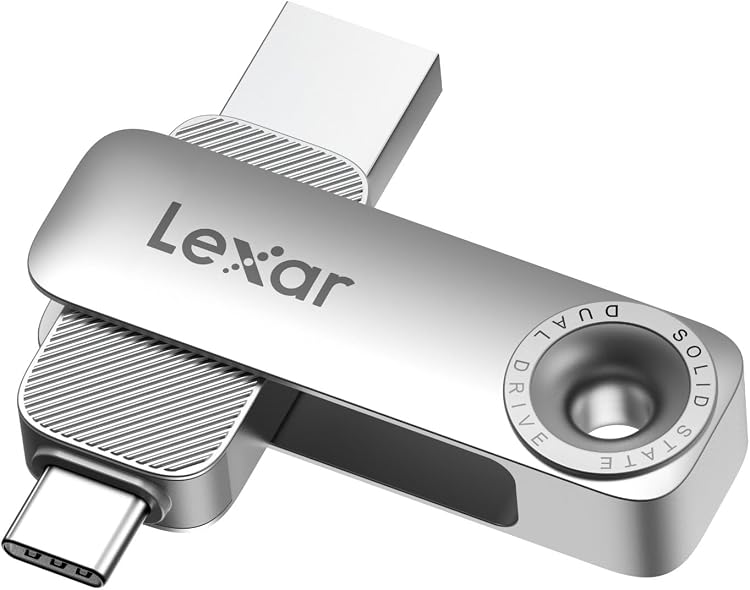
Lexar D50E 128GB Dual USB Flash Drive
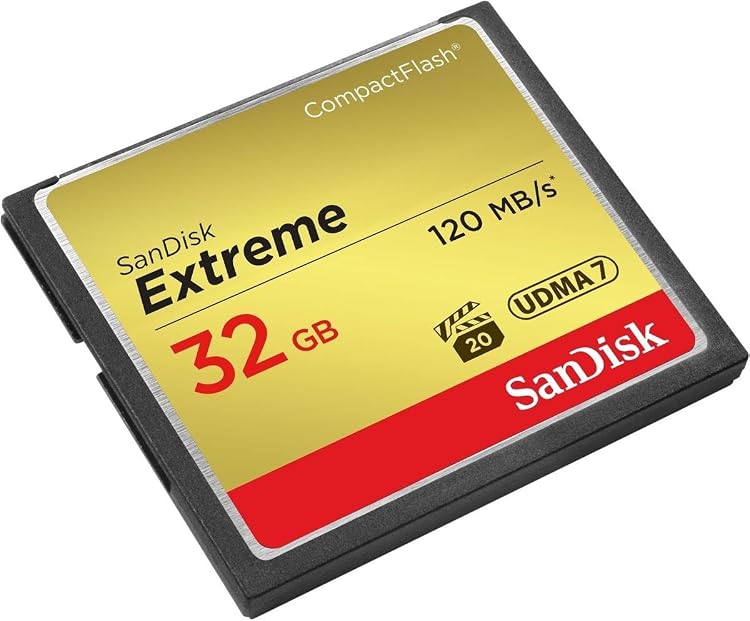
SanDisk Extreme CompactFlash 32GB UDMA 7
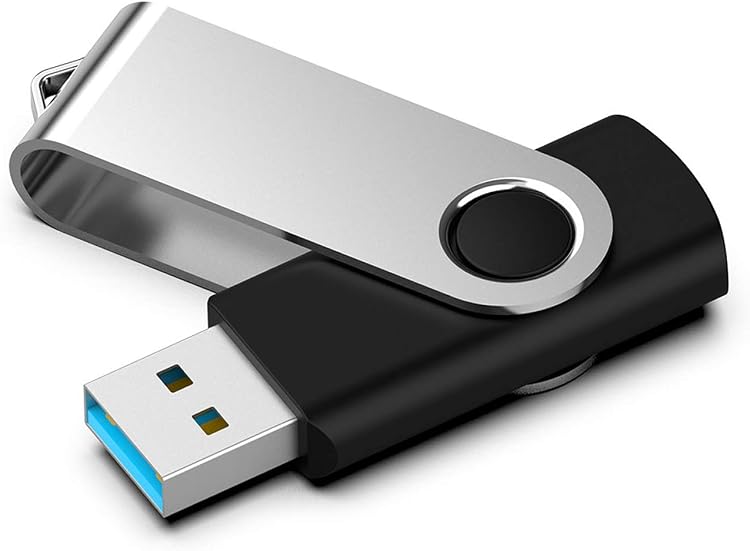
KOOTION Pendrive U305 128GB USB 3.0 Flash Drive
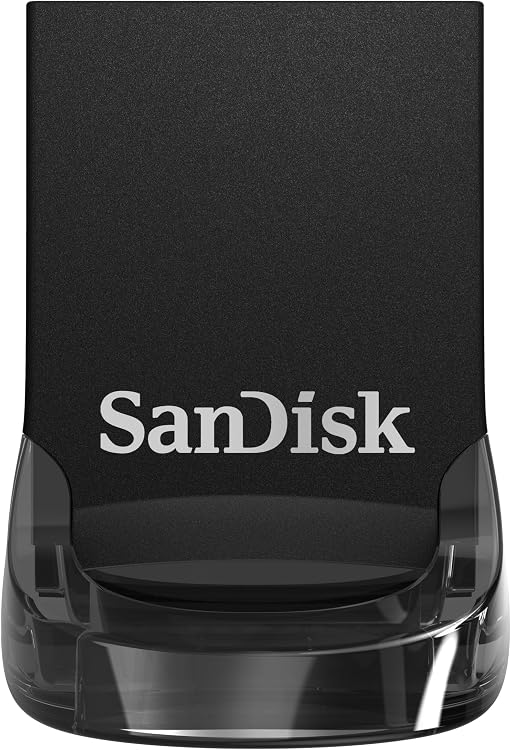
SanDisk Ultra Fit 1TB USB Type-A Flash Drive
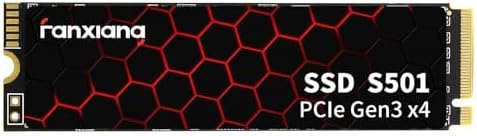
fanxiang S501-128Go 128GB M.2 NVMe SSD
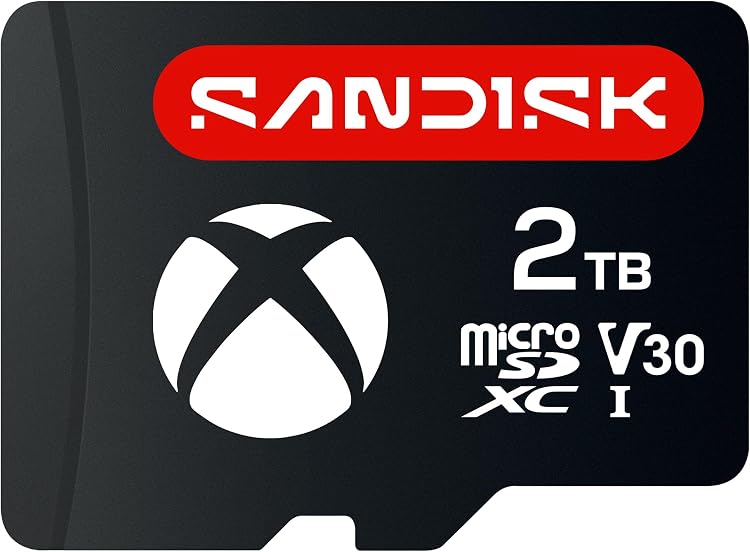
SanDisk ROG Xbox Ally microSDXC card, 2TB
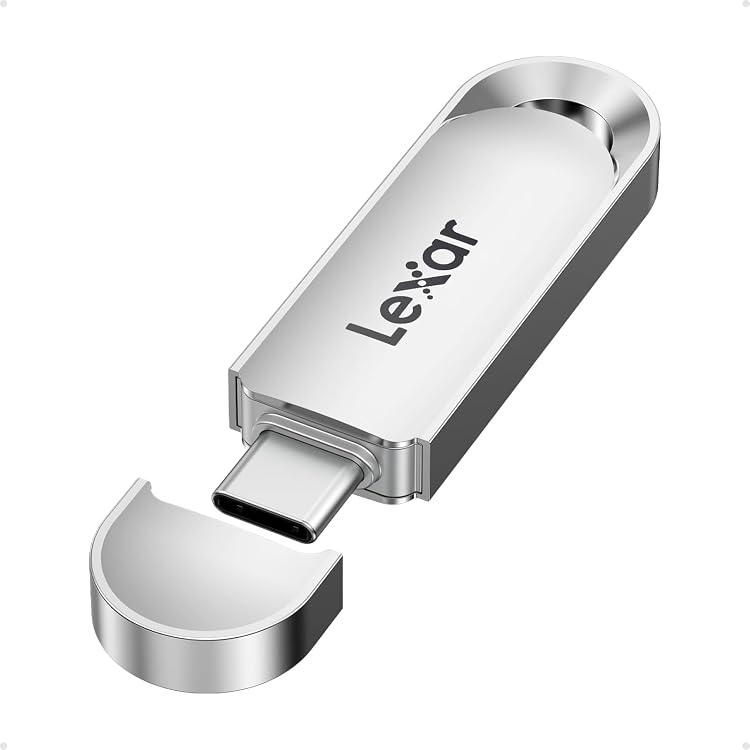
Lexar C40E 64GB USB-C Flash Drive, USB 3.2 Gen 1
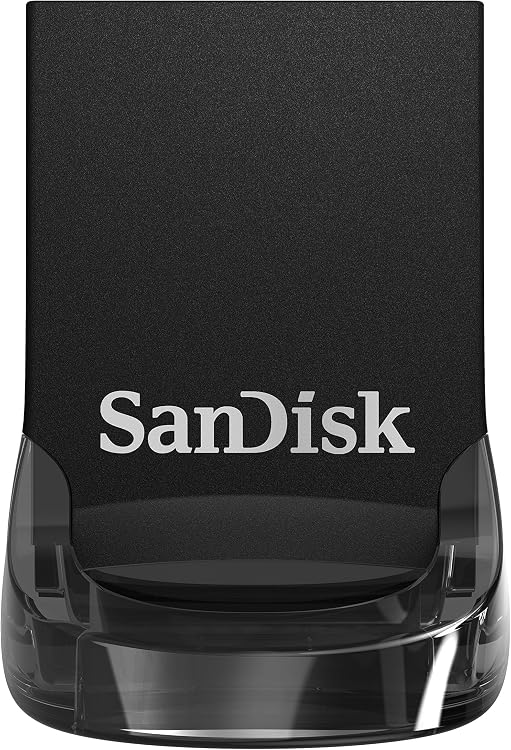
SanDisk Ultra Fit 64GB USB Type-A Flash Drive, SDCZ430-064G-G46
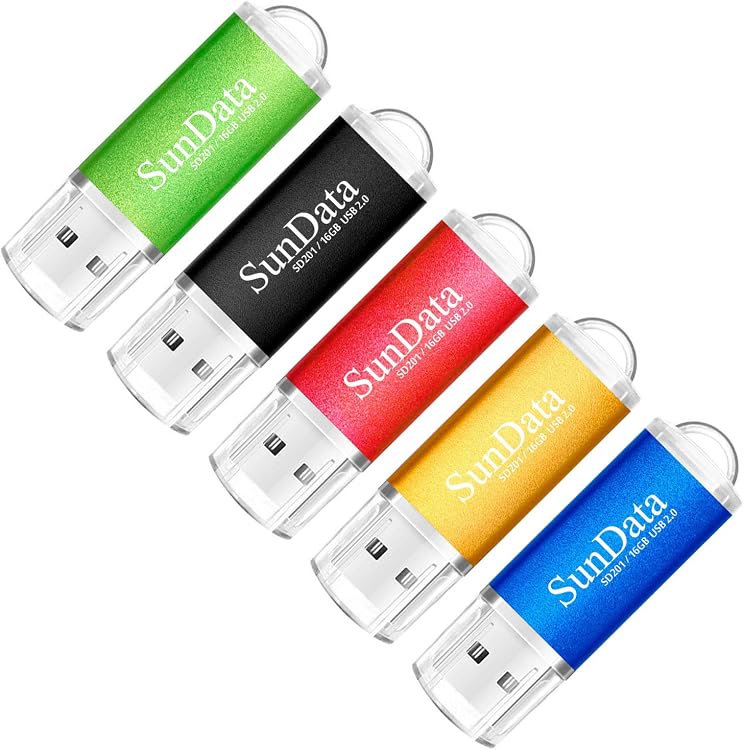
SunData 16 GB USB 2.0 Flash Drives, 5-Pack
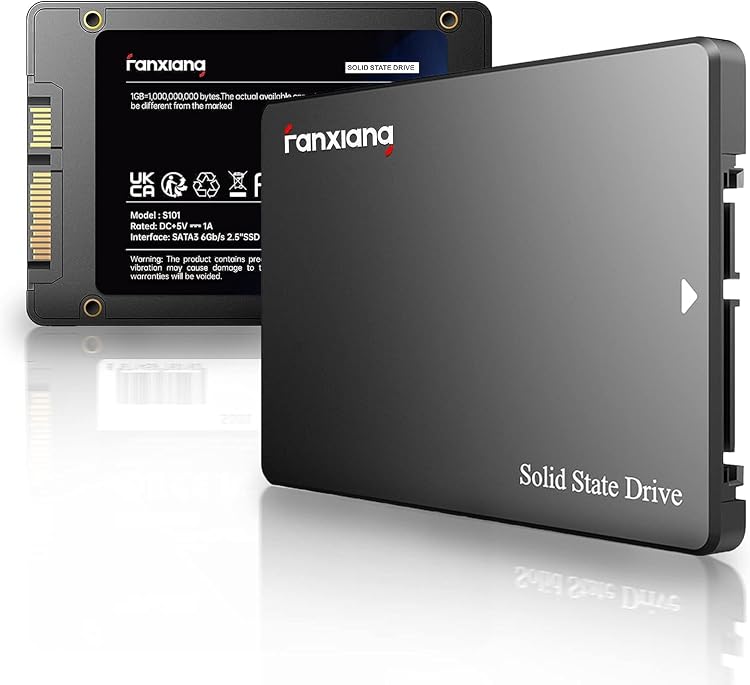
fanxiang S101 512GB 2.5-inch SATA SSD
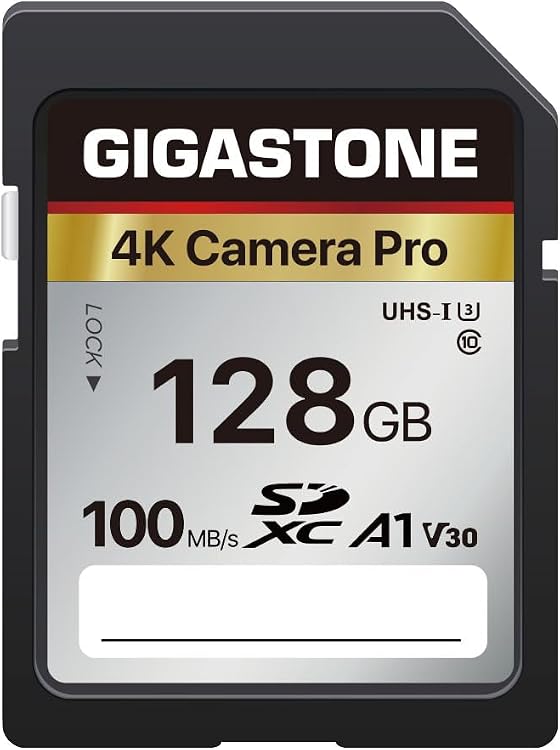
Gigastone V30 128GB SDXC Memory Card
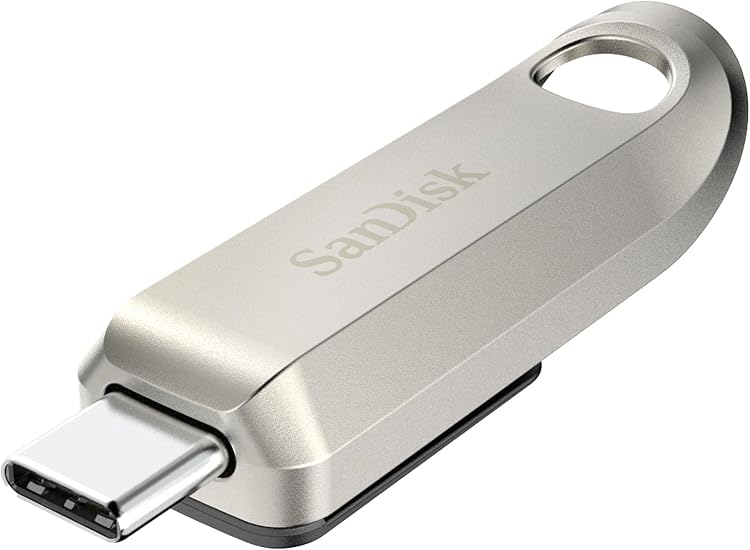
SanDisk Ultra Luxe 256GB USB-C Flash Drive
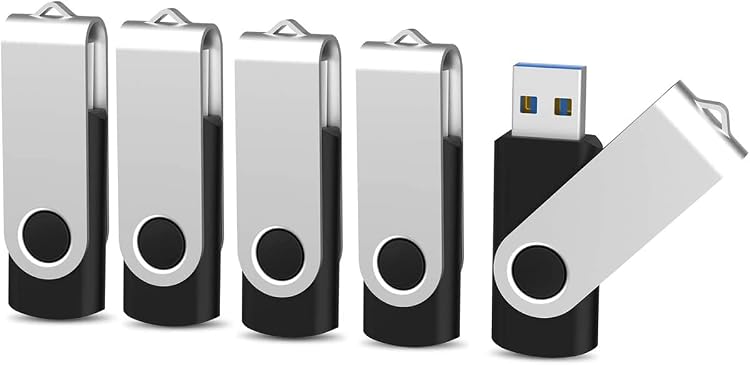
KOOTION 16 GB USB 3.0 Swivel Flash Drives, 5 Pack
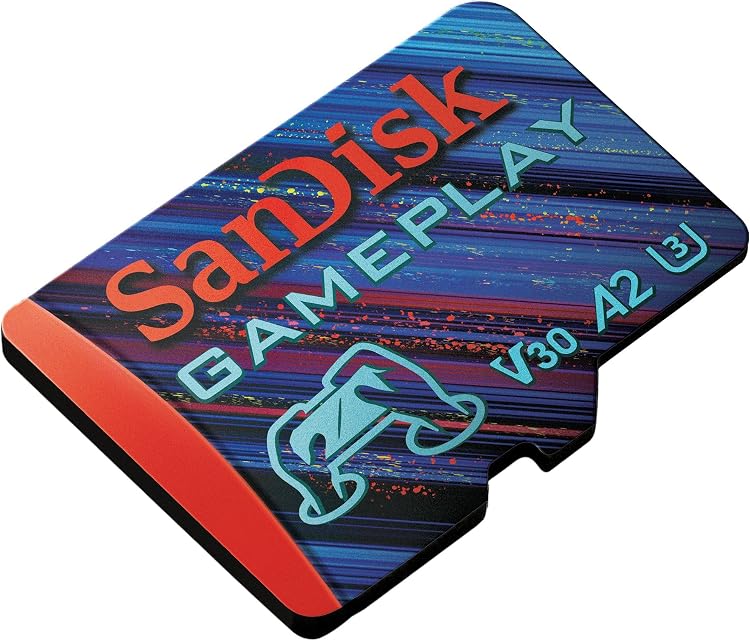
SanDisk GamePlay 1TB microSD Card
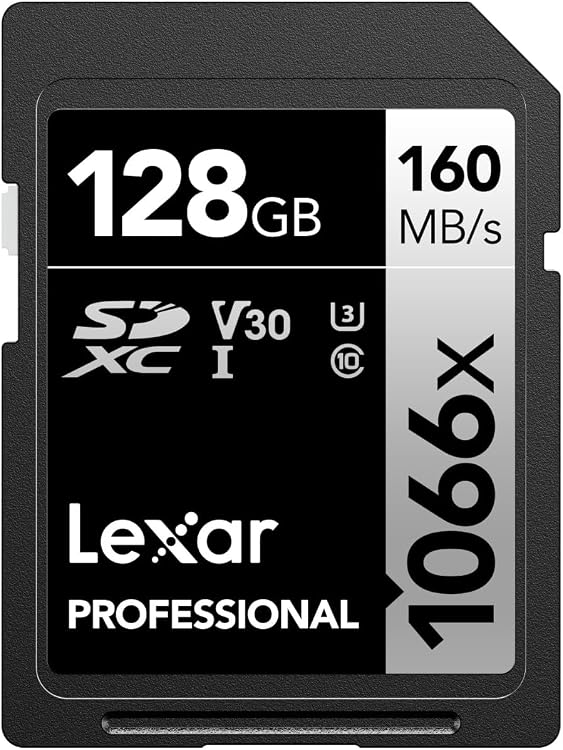
Lexar Professional 1066x 128GB SDXC UHS-I Memory Card
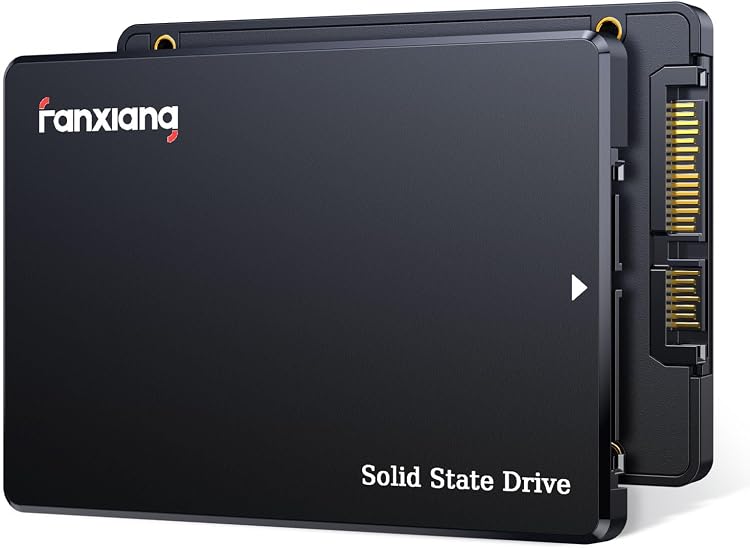
fanxiang S101Q 512GB 2.5-inch SATA SSD
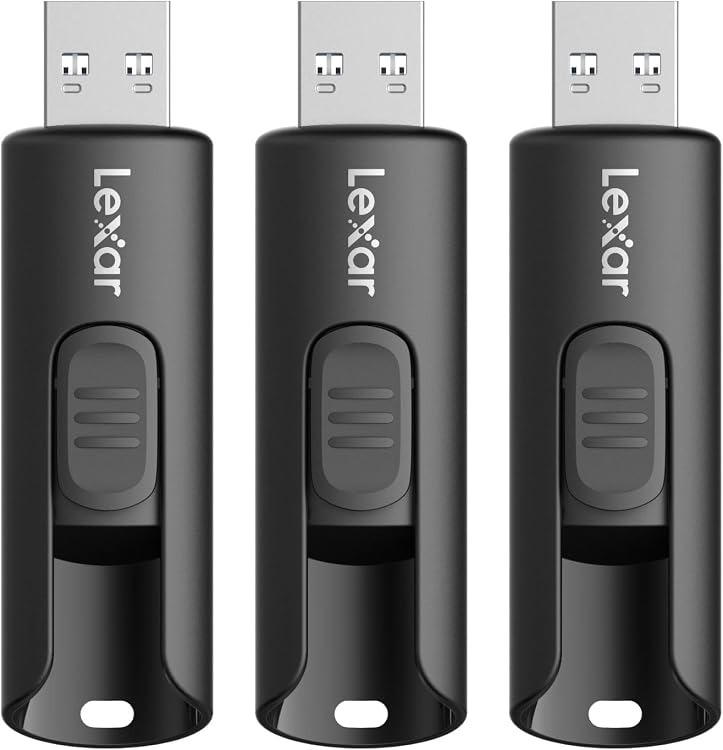
Lexar JumpDrive A30E 64GB USB-A Flash Drive, 3-Pack
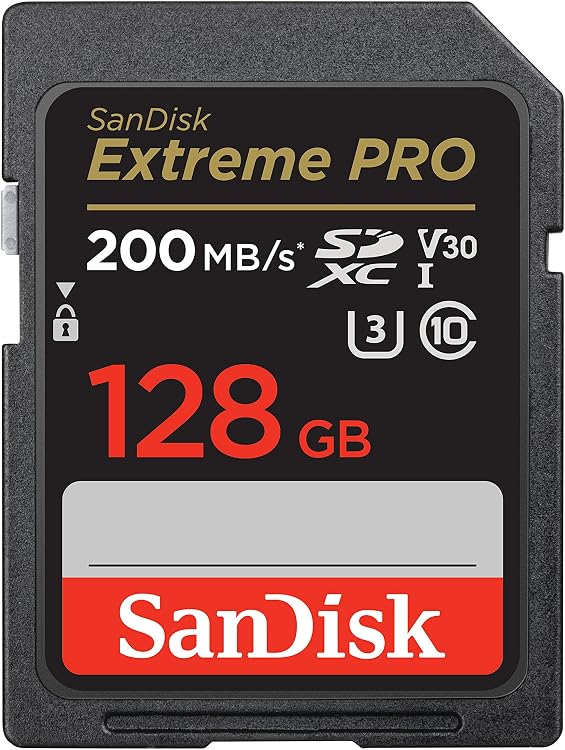
SanDisk Extreme PRO UHS-I 128GB SDXC Memory Card
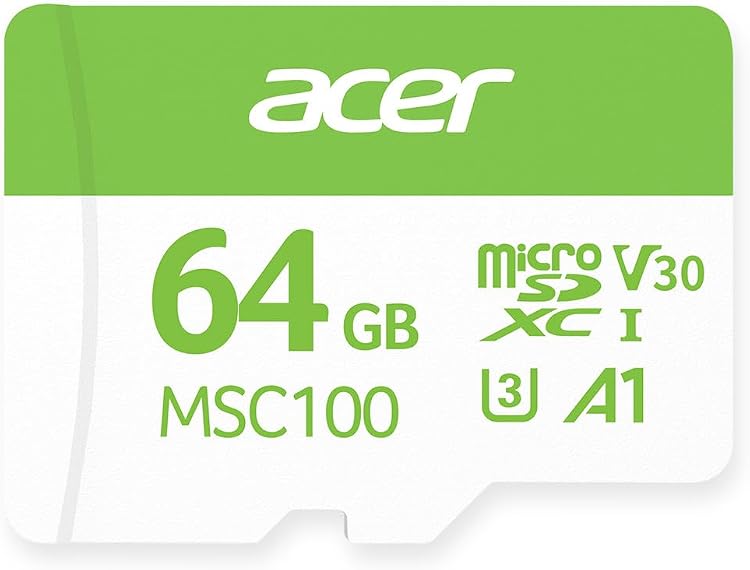
Acer MSC100 64GB microSDXC UHS-I U3 V30 Card
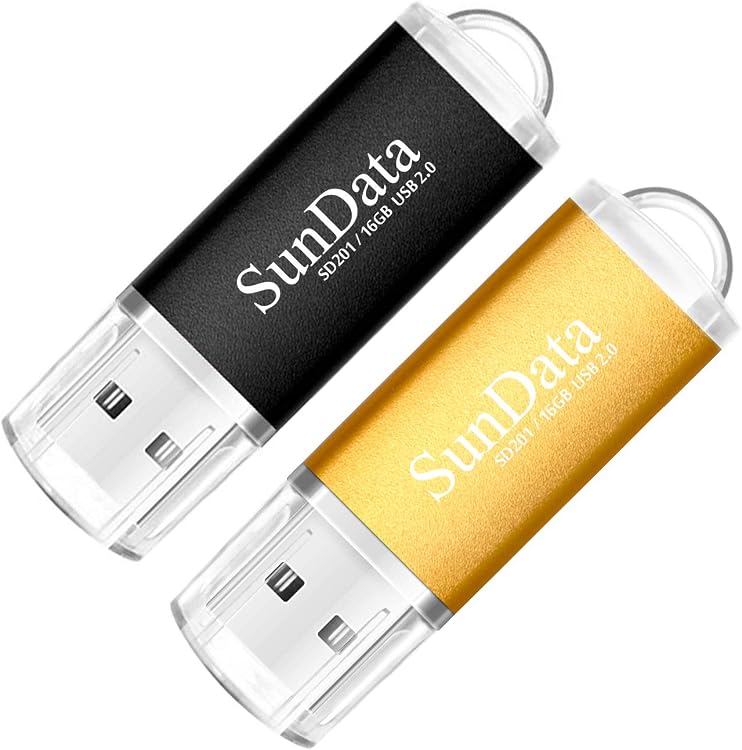
SunData GUD60C32GB-PK USB 2.0 Flash Drive, 16 GB
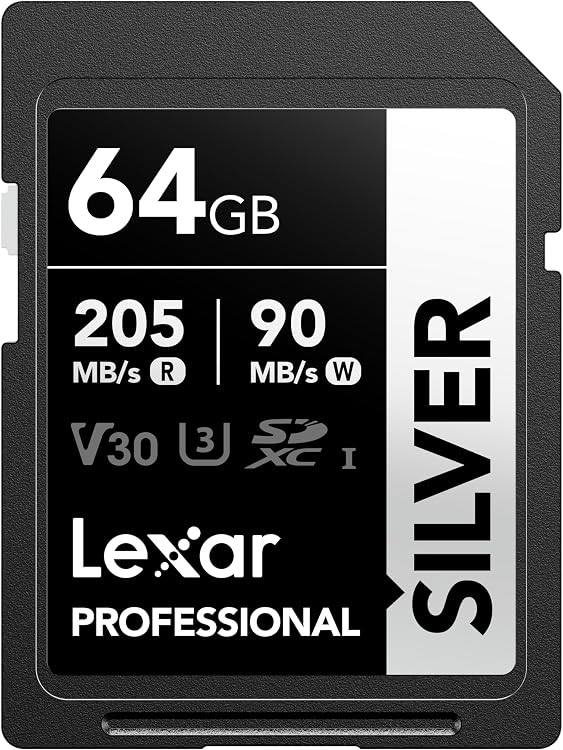
Lexar Silver 64GB SDXC UHS-I Memory Card
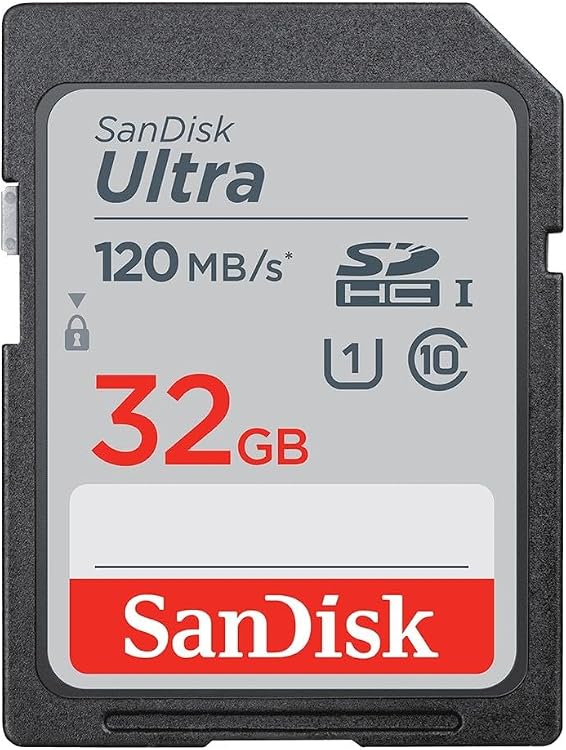
SanDisk Ultra 32GB SD Card, up to 120MB/s Read, 3-Pack
Lexar A30E 32GB USB-A Flash Drive, 3-pack
Top deals in Data Storage
Big discounts across a variety of models and stores.
SanDisk Ultra Luxe 256GB USB-C Flash Drive
SanDisk GamePlay 1TB microSD Card
Lexar Silver 64GB SDXC UHS-I Memory Card
SanDisk Extreme PRO UHS-I 128GB SDXC Memory Card
SanDisk Ultra 32GB SD Card, up to 120MB/s Read, 3-Pack
Gigastone V30 128GB SDXC Memory Card
Lexar JumpDrive A30E 64GB USB-A Flash Drive, 3-Pack
Acer MSC100 64GB microSDXC UHS-I U3 V30 Card
SunData GUD60C32GB-PK USB 2.0 Flash Drive, 16 GB
SunData 16 GB USB 2.0 Flash Drives, 5-Pack
KOOTION 16 GB USB 3.0 Swivel Flash Drives, 5 Pack
Lexar C40E 64GB USB-C Flash Drive, USB 3.2 Gen 1
Lexar Professional 1066x 128GB SDXC UHS-I Memory Card
fanxiang S101 512GB 2.5-inch SATA SSD
New in Data Storage
Recently added or updated deals.
fanxiang S101Q 240GB 2.5-inch SATA III SSD
Lexar D50E 128GB Dual USB Flash Drive
SanDisk Extreme CompactFlash 32GB UDMA 7
KOOTION Pendrive U305 128GB USB 3.0 Flash Drive
SanDisk Ultra Fit 1TB USB Type-A Flash Drive
fanxiang S501-128Go 128GB M.2 NVMe SSD
SanDisk ROG Xbox Ally microSDXC card, 2TB
Data storage for working files, portable copies and archives
Choosing storage starts with the journey your files take. An operating system, a rarely changed collection and an uninterrupted video recording do not require the same medium. This category covers SSDs, hard drives, memory cards and USB flash drives; RAM performs a different job and is outside its scope.
Separate everyday work, archiving and handover
An SSD suits a responsive computer and frequent access to numerous files. A hard drive can be useful for large libraries that do not demand the same responsiveness, in exchange for moving mechanisms, noise and greater sensitivity to knocks while operating.
A memory card belongs in cameras or other devices that support it. A USB flash drive makes handing over documents or carrying installers straightforward. A small medium that is easily lost should not become the only home for important work.
Compatibility goes beyond the plug
For internal drives, check the interface, physical format and computer's support. For external ones, check the available port and required power supply. An adapter may solve the shape of the connection without delivering the expected speed or functions.
Devices can impose capacity limits and speed-class requirements on memory cards. The file system also matters when moving data between machines: some devices do not support every format, and certain formats limit the size of individual files.
Estimate usable space and transfer time
Count your existing files and expected growth without confusing advertised capacity with space remaining after formatting and the operating system. Videos, game libraries and projects with multiple versions may take up much more room than office documents.
Maximum read speed does not describe a lengthy copy or the writing of many small files. Compare the transfers you will actually make, remembering that the port, card reader or source drive may limit the whole arrangement.
A second drive is not automatically a second copy
Moving a folder to another drive frees space but creates no backup if you delete the original. Keep independent copies of irreplaceable files and check that they can be recovered; synchronisation can also spread deletions.
Before buying, decide where that copy will live and who can access it. Encryption may help when storage leaves home, but losing its key can make the data inaccessible. No medium should be treated as a permanent archive that never needs checking.