Solid State Drives
Products · Solid State Drives
4 active deals
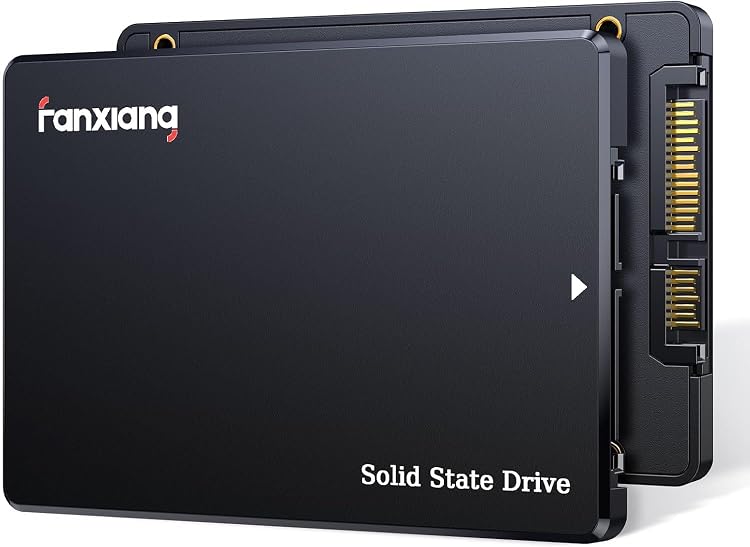
fanxiang S101Q 240GB 2.5-inch SATA III SSD
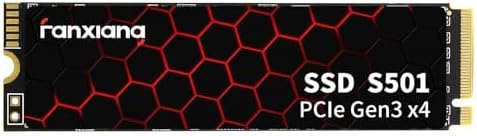
fanxiang S501-128Go 128GB M.2 NVMe SSD
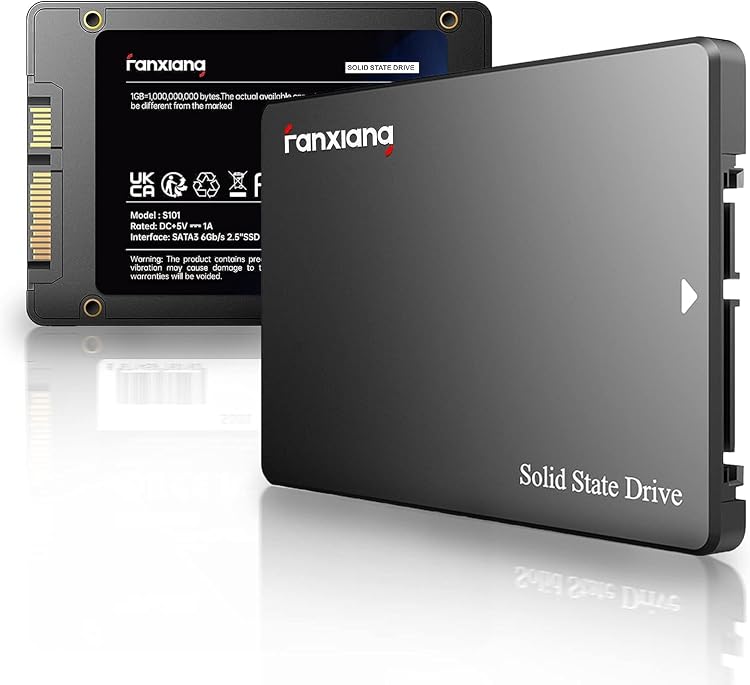
fanxiang S101 512GB 2.5-inch SATA SSD
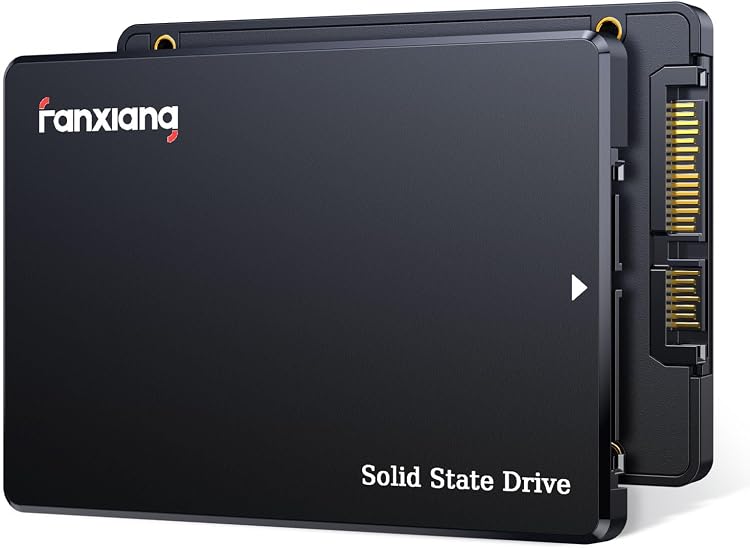
fanxiang S101Q 512GB 2.5-inch SATA SSD
Choosing an SSD whose speed your computer can actually use
An SSD can upgrade a system or become a portable working drive, but two models with the same capacity are not necessarily suitable for the same computer. A sound purchase connects interface, physical size, actual writing behaviour and temperature instead of simply choosing the highest speed figure.
M.2 is a shape, not the whole connection
Before buying an internal drive, check what your computer supports. A 2.5-inch SATA SSD needs space and a SATA connection; an M.2 drive needs a slot compatible with its length and protocol. M.2 does not automatically mean NVMe: M.2 SATA drives also exist.
Where relevant, check the PCIe generation and available lanes. A compatible drive may run more slowly when limited by the platform. Console and laptop upgrades must meet the manufacturer's specific requirements, not merely resemble the existing drive.
Long writes change the comparison
Advertised speed often reflects favourable conditions that do not represent every task. After a write cache fills, some drives slow substantially. That matters when importing video, moving large projects or writing continuously, and less when occasionally saving documents.
Look for sustained-writing information for the exact capacity you intend to buy. Different capacities within one product family may behave differently. A large sequential transfer is not equivalent to opening many folders or small files, either.
The external enclosure contributes to performance
For an external SSD, verify the protocol supported by the computer's port and the included cable. The USB-C shape alone does not indicate speed. An enclosure for an internal SSD must support its protocol and provide suitable heat dissipation.
Heat can cause a temporary reduction in performance. Check whether a heatsink fits beneath the computer's cover and avoid buying a tall one for a cramped slot. Do not remove labels or protective parts without checking the instructions and warranty.
Capacity and endurance without false guarantees
Allow space for applications and projects to grow, rather than counting existing files alone. Usable capacity will be lower than advertised, and keeping a drive constantly full leaves less room for its internal housekeeping.
TBW figures and warranty length help compare usage terms, but neither predicts a failure date nor guarantees your data. If replacing a system drive, plan the migration and verify a recoverable copy before erasing the previous disk.