 1 / 7
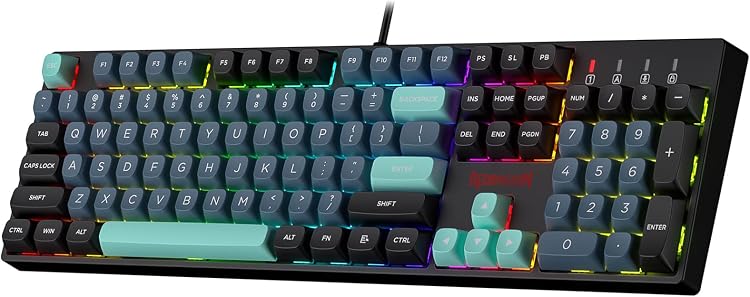
Redragon K550 RGB Gaming Keyboard with Purple Switches
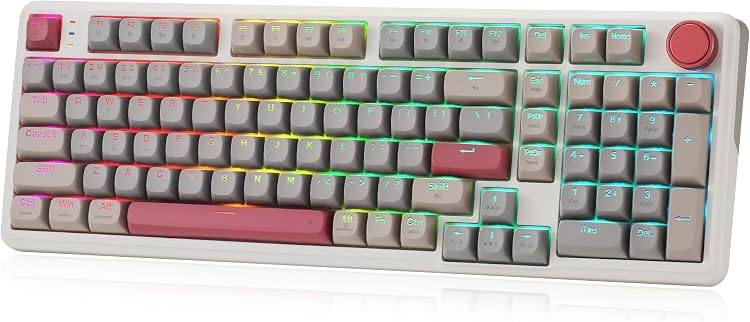
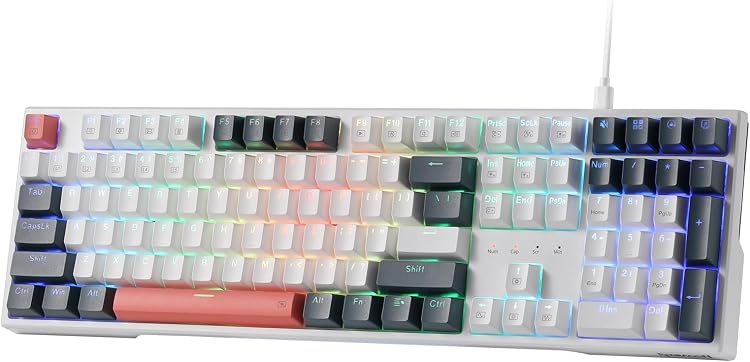
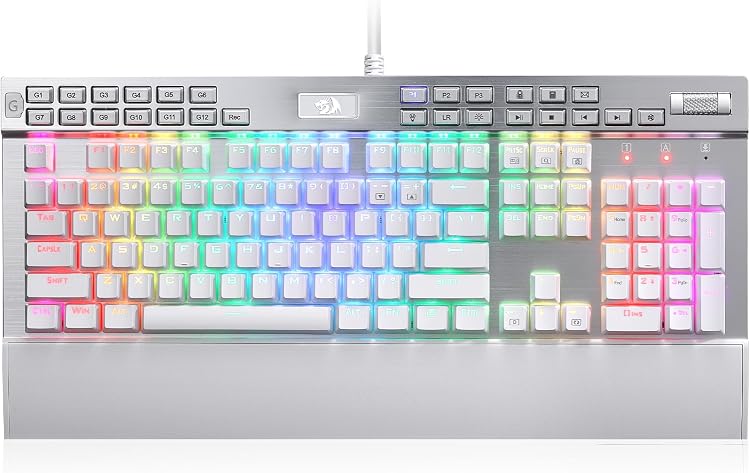
The Redragon K550 gaming keyboard combines RGB backlighting, 12 programmable macro keys and custom purple switches in a wired USB design. Its dedicated media controls and USB pass-through suit desk setups where quick macro access and convenient peripheral connection matter.
At a glance
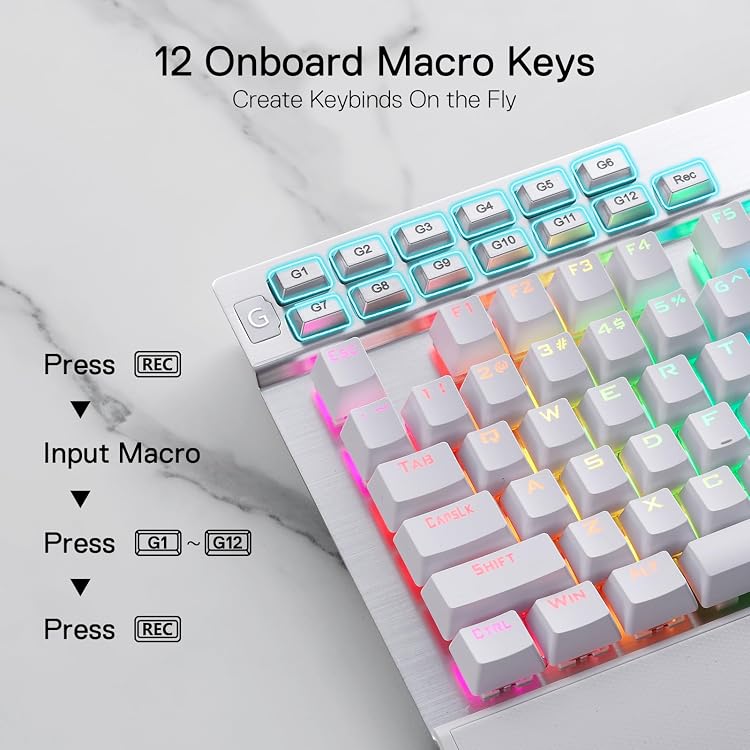
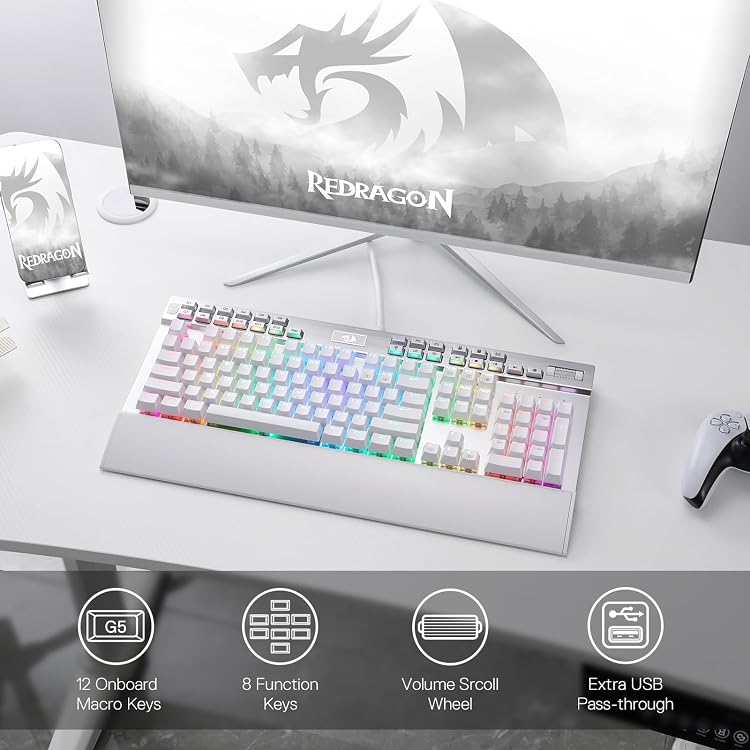
- Twelve onboard G1–G12 keys are described as programmable on the fly without additional software.
- A separate software option is listed for creating lighting modes and effects and assigning macros or shortcuts.
- The built-in USB pass-through is intended for connecting a mouse, receiver or other device.
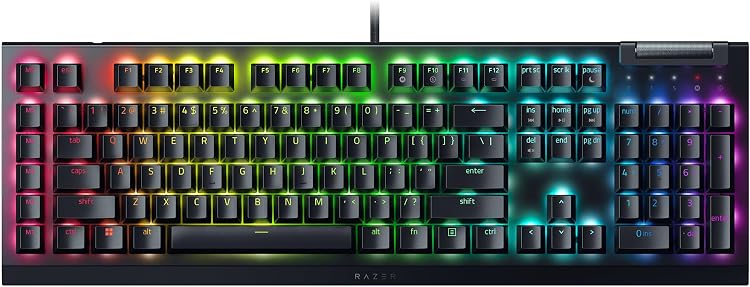
- Dedicated playback controls and a volume scroll bar are positioned for quick access during use.
Reference price: £67.99
Price checked: 16 Nov 2026
View offerAhead of Black FridayExplore the selectionPros and cons
Pros
- Onboard macro keys can be edited without additional software, according to the listing.
- Dedicated media controls and a volume scroll bar reduce reliance on separate controls.
- USB pass-through offers a convenient connection point for a peripheral.
- The listing specifies custom purple switches with a 55g actuation force and 1.1mm pre-travel.
Technical specifications
17 specifications| Brand | Redragon |
|---|---|
| Connection listed | USB |
| Compatible device | PC |
| Keyboard description | Gaming |
| Key layout stated in title | 104 Keys + 12 Macro G Keys |
|---|---|
| Switch type | Custom Clicky Purple Switch |
| Switch actuation force | 55g actuation force |
| Pre-travel distance | 1.1mm pretravel distance |
| Macro keys | 12 Onboard Macro Keys |
| Media controls | Dedicated Media Controls |
| Backlighting | RGB |
|---|---|
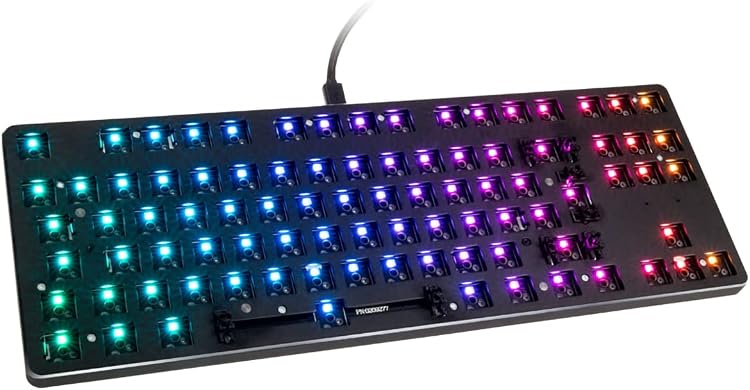
| Special feature | Hot-Swap Socket |
| USB pass-through | Extra USB Pass-Through |
| Software support | Pro Software Supported |
| Material listed | Aluminium |
|---|---|
| Colour listed | White |
| Style | Classic |
What to know before buying
Listing details to confirm
The title describes 104 keys plus 12 macro keys, but the listing does not clarify whether those counts include overlapping or additional keys. Confirm the layout and switch hot-swap compatibility if either is important. The listed 55g actuation force and 1.1mm pre-travel describe the switches, while the listing does not specify whether they apply to every switch revision.
What’s in the box
- KeyboardCheck selected pack
- MouseCheck selected pack
Check which accessories are included in your selected pack before buying.
Who is it for?
A good fit for
- PC gamers who want onboard macro keys and dedicated media controls.
- Buyers seeking a wired USB keyboard with a peripheral pass-through port.
- Users who prefer the listed clicky purple-switch feel and RGB lighting.
Less suited to
- People seeking a wireless keyboard, as the listed connection is USB.
- Buyers who need a confirmed key-layout diagram or detailed hot-swap compatibility information before purchase.
Customer reviews on Amazon
- 5 stars
65% 65% - 4 stars
16% 16% - 3 stars
9% 9% - 2 stars
3% 3% - 1 star
7% 7%
Customer rating data is predominantly in the higher star categories, but includes lower ratings too. Without written review details, it cannot establish what buyers liked or disliked. Treat it as a broad signal rather than evidence about switch feel, macro setup or long-term reliability.
Frequently asked questions
Does the K550 have programmable macro keys?
The listing describes 12 onboard G1–G12 macro keys that can be programmed on the fly without additional software. It also mentions software for additional modes, effects and macro assignments.
What connection does this keyboard use?
USB is the listed connection, and PC is the stated compatible device.
What switches are specified?
The listing names custom clicky purple switches and states a 55g actuation force with 1.1mm pre-travel.
Does it include a USB port for another device?
The listing describes a built-in USB pass-through for connecting a mouse, wireless receiver or another device.