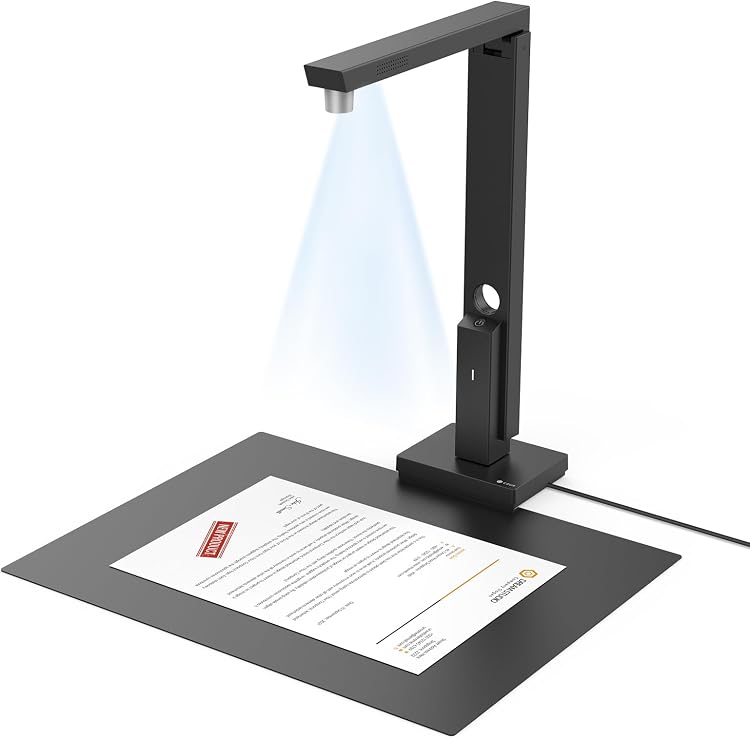
 1 / 7
CZUR Lens 800 Pro A4 Document Scanner
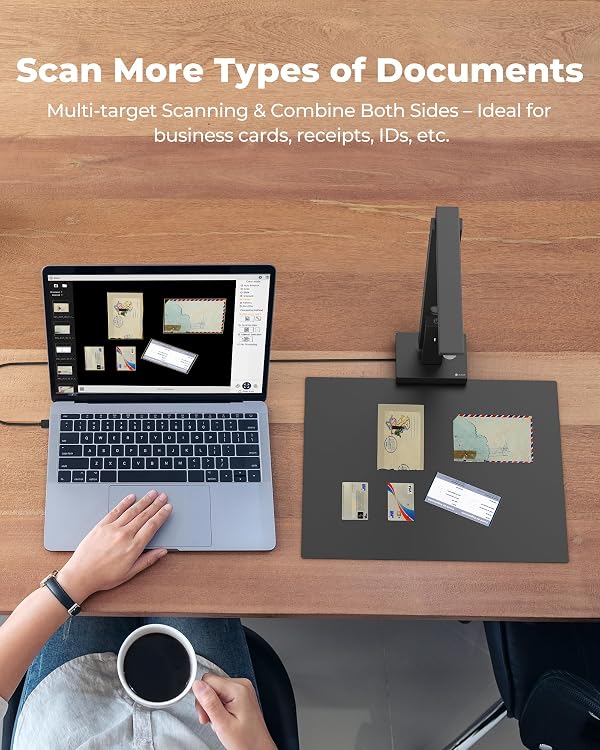
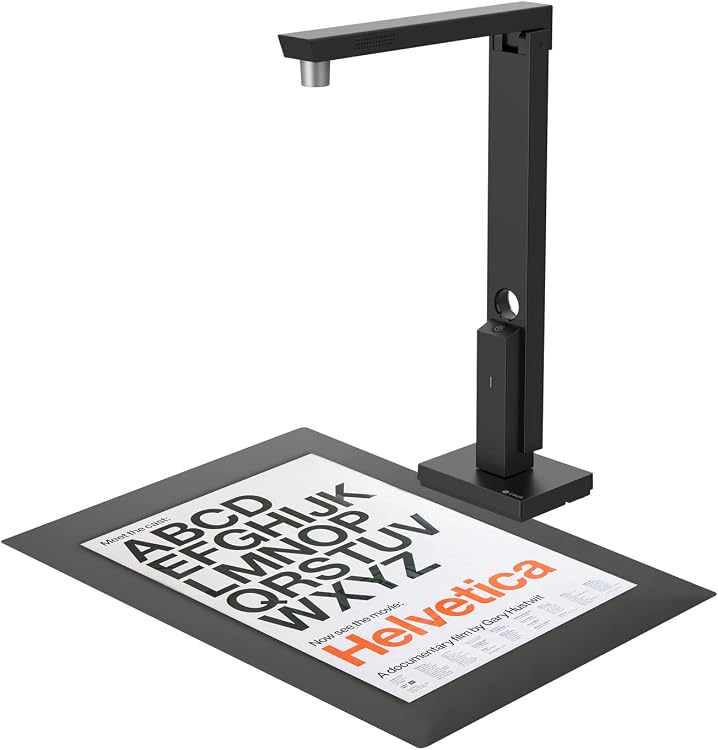
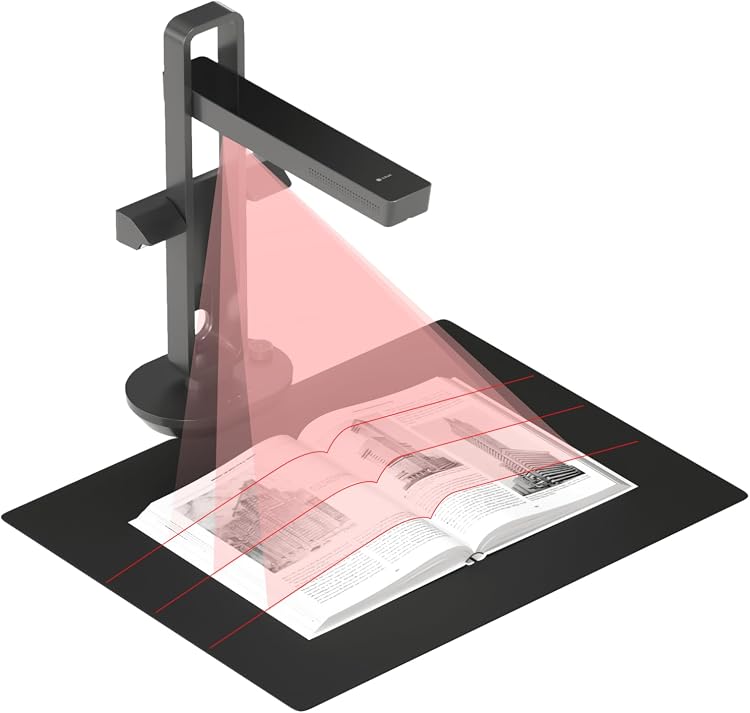
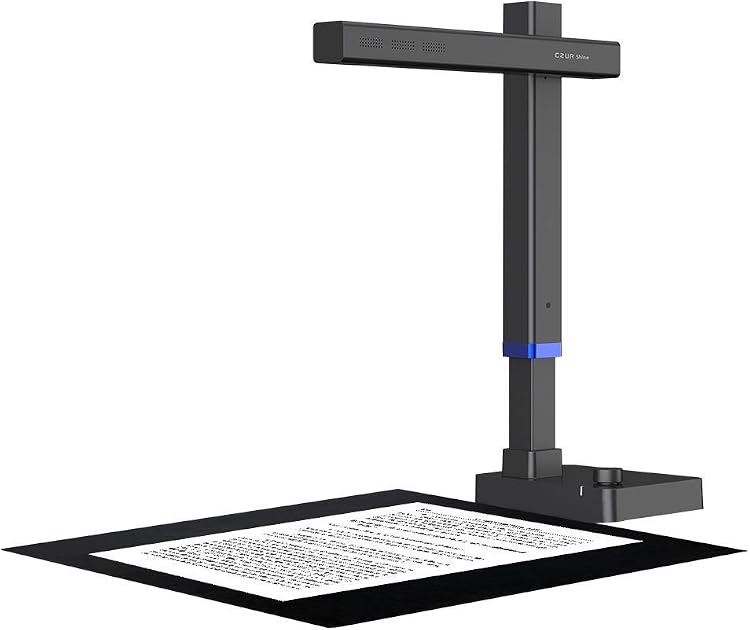
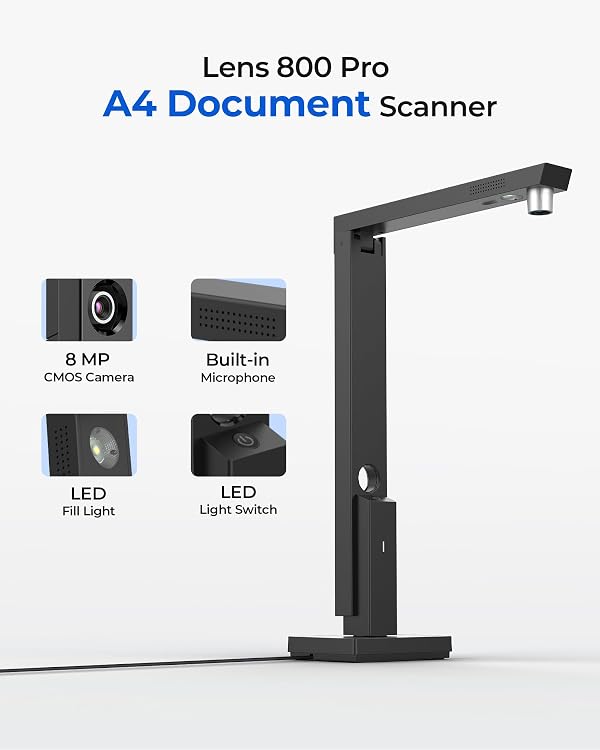
The CZUR Lens 800 Pro is a compact USB document scanner for A4 paperwork and occasional bound-page capture. Its upright, lid-free format is designed for portable use, but the listing describes it as entry-level and not intended for professional book scanning.
At a glance
- Upright design scans documents without a flatbed lid, helping save desk space.
- The listing describes portability for home, office and travel use.
- OCR is claimed to create searchable and editable files, including Word, searchable PDF and TXT.
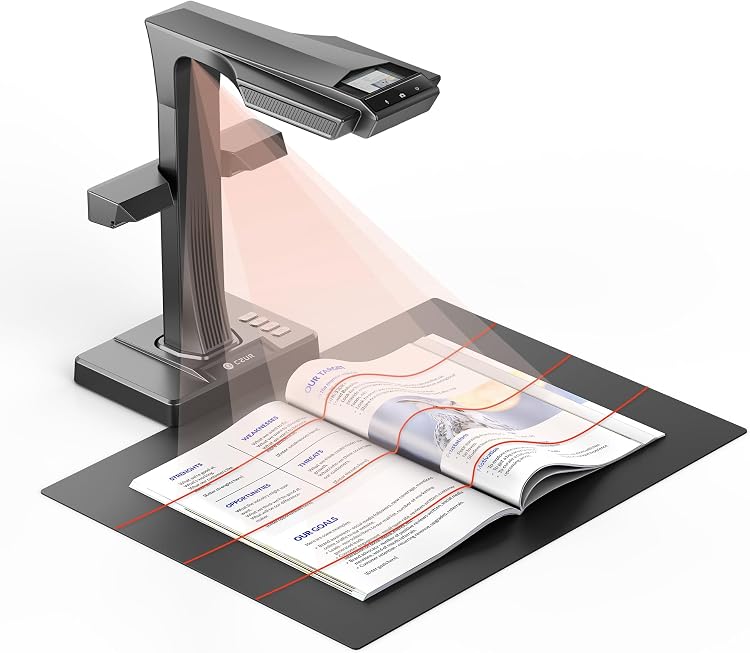
- The listing claims it can capture bound documents without flattening pages.
Reference price: £99.00
Price checked: 16 Nov 2026
View offerAhead of Black FridayExplore the selectionPros and cons
Pros
- A4 support and a portable upright format suit routine paperwork such as receipts, contracts and invoices.
- USB connectivity and stated Windows and macOS support cover a range of older and newer computer systems.
Cons
- The listing explicitly positions this as an entry-level scanner rather than a professional book-scanning model.
- OCR does not support Arabic, Hebrew or Thai, according to the listing.
Technical specifications
6 specifications| Brand | CZUR |
|---|---|
| Model | 800 Pro |
| Connection listed | USB |
|---|
| Weight listed | 0.43 Kilograms |
|---|
| Maximum supported paper size | A4 |
|---|---|
| Minimum system requirements | Windows XP (32-bit or 64-bit) or later and MacOS 10.13 (High Sierra) or later |
What to know before buying
- Compatibility is limited to supported Windows and macOS versions. The listing specifically excludes Android, iOS, Linux, Chromebooks, virtual machines, Citrix or Remote Desktop, and Windows Server. It also gives separate macOS requirements for Intel and Apple Silicon, so confirm compatibility for the computer in use. The software download is listed as 642.69MB for Windows 7/8/10/11, 526.54MB for Windows XP, 1.84GB for Mac (Apple Silicon) and 1.93GB for Mac(Intel).
Who is it for?
A good fit for
- People who need a compact A4 scanner for routine documents and occasional mobile use.
- Users who want OCR output and whose documents use supported languages.
Less suited to
- Professional book digitisation or scanning larger than A4.
- Users who need Arabic, Hebrew or Thai OCR, or support for Android, iOS, Linux or Chromebooks.
Customer reviews on Amazon
- 5 stars
60% 60% - 4 stars
29% 29% - 3 stars
3% 3% - 2 stars
0% 0% - 1 star
8% 8%
Aggregate ratings lean positive, with most ratings in the four- and five-star categories, but a smaller one-star share means experiences are not uniformly favourable. The sample is limited and provides no reasons for the ratings, so it cannot establish OCR quality or scanning performance. Consider the stated A4 limit, computer compatibility and language exclusions against your needs.
Frequently asked questions
What is the maximum supported paper size?
The listing specifies A4 as the maximum supported paper size.
Which computers are supported?
The stated minimums are Windows XP (32-bit or 64-bit) or later and MacOS 10.13 (High Sierra) or later. The listing separately specifies macOS 12 or later for Apple Silicon and excludes several platforms, including Android, iOS, Linux and Chromebooks. Check the full compatibility note against your computer.
Does OCR support every language?
No. The listing says OCR does not support Arabic, Hebrew or Thai.
Is it intended for professional book scanning?
No. The listing calls it an entry-level document scanner and says it is not for professional book scanning.