Scanners
Products · Scanners
5 active deals
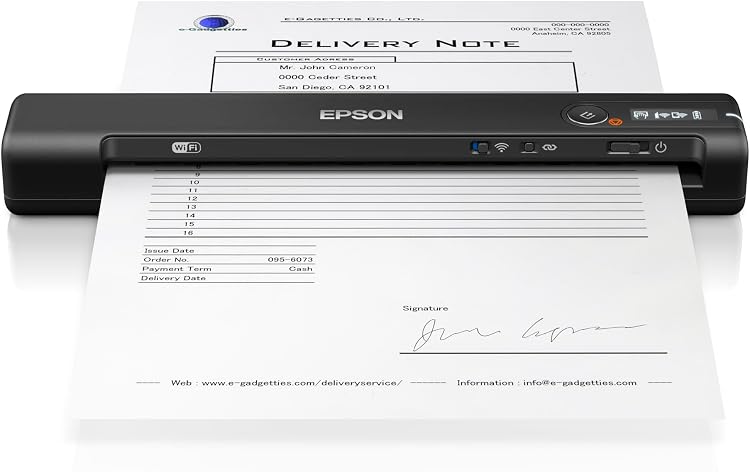
Epson WorkForce ES-60W Portable A4 Document Scanner
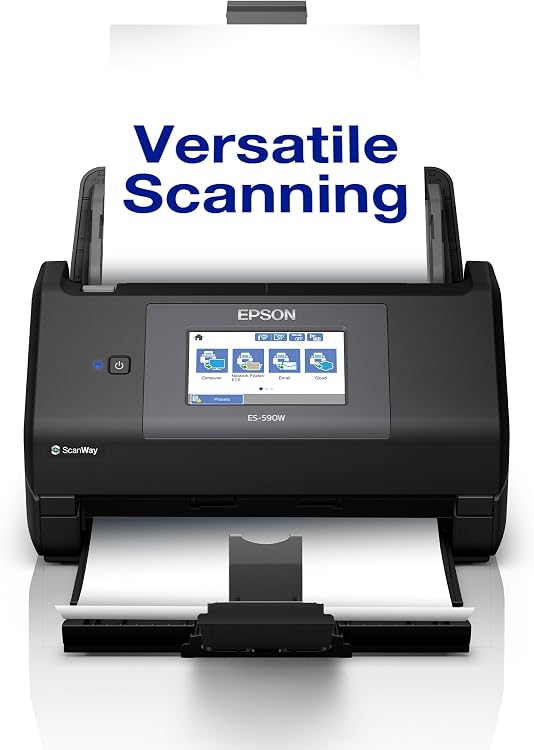
Epson WorkForce ES-590W Wireless Document Scanner, 45ppm/90ipm
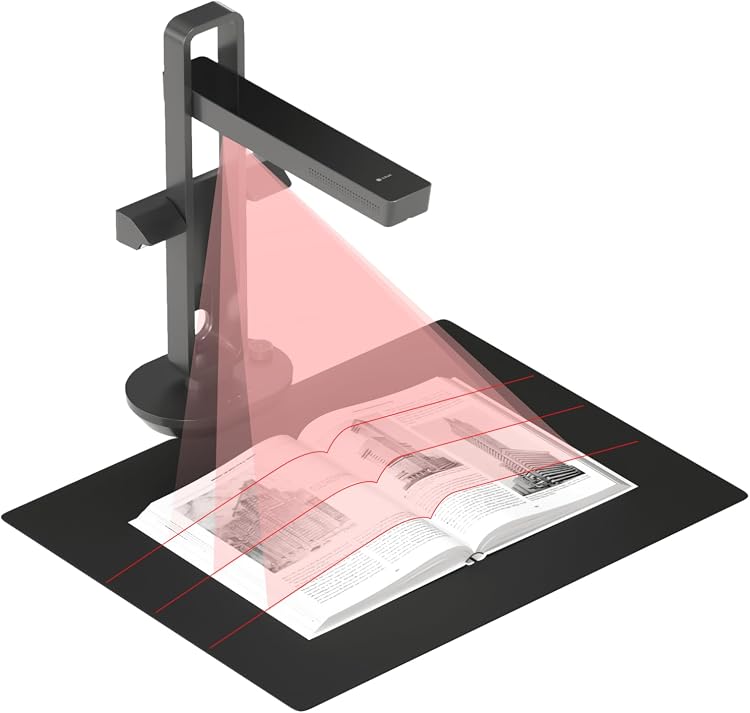
CZUR Aura Pro Book Scanner, 14MP CMOS
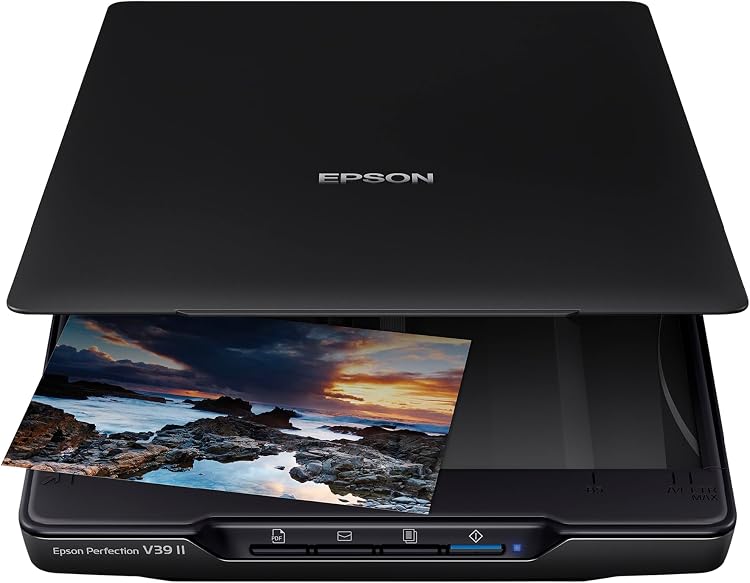
Epson Perfection V39 II Photo and Document Scanner, 4800dpi
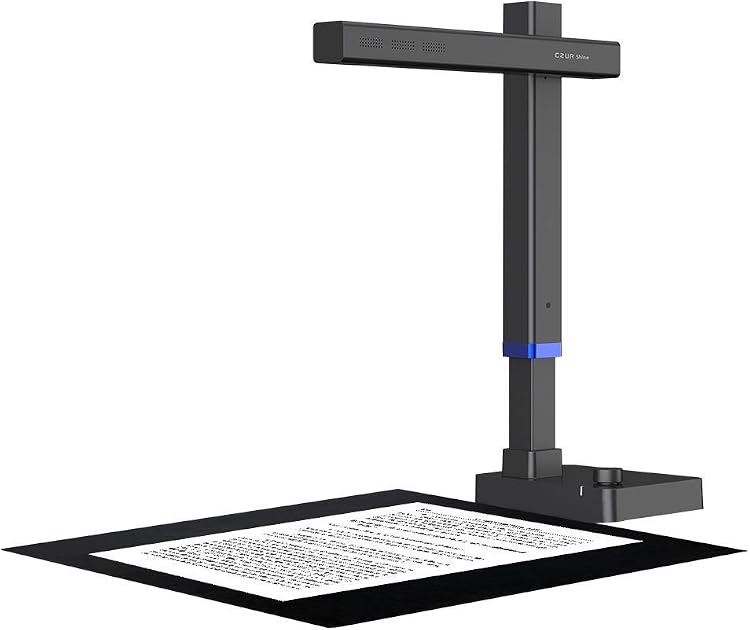
CZUR Shine Ultra A3 Book Scanner
Choosing a scanner around your originals and workflow
A standalone scanner should produce the files you actually need, rather than simply advertise a high dots-per-inch figure. Processing batches of invoices calls for a different machine from preserving photographs, bound pages or negatives. Sort your originals first and estimate how many you will scan in a typical sitting.
A flatbed or a document feeder
A flatbed accommodates photographs, fragile documents and pages that cannot travel through rollers. Check the usable glass area and whether the lid allows for a book's thickness. A feeder is convenient for loose sheets, but its capacity says nothing about support for tiny receipts, thick cards or damaged paper. Check the permitted paper weights and dimensions before buying one for a mixed archive.
- For double-sided sheets, establish whether duplex scanning is automatic or requires a manual second pass.
Resolution that captures useful detail
For text, raising the resolution can enlarge files without noticeably improving readability. For photographs, optical resolution matters more than a software-interpolated headline figure. Negatives and slides require compatible holders and illumination; adding a tray does not turn an ordinary flatbed into a film scanner. Look for original sample files rather than small pictures on a sales page, especially if you intend to crop or enlarge images.
Turning a scan into a findable document
Establish which software is included and which features require a subscription. Text recognition should support your document languages and create searchable PDFs if that is your goal. Check drivers for your particular operating system, not just the connector. Wireless functions may depend on an application or service: do not assume they can send any file straight to your computer without an intermediate account.
- For sensitive material, check whether processing and storage can stay entirely local.
Working speed, cleaning and preservation
Advertised speed may use a low resolution and exclude text recognition. Consider the whole batch, including straightening skewed sheets and resolving double feeds. Rollers wear out, so check replacement availability and access for cleaning. Keep a master copy of photographs before editing them. During the return period, test the scanner with your awkward originals rather than relying on a clean sheet that almost any machine can handle.