Wi-Fi Extenders & Access Points
Products · Wi-Fi Extenders & Access Points
12 active deals
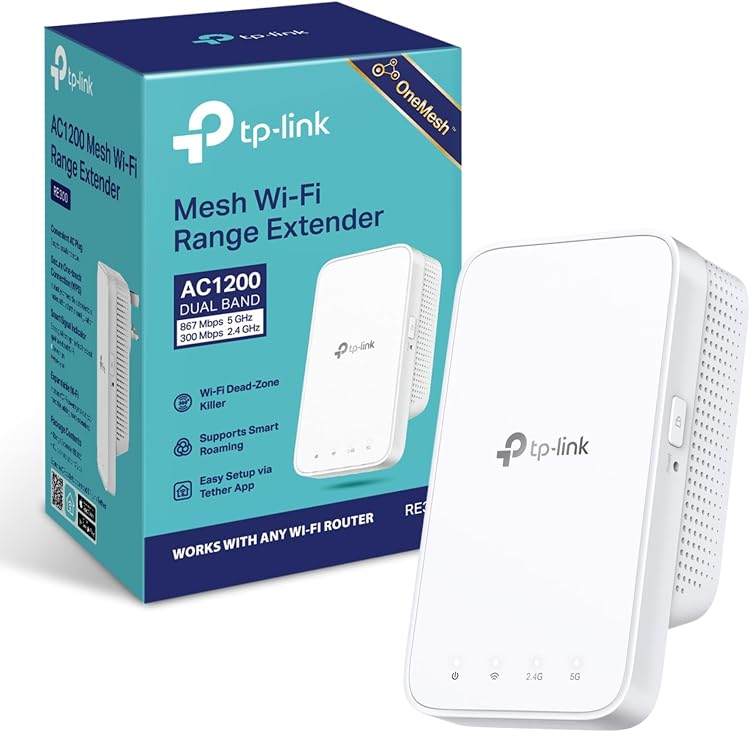
TP-Link RE300 AC1200 Dual-Band Wi-Fi Extender
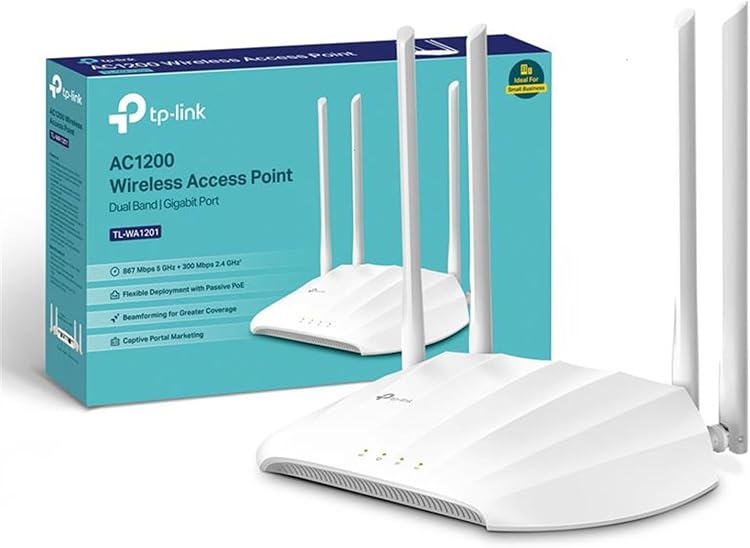
TP-Link TL-WA1201 AC1200 Dual-Band Wi-Fi 5 Access Point
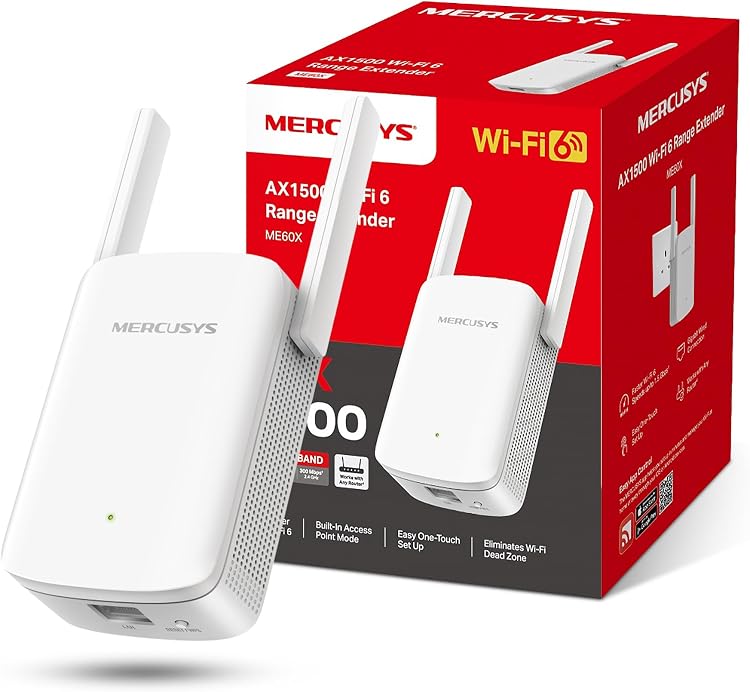
MERCUSYS ME60X AX1500 Wi-Fi 6 Range Extender
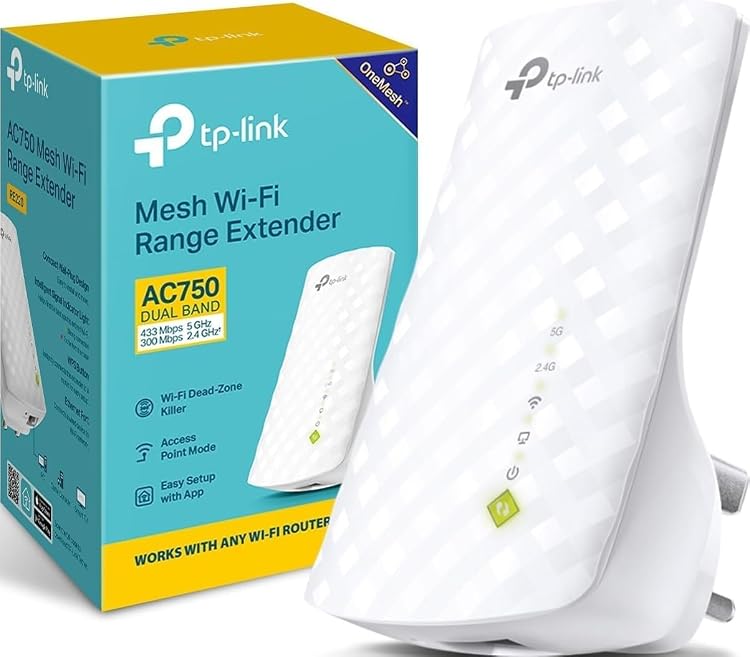
TP-Link RE220 AC750 Dual-Band Wi-Fi Extender
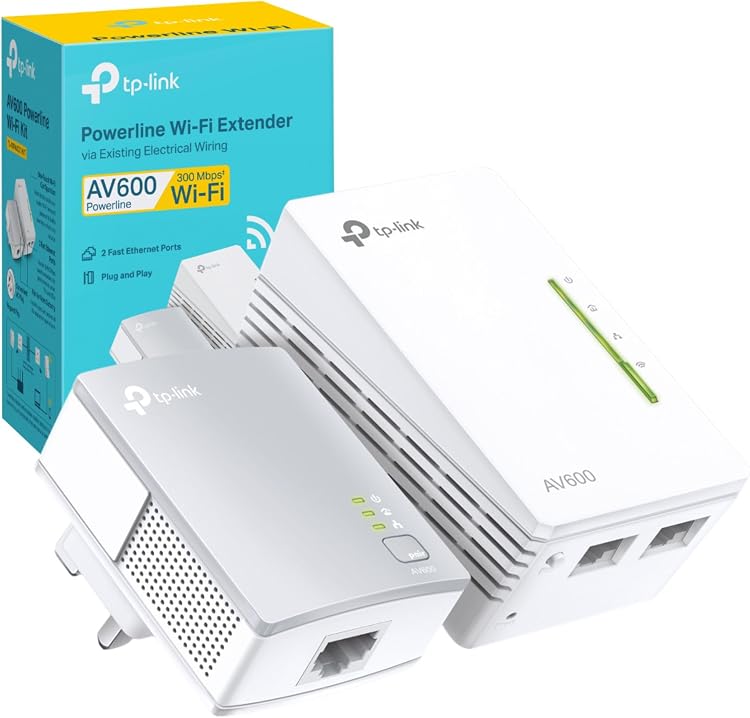
TP-Link TL-WPA4221 KIT AV600 Powerline Wi-Fi Extender
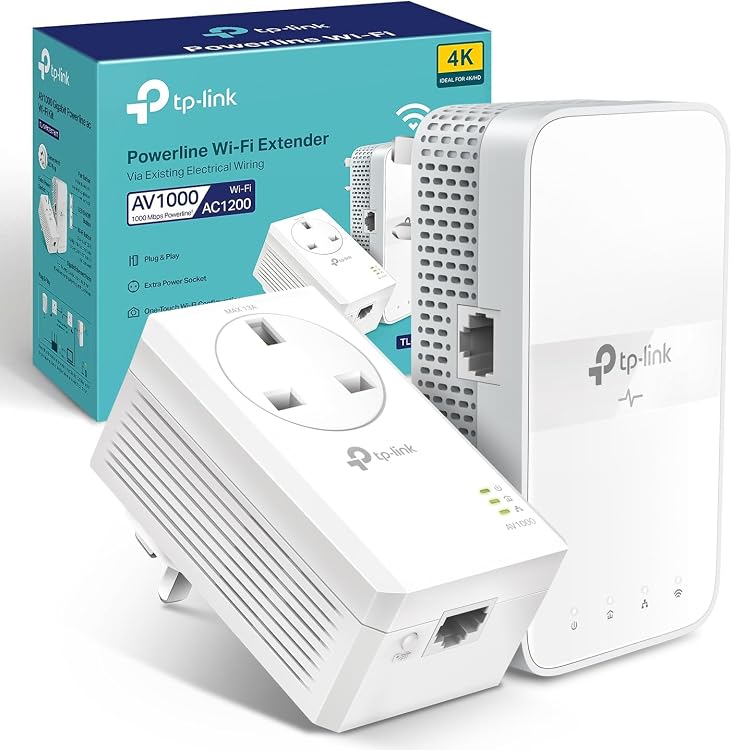
TP-Link TL-WPA7617 KIT AV1000 Powerline Wi-Fi Kit
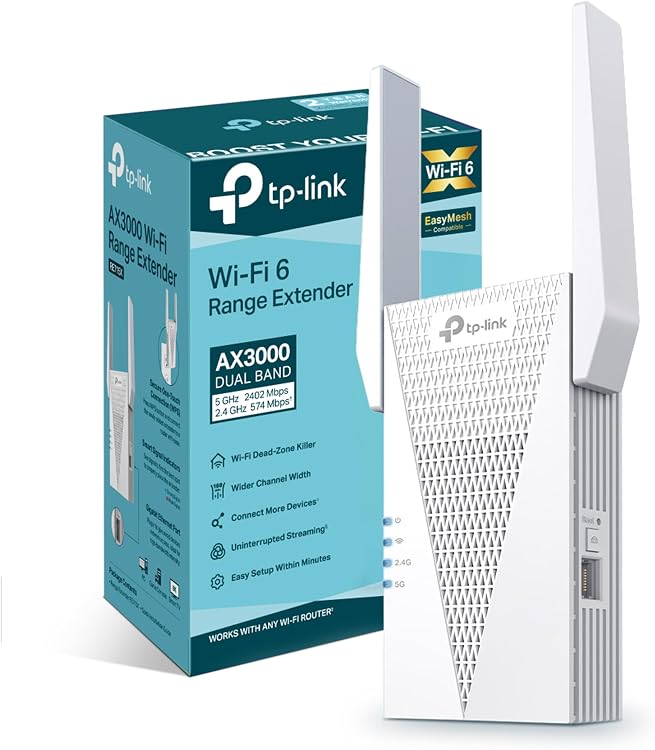
TP-Link RE715X AX3000 Wi-Fi 6 Range Extender
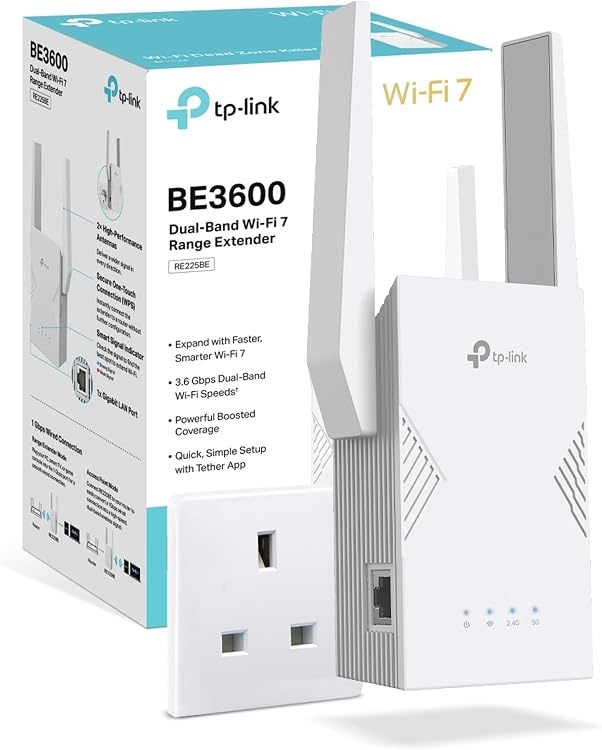
TP-Link RE225BE BE3600 Wi-Fi 7 Range Extender
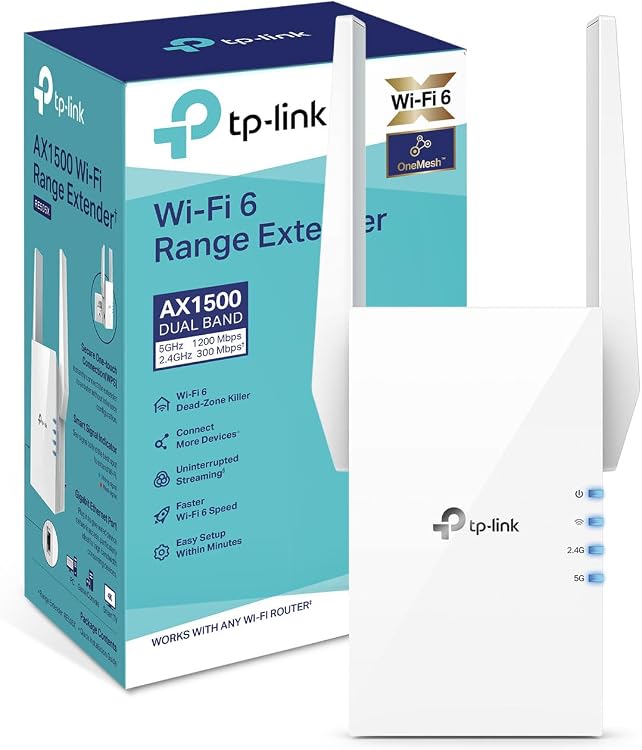
TP-Link RE505X AX1500 Wi-Fi 6 Dual-Band Range Extender
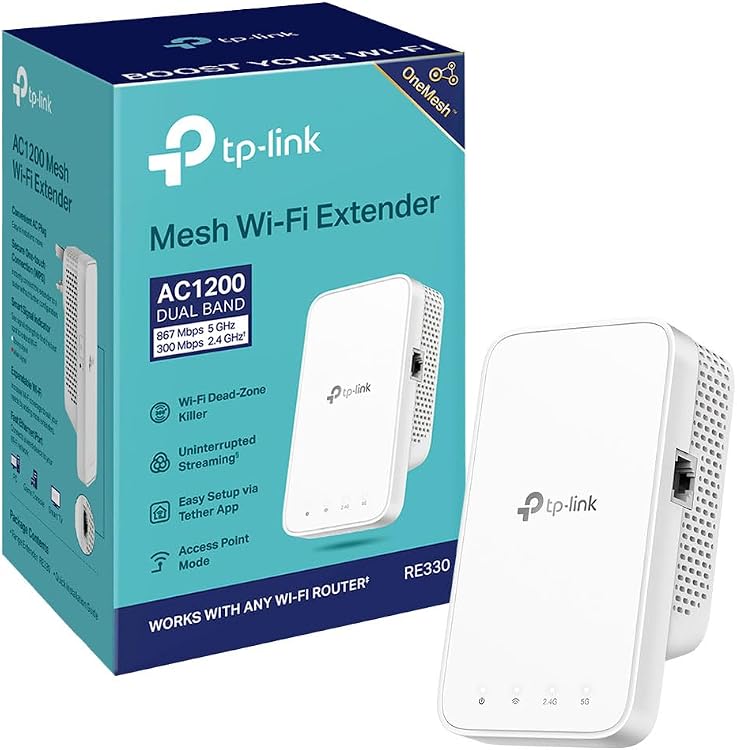
TP-Link RE330 AC1200 Dual-Band Wi-Fi Extender

Cudy AP1300 AC1200 Dual-Band Wi-Fi 5 Access Point
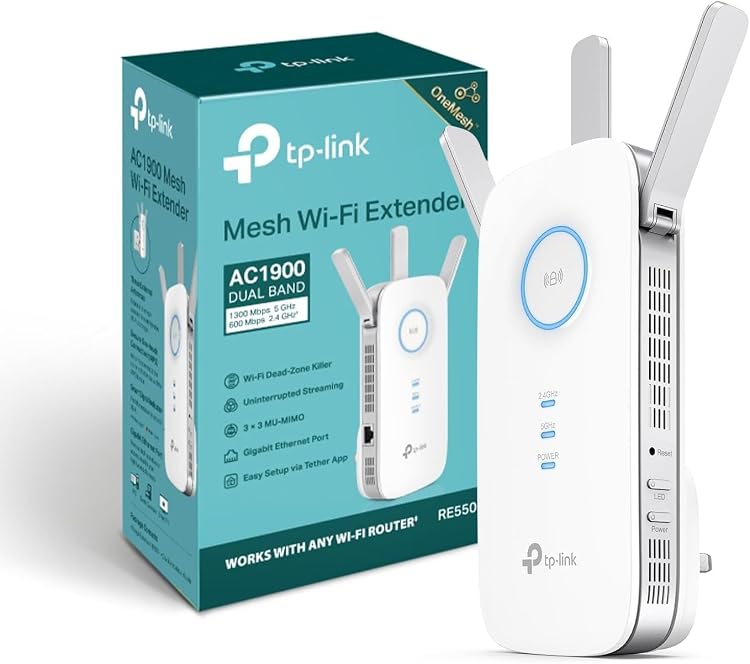
TP-Link RE550 AC1900 Dual-Band Wi-Fi Range Extender
Top deals in Wi-Fi Extenders & Access Points
Big discounts across a variety of models and stores.
TP-Link RE225BE BE3600 Wi-Fi 7 Range Extender
TP-Link RE300 AC1200 Dual-Band Wi-Fi Extender
TP-Link RE505X AX1500 Wi-Fi 6 Dual-Band Range Extender
TP-Link RE330 AC1200 Dual-Band Wi-Fi Extender
MERCUSYS ME60X AX1500 Wi-Fi 6 Range Extender
TP-Link RE220 AC750 Dual-Band Wi-Fi Extender
TP-Link TL-WPA4221 KIT AV600 Powerline Wi-Fi Extender
TP-Link TL-WPA7617 KIT AV1000 Powerline Wi-Fi Kit
TP-Link RE550 AC1900 Dual-Band Wi-Fi Range Extender
TP-Link RE715X AX3000 Wi-Fi 6 Range Extender
TP-Link TL-WA1201 AC1200 Dual-Band Wi-Fi 5 Access Point
Wi-Fi extenders and access points: choose how coverage reaches the room
A room with an unreliable connection does not automatically need a more powerful extender. First decide how the existing network will reach the new device: wirelessly from the router or through an Ethernet cable. That choice determines placement, usable performance and how much traffic the wireless link must carry.
Repeating Wi-Fi or providing it over cable
An extender receives the wireless network and retransmits it. It still needs a usable incoming signal, so placing it in the very corner where coverage disappears is a common mistake. An access point normally uses an Ethernet connection to provide Wi-Fi elsewhere. If running cable is practical, it removes reliance on an extra wireless hop. Check the actual operating modes, because not every device supports both jobs.
Choosing bands around the backhaul
Headline speed ratings add theoretical capacities; they are not the speed of one connected device. Check which bands can link the unit to your router and whether that link is shared with clients. Distance and walls particularly affect higher-frequency bands. Buying support for a band your router does not use will not create a better upstream link on its own, even when the advertised total looks impressive.
- A slow Ethernet port can bottleneck an access point whose wireless specification promises higher speeds.
Roaming and system compatibility
Using the same network name does not guarantee seamless handovers: the connected device also influences when it switches. For mesh expansion, verify compatibility between the exact product and your existing system. The word mesh does not identify one universally interchangeable commercial system. Check supported encryption, update availability and guest-network options. Do not assume that every router feature will continue to work in the same way through an extender.
Power, placement and a meaningful test
Establish whether an access point needs Power over Ethernet, which standard it accepts and whether an adapter is included. For plug-in models, check socket clearance and avoid a position enclosed behind furniture. After setup, test the problem room and movement between rooms using your usual devices. If connections still fail, examine the backhaul quality before adding another extender to a growing chain; an added device also needs a usable upstream connection at its chosen location.