Routers
Products · Routers
2 active deals
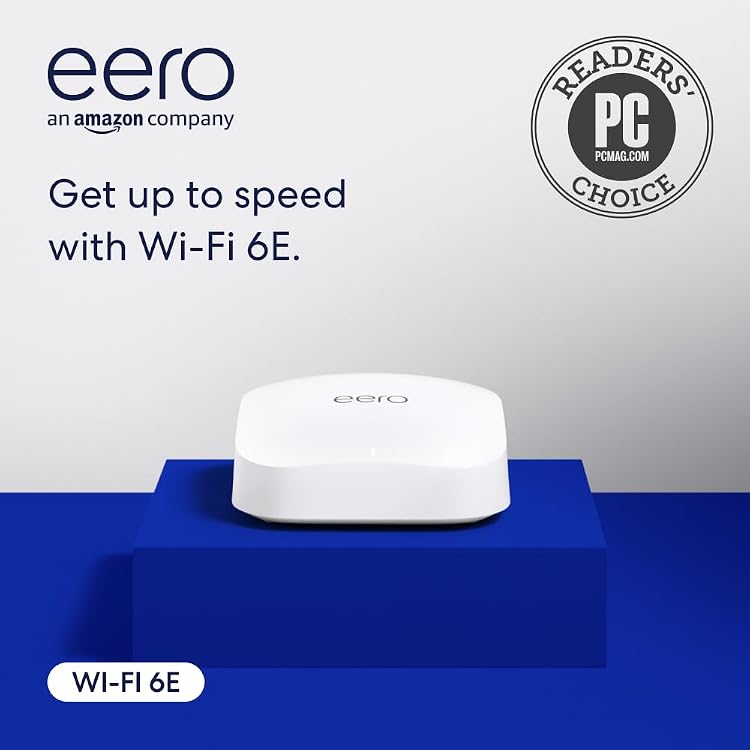
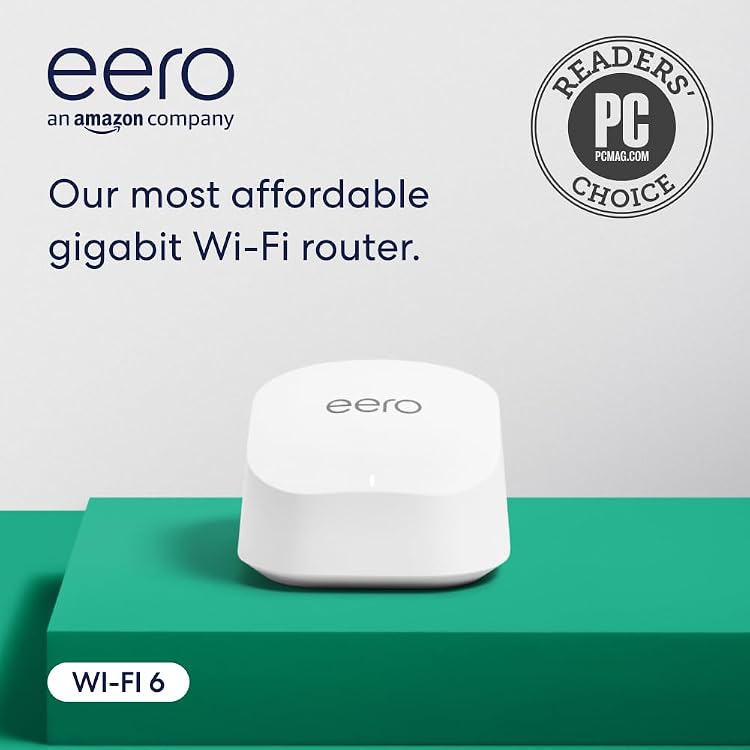
Routers: match coverage, ports and your internet service
Choose a router for your home's layout, devices and internet connection. A high advertised wireless speed cannot exceed the service entering the home. Coverage, placement and the ability of your phones and computers to use the supported bands all matter.
Check whether you need a router alone, a compatible mesh system or a device working alongside your provider's equipment. Confirm modem requirements and any service-specific configuration before replacing an existing setup.
Bands and realistic coverage
Compare support for the devices you already own, not only the latest Wi-Fi name. Higher-frequency bands can offer useful capacity under suitable conditions but are not a universal coverage improvement. Walls and interference change results. Place the router where it can serve your rooms rather than hiding it behind large furniture.
Ports and mesh compatibility
Check WAN and LAN port speeds, how many wired devices can connect, and whether a port changes role in a particular mode. Mesh expansion usually needs explicitly compatible hardware. For a larger home, wired backhaul can be worth more than a higher headline wireless total. Confirm Ethernet cabling and supported operating modes.
Updates, controls and subscriptions
Look for security updates, a usable administration interface and clear guest-network controls. Establish which features require an account or paid service and what remains available without them. Save setup details and review default credentials. A device with limited future support can be a poor long-term purchase despite a low initial price.