Simulation Controls
Products · Simulation Controls
4 active deals
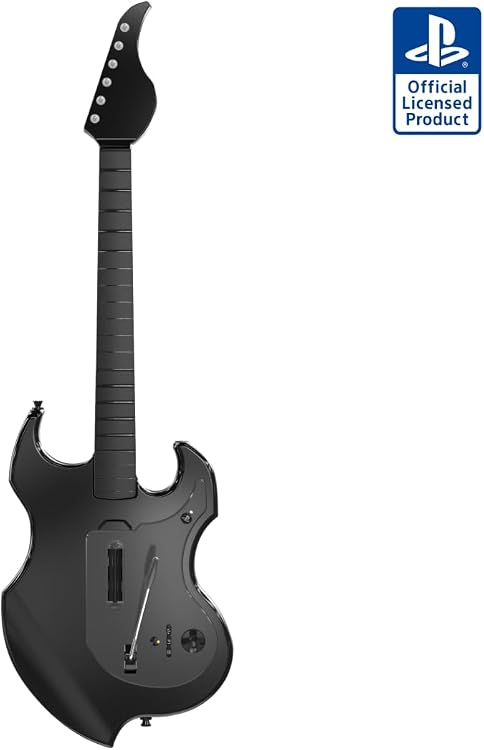
PDP Riffmaster Wireless Guitar Controller for PS5 and PS4
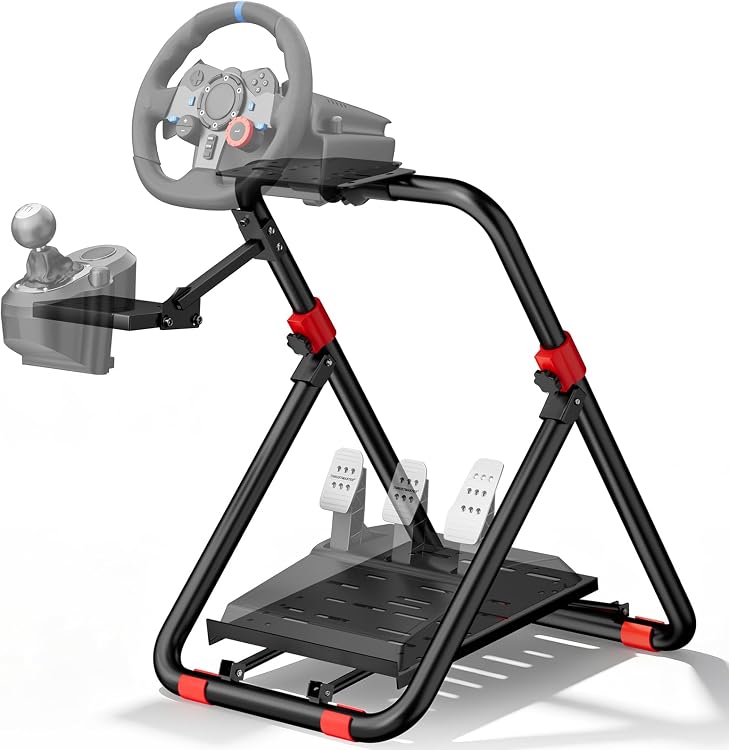
RACGTING Foldable Steering Wheel Stand with Pedal
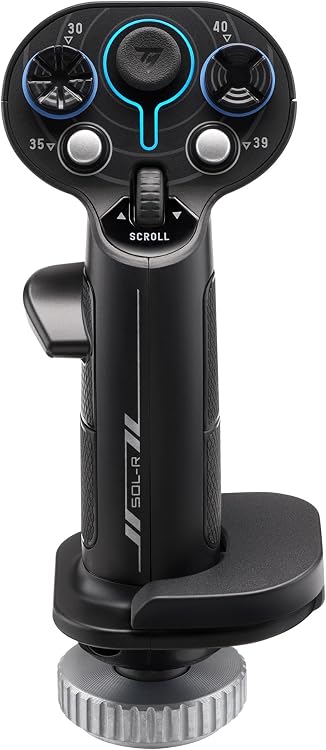
Thrustmaster Sol-R 3 AVA Add-On Grip, 21-button PC flightstick grip
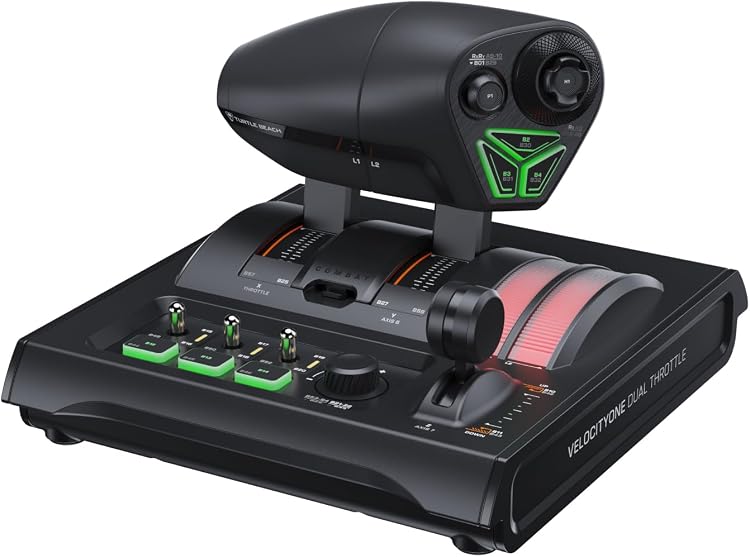
Turtle Beach VelocityOne Dual Throttle TBR-5003-05
Simulation controls: build a coherent wheel or flight setup
A striking individual component is not enough for simulation: the base, controls and mounting arrangement must work together. Decide whether you will drive or fly, which simulators you will use and whether the setup stays in place or must be packed away after every session.
Let the simulator and platform narrow the options
Look for support for the exact device in your game and system. A base may have different console and computer versions despite a shared appearance. Check whether pedals or additional controls connect to the base or need separate ports. On a console, individually recognised parts are not guaranteed to work as a complete setup. For flight, identify the axes you need and whether the game allows assignment. An extra lever without a planned function does not automatically improve precision.
Resistance, force and precision are different qualities
A spring-centred wheel is not equivalent to one reproducing forces calculated by the game. Different drive mechanisms affect feel, noise and cost, but feedback also depends on the simulator and settings. For pedals, distinguish measuring travel from measuring braking pressure. For flight controls, examine travel, centring and adjustable resistance. Avoid choosing only by a maximum-force figure: your mounting arrangement and actual use need to accommodate what the device produces.
Plan stability before opening the box
Check clamp dimensions, supported desk thickness and the stated mounting options. Legroom, seat position and the full movement of pedals or levers may rule out a setup. A chair that moves under braking needs better support, not extra buttons. Follow the instructions, keep hands and objects away from exposed drive mechanisms and pinch points, and keep children away from moving equipment. Do not improvise structural modifications to handle forces that the furniture is not designed to accept. Physical fit matters before software adjustments.
Buy in stages without blocking later additions
Check the package contents: wheel rim, base, pedals, power supply and clamps are not always sold together. If expansion is planned, verify connections and compatible component families rather than assuming universality. For equipment stored between sessions, consider weight, cables and setup time. Calibration and button assignment must be possible on your system. Start with the controls your simulators require and a stable position. An extra shifter or panel adds value when it covers an operation you will actually perform.