 1 / 7
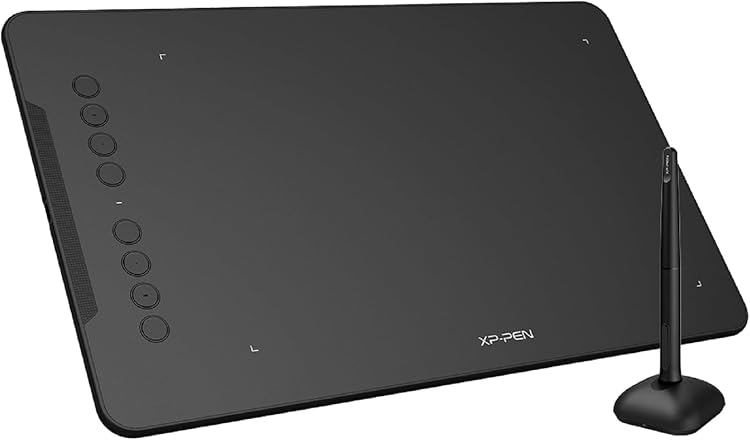
XP-Pen Deco 01 V3 DECO01V3 Drawing Tablet, 10 × 6.25-inch Active Area
DECO01V3 Active: The XP-Pen Deco 01 V3 is a USB-connected drawing tablet with a 10 × 6.25-inch working area, eight programmable shortcut keys and a pressure-sensitive stylus. It must connect to a compatible computer or mobile device to work, so it is not a standalone screen tablet.
At a glance
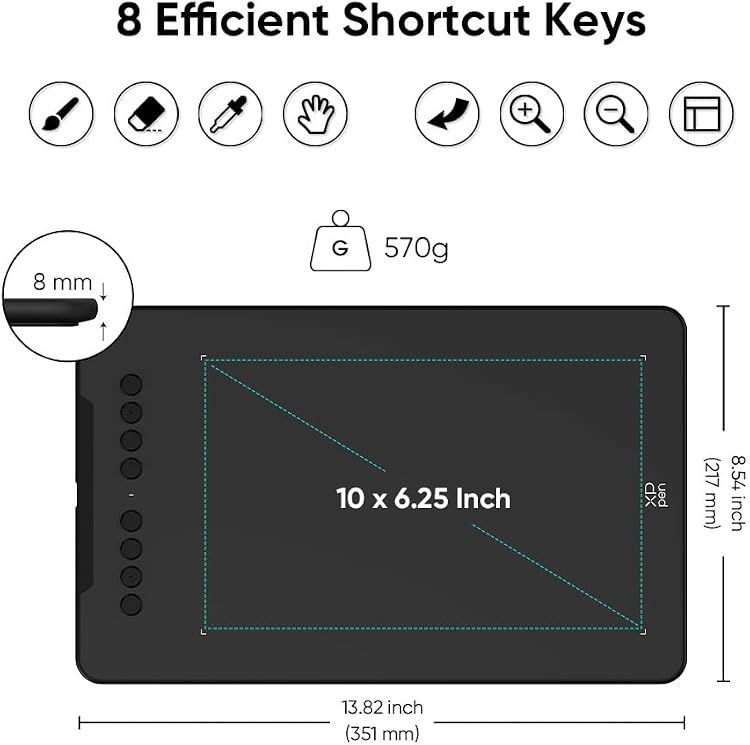
- The 10 × 6.25-inch active area gives drawing and annotation room on a connected device.
- Eight programmable keys can be configured for shortcuts in supported software.
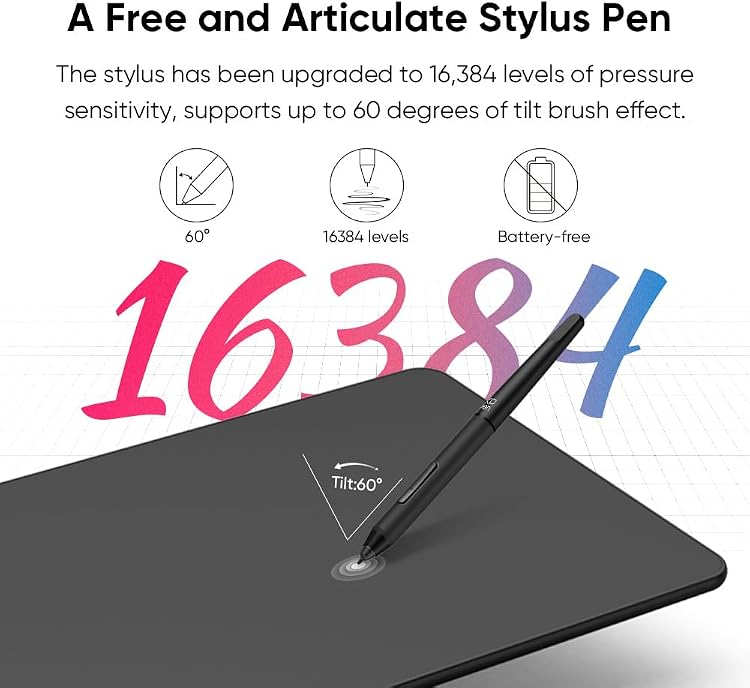
- The listing claims 16,384 pressure levels and stylus tilt up to 60 degrees.
- The tablet is not standalone and requires a USB connection to a compatible device.
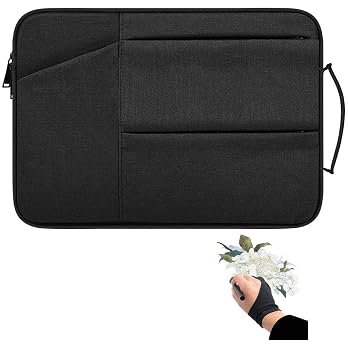
Often bought together
Pros and cons
Pros
- A relatively broad active drawing area is paired with eight customisable shortcut keys.
- The listing specifies a battery-free stylus, so it does not require charging.
- Manufacturer-listed compatibility includes Windows, macOS, Chrome OS, Linux and Android, with OS-version and device caveats.
Cons
- It requires a connected computer or mobile device rather than providing its own display or independent operation.
- Android use is subject to device, OTG and orientation requirements.
Technical specifications
16 specifications| Brand | XP-Pen |
|---|---|
| Model | DECO01V3 |
| Screen size listed | 10 Inches |
|---|---|
| Screen technology listed | LCD |
| Active area | 10" x 6.25" |
| Connection listed | USB |
|---|---|
| Shortcut keys | 8 customizable Express Keys |
| Pen pressure sensitivity | 16,384 Levels |
| Pen tilt | 60 Degrees |
| Resolution | 5080 LPI (Lines Per Inch) |
| Accuracy | ±0.01 Inch |
| Report rate | Max.≧200 |
| Compatibility | Compatible with Windows 7 (or later), Android 10.0 (or later), macOS 10.12 (or later), Chrome OS 88 (or later) and Linux (Detailed versions). |
|---|---|
| Listed operating system | Android,Os,Vitrines |
| Weight | 570 Grams |
|---|---|
| Dimensions | 35.1L x 21.7W centimetres |
What to know before buying
- Android use is specified for vertical screen mode only and requires OTG. The listing warns that some Android devices may not work properly. It also says a device entering standby cannot be woken with the pen until the USB cable is reconnected.
- For driver installation, the manufacturer advises removing other tablet-brand drivers and restarting first. It recommends downloading its latest driver.
Listing details to confirm
Listing details are inconsistent: pressure sensitivity is given as both 8192 Levels and 16,384 Levels, and display fields call it an LCD with a 10-inch screen even though the product is described as a drawing tablet with a 10 × 6.25-inch active area. The connection is listed as USB, and the manufacturer says the device needs USB Type-A, while the package list does not consistently confirm every adapter. Confirm the exact selected version and host connection requirements before buying.
What’s in the box
- Graphics tabletIncluded
- StylusIncluded
- Stylus standCheck selected pack
- 8 replacement nibsCheck selected pack
- Protective filmCheck selected pack
- USB cableCheck selected pack
- USB to USB-C adapterCheck selected pack
- USB to micro USB adapterCheck selected pack
- Anti-fouling drawing gloveCheck selected pack
- Quick guideCheck selected pack
Check which accessories are included in your selected pack before buying.
Who is it for?
A good fit for
- Beginners seeking a connected tablet for drawing, sketching or design work.
- Teachers and presenters who want to write or annotate files during online lessons or meetings.
- Users whose software and device meet the stated compatibility and connection requirements.
Less suited to
- Anyone wanting a standalone drawing display or a tablet that works without a host device.
- Android users who need landscape orientation or cannot confirm OTG and device compatibility.
Customer reviews on Amazon
- 5 stars
74% 74% - 4 stars
15% 15% - 3 stars
7% 7% - 2 stars
2% 2% - 1 star
2% 2%
Customer feedback describes the tablet as easy to set up and use, suitable for beginners and online tutoring, and good value. Responsiveness is mixed, with some customers finding it responsive and others less satisfied. These impressions may matter for drawing and annotation, but they do not resolve the listing's conflicting pressure-level claims or establish performance for a particular device or software setup.
Positive themes
- Customers report that it is easy to set up and use.
- Customers describe it as suitable for beginners and online tutoring.
- Customers regard it as good value.
Mixed feedback
- Customer feedback on responsiveness is mixed.
Frequently asked questions
Does the Deco 01 V3 work by itself?
No. The manufacturer says it must be connected to a compatible PC, laptop or smartphone by USB.
What pressure sensitivity does this model have?
The listing conflicts, stating both 8192 Levels and 16,384 Levels. Confirm the specification for the selected listing before purchase.
Can it be used with an Android phone or tablet?
The manufacturer lists Android 10.0 or later, but says the device must support OTG and the tablet works in vertical screen mode only. Not all Android devices are compatible.
Does it have a built-in drawing screen?
The supplied listing calls it a drawing tablet and gives a 10-inch LCD field, but also describes a 10 × 6.25-inch active area. Those display details are unclear, so confirm the exact configuration if a built-in screen matters.
Alternative options
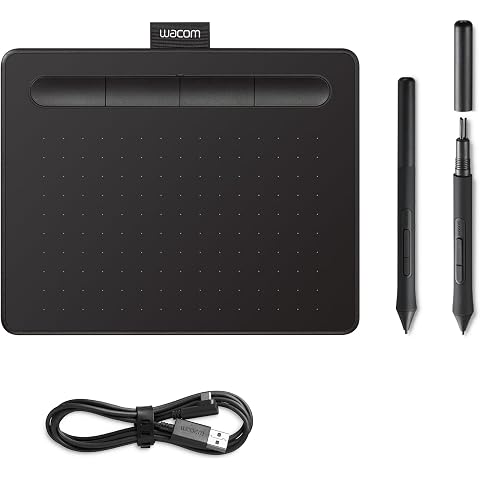
Wacom Intuos S, Pen Tablet, incl. battery-free Wacom Pen 4K | Drawing Tablet (PC required) with Wacom's natural pen experience, accurate control for drawing, painting and photo editing
£39.45
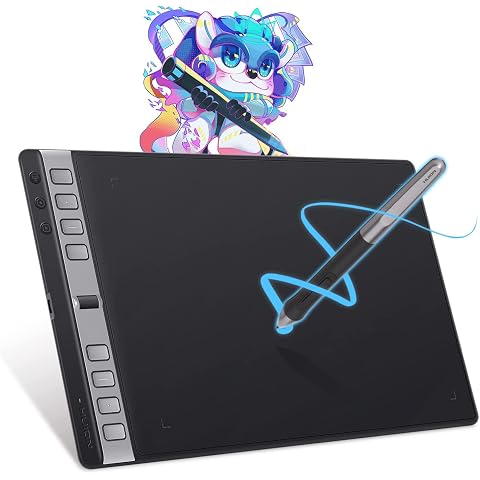
HUION Inspiroy 2 Large Drawing Tablet with 3-Group 8 Customized Express Key | 10.5x6.56" Art Tablet with Scroll Wheel, 8192 Pen Pressure, Graphics Tablet for Drawing, Design, Works with Mac/Windows/Linux
£75.98
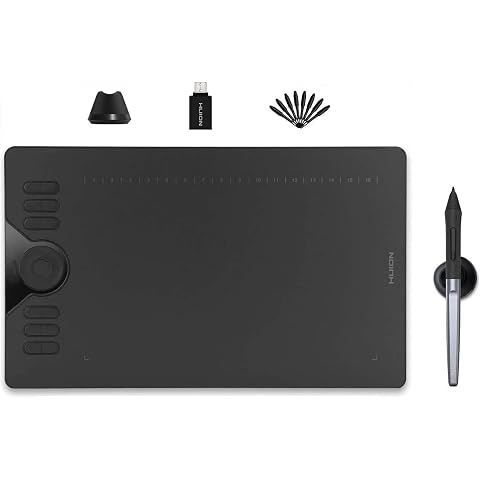
HUION Drawing Tablet HS610 10x6.25 inch 12 Express Keys & Touch Strip | Battery-Free Stylus, 8192 Pen Pressure, Tilt, Work with Windows/Mac/Android, Graphic Tablet for Animation, Design, Writing
£42.74
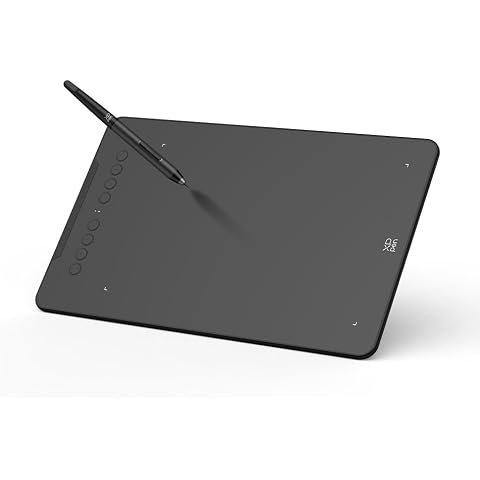
XPPen Deco mini7W V2 Drawing Tablet with 17.8x11.1cm Active Area | Graphics Tablet with Battery-Free Stylus, 16K Pressure Levels, 8 Shortcut Keys, Works with Android/Windows/Mac/Chromebook
£38.24
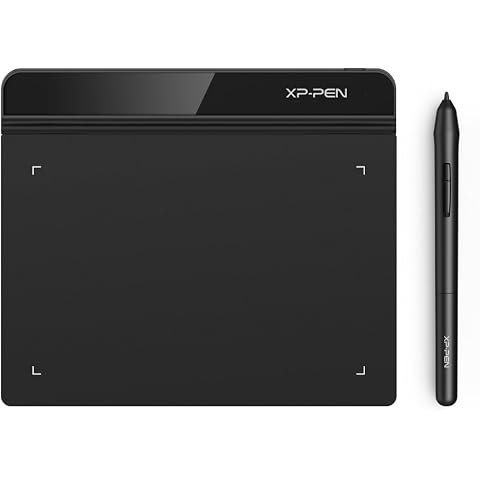
XPPen Star G640 Drawing Tablet with 6x4 inch Active Area | Digital Art Tablet with 8192 Battery-free stylus for Graphics Design, Business Signature, OSU!, Works with Windows&Mac OS
£23.99
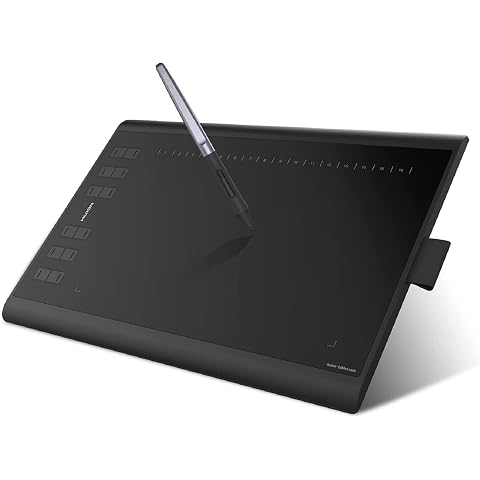
HUION Inspiroy H1060P Drawing Tablet 10X6.25 Inch 12 Hard Plus 16 Soft Keys | 8192 Pen Pressure, Battery-Free Stylus,Graphics Tablet for Animation,Painting,Photo Editing Works with Mac, Windows and Linux
£39.89
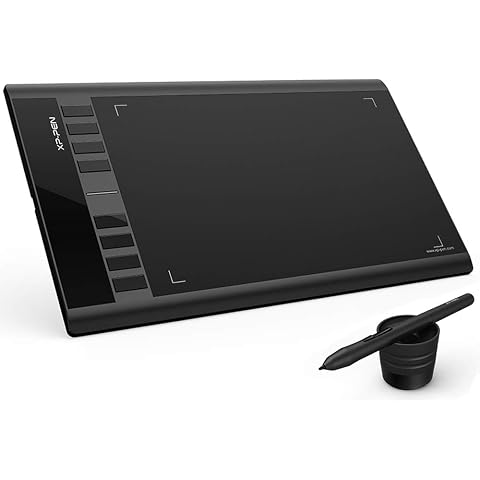
XP-Pen Star03 V2 12 Inch Graphic Tablet with Passive Stylus 8192 Levels and 8 Shortcuts Digital Drawing Tablet
£39.99
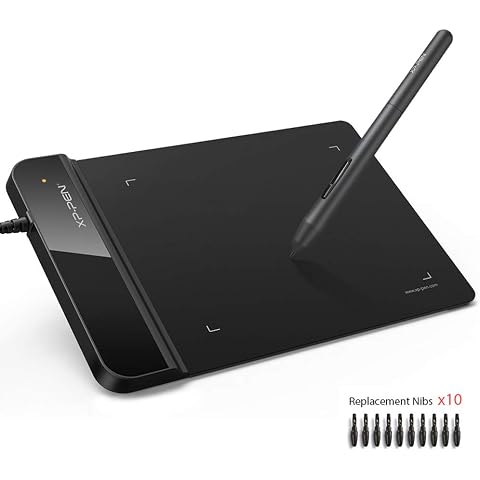
XP-PEN G430S Graphics Tablet 4x3 inch for osu! Art Design Pen Drawing Tablet Black
£18.39
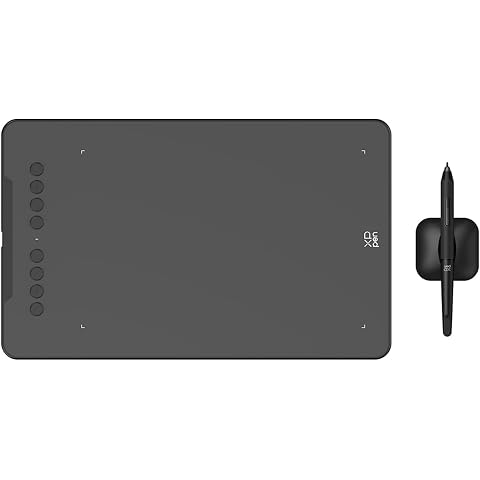
XPPen Deco 01 V3 Graphics Drawing Tablet with 10x6.25 inch Drawing Area | Digital Graphics Tablet with Battery-Free Stylus, 16K Pen Pressure, 8 Express Keys, Works with Windows/macOS/Android/ChromeOS
£47.99
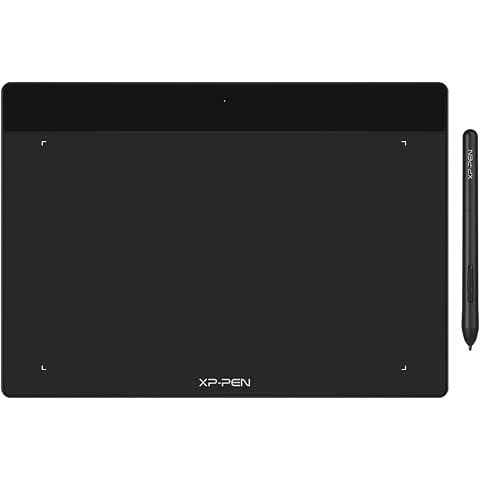
XP-PEN Deco Fun L Graphics Drawing Tablet 10" x 6.27" Digital Wirting Pad with 8,192 Levels Pressure Sensitivity Pen (Classic Black)
£38.24
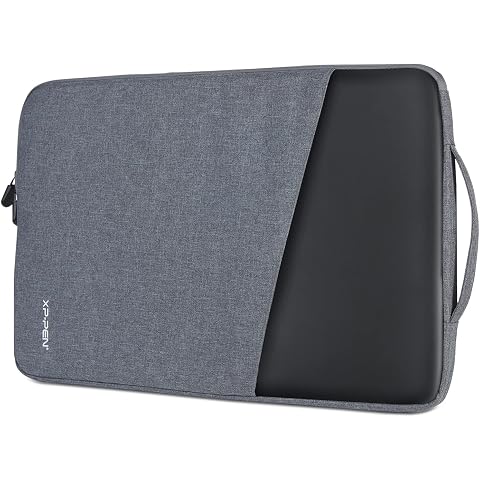
XP-PEN ACJ03 Drawing Tablet Seelve Waterproof Protective Case Carrying Bag for Graphics Tablets under 15.6 Inches
£15.00
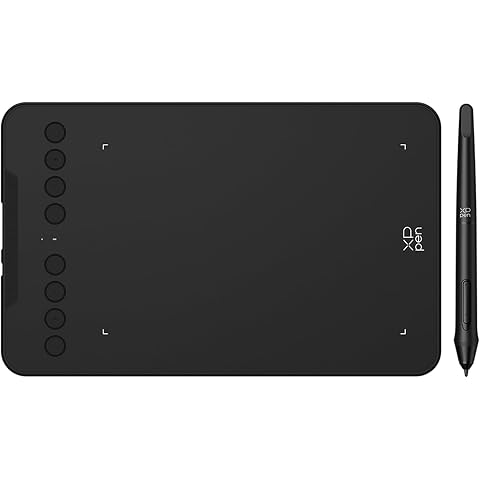
XPPen Deco mini7W V2 Wireless Drawing Tablet with 8 Shortcut Keys | 7x4 inch Portable Graphics Tablet with 16K Pressure Levels, Works with Photoshop, Illustrator and and Clip Studio Paint etc.
£38.24