 1 / 5
Wacom One S Small Pen Tablet with Battery-Free Tilt Pen
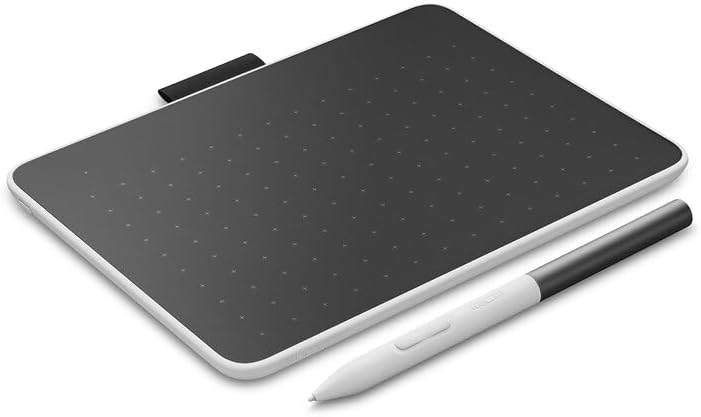
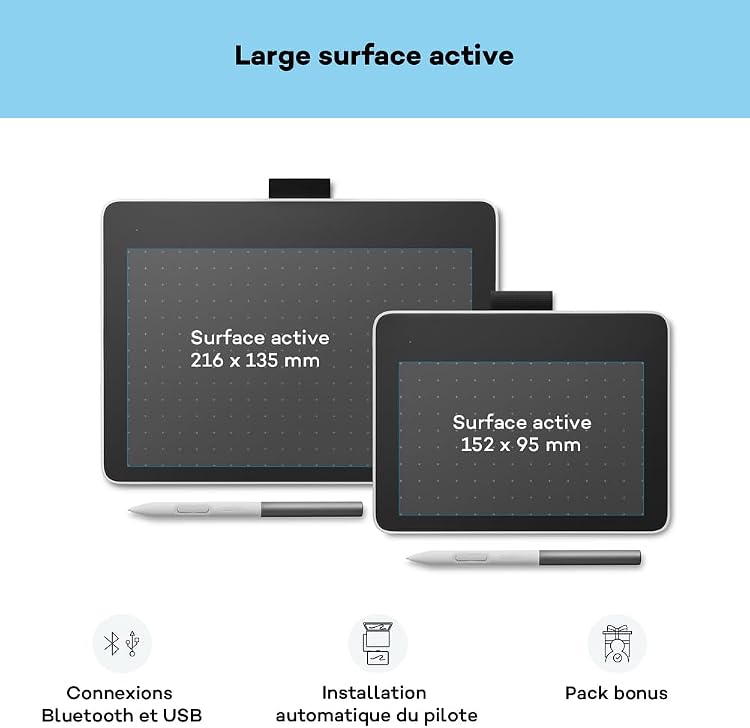
Wacom One S is a small pen tablet for drawing, notes and digital signatures, with a battery-free pen that supports tilt recognition. Its 152 x 95 mm active area keeps the drawing surface compact, while Bluetooth or USB connection lets it work with a compatible computer or tablet. It is a pen tablet, not a screen for drawing directly on.
At a glance
- Battery-free EMR pen with tilt recognition and two programmable buttons, according to the listing.
- 4096 pressure levels for pressure-sensitive input.
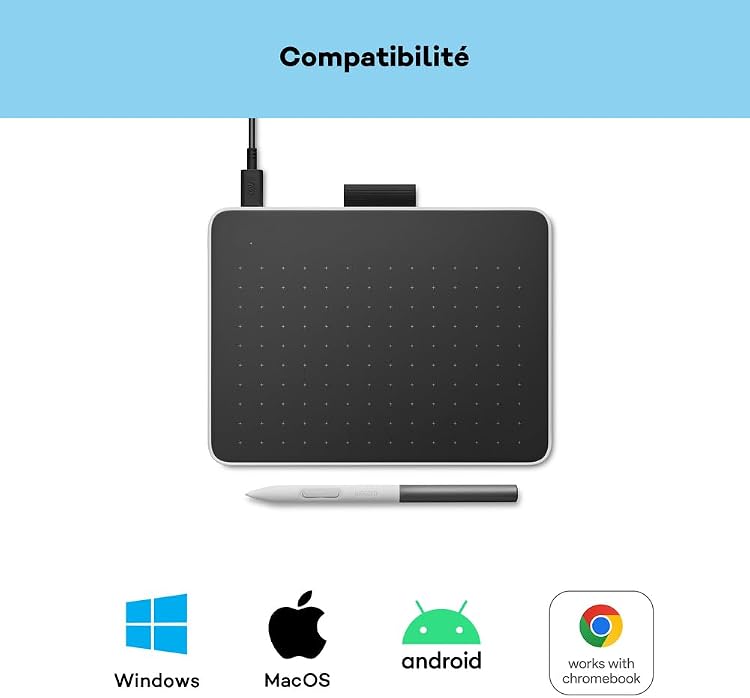
- Bluetooth or USB-C connection options are stated. Plug-and-play is not available on macOS.
- Supports listed use cases including drawing, note-taking and digital signatures.
Pros and cons
Pros
- Battery-free pen avoids charging the stylus.
- Bluetooth offers a cable-free connection option, with USB also listed.
- Compact active area can suit beginners, handwriting and signature tasks.
Cons
- The 152 x 95 mm active area is relatively compact, which may constrain broad strokes or detailed work compared with a larger tablet.
- This is a pen tablet rather than a pen display, so the connected device provides the screen you work on.
Technical specifications
12 specifications| Brand | Wacom |
|---|---|
| Model | Wacom One S |
| Screen size listed | 21.6 |
|---|---|
| Screen technology listed | LCD |
| Active surface area | 152 x 95 mm |
| Pressure sensitivity | 4096 Levels |
|---|---|
| Pen technology | Electromagnetic Resonance, Extra-Slim |
| Connection | Bluetooth, USB |
|---|---|
| Operating systems listed | Android, Chromebook, Mac, Windows |
| Compatible devices | Laptop, Desktop, Tablet |
| Weight listed | 0.2 Kilograms |
|---|---|
| Dimensions | 18.8L x 14.1W centimetres |
What to know before buying
Listing details to confirm
Listing details are inconsistent: screen size is given as 21.6 without a unit and display type as LCD, although the product is described as a pen tablet rather than a screen-based drawing display. The package list also varies between Digital Pen, Quick Start Guide and USB Cable, and a longer feature list naming a Standard Pen, USB-C to C L-shape cable 1m, Replacement nib (POM), Nib removal tool and Regulation sheet. Confirm the selected listing's specifications and included contents before purchase. The listing names Windows compatibility, while customer feedback reports mixed compatibility including problems with Windows 11. macOS plug-and-play is explicitly excluded.
What’s in the box
- Digital PenIncluded
- Quick Start GuideIncluded
- USB CableIncluded
- Replacement nib (POM)Check selected pack
- Nib removal toolCheck selected pack
- Regulation sheetCheck selected pack
Check which accessories are included in your selected pack before buying.
Who is it for?
A good fit for
- Beginners wanting a compact tablet for digital drawing or photo editing.
- People who want to take handwritten notes or add digital signatures on a compatible connected device.
- Buyers who prefer a battery-free pen and wireless connection option.
Less suited to
- Anyone who needs to draw directly on an integrated display.
- Artists wanting a large active area for expansive gestures or detailed work.
Customer reviews on Amazon
- 5 stars
57% 57% - 4 stars
16% 16% - 3 stars
7% 7% - 2 stars
6% 6% - 1 star
14% 14%
Customer feedback describes the tablet as a good little device, while compatibility experiences are mixed. Reports mention use with Tahoe 26 on a MacBook Pro and problems with Windows 11. This matters because the listing names several supported operating systems but also excludes macOS from plug-and-play, so buyers should check their specific system and setup. The aggregate ratings are mixed rather than uniformly positive, and do not identify the reasons behind individual ratings.
Positive themes
- Some customer feedback describes the device as a good little tablet.
Mixed feedback
- Compatibility feedback is mixed, with reported success on Tahoe 26 with MacBook Pro and reported Windows 11 problems.
Frequently asked questions
Does the Wacom One S have a built-in drawing screen?
The product is described as a pen tablet, not a pen display. The listing's LCD and 21.6 screen-size details are inconsistent with that description, so confirm the exact configuration before buying.
Does the pen need charging?
The listing describes the included EMR pen as battery-free.
Which connections are listed?
Bluetooth and USB are listed. The feature text specifies USB-C and says plug-and-play is not available on macOS.
What is included in the box?
The explicit box-contents field names a Digital Pen, Quick Start Guide and USB Cable. A separate feature list describes a longer set of contents, so check the selected listing for the supplied bundle.
Alternative options
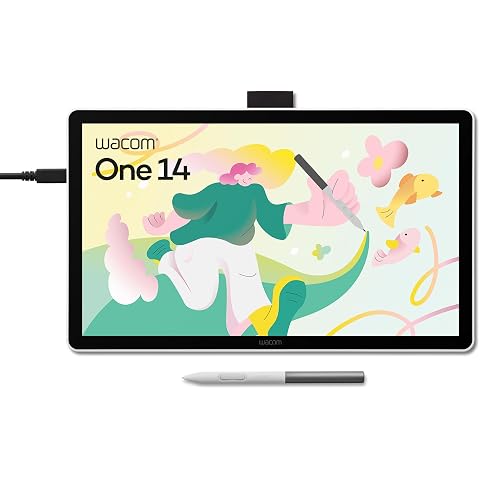
Wacom One 14, Pen Display, Full HD, incl. battery-free Standard Pen | Drawing Tablet (PC necessary), Pen-on-paper feel with anti-glare etched glass, lightweight FHD with Japanese technology.
£200.99
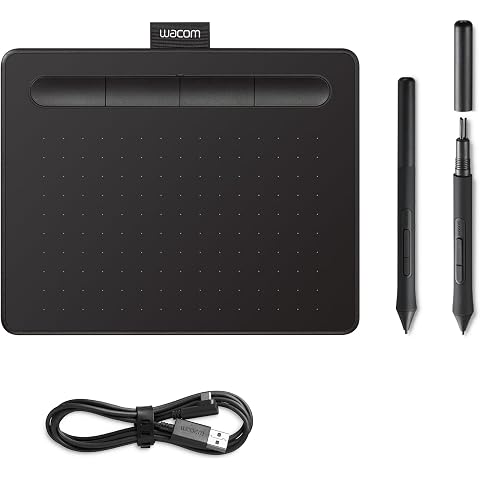
Wacom Intuos S, Pen Tablet, incl. battery-free Wacom Pen 4K | Drawing Tablet (PC required) with Wacom's natural pen experience, accurate control for drawing, painting and photo editing
£39.45
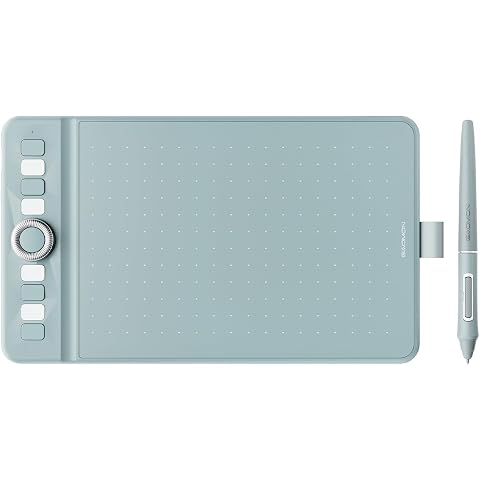
GAOMON WH851 Bluetooth Drawing Tablet 8 x 5 inches Graphics Tablet | 16384 Pen Pressure Intuitive Dial and 8 Hot Keys Type-C Port Portable for Creators, Work with Mac Windows Android and tablets
£44.65
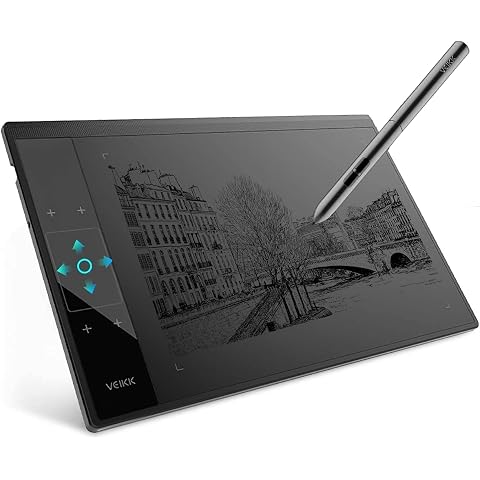
Graphic Drawing Tablet VEIKK A30 10 x 6 Inch Drawing Tablet for Beginner | Drawing Pad with 16384 Level Battery-free Pen for PC Supports Mac/Windows/Linux,Graphics Tablet w/ 4 Touch Keys and 1 Panel
£41.59
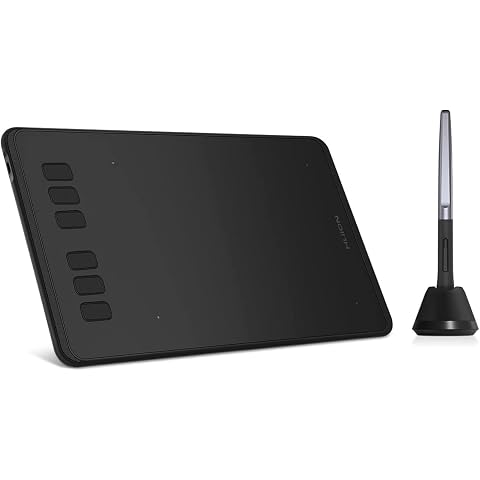
HUION Inspiroy H640P Drawing Tablet 6x4 inch Graphic Tablet for Beginner | Battery-Free Stylus, 8192 Pen Pressure, 6 Hot Keys, Work with Mac/PC/Android, Digital Art for Drawing Writing Design Teaching
£27.07
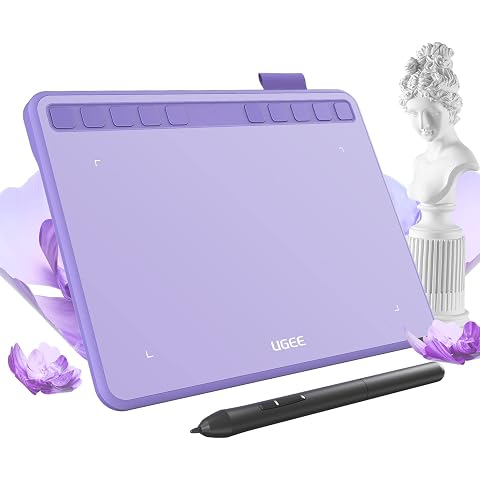
ugee S640 Drawing Tablet 6.3 x 4 In Graphics Pad for Beginner | 8192 Pen Pressure 10 Customisable shortcut Keys with Battery-free Stylus Compatible with for Mac, Windows PC and Android
£27.99
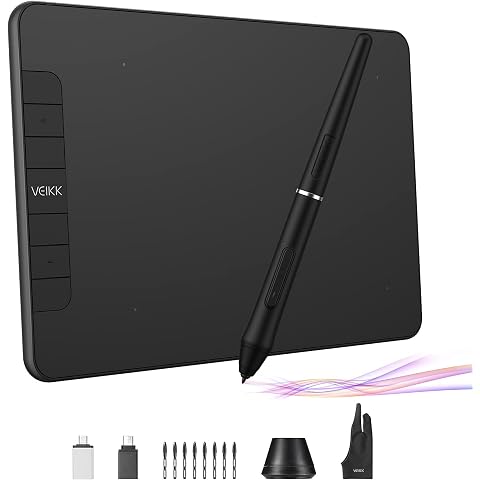
Graphics Drawing Tablet, VEIKK VK640 6 × 4 Inch Digital Drawing Pad with Battery-Free Pen 6 Shortcut Keys Tilt Function 8192 Levels Electronic Writing Pad for Laptop PC for Android OS Windows MAC
£26.99
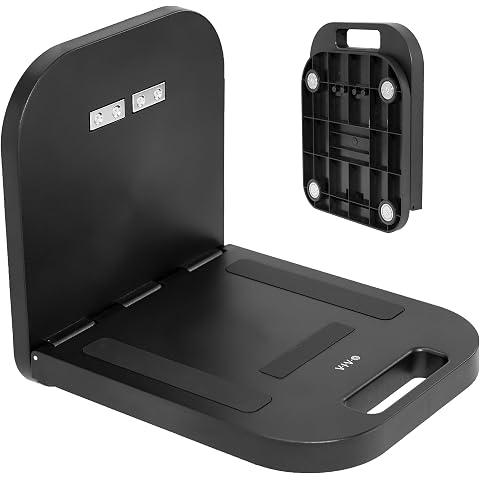
VIVO Magnetic Portable Laptop Workstation, Notebook/Tablet Shelf, Utility Platform with 33 lbs Capacity, Hands-Free Compact Desk, Attaches to Steel Surfaces, Black, DESK-MAG01
£69.99
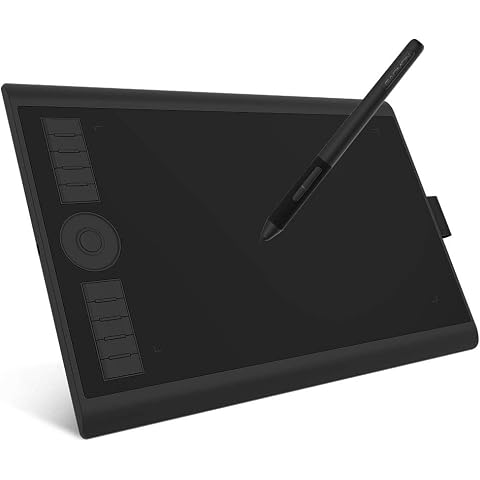
GAOMON M10K PRO Drawing Tablet 10×6.25 Inches Graphics Tablet | 8192 Pen Pressure,10 Hot Keys +1 Dial Controuer, Battery-Free Stylus, Art Tablet Support OTG, Windows/Mac/Android Compatible
£42.49
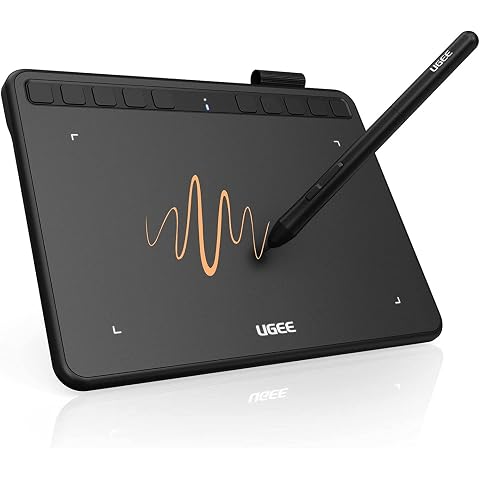
ugee S640 Drawing Tablet 6.3 x 4 In Graphics Pad for Beginner | 8192 Pen Pressure 10 Customisable shortcut Keys for Digital Art, OSU Playing, Compatible with Windows PC, Mac
£28.99
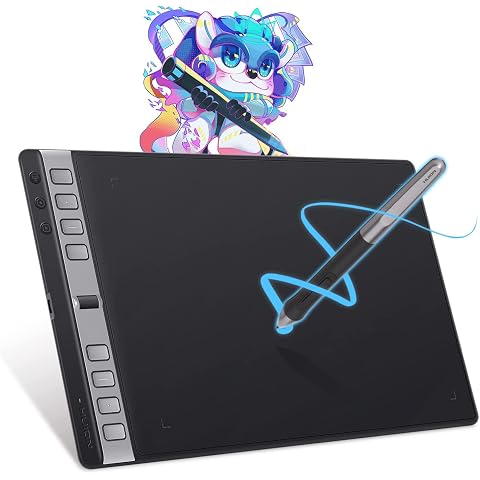
HUION Inspiroy 2 Large Drawing Tablet with 3-Group 8 Customized Express Key | 10.5x6.56" Art Tablet with Scroll Wheel, 8192 Pen Pressure, Graphics Tablet for Drawing, Design, Works with Mac/Windows/Linux
£75.98
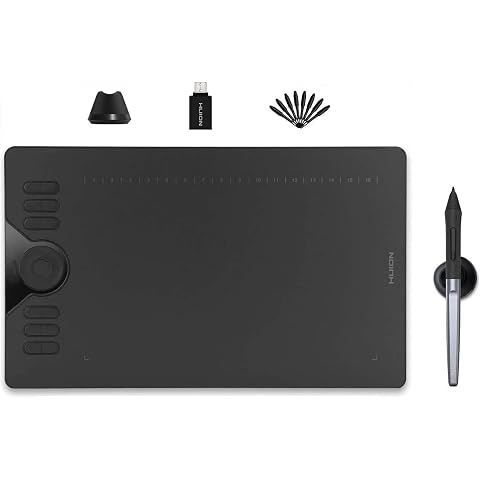
HUION Drawing Tablet HS610 10x6.25 inch 12 Express Keys & Touch Strip | Battery-Free Stylus, 8192 Pen Pressure, Tilt, Work with Windows/Mac/Android, Graphic Tablet for Animation, Design, Writing
£42.74