 1 / 7
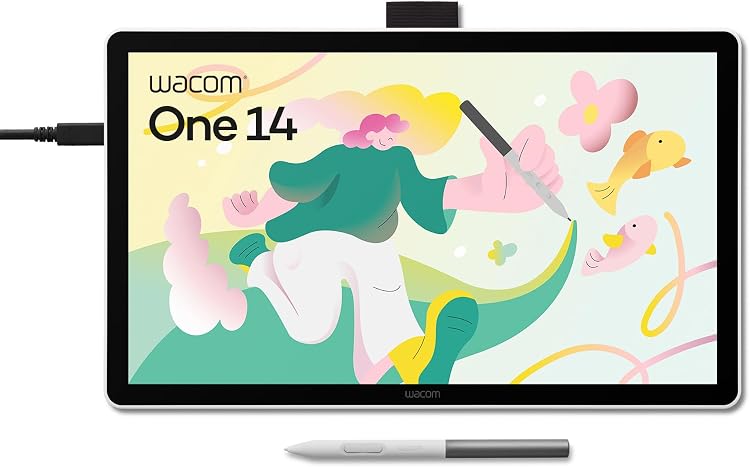
Wacom One 14 pen display, 14-inch Full HD with battery-free pen
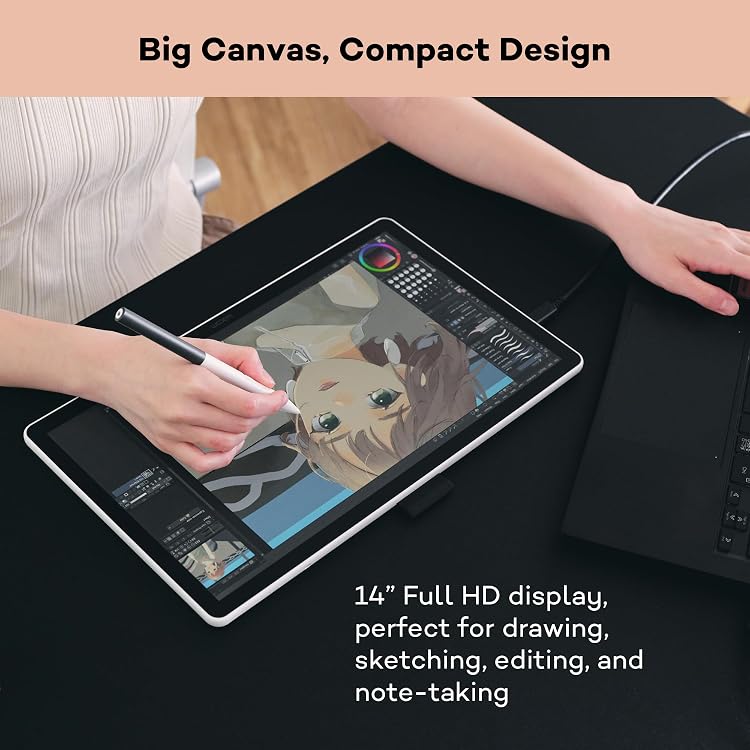
Full: Wacom One 14 is a 14-inch pen display for drawing, photo editing and note-taking with a connected computer. Its 1920x1080 screen and battery-free pen suit hands-on creative work, but it is not presented as a standalone tablet.
At a glance
- The 14-inch Full HD display provides a larger drawing area than a compact pen display, with anti-glare etched glass described as giving a paper-like drawing feel.
- The battery-free pen is specified with 4096 pressure levels and ±60° tilt for pressure-sensitive strokes.
- A single USB-C cable can carry power, video and pen data when the computer's USB-C port supports Thunderbolt or DisplayPort Alt Mode.
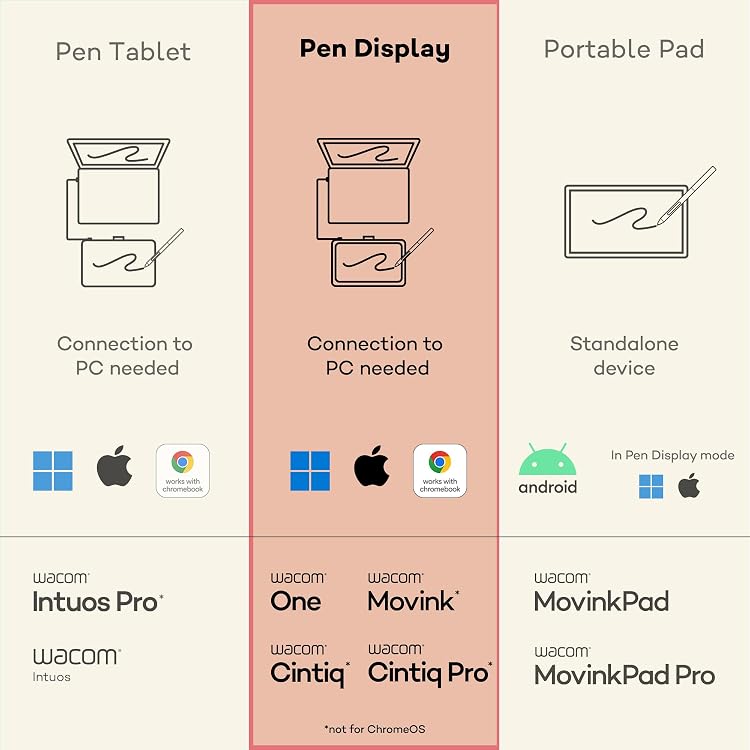
- The listing says a computer is necessary, so this is a display peripheral rather than a self-contained drawing tablet.
Pros and cons
Pros
- 14-inch 1920x1080 display pairs a generous working area with a portable listed weight of 750 Grams.
- Battery-free pen with 4096 pressure levels and tilt support.
- Anti-glare etched glass is intended to reduce reflections and provide more drawing texture.
Cons
- Requires a connected computer, which limits use away from a suitable host device.
- Single-cable operation depends on a compatible USB-C port with Thunderbolt or DisplayPort Alt Mode.
Technical specifications
16 specifications| Brand | Wacom |
|---|---|
| Model | Wacom One 14 |
| Screen size | 14 Inches |
|---|---|
| Screen technology | LCD |
| Native resolution | 1920x1080 |
| Colour coverage | 98% sRGB color coverage |
| Pressure sensitivity | 4096 Levels |
|---|---|
| Pen tilt | ±60° |
| Listed features | Ambidextrous Design, Anti-Glare Glass, Ergonomic |
| Connection listed | USB |
|---|---|
| Connection cable described | USB-C cable |
| Weight | 750 Grams |
|---|---|
| Dimensions | 33.6L x 20.1W centimetres |
| Thickness | 10 mm |
| Compatible devices listed | Desktop, Laptop, Tablet |
|---|---|
| Operating systems described | Windows, macOS, or ChromeOS |
What to know before buying
Listing details to confirm
The connection details are described inconsistently: USB is listed in the specifications, while product copy describes USB-C and requires Thunderbolt or DisplayPort Alt Mode for single-cable use. The standard contents list says USB Cable, whereas the feature list specifies USB-C cable and lists three replacement nibs plus a nib remover. Confirm the cable and accessories for the selected listing. A Wacom Converter is described as necessary for computers without a compatible USB-C port and is identified as sold separately in the connection instructions. A separate manufacturer contents list names a Digital Pen, Quick Start Guide and USB Cable. The feature list instead names the Wacom One Standard Pen, three replacement nibs, a nib remover, USB-C cable, Quick Start Guide and regulation sheet. Package details therefore remain unclear.
What’s in the box
- Digital penIncluded
- Quick Start GuideIncluded
- USB CableIncluded
- Wacom One Standard PenCheck selected pack
- 3 replacement nibs and nib removerCheck selected pack
- Regulation sheetCheck selected pack
Check which accessories are included in your selected pack before buying.
Who is it for?
A good fit for
- Digital artists and illustrators who prefer drawing directly on a display with a pressure-sensitive pen.
- Photo editors, teachers and note-takers who want pen-based input on a computer screen.
- People seeking a portable 14-inch creative display and able to verify that their computer supports the required connection.
Less suited to
- Buyers wanting a standalone tablet that runs drawing apps without a computer.
- Users who need a larger-than-Full-HD working resolution or cannot confirm a compatible computer connection.
Customer reviews on Amazon
- 5 stars
59% 59% - 4 stars
11% 11% - 3 stars
4% 4% - 2 stars
3% 3% - 1 star
23% 23%
The supplied evidence includes aggregate ratings but no customer-comment summary, so it does not establish what buyers praised or criticised. The overall rating is mixed, with a substantial five-star share alongside a notable one-star share. Treat this as a caution rather than a diagnosis: it does not identify causes or establish how the display performs for drawing, computer compatibility or package completeness.
Frequently asked questions
Can the Wacom One 14 work without a computer?
No. The listing describes it as a drawing tablet that needs a PC, and the connection instructions require a compatible computer.
What resolution and size does its display have?
The listed LCD measures 14 Inches and has a native resolution of 1920x1080.
Does one USB-C cable work with every computer?
No. Single-cable operation requires a computer USB-C port with Thunderbolt or DisplayPort Alt Mode. The listing describes a Wacom Converter and separate cables for other setups.
What comes in the box?
The package details conflict. One list names a digital pen, quick start guide and USB cable, while another lists the Standard Pen, replacement nibs, a nib remover, USB-C cable, guide and regulation sheet. Confirm the selected listing's contents.
Alternative options
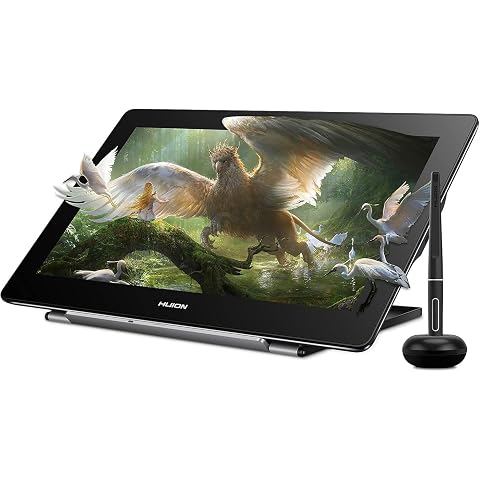
HUION Kamvas Pro 16 4K Drawing Tablet with Screen 15.6" | UHD 4K Resolution, Full Laminated Anti-Glare Glass, Tilt Function, 8192 Pressure Stylus for Professional Artists
£382.49
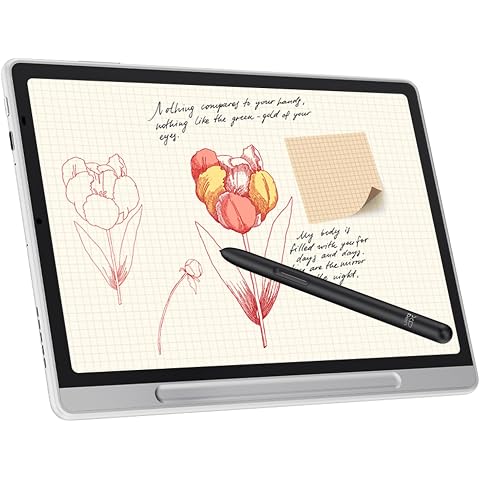
XPPen Magic Note Pad 10.9" Color Paper Tablet with 16K X3 Pro Pencil 2 | Digital Notepad with 3in1 X-Paper Display, 90Hz Refresh Rate, 16.7M Colors, Ideal for Note-Taking & Document Annotation
£399.99
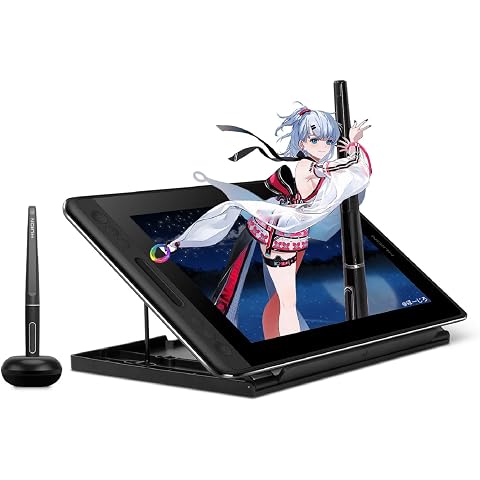
HUION Kamvas Pro 12 Drawing Tablet with Screen 11.6" Adjustable Stand | Battery-free Pen with Tilt Function 4 Express Keys & 1 Touch Bar Best Gift for Beginner Digital Graphic Artis
£151.99
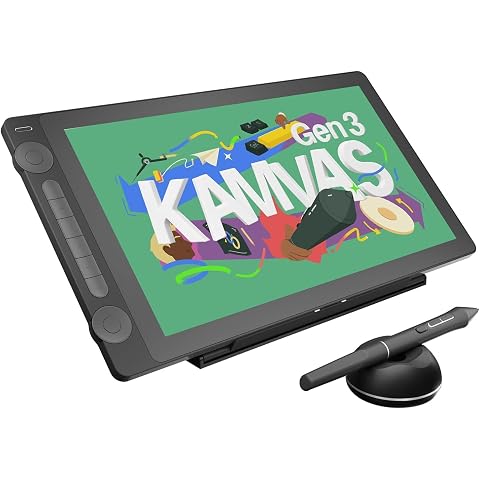
HUION Kamvas 16 Gen 3 Drawing Tablet with Screen 15.8" 2.5K QHD Dual Dials | PenTech4.0 16384 Pressure, 120% SRGB Gamut, Full Laminated, Anti-Sparkle Glass Work with Mac/PC/Android for Design &Animation
£398.99
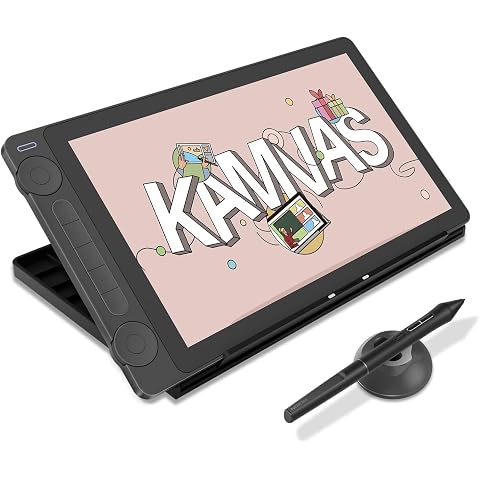
HUION Kamvas 13 Gen 3 Drawing Tablet with Screen with Stand 13.3", Black | PenTech 4.0 16384 Pen Pressure, 5 Express Keys, Dual Dial, Anti-Glare Glass, Works with Windows/Mac/Android for Art Design
£217.16
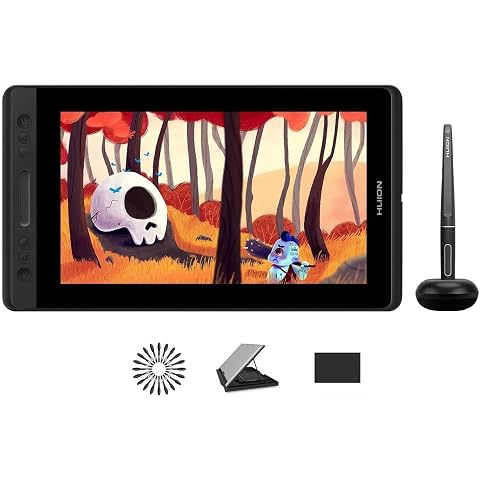
HUION Kamvas Pro 13 Drawing Tablet with Screen with Stand 13.3" 8192 Levels | 4 Press Keys and 1 Touch Bar Full Laminated Graphic Tablet with Screen for Animation Creation Work with Windows/Mac/
£188.99
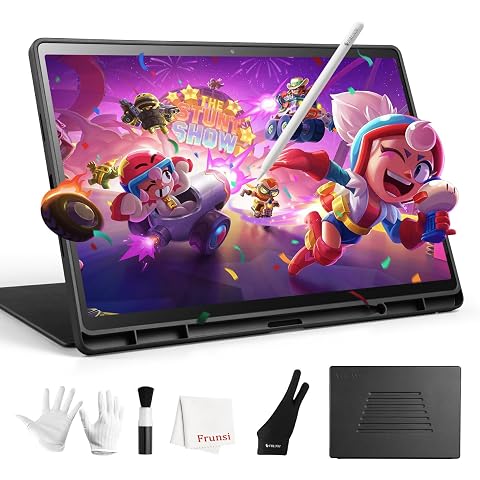
Frunsi RubensTab T14 Drawing Tablet No Computer Needed | 14.1 inch FHD Display,Octa-Core CPU,Pre-Installed Drawing Apps More Bonus Items for Beginners, Artists,
£249.00
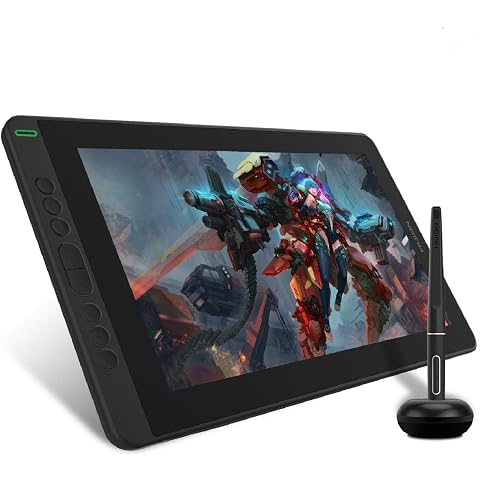
HUION Kamvas 13 Drawing Tablet with Screen 8 Shortcut Keys 13.3" Black | PenTech 3.0, 8192 Pen Pressure, Fully Laminated Anti-Glare Glass, Works with Windows, Mac and Linux for Illustration Creation
£169.99
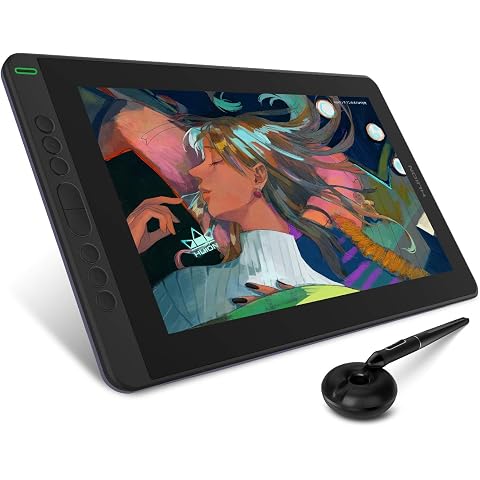
HUION Kamvas 13 Drawing Tablet with Screen 8 Shortcut Keys 13.3" Purple | PenTech 3.0, 8192 Pen Pressure, Fully Laminated Anti-Glare Glass, Works with Windows, Mac and Linux for Illustration Creation
£169.99
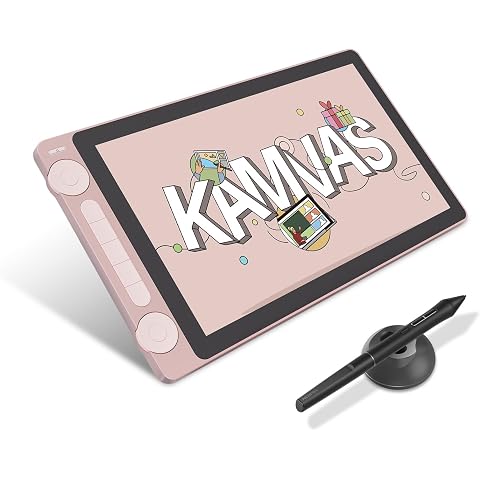
HUION Kamvas 13 Gen 3 Drawing Tablet with Screen, Dual Dial, 13.3", Pink | PenTech4.0 16384 Pen Pressure, 5 Express Keys, Anti-Glare Glass, Works with Windows/Mac/Android for Art Design
£198.55
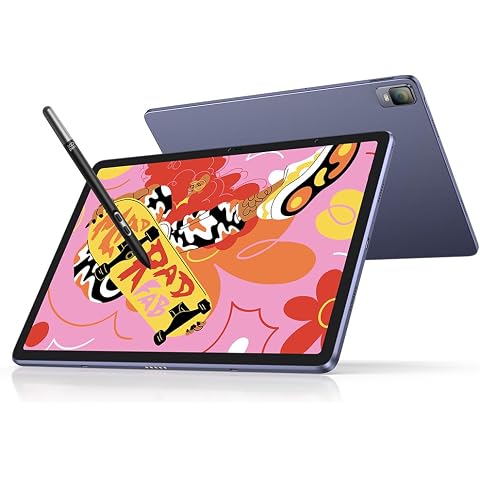
XPPen Magic Drawing Pad Standalone Graphics Tablet with 12.2" Screen | Portable Digital Art Pad with X3 Pro Slim Stylus, 16K Pressure Levels, Ideal for Painting, Reading, Gaming, Photographing
£499.99
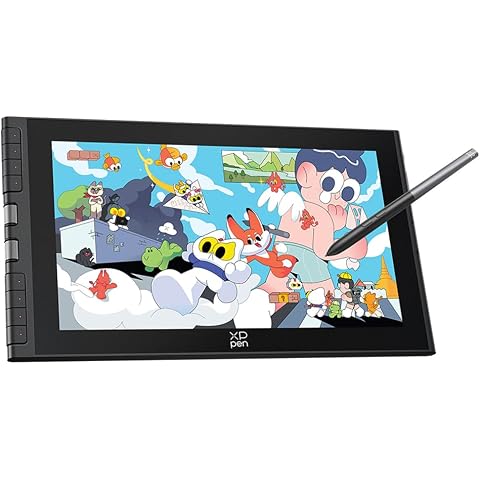
XPPen Artist 12 3rd Drawing Tablet with 11.9" FHD Screen & X4 Chip Stylus | Graphics Tablet with 8 Shortcut Keys & Dual Dial, Ideal for Beginners & On-the-Go Creators, Requires PC/Laptop Connection
£189.99