 1 / 6
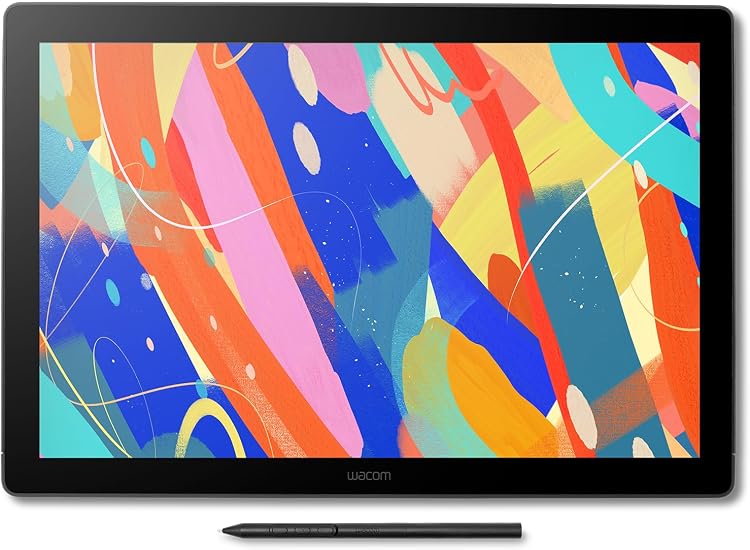
Wacom Cintiq 16 (2025), 2.5K pen display with Pro Pen 3
2025: The Wacom Cintiq 16 is a 2.5K pen display for drawing and other creative work with a connected computer. Its 16-inch-class screen, etched anti-glare glass and Pro Pen 3 suit desk-based illustration, while compatible computer ports are important for choosing a connection method.
At a glance
- 2560x1600 resolution on a 40.6-centimetre display, marketed as 2.5K.
- The listing describes etched anti-glare glass and a pen-on-paper feel.
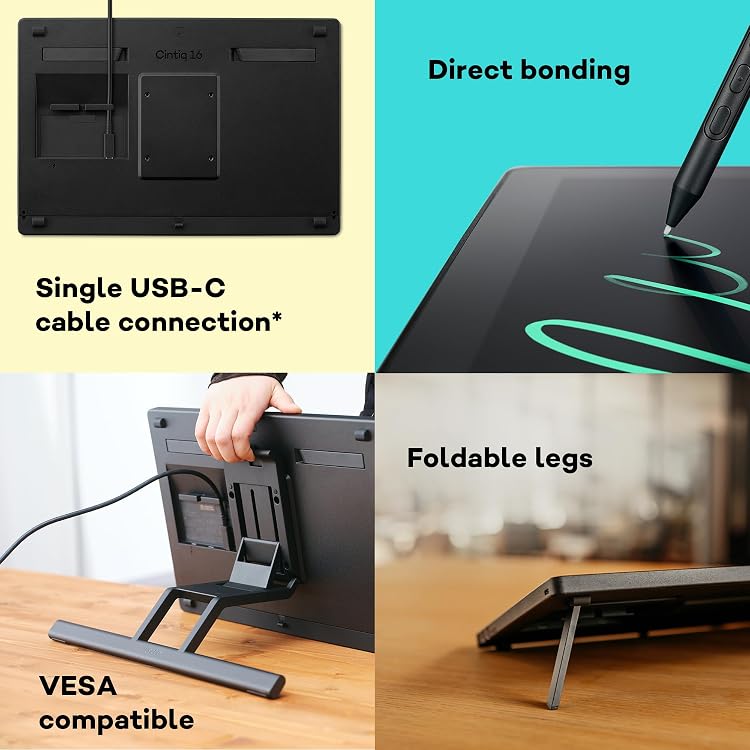
- Built-in foldable feet provide a stated 20° drawing angle.
- The Pro Pen 3 is claimed to be battery-free and support 8,192 pressure levels.
- A computer is required. A single USB-C connection needs DisplayPort Alt Mode and USB Power Delivery support.
Often bought together
Pros and cons
Pros
- The 2560x1600 resolution and listed 13.6 x 8.5 in active area provide a substantial drawing workspace.
- Anti-glare etched glass and a stated built-in 20° working angle are useful for desk drawing.
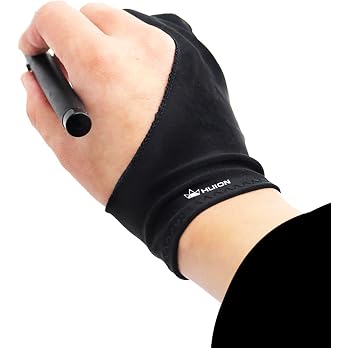
- The listing describes the pen as battery-free, with 8,192 pressure levels and three programmable switches.
Cons
- It is a pen display rather than a standalone drawing tablet, so creative work requires a connected computer.
- HDMI setup may require separately purchased cables, depending on the computer's ports.
Technical specifications
15 specifications| Brand | Wacom |
|---|---|
| Model | Wacom Cintiq 16 |
| Screen size | 40.6 Centimetres |
|---|---|
| Screen technology listed | IPS |
| Native resolution | 2560x1600 |
| Active surface area | 13.6 x 8.5 in |
| Pressure sensitivity | 8192 Levels |
|---|---|
| Special features | Ambidextrous Design, Anti-Glare Glass, Ergonomic, Extra-Slim |
| Connection listed | HDMI, USB |
|---|---|
| Compatible devices | Desktop, Laptop, Tablet |
| Weight listed | 2 Kilograms |
|---|---|
| Dimensions | 38.4L x 25.9W centimetres |
| Colour | Black |
|---|---|
| Manufacturer part number | DTK168K0B |
| Product warranty | 2 year manufacturer |
What to know before buying
Listing details to confirm
The title and feature details identify a 2.5K 2560x1600 screen, while the technical details separately list LCD and a claimed IPS panel. The connection field says HDMI and USB, but the feature details describe USB-C single-cable use with DisplayPort Alt Mode and USB Power Delivery, and HDMI cabling as separately purchased. Package descriptions also differ: the box details list a digital pen, holder, guide, replacement nib and USB cable, while the feature list describes a Pro Pen 3, vari-angle stand, nib remover, two USB-C cables, power adapter and other documents. Confirm the selected listing's exact panel, connection requirements and included kit before buying.
What’s in the box
Included- Digital pen
- Pen holder
- Quick Start Guide
- Replacement nib
- USB cable
Who is it for?
A good fit for
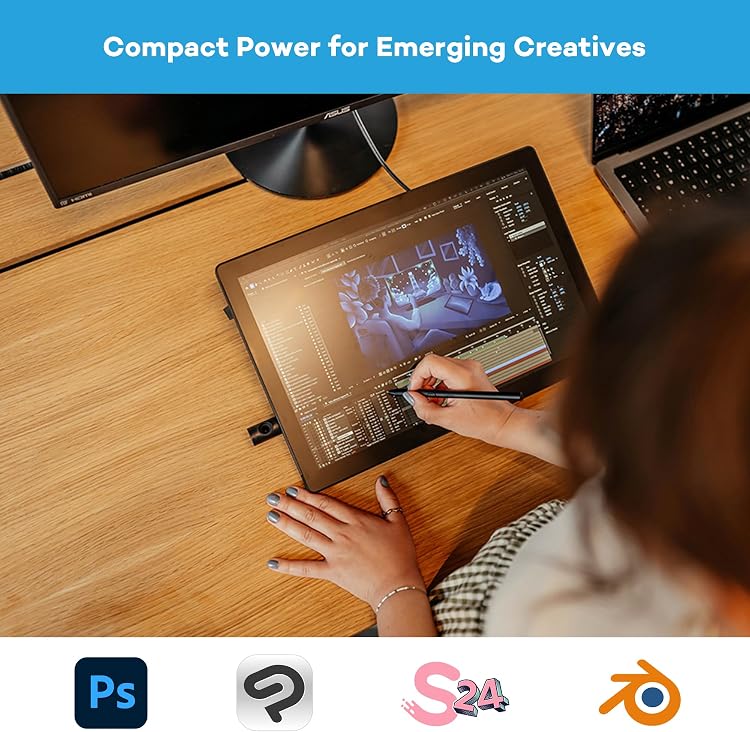
- Illustrators, concept artists and digital painters who want to draw directly on a computer-connected display.
- People seeking a mid-sized work surface with a 2.5K listed resolution and an angled, anti-glare drawing surface.
- Users whose computer supports the connection method they plan to use, especially USB-C with DisplayPort Alt Mode and USB Power Delivery.
Less suited to
- Anyone needing a standalone tablet that works without a computer.
- Buyers who require confirmed package contents or a guaranteed one-cable setup without first checking their computer's ports.
Customer reviews on Amazon
- 5 stars
87% 87% - 4 stars
7% 7% - 3 stars
0% 0% - 2 stars
6% 6% - 1 star
0% 0%
Customer feedback is described positively for functionality and value, and the supplied ratings skew strongly towards five-star responses, though a smaller two-star share shows that experiences are not uniformly positive. This provides a favourable but limited signal for prospective buyers. It does not establish which specific functions were praised or explain lower ratings, so check that the listed resolution, computer connection and package contents meet your needs.
Positive themes
- Customer feedback highlights functionality.
- Customers are reported to appreciate value for money.
Frequently asked questions
Does the Wacom Cintiq 16 work without a computer?
No. The listing identifies it as a drawing tablet that requires a PC, and describes it as connecting to a computer.
Can it connect with one USB-C cable?
The feature details say single-cable USB-C requires DisplayPort Alt Mode and USB Power Delivery on the computer. Check that the computer supports both.
Are the connection cables included?
The listing is inconsistent. One contents field lists a USB cable, while the feature list specifies two USB-C cables and says HDMI and USB-C/A cables are not included. Confirm the selected package.
What is the screen resolution?
The listing title and feature details specify 2560x1600, described as 2.5K. The technical details also identify LCD and a claimed IPS panel.
Alternative options
XPPen Artist Ultra 16 Drawing Tablet with 15.6" 4K OLED Touch Screen | Professional Graphics Tablet with Dual X3 Pro Stylus, Ideal for Digital Drawing & Design, Works with Windows, Mac
£764.99
HUION Kamvas 13 Drawing Tablet with Screen 8 Shortcut Keys 13.3" Black | PenTech 3.0, 8192 Pen Pressure, Fully Laminated Anti-Glare Glass, Works with Windows, Mac and Linux for Illustration Creation
£169.99
HUION Kamvas 13 Gen 3 Drawing Tablet with Screen, 16384 Pen Pressure, Black | 13.3", PenTech4.0, 5 Express Keys, Dual Dial, Anti-Glare Glass, Works with Windows/Mac/Android for Digital Painting
£198.55
HUION Kamvas 13 Drawing Tablet with Screen 13.3" Green Adjustable Stand | 8192 Pen Pressure, 8 Shortcut Keys, Fully Laminated Anti-Glare Glass, Works with Windows/Mac/Linux for Illustration Creation
£179.99
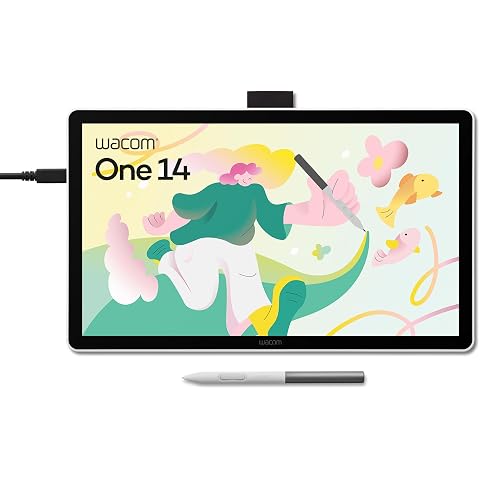
Wacom One 14, Pen Display, Full HD, incl. battery-free Standard Pen | Drawing Tablet (PC necessary), Pen-on-paper feel with anti-glare etched glass, lightweight FHD with Japanese technology.
£200.99
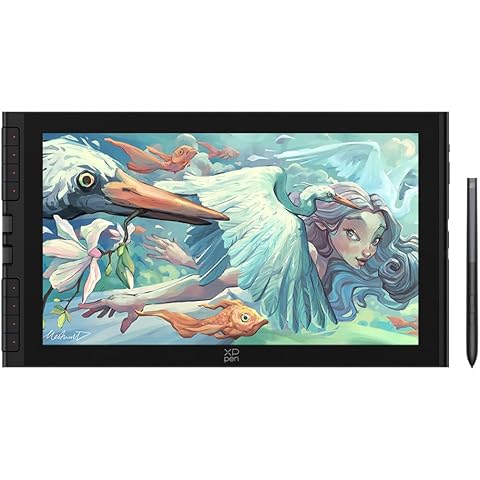
XPPen Artist 16 3rd Gen Drawing Tablet with 15.4" FHD Screen for Beginners | Pen Display with X4 Magnetic Pen,16K Pressure Levels & Dual Roller for Animation, Illustration, Requires Laptop/PC Connection
£239.99
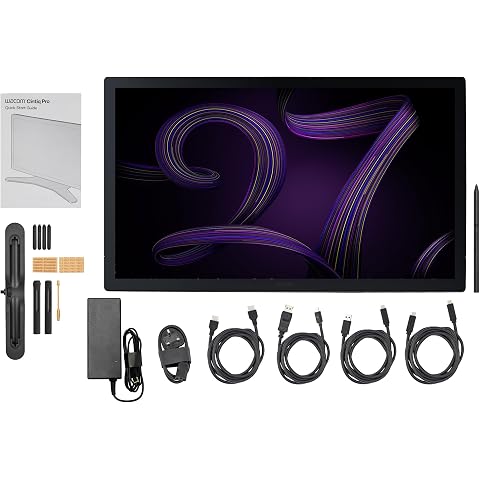
Wacom Cintiq Pro 27, Pen Display, Pantone Validated, incl. Wacom Pro Pen 3 | Multi-touch drawing tablet (PC required), 4K, 99% Adobe RGB, 120Hz, near-zero latency & parallax with Japanese technology
£3,249.98
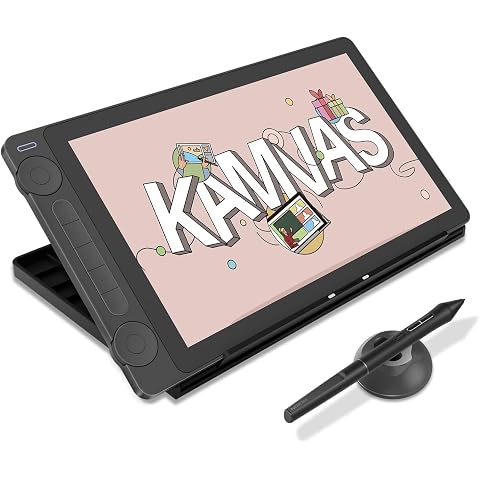
HUION Kamvas 13 Gen 3 Drawing Tablet with Screen with Stand 13.3", Black | PenTech 4.0 16384 Pen Pressure, 5 Express Keys, Dual Dial, Anti-Glare Glass, Works with Windows/Mac/Android for Art Design
£217.16
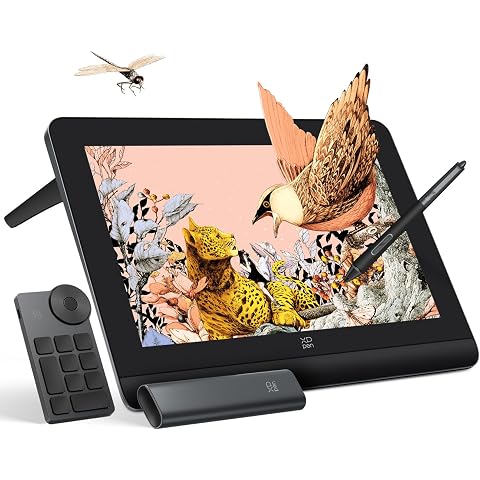
XPPen Artist Pro 16(Gen 2) Graphics Drawing Tablet with 16" 2.5K QHD Screen | Pen Display with 99% sRGB Color Gamut, 16K Pen Pressure, Built-in Stand, Requires Connection to Windows, macOS, Android
£423.98
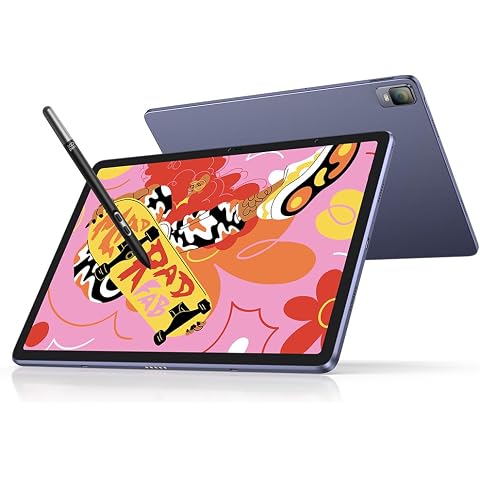
XPPen Magic Drawing Pad Standalone Graphics Tablet with 12.2" Screen | Portable Digital Art Pad with X3 Pro Slim Stylus, 16K Pressure Levels, Ideal for Painting, Reading, Gaming, Photographing
£499.99
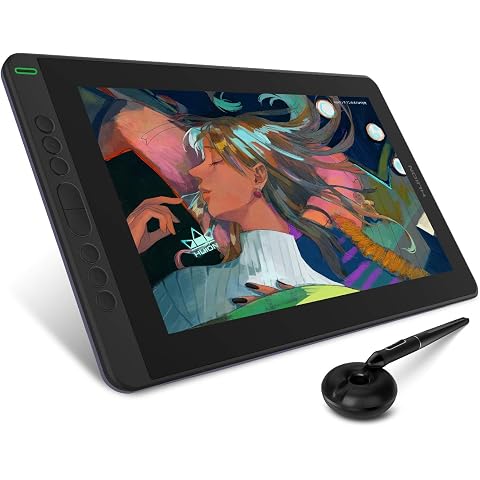
HUION Kamvas 13 Drawing Tablet with Screen 8 Shortcut Keys 13.3" Purple | PenTech 3.0, 8192 Pen Pressure, Fully Laminated Anti-Glare Glass, Works with Windows, Mac and Linux for Illustration Creation
£169.99
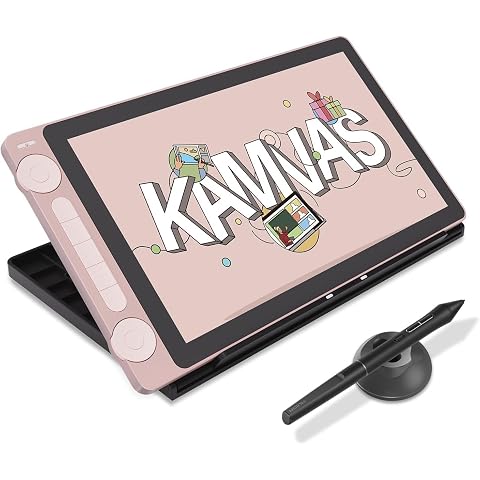
HUION Kamvas 13 Gen 3 Drawing Tablet with Screen with Stand Dual Dial, Pink | 13.3", PenTech 4.0 16384 Pen Pressure, 5 Express Keys, Anti-Glare Glass, Works with Windows/Mac/Android for Digital Painting
£217.16