 1 / 7
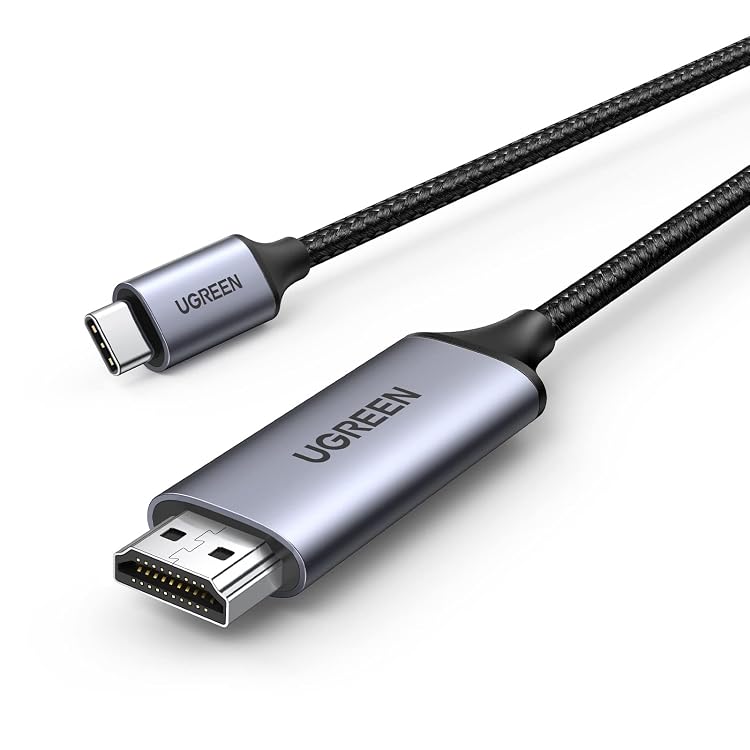
UGREEN USB-C to HDMI Cable, 4K at 60Hz, 1 m
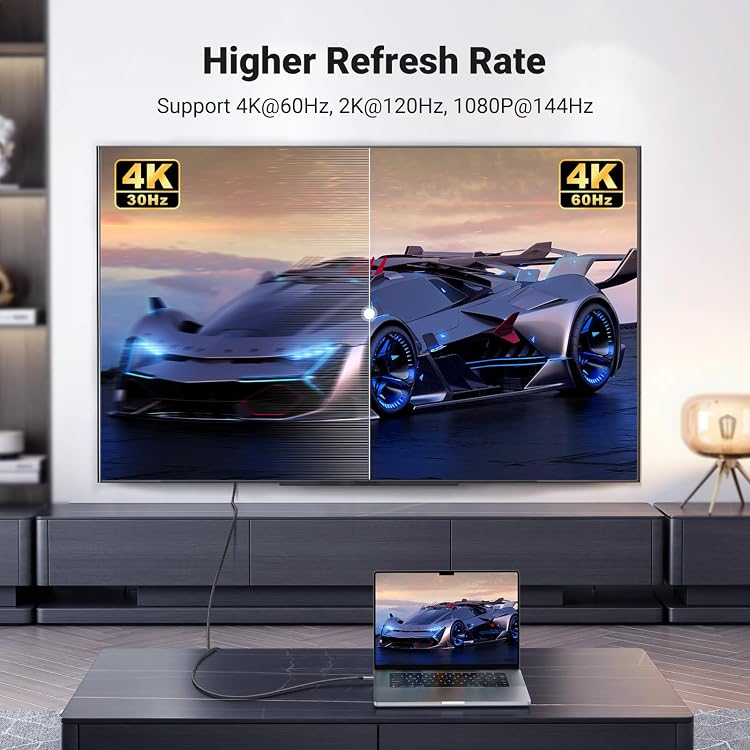
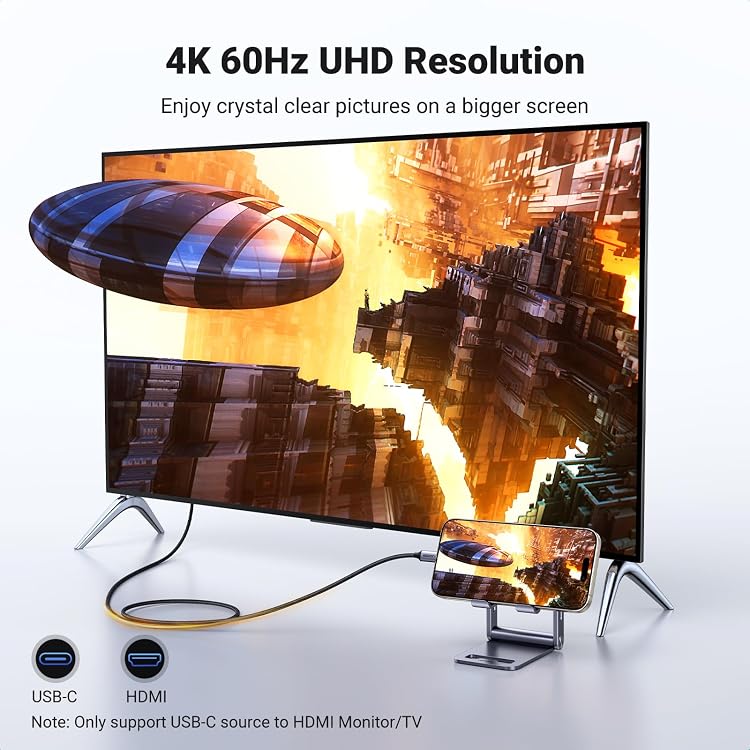
The UGREEN USB-C to HDMI cable connects a compatible USB-C device to an HDMI display for wired video and audio output. It is specified for up to 4K at 60Hz, provided both connected devices support that mode and the USB-C port supports DP Alt Mode.
At a glance
- Direct cable connection from a USB-C source to an HDMI display, with no separate adapter described.
- Supports audio and video output, with a stated maximum of 4K at 60Hz.
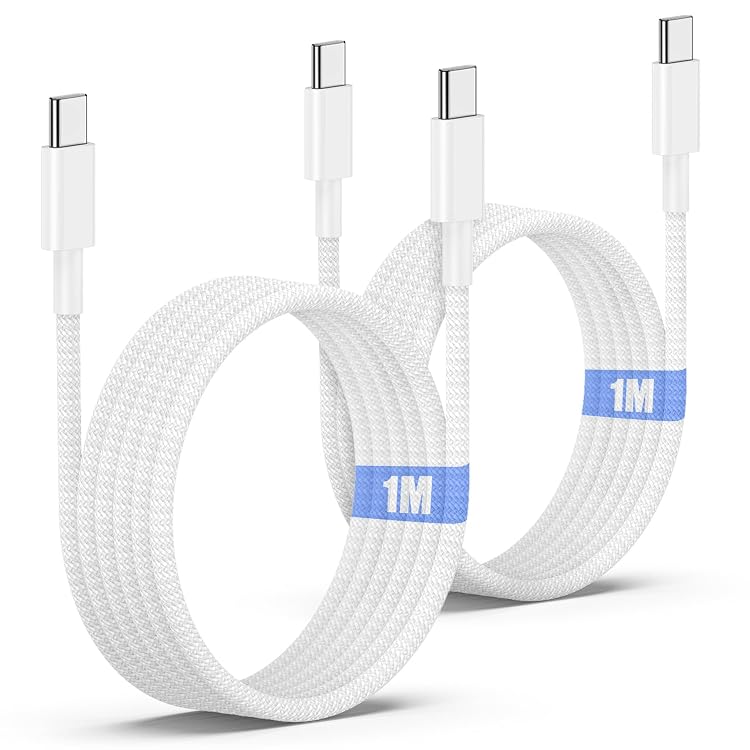
- Braided jacket and aluminium case are claimed construction features.
Reference price: £12.99
Price checked: 13 Nov 2026
View offerAhead of Black FridayExplore the selectionPros and cons
Pros
- A direct cable connection can simplify linking a compatible laptop, tablet or phone to a monitor, TV or projector.
- The stated 4K at 60Hz ceiling is suited to compatible displays and sources that support that mode.
- Supports lower listed modes including 1440p at 120Hz and 1080p at up to 240Hz.
Technical specifications
10 specifications| Brand | UGREEN |
|---|
| Connector type | USB-C to HDMI |
|---|---|
| Cable type | HDMI, USB |
| Signal direction | from USB-C source (e.g laptop/phone/tablet) to HDMI output devices(e.g monitor/display/tv) |
| Maximum supported resolution | 4K@60Hz |
|---|---|
| Other supported modes | 2560*1440@120Hz, 1920*1080@240/144Hz, etc. |
| Cable length | 1M |
|---|---|
| Cable jacket | Nylon-braided jacket |
| Durability claim | 10,000+ plugging and 10,000+ bends |
| Shielding and conductor | triple-layer shielding and tinned copper wire |
What to know before buying
- The cable is one-way from USB-C to HDMI, not for sending a signal from an HDMI source to a USB-C display. The USB-C port must support DP Alt Mode, and both source and display must support the intended resolution and refresh rate.
Listing details to confirm
The listing title names Thunderbolt 5/4/3, while the detailed compatibility claim specifies USB-C DP Alt Mode or Thunderbolt 3/4/5. Confirm the source port and device support the required video output rather than relying on the broad device list. The stated 10,000+ plugging and 10,000+ bends are manufacturer claims, not independently verified here.
Who is it for?
A good fit for
- People connecting a DP Alt Mode-capable USB-C laptop, tablet or phone to an HDMI monitor, television or projector.
- Buyers seeking a single cable for compatible high-resolution video and audio output.
Less suited to
- Anyone needing HDMI-to-USB-C signal direction or a USB-C source without DP Alt Mode video output.
- Setups where either the source or display cannot support the desired resolution and refresh rate.
Customer reviews on Amazon
- 5 stars
78% 78% - 4 stars
12% 12% - 3 stars
4% 4% - 2 stars
1% 1% - 1 star
5% 5%
The supplied evidence contains aggregate ratings but no written customer feedback, so it does not establish specific praised features or reported problems. The rating distribution is mostly five-star, with a smaller one-star share, but ratings alone cannot explain individual experiences. For buyers, compatibility matters more than the aggregate score: this cable requires USB-C DP Alt Mode and works only from the source to an HDMI display.
Frequently asked questions
Can this cable send video from HDMI to USB-C?
No. The listing describes one-way output from a USB-C source to an HDMI display.
What is required for 4K at 60Hz?
The USB-C source port must support DP Alt Mode, and both the source and HDMI display must support 4K at 60Hz.
Does the cable carry sound as well as video?
Yes. The listing claims support for both audio and video output.
Will it work with every USB-C device?
Not necessarily. USB-C alone is not enough. The source port needs to support DP Alt Mode video output.