 1 / 7
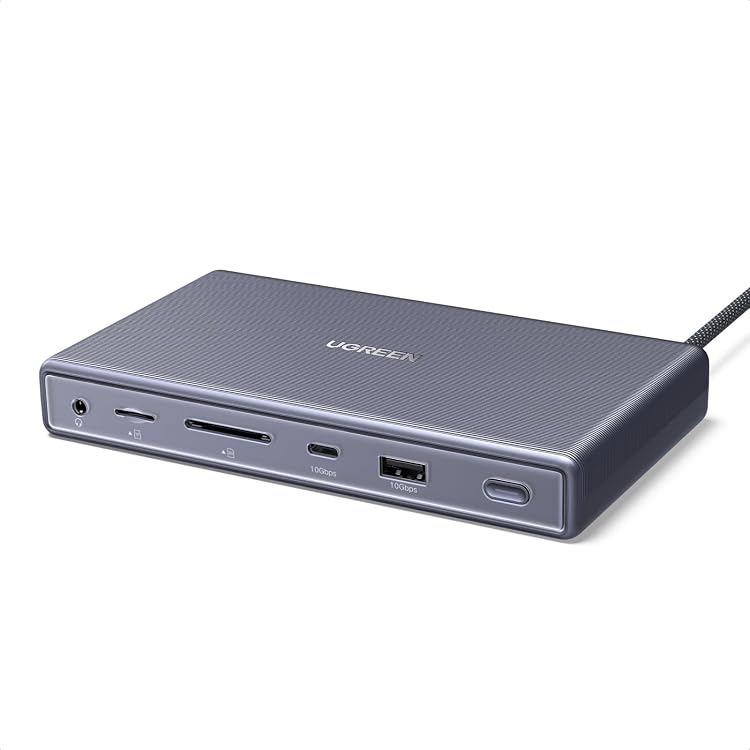
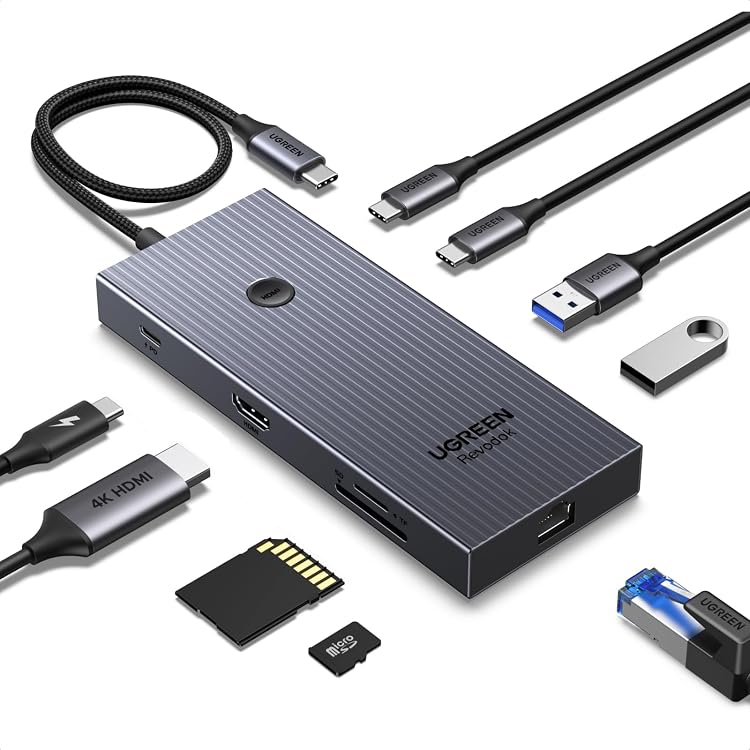
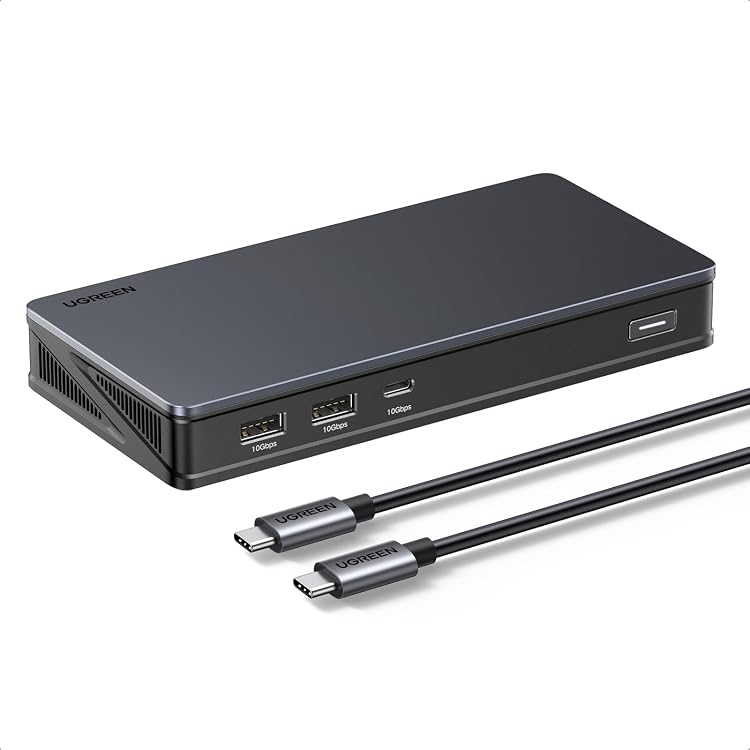
UGREEN 90912 9-in-1 DisplayLink Docking Station
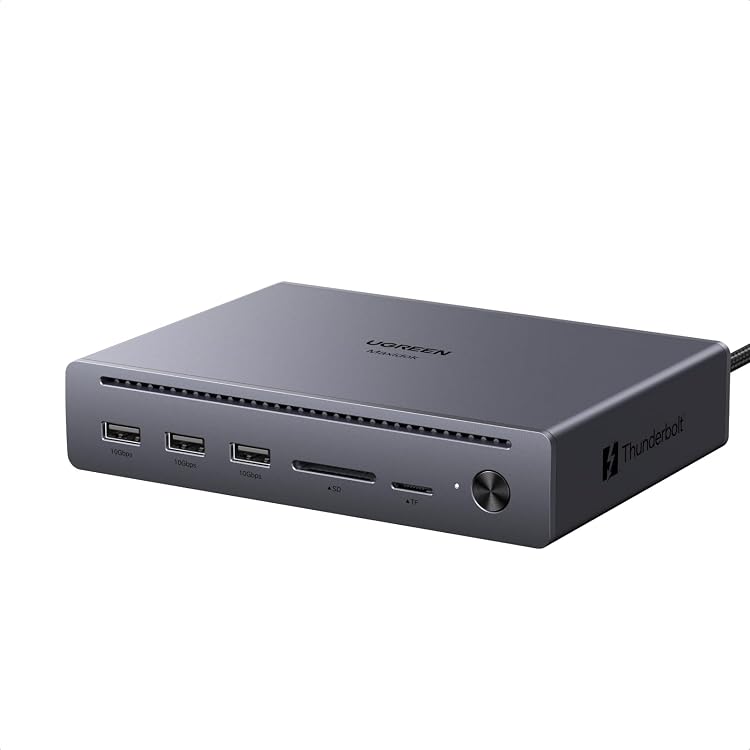
The UGREEN 90912 docking station combines DisplayLink video outputs, USB data ports, Ethernet and USB-C power delivery in a nine-port dock. It supports up to two displays, but requires DisplayLink software and a separate charger for laptop charging.
At a glance
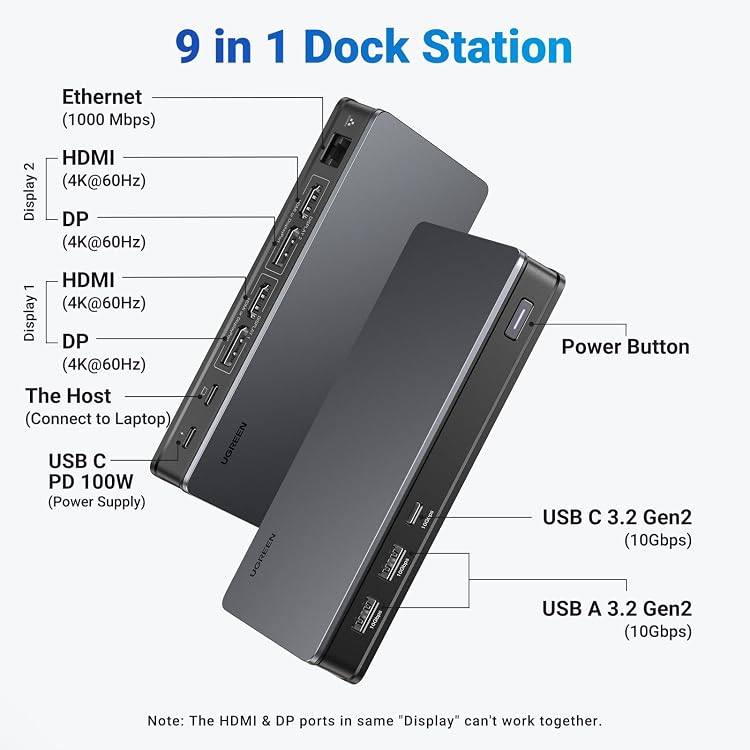
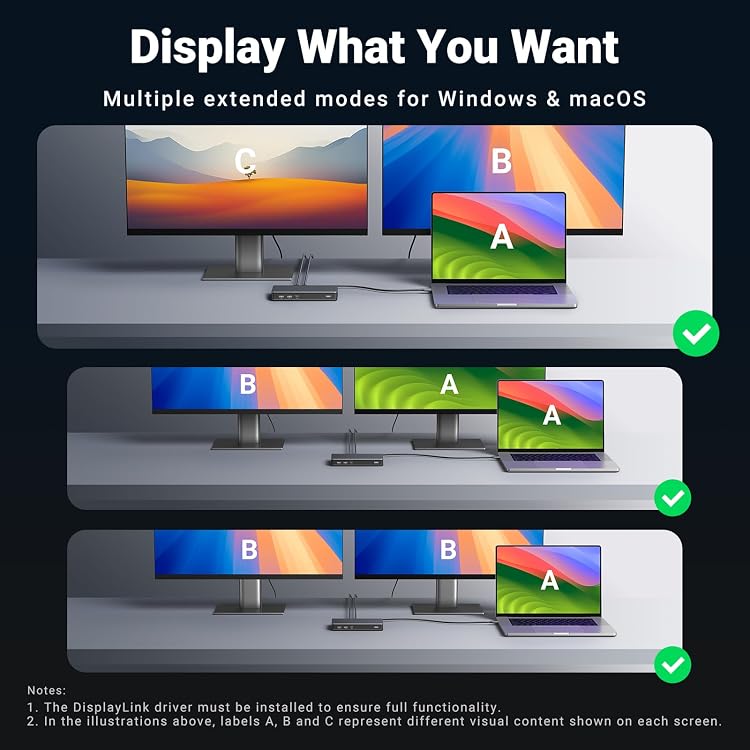
- Choose HDMI or DisplayPort within each of the two video-output groups. The ports in the same group cannot be used together.
- DisplayLink software is required for display and network functionality. macOS also requires Screen Recording permission for the driver.
- The USB-C PD port is for charging only. USB-C data ports transfer data only, rather than video or charging.
- Three USB-A/C data ports are specified at 10Gbps for external storage and peripherals.
Often bought together
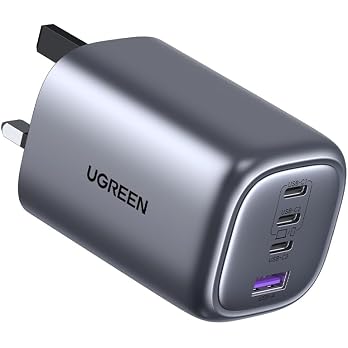
UGREEN Nexode 100W Fast Charger USB C Plug,4-Port GaN Laptop Charger | Compatible with MacBook Pro M3/Air, ThinkPad, iPad Pro, iPhone 18 Pro/18 Pro Max/17 Pro/Air/17/16/15, Galaxy S26/S25, etc
£28.84
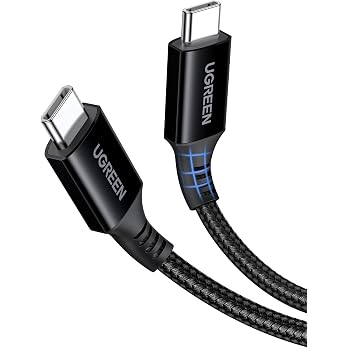
UGREEN USB C to USB-C Charger Cable 100W 5A Type C to C Fast Charging, 1M | Compatible with MacBook Pro/Air, HP, Dell,iPad Pro 2025, iPhone 18/17/16 Pro/Pro Max, Galaxy S26/S25, Pixel 11/10/9
£5.66
Pros and cons
Pros
- Two display-output groups provide a choice of HDMI or DisplayPort connections, with a stated maximum of two displays.
- Three 10Gbps USB data ports and an RJ45 connection support storage and wired-network connections from one dock.
- The USB-C PD input can provide up to 85W laptop charging when connected to a suitable 100W charger and cable.
Cons
- DisplayLink does not support gaming or HDCP-protected playback, including services such as Netflix and Hulu.
- The dock does not include the wall charger or charging cable needed for laptop power delivery.
Technical specifications
17 specifications| Brand | UGREEN |
|---|---|
| Model | 90912 |
| Colour | Black |
| Number of ports | 9 |
|---|---|
| USB ports | 4 |
| HDMI ports | 2 |
| Hardware interface | USB 3.2 Gen 2 |
| Ethernet | RJ45 port |
| Power delivery input | 100W Max USB-C PD input |
| Maximum laptop charging | up to 85W via the 100W USB-C Power Delivery port |
| Video outputs listed | 2x 4K@60Hz HDMI, 2x 4K@60Hz DisplayPort |
|---|---|
| Display limit | up to dual displays |
| Listed compatible devices | Card Readers, Keyboards, Laptops, Monitors, USB Flash Drives |
|---|---|
| Operating systems | macOS and Windows |
| Minimum required operating system version | Windows 7 |
| Dimensions listed | 16.6L x 8W x 2.3H centimetres |
|---|---|
| Weight listed | 510 Grams |
What to know before buying
- Install DisplayLink software for display and network functions. macOS users must grant Screen Recording permission, and workplace IT policies may block driver installation.
- A 100W PD charger and cable are required for the stated 85W laptop charging. The dock itself uses 15W when connected to a PD wall charger.
- Front USB-A ports are for data only and do not charge devices or output video. The USB-C PD port is charge-only. Some USB 2.0 flash drives may not work in the front-left USB-A port.
Who is it for?
A good fit for
- Laptop users who need a two-display setup with a choice of HDMI or DisplayPort connections.
- Users seeking wired Ethernet and 10Gbps USB data connections in a single dock.
- macOS and Windows users able to install DisplayLink software and, on macOS, enable the required permission.
Less suited to
- Users who need gaming or HDCP-protected video playback through the dock.
- Users who cannot install DisplayLink software on their laptop.
- Buyers who need an included wall charger and charging cable.
Customer reviews on Amazon
- 5 stars
66% 66% - 4 stars
16% 16% - 3 stars
4% 4% - 2 stars
5% 5% - 1 star
9% 9%
Customer feedback describes the dock as easy to set up, with positive comments about quality and extending displays. Experiences with data-transfer speed and reliability are mixed, including reports of good transfer speeds as well as latency or units that do not work. Opinions on value also vary. This matters particularly for users depending on DisplayLink for a multi-screen desk setup, since software installation is required and the dock's three USB data ports are specified at 10Gbps.
Positive themes
- Customers report that setup is easy and that the dock extends to multiple screens.
- Feedback includes positive impressions of product quality and connectivity.
Mixed feedback
- Customer feedback on reliability varies, including reports of units working well and others failing to work.
- Reports about transfer speed differ, with some describing good speeds and others mentioning high latency.
- Opinions on value for money are divided.
Frequently asked questions
Can this dock run two monitors?
The listing supports up to two displays. Each of its two video-output groups offers a choice of HDMI or DisplayPort, and the two ports within one group cannot be used simultaneously.
Do I need to install software?
Yes. DisplayLink software is required for display and network functionality. On macOS, enable Screen Recording permission for the driver to work.
Does it include a charger?
No. The wall charger and charging cable are not included. The stated 85W laptop charging requires a 100W PD charger and cable.
Can I use it for protected streaming or gaming?
No. The listing states that DisplayLink does not support gaming or HDCP-protected playback, including Netflix and Hulu.
Alternative options
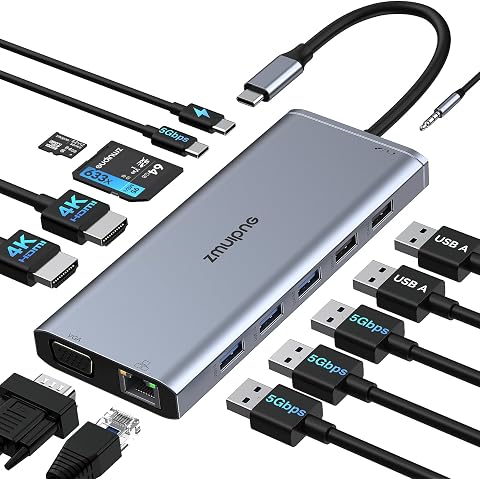
Docking Station Dual Monitor for Dell/HP, USB C Docking Station 2 HDMI | Dual 4K HDMI, VGA, Ethernet, PD, USB C Data, 5 USB, SD/TF, Audio, Laptop Docking Station for Lenovo,Surface
£39.99
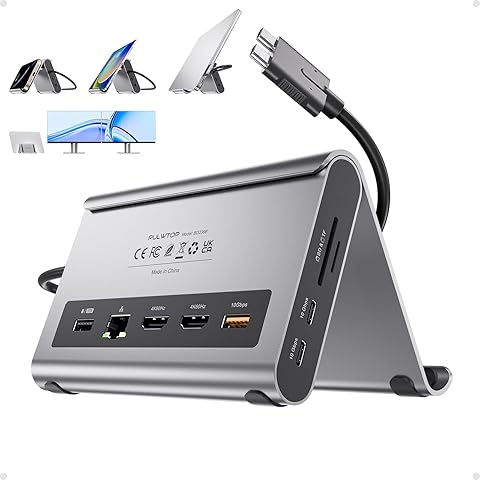
MacBook Docking Station Dual Monitor 4K@60Hz for MacBook Pro/Air M4/M5/M6 | PULWTOP USB C Docking Station Stand Laptop Dock with 2 HDMI, PD, Ethernet, USB A/C 10Gbps, Audio, SD/TF, USB 2.0
£89.89
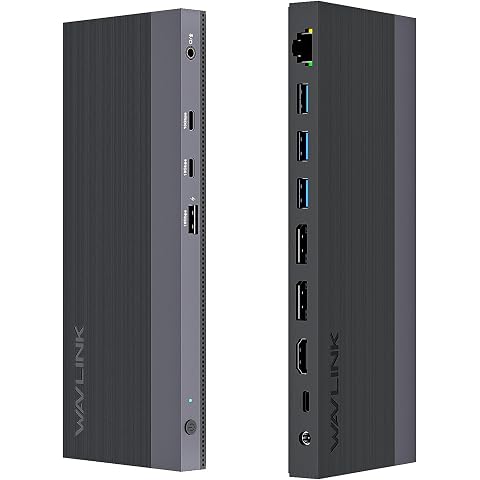
WAVLINK 12-IN-1 USB-C Docking Station, 100W Power Delivery, 2DP+HDMI, 4 USB-A, 2 10Gps USB-C Gigabit Ethernet, Triple Display Laptop Dock
£99.99
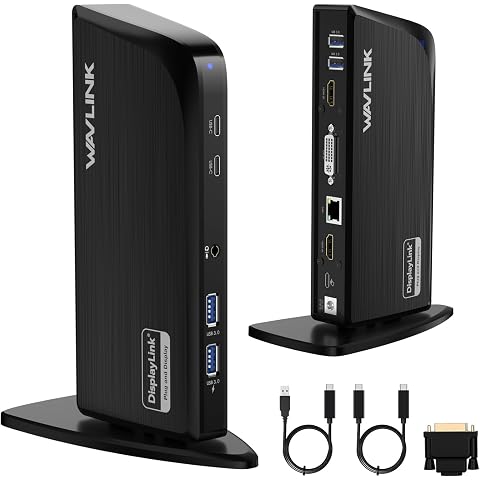
WAVLINK DisplayLink Docking Station with Triple Display(4K+2 * 2K HDMI) | 13-In-1 USB C Laptop Dock,5Gbps USB-C/A,Audio/Mic,Ethernet,Compatible with Windows/Mac OS/MacBook Neo,No Laptop Charging
£109.99
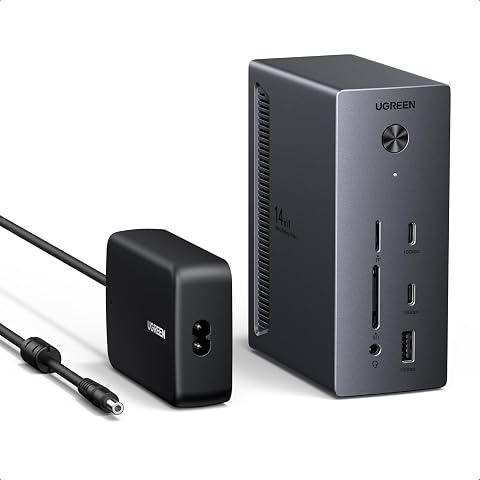
UGREEN Laptop Docking Station, 14-in-1 Triple-4K Display Dock (2 HDMI + DP) | 100W Max PD, 10Gbps USB-C/A, 1G Ethernet, SD/TF, 3.5mm Audio, for Dell/HP (Windows Only, Included 140W Adapter)
£89.99
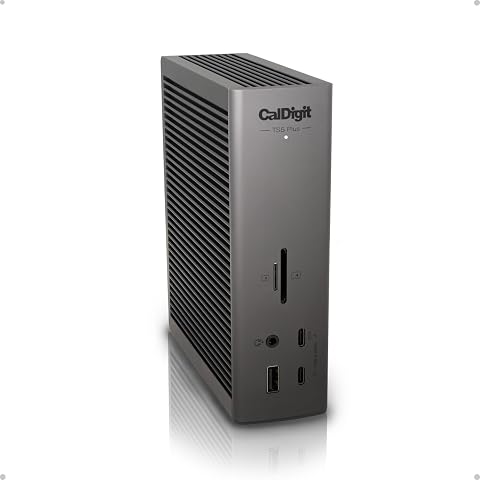
CalDigit TS5 Plus 20-Port Thunderbolt 5 Docking Station– 140W Safe Charging | Mac/PC. Heavy-duty 330W PSU guarantees unthrottled 140W laptop charging, 10GbE LAN, DP 2.1. Stable no-lag Hi-Res displays
£499.99
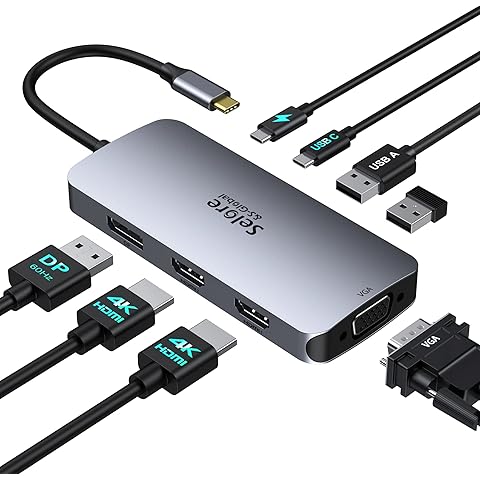
Laptop Docking Station Dual Monitor, 2HDMI, DP, VGA for Windows Laptops | Selore USB C Docking Station, Dual 4K HDMI Adapter for 2 monitors, 100W PD Charging, 3×USB 2.0, Multi Monitor Laptop Dock
£33.99
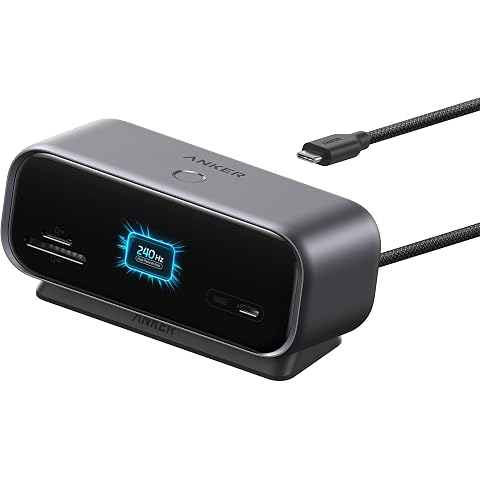
Anker Nano 10in1 USB C Hub, Smart Display Hub, Docking Station Dual Monitor | For Desk Setup, High Refresh Rate Dual 2K@240Hz, HDMI+DP, 10Gbps USBC, SD/TF, Ethernet, for Dell/HP & More (No Charger), Gray
£64.99
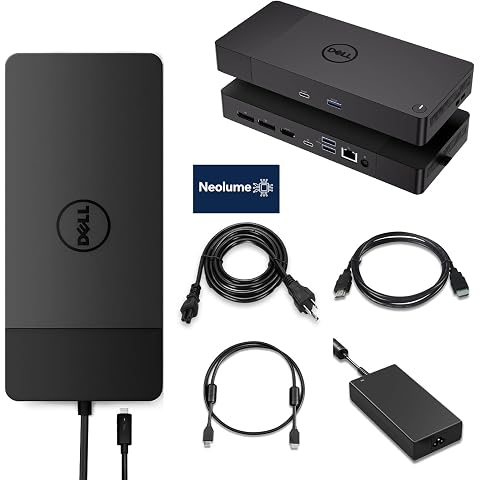
Dell WD19S Docking Station 180W Bundle, Support Dual Monitor & 4K Display, Performance Dock WD19S with 180W Power Adapter + HDMI Cable + DP Cable
£189.99
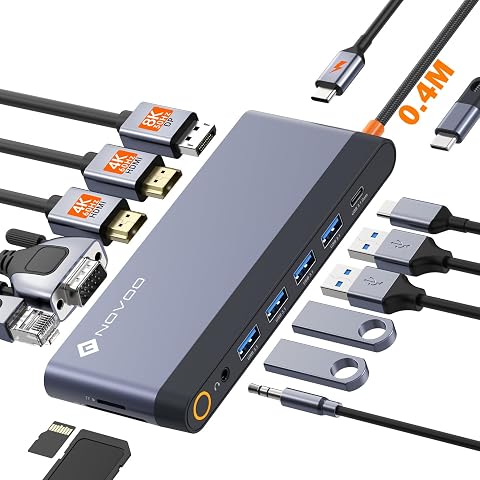
USB C Docking Station Quad Display, 14-in-1 Laptop Docking Station Dual Monitor, 8K@30Hz DP, Dual 4K@60Hz HDMI, VGA, 5 USB Data Ports, 100W PD, Ethernet, SD/TF, Mic/Audio, USB C HUB, Thunderbolt Dock
£45.99
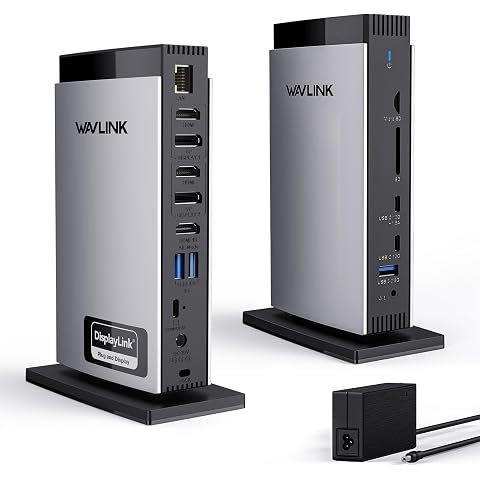
WAVLINK Displaylink Docking Station Triple Display 4K60Hz, 3*HDMI+2*DP | Laptop Dock 5 USB C/A Ports, 100W Charging, Ethernet, Audio, SD/TF, Compatible with Windows/Mac MacBook Neo M1 M2 M3 M4 M5
£165.99
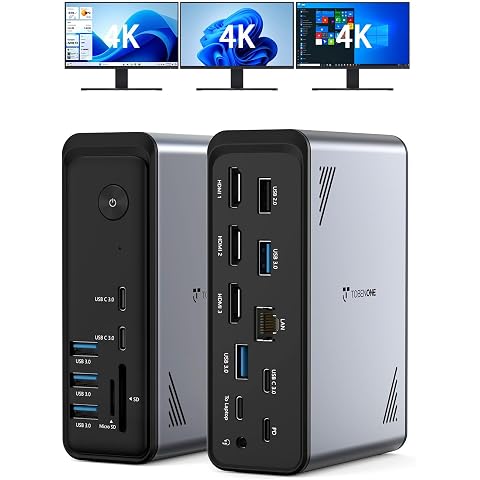
TobenONE 18 in 1 Laptop Docking Station 3 Monitors, Triple 4K Display | 3 HDMI, 9 USB Ports, RJ45, PD3.0, Audio, USB C Docking Station for Windows/Dell/Lenovo/HP/Thinkpad Laptops, No Power Adapter
£89.99