 1 / 7
Ugee M708 V2 10 × 6 in Graphics Drawing Tablet
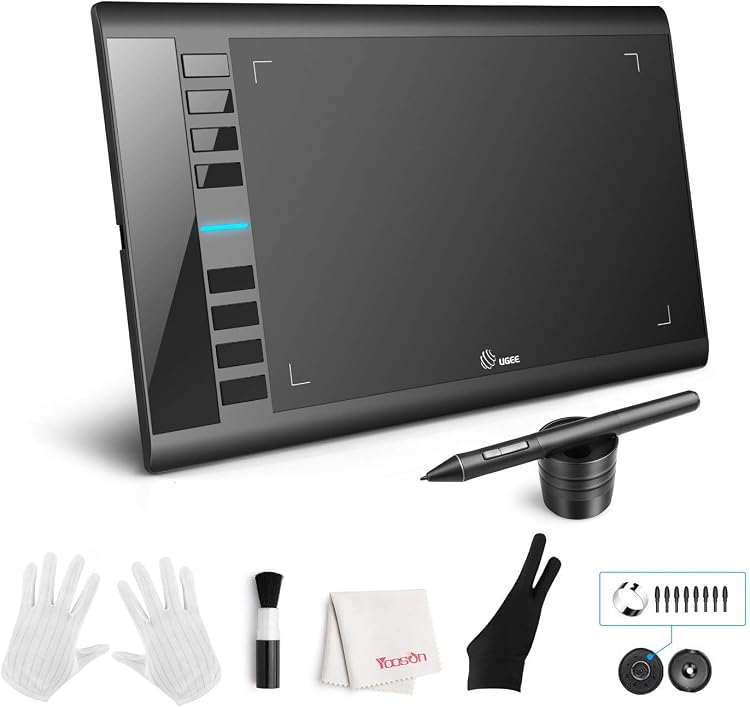
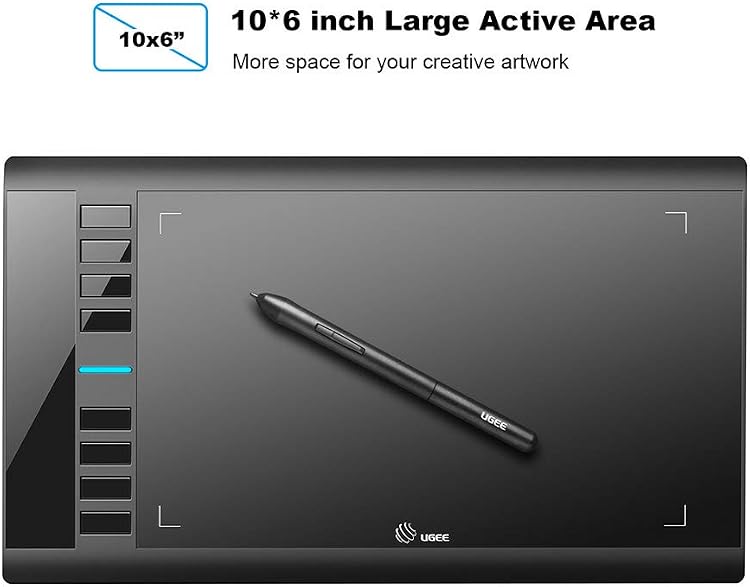
The Ugee M708 V2 is a USB-connected graphics tablet with a 10 × 6-inch active drawing area, a battery-free pen and eight customisable shortcut keys. It connects to a computer rather than working as a standalone drawing device, so it suits desk-based illustration, photo editing and note-taking.
At a glance
- 10 × 6-inch active area is suited to drawing and editing at a computer.
- The listing describes a battery-free pen and eight customisable shortcut keys.
- The tablet must be connected to a PC or laptop and is not a standalone drawing device.
Often bought together
Pros and cons
Pros
- Large 10 × 6-inch active drawing area, as stated in the listing.
- Eight customisable keys can be assigned to common actions such as undo, zoom and scrolling.
- Battery-free pen and claimed tilt support suit pressure-based drawing workflows.
Technical specifications
14 specifications| Brand | Ugee |
|---|---|
| Model | M708 V2 |
| Screen size listed | 10 Inches |
|---|---|
| Screen technology listed | LCD |
| Active surface area | 10 inches x 6 inches |
| Dimensions | 38L x 22W centimetres |
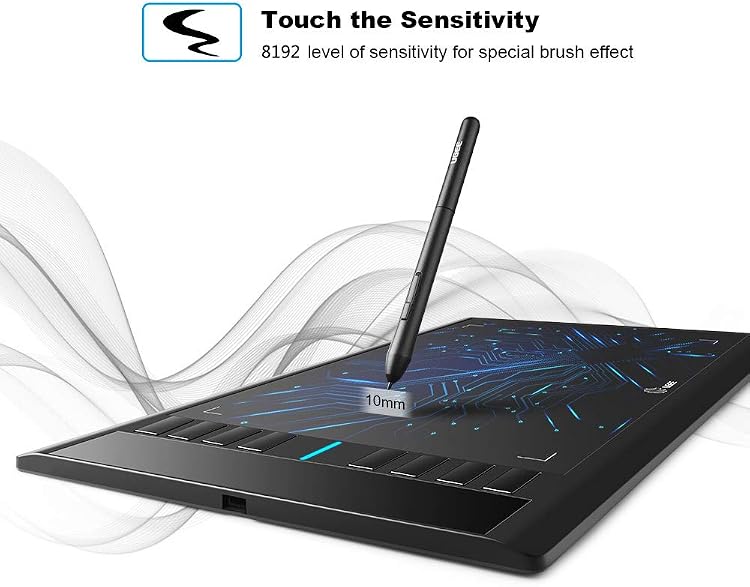
| Pressure sensitivity in details | 8192 Levels |
|---|---|
| Tilt support | 60° Tilt Support |
| Shortcut keys | 8 customizable express keys |
| Connection listed | USB |
|---|---|
| Operating system listed | ChromeOS, Mac OS X 10.2 Jaguar or above, Windows 10 Home, Windows 11, Windows 7 Home Basic |
| Compatible devices listed | Chromebook, MacBook iOS 10.10, PC with Windows 11/10/8/7 |
| Weight listed | 0.5 Kilograms |
|---|---|
| Colour | Black |
What to know before buying
Listing details to confirm
The listing gives conflicting pen sensitivity figures: 16384 in the title and feature copy, but 8192 Levels in the technical details. It also describes the product as a drawing tablet while listing LCD display type and 10 Inches screen size without clarifying whether this refers to a built-in display. The resolution value 5080 has no unit or further explanation, and the listed operating-system versions differ across sections. Confirm the exact revision, pen specification, display arrangement and compatibility for your setup before buying.
What’s in the box
- Cleaning clothIncluded
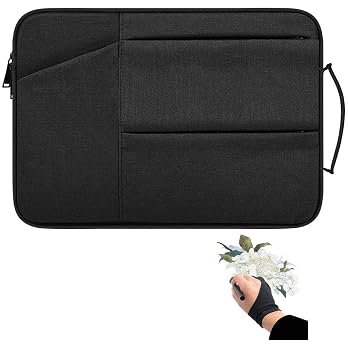
- GloveIncluded
- Pen holderIncluded
- Pen nib clipCheck selected pack
- StylusCheck selected pack
Check which accessories are included in your selected pack before buying.
Who is it for?
A good fit for
- Beginners wanting a computer-connected tablet for digital art, photo editing or graphic design.
- People who value a larger active area and shortcut keys for drawing or desktop tasks.
- Users with a compatible computer who do not need a standalone tablet.
Less suited to
- Anyone looking for a self-contained drawing tablet or a device that connects directly to an iPad.
- Buyers who need an unambiguous pen sensitivity specification or confirmed compatibility with a particular operating-system version.
Customer reviews on Amazon
- 5 stars
70% 70% - 4 stars
17% 17% - 3 stars
7% 7% - 2 stars
2% 2% - 1 star
4% 4%
Customer feedback highlights ease of setup and use, value and suitability for beginners. Reports are mixed on pen function, compatibility and performance, with some customers describing pen problems, Windows 10 issues or computer freezes while others say it works straight away or improves workflow. Durability concerns are also reported. These experiences matter for a computer-dependent tablet whose listed OS details are not fully consistent. The aggregate ratings lean positive, but cannot establish how it will work with a particular computer or software.
Positive themes
- Customers report that setup and use are straightforward.
- Customer feedback describes it as useful for beginners and good value.
Negative themes
- Some customers report durability problems, including breakage within a month.
Mixed feedback
- Reports differ on pen function, Windows compatibility and performance, including both workflow improvements and computer freezes.
Frequently asked questions
Does the Ugee M708 V2 work on its own?
No. The listing says it needs to be connected to a PC or laptop to work.
What pen sensitivity does this listing specify?
It is inconsistent: the title and feature copy claim 16384 levels, while the technical details say 8192 Levels. Confirm the specification for the exact listing and revision.
Can it connect to an iPad?
The listing says it cannot be plugged into an iPad and names computers, including MacBook, as supported hosts.
What shortcut controls does it have?
The feature copy states that it has eight customisable express keys for actions such as erasing, zooming, scrolling and undoing.
Alternative options
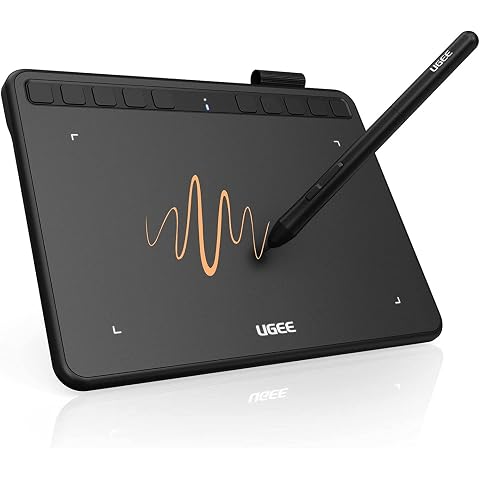
ugee S640 Drawing Tablet 6.3 x 4 In Graphics Pad for Beginner | 8192 Pen Pressure 10 Customisable shortcut Keys for Digital Art, OSU Playing, Compatible with Windows PC, Mac
£28.99
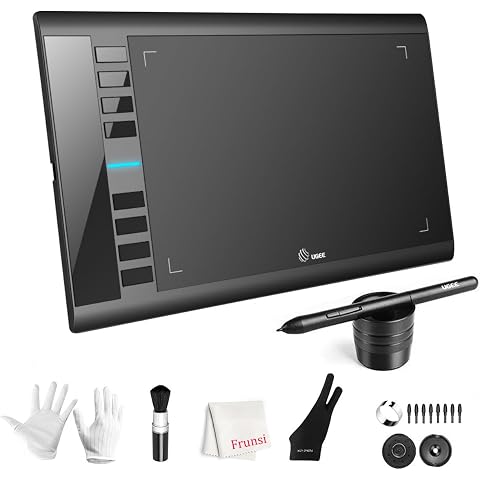
UGEE M708 Drawing Tablet, 10*6 inch, 16k Sensitivity Stylus Graphic Design | 16384 Level Pressure Battery Free Pen Stylus, 8 Hot Keys Compatible with Windows PC Macbook Chromebook Linux
£45.99
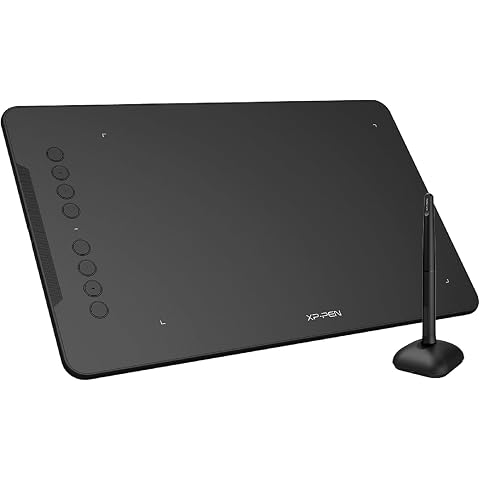
XPPen Deco 01 V3 Drawing Tablet with 10" x 6.25" Working Area | Portable Graphics Tablet with 8 Shortcut Keys, 16K Pen Pressure, Works with Windows, Mac & Android, Ideal for Sketch, Design
£47.99
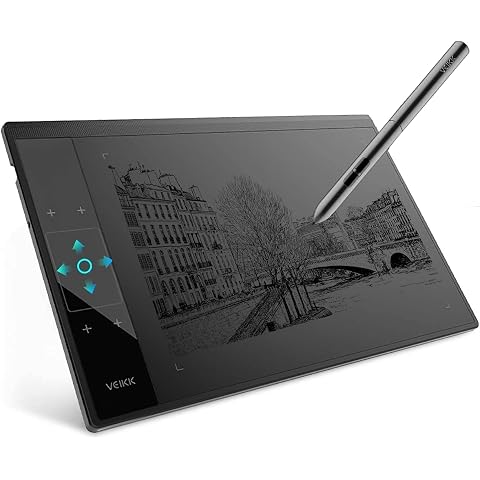
Graphic Drawing Tablet VEIKK A30 10 x 6 Inch Drawing Tablet for Beginner | Drawing Pad with 16384 Level Battery-free Pen for PC Supports Mac/Windows/Linux,Graphics Tablet w/ 4 Touch Keys and 1 Panel
£41.59
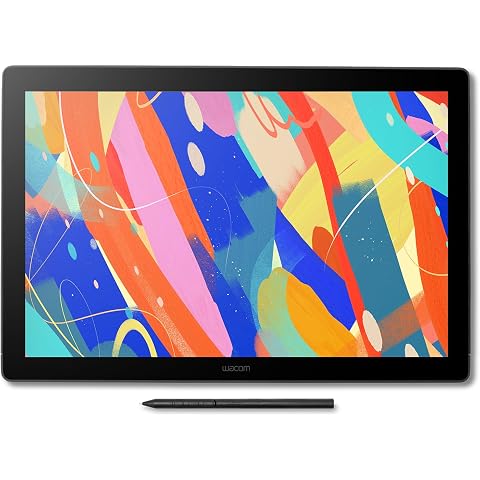
Wacom Cintiq 16 (2025 edition), Pen Display, 2.5K, incl. Wacom Pro Pen 3 | Drawing Tablet (PC necessary), pen-on-paper feel with anti-glare etched glass, high color accuracy with Japanese technology
£532.69
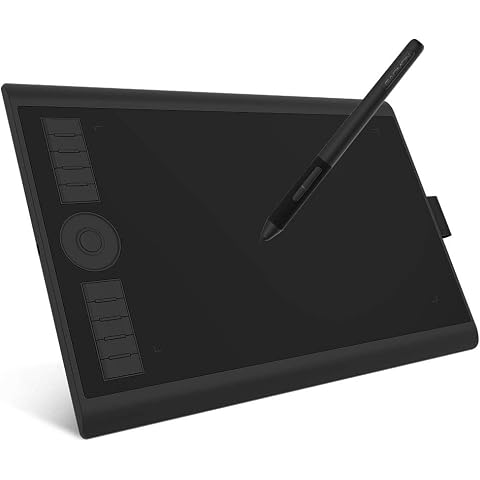
GAOMON M10K PRO Drawing Tablet 10×6.25 Inches Graphics Tablet | 8192 Pen Pressure,10 Hot Keys +1 Dial Controuer, Battery-Free Stylus, Art Tablet Support OTG, Windows/Mac/Android Compatible
£42.49
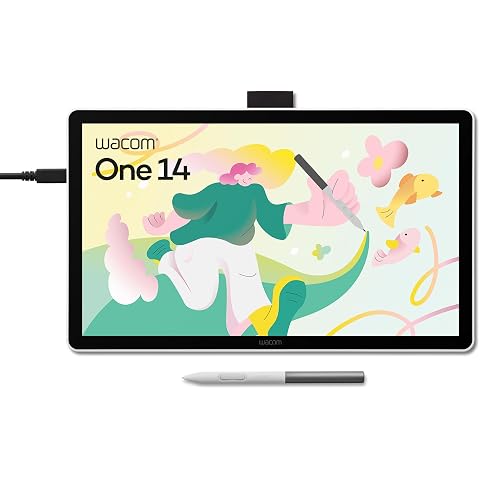
Wacom One 14, Pen Display, Full HD, incl. battery-free Standard Pen | Drawing Tablet (PC necessary), Pen-on-paper feel with anti-glare etched glass, lightweight FHD with Japanese technology.
£200.99
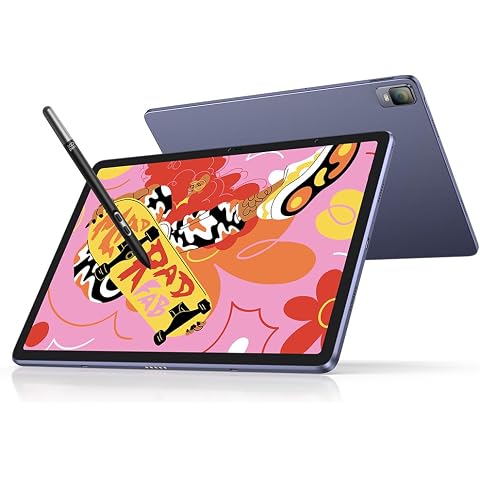
XPPen Magic Drawing Pad Standalone Graphics Tablet with 12.2" Screen | Portable Digital Art Pad with X3 Pro Slim Stylus, 16K Pressure Levels, Ideal for Painting, Reading, Gaming, Photographing
£499.99
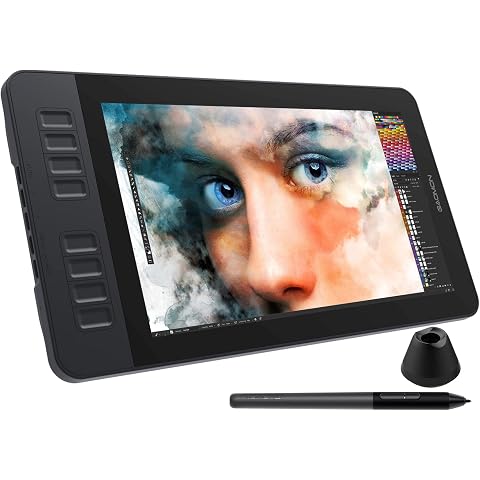
GAOMON PD1161 11.6" IPS HD Drawing Tablet with Screen for Beginners, 8 Keys | Graphic Tablet with Display, 8192 Pen Pressure Battery-Free Pen, Compatible with Win/Mac, Ideal for Painting Digital Art
£142.49
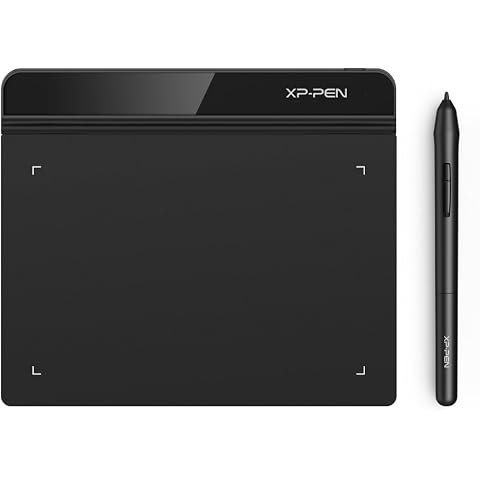
XPPen Star G640 Drawing Tablet with 6x4 inch Active Area | Digital Art Tablet with 8192 Battery-free stylus for Graphics Design, Business Signature, OSU!, Works with Windows&Mac OS
£23.99
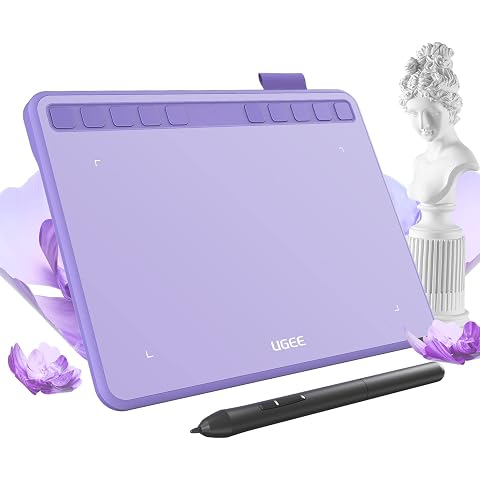
ugee S640 Drawing Tablet 6.3 x 4 In Graphics Pad for Beginner | 8192 Pen Pressure 10 Customisable shortcut Keys with Battery-free Stylus Compatible with for Mac, Windows PC and Android
£27.99
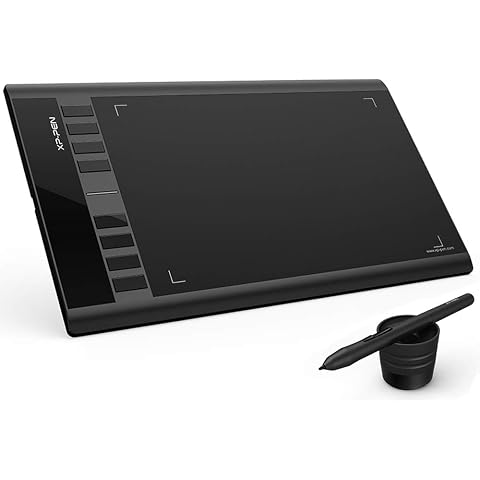
XP-Pen Star03 V2 12 Inch Graphic Tablet with Passive Stylus 8192 Levels and 8 Shortcuts Digital Drawing Tablet
£39.99