 1 / 7
TJCXELE HDMI KVM Switch for 2 Computers and 2 Monitors, 4K 120Hz
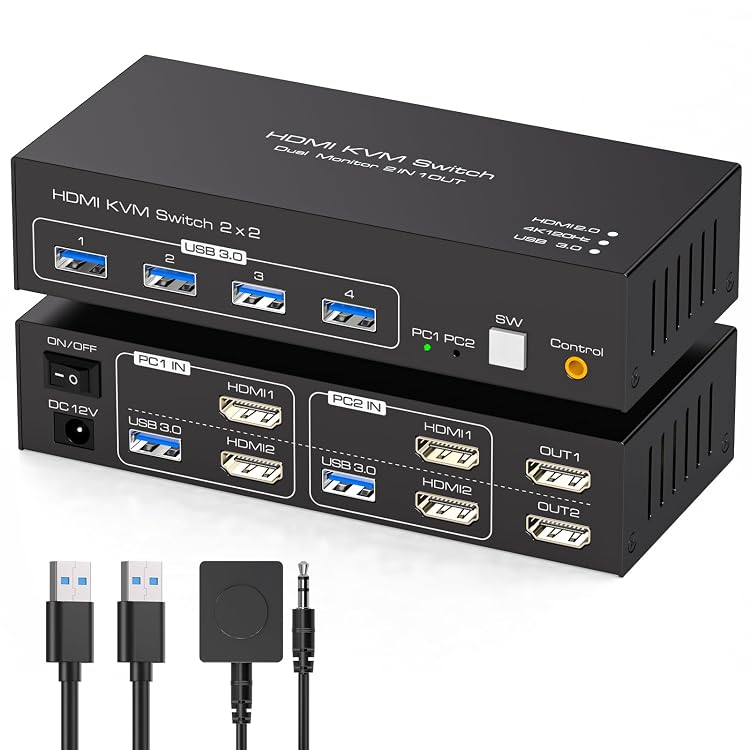
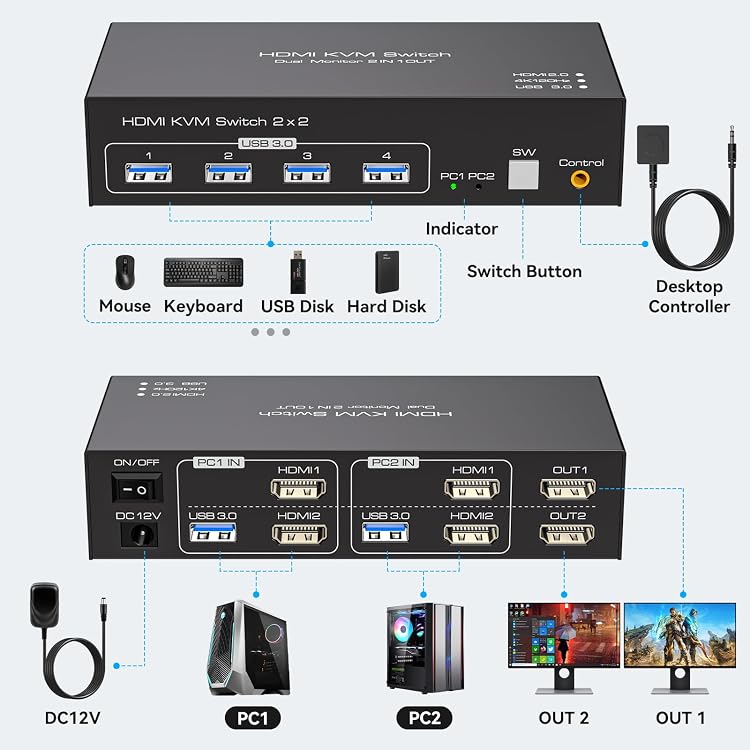
TJCXELE HDMI KVM Switch lets you share two monitors, a keyboard and mouse, and USB devices between two computers. It switches manually by button or desktop controller, but both monitors display the selected computer rather than separate computers.
At a glance
- Switches one keyboard and mouse between two computers while sharing two monitors.
- Both monitor connections must go to the same computer for dual-screen use. Both screens show the selected computer.
- Supports up to 3840*2160 120Hz as claimed, provided the computer, monitors and HDMI cables also support it.
- Four USB 3.0 ports are listed for sharing peripherals between the computers.
- Switch using the unit's button or the included desktop controller. Keyboard hotkeys are not supported.
Often bought together
Pros and cons
Pros
- Two-monitor switching and shared USB peripheral connections are described for a two-computer setup.
- A separate desktop controller offers a way to switch without reaching the KVM unit.
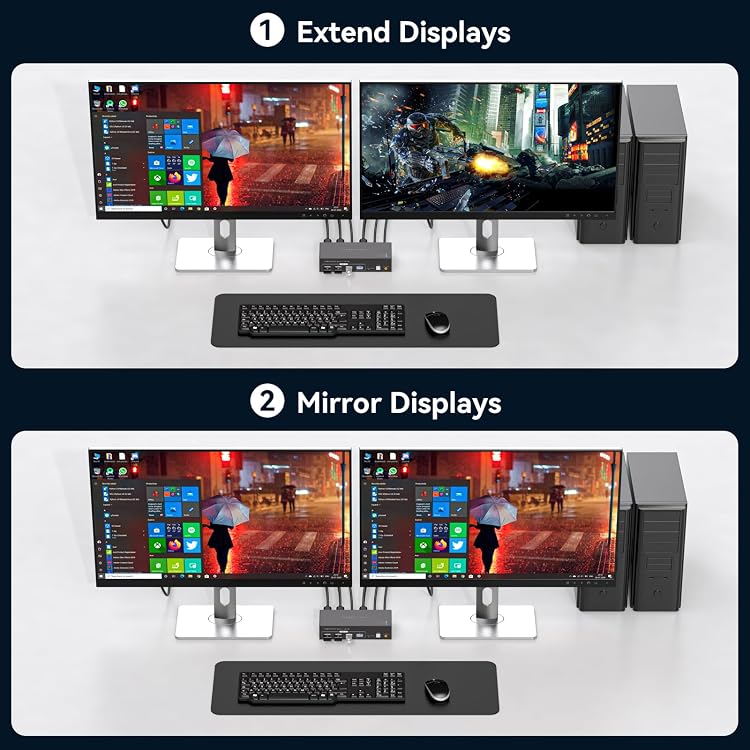
- Extended and mirrored display modes are described, selected through Windows+P.
Cons
- Switching is manual and keyboard hotkey switching is explicitly unsupported.
- The two monitors switch together to show one selected computer, not two different computers at once.
Technical specifications
14 specifications| Brand | TJCXELE |
|---|---|
| Model | 8f733957-8c9f-48a2-82e2-1af9f3e731bf |
| Switch type | KVM Switch |
| Material listed | Metal |
| Video connection listed | HDMI |
|---|---|
| Maximum resolution and refresh rate claimed | 3840*2160 120Hz (4K120Hz) |
| USB ports | 4 USB 3.0 ports |
| Maximum USB data rate claimed | 5Gbps |
| Control methods listed | Push Button |
|---|---|
| Operation mode | manual |
| Operating voltage | 12 Volts |
| Power adapter specification | 12V/1A DC power adapter |
| Mounting type listed | Rack Mount |
|---|---|
| Connector type | Plug In |
What to know before buying
Listing details to confirm
The listing claims 4K 120Hz, while the accompanying description also gives backward-compatible modes and separately mentions 2K at 120Hz. Confirm the required resolution and refresh-rate combination, along with computer, monitor and cable support. Two monitors require two HDMI connections from the same computer, and that computer must support two displays. The listing says high-performance USB devices such as cameras or hard drives may need compatibility clarification. The listed 12 Volts supply and 12V/1A adapter wording should be checked against the selected kit.
What’s in the box
- Desktop controllerCheck selected pack
- 2 × 1 metre USB 3.0 cablesCheck selected pack
- Power supply unitCheck selected pack
- InstructionsCheck selected pack
Check which accessories are included in your selected pack before buying.
Who is it for?
A good fit for
- People who need to switch a dual-monitor workstation and shared USB peripherals between two computers.
- Setups where manual button or desktop-controller switching is suitable and both displays should follow the selected computer.
Less suited to
- Users who need hotkey switching or independent display sources on the two monitors.
- Buyers whose computer, screens or HDMI cables cannot support the resolution and refresh rate they require.
Customer reviews on Amazon
- 5 stars
60% 60% - 4 stars
31% 31% - 3 stars
3% 3% - 2 stars
4% 4% - 1 star
2% 2%
Aggregate ratings are mostly favourable, with many five-star ratings, but a smaller share of low ratings shows that experiences are not uniformly positive. These figures do not identify reasons for ratings or confirm performance. For buyers, the key fit questions remain whether their equipment supports the claimed video mode and whether sharing both monitors as one computer’s display meets their needs.
Frequently asked questions
Can the two monitors show different computers at the same time?
No. The listing says both monitors display the selected computer. For dual-screen use, connect both HDMI inputs from the same computer, which must support two displays.
Does it support 4K at 120Hz?
The listing claims up to 3840*2160 120Hz. It says the computer, monitor and HDMI cables must all support that mode. Confirm that this combination matches your equipment.
How do you switch between computers?
Use the button on the KVM or the desktop controller. Keyboard hotkey switching is not supported.
Can USB devices be shared?
The listing describes four USB 3.0 ports for sharing peripherals. It advises checking compatibility for high-performance devices such as cameras and hard drives.
Alternative options
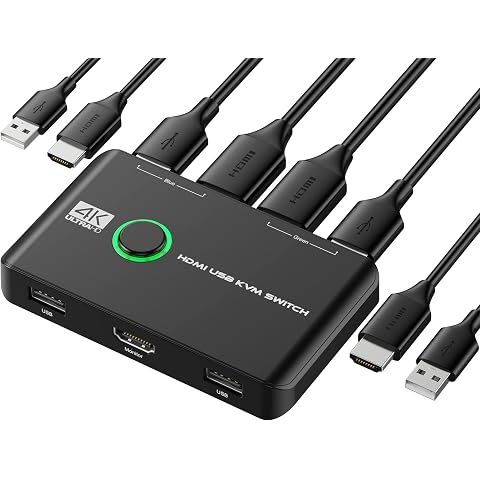
4K KVM Switch HDMI 2 Port Box, Rybozen USB HDMI Switches for 2 Computers Share Keyboard Mouse Printer and one HD Monitor, Support 4K@60Hz, with 2 USB Cables and 2 HDMI Cables
£15.99
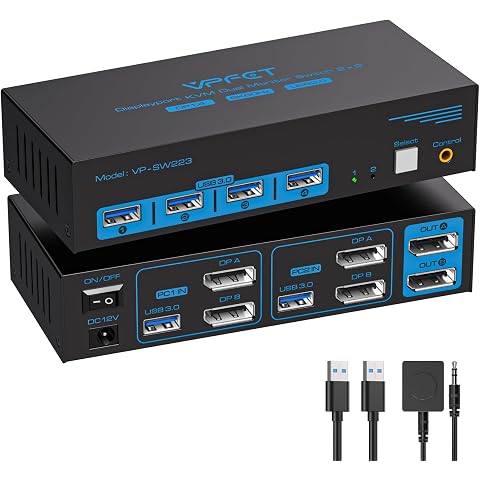
VPFET 8K Displayport KVM Switch 2 Monitors 2 Computers Display port 4K@120Hz USB 3.0 KVM Switches Dual Monitor for 2 PCs Share Keyboard Mouse Printer, Extended/Mirrored Mode With Desktop Controller
£55.23
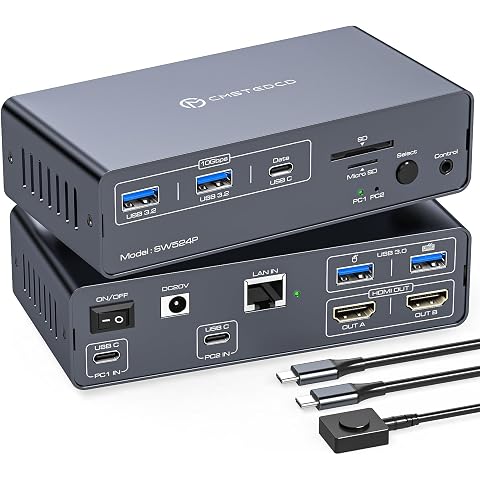
Laptop Docking Station USB C 4K@60Hz USBC KVM Switch 2 PC 2 Monitore with 100W PD Power Supply 12 in 1 Docking Station HDMI Dual Monitor 5Gbps Data Transfer
£169.99
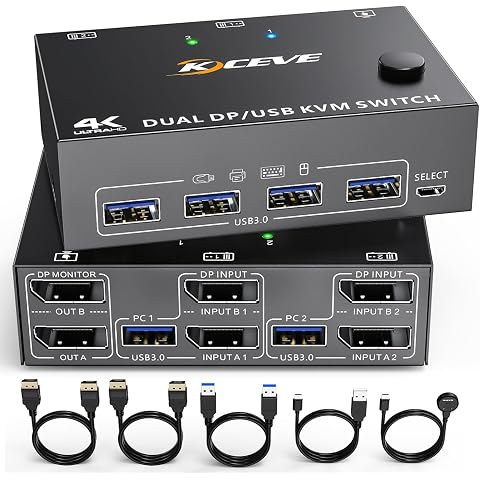
KVM Switch 2 Monitors 2 Computers, DisplayPort USB 3.0 KVM Switcher, Supports 4K@60Hz For 2 PC Sharing Keyboard, Mouse and Monitor
£69.99
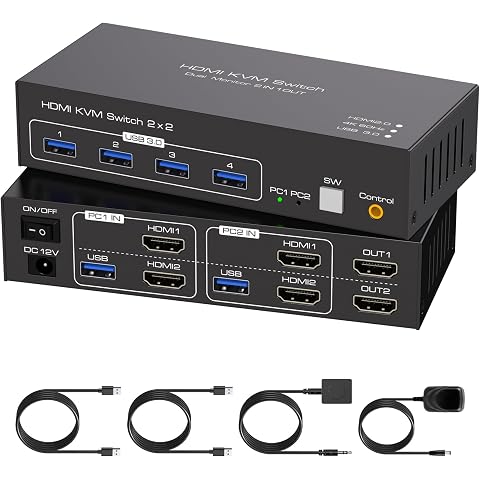
TJCXELE 4K60Hz HDMI KVM Switch 2 Monitors 2 Computers USB 3.0 KVM Switch Dual Monitor Support Extended Mirror Mode Share Keyboard Mouse U Drive with USB Cables and DC 12V Adapter for Office Gaming
£69.99
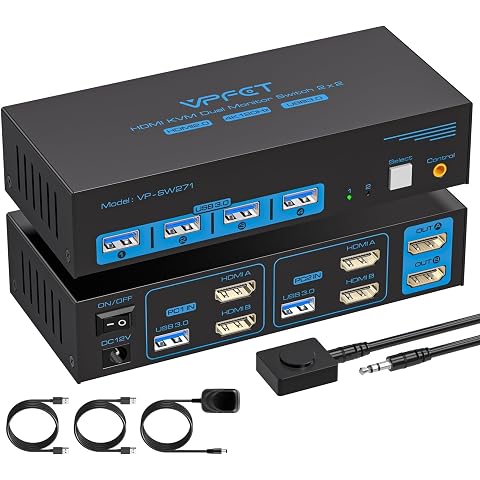
4K120Hz HDMI KVM Switch 2 Monitors 2 Computers USB 3.0 KVM Switches | for 2 Computers Share Dual Monitor and 4 USB Devices with DC 12V/1A Power Adapter and Wired Controller
£50.99
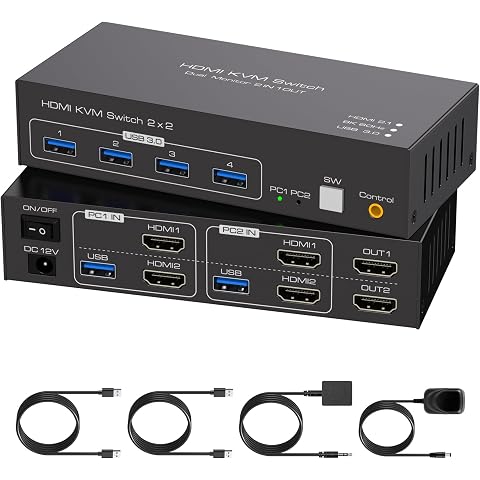
TJCXELE HDMI KVM Switch 2 Monitors 2 Computers 8K60Hz Dual Monitor KVM Switch USB 3.0 Sharing Mouse Keyboard U Drive Printer Support Extend and Mirror Modes with USB Cables and Desktop Control
£69.99
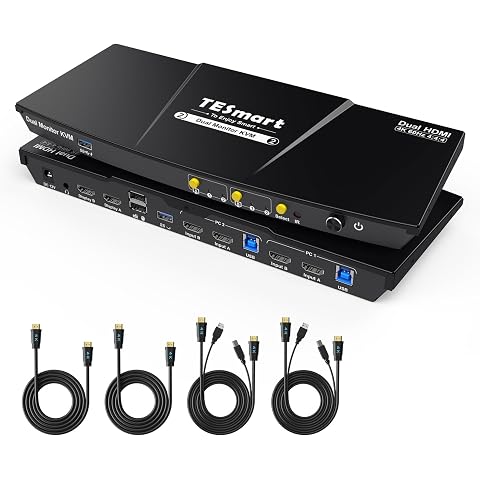
TESmart HDMI KVM Switch 2 Monitors 2 Computers 4K@60Hz, USB 3.0, EDID | for 2 PCs Sharing 2 Monitors, Dual-Screen or One Monitor per PC, Audio&Microphone, Hotkey/Button Switch, All Input Cables
£172.89