 1 / 7
TIGKTING HHUK-SW233-Deep Blue Triple-Monitor DisplayPort KVM Switch
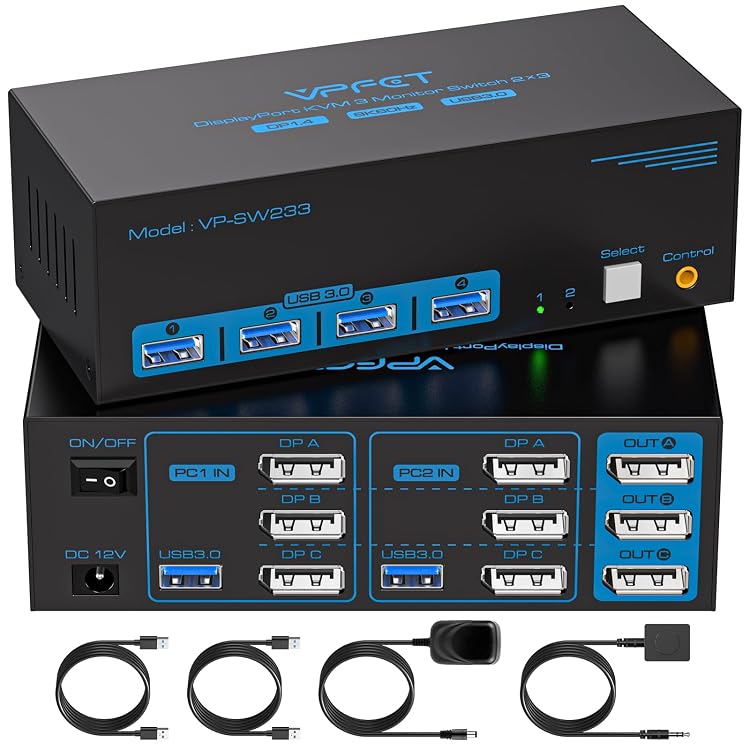
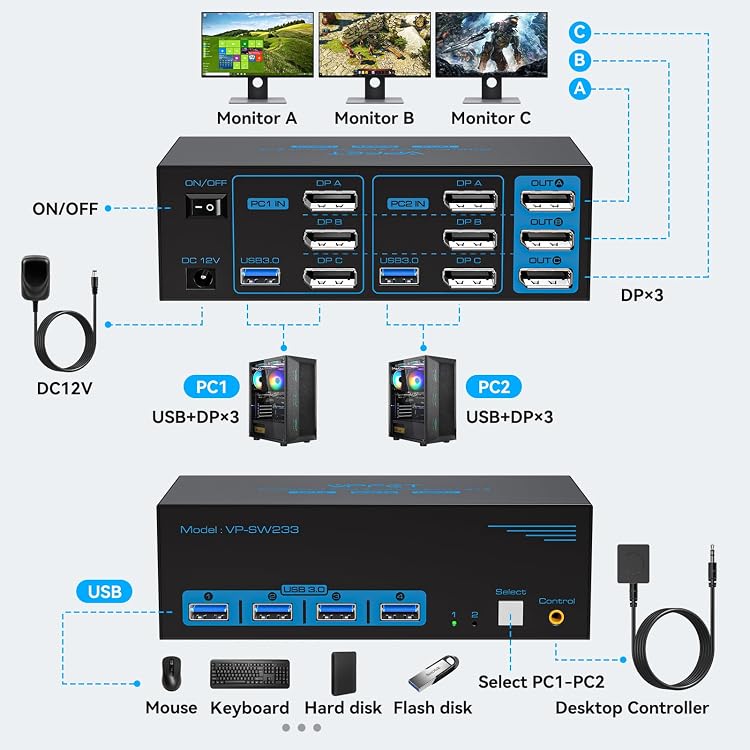
Triple-Monitor: The TIGKTING HHUK-SW233-Deep Blue is a DisplayPort KVM switch listed for sharing three monitors and four USB 3.0 ports between two computers. Its high-resolution claims depend on compatible computers, monitors and cables, and each computer needs three DisplayPort outputs for the stated triple-display setup.
At a glance
- Shares three monitors and four USB 3.0 ports between two computers, according to the listing.
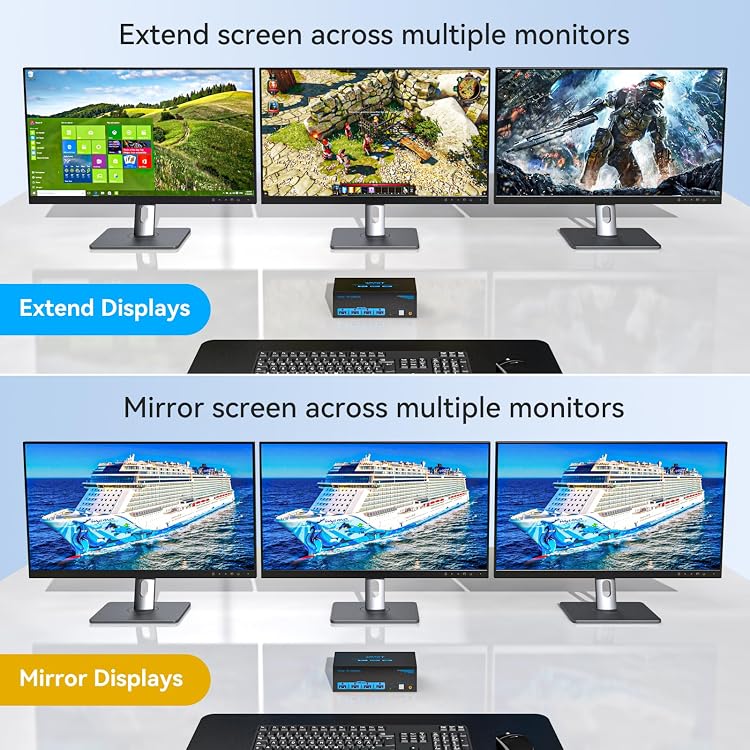
- The listing describes extended display output with three different images or duplicate output with the same image on all three displays.
- Switching is described through a main button or a wired extension button.
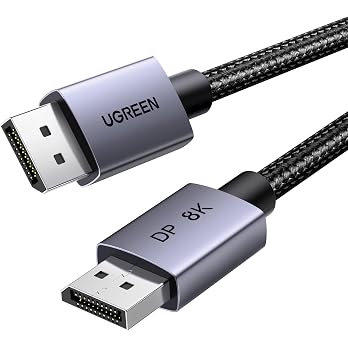
- The stated 8K@60Hz and 4K120Hz limits require compatible source devices, displays and DisplayPort cables.
Often bought together
Pros and cons
Pros
- Four USB 3.0 ports allow shared peripherals such as a keyboard, mouse, printer or USB drive.
- Two switching methods are described, including an extension button that can be placed away from the main unit.
- The listing specifies powered operation through a 12V DC supply and says this supports higher-power USB peripherals.
Technical specifications
16 specifications| Brand | TIGKTING |
|---|---|
| Model | HHUK-SW233-Deep Blue |
| USB ports claimed | 4 USB 3.0 ports |
|---|---|
| Maximum display modes and resolutions claimed | up to 8K@60Hz 4K120Hz |
| USB port transmission speed claimed | up to 5Gbps |
| Compatible systems and devices listed | Windows, Mac OS, Linux, Unix, PS5, PS4, Xbox |
| Listed connection | USB |
|---|---|
| Connector type | DP 1.4+USB 3.0 |
| Control method | Push Button |
| Operation mode | ON-OFF |
| Operating voltage | 12 Volts |
|---|---|
| Current rating | 1 Amps |
| Mounting type | Tabletop |
|---|---|
| Dimensions | 15 x 6.5 x 4.8 centimetres |
| Weight | 0.8 Pounds |
| Material | Metal |
|---|
What to know before buying
- The listing says each computer needs three DisplayPort outputs and multi-display support for the three-monitor setup. Confirm the host configuration and cable requirements before buying.
- The listing states a two-year product warranty, but a feature description separately mentions replacement within 12 months. Confirm the applicable coverage and terms.
Listing details to confirm
The listing gives conflicting or unclear details: it calls the video connection DisplayPort and cites DP 1.4, while a separate connectivity field says USB, which does not identify a video connection. The maximum-resolution wording varies between 8K@60Hz and 4K120Hz, and the adapter is described as both 12V DC and 12V/1A. Confirm the exact configuration and included power supply for the selected listing.
What’s in the box
Included- USB
Who is it for?
A good fit for
- People with two computers, three DisplayPort monitors and a compatible multi-display setup who want to share USB peripherals.
- Workstations that benefit from either a physical switch on the unit or a wired extension button.
Less suited to
- Setups where either computer lacks three DisplayPort outputs or support for multiple displays.
- Buyers who need the exact resolution, adapter contents or warranty term to be unambiguous before purchase.
Customer reviews on Amazon
- 5 stars
58% 58% - 4 stars
42% 42% - 3 stars
0% 0% - 2 stars
0% 0% - 1 star
0% 0%
Aggregate ratings lean towards four- and five-star categories, but they do not explain what customers liked or disliked. With no written feedback supplied, they offer limited guidance on how well this particular triple-monitor setup works in practice.
Frequently asked questions
How many computers and monitors does this KVM switch support?
The listing describes two computers sharing three monitors. It says each computer needs three DisplayPort outputs and multi-display support for the stated setup.
Can it show different images on all three monitors?
The listing describes an extended mode that outputs three different images, as well as a duplicate mode that shows the same image on all three displays. The computer must support multi-display output.
What is the maximum resolution?
The listing claims up to 8K@60Hz and 4K120Hz, but its resolution wording is not fully consistent. It also says the source, monitors and DisplayPort cables must support the target resolution.
Does it need external power?
Yes. The listing says the switch requires a DC 12V adapter to function, though the adapter's exact stated specification differs between listing sections.
Alternative options
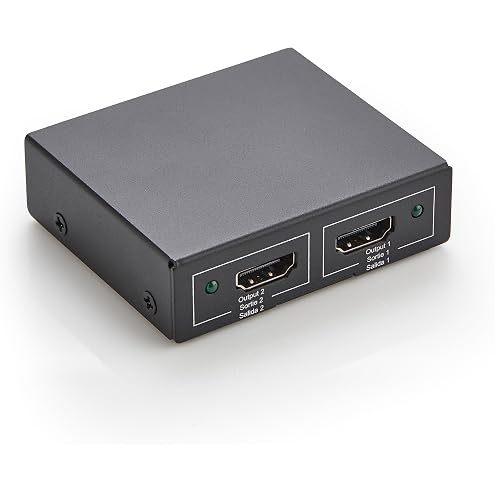
Amazon Basics HDMI Splitter 1 In 2 Out, 4K @ 30 Hz for Dual Monitors, PC, Laptops, DVD players, Xbox, Roku, Chromecast, with 1m USB USB-A to DC power cable, Mirror Only, Black
£11.99
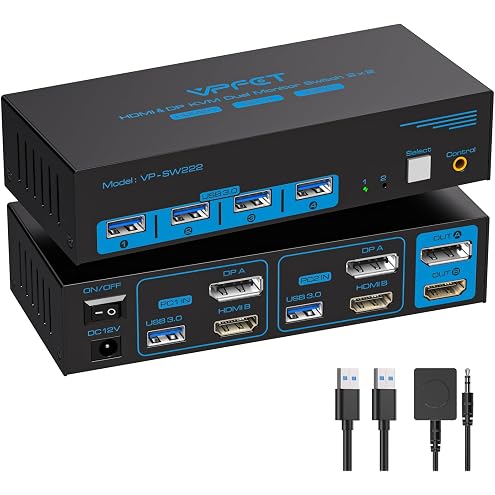
VPFET 8K@60Hz HDMI Displayport KVM Switch 2 Monitors 2 Computers, 4K@120Hz Dual Monitor KVM Switches, Two Computers Share 4 USB 3.0 port, Include DC12V Adapter for Seamless Desktop Setup
£59.48
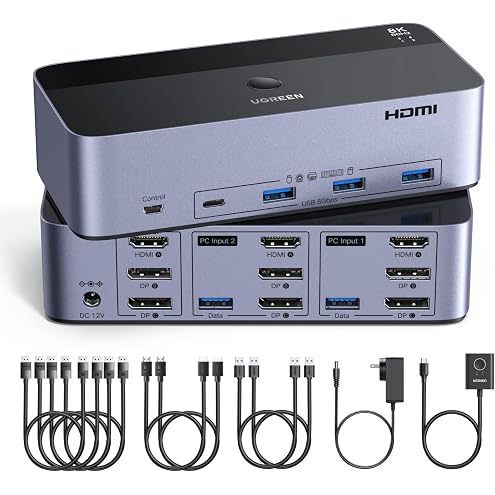
UGREEN HDMI + Displayport 8K@60Hz KVM Switch 3 Monitors 2 Computers | Support 4K@120Hz, 4 Port USB3.0 KVM Switches for 2 Computers Share Keyboard, Mouse, Hard Drives and 3 Monitors
£94.98
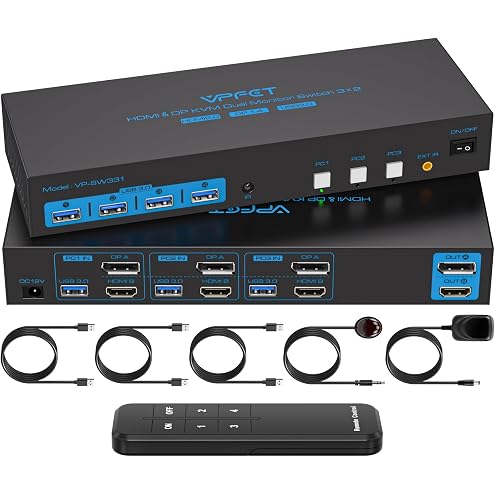
8K@60Hz HDMI Displayport KVM Switch 2 Monitors 3 Computers 4K@120Hz | Dual Monitor KVM Switches Triple computers share 4 USB 3.0 port Include DC12V adapter desktop controller and 2 USB 3.0 cables
£84.98
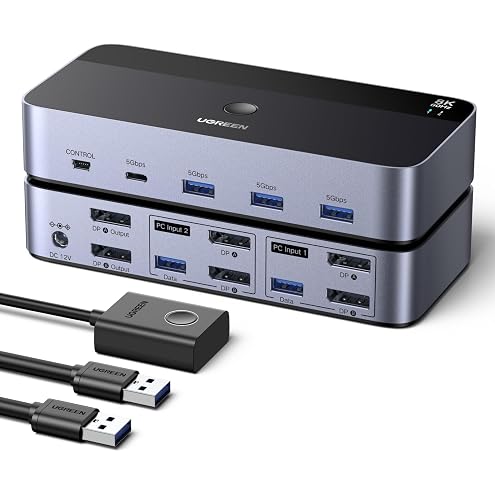
UGREEN Displayport KVM Switch 2 Monitors 2 Computers Support 8K@60Hz | 4 Port USB3.0 KVM Switcher 4K@240Hz DP1.4 KVM Switches for 2 Computers Share Keyboard, Mouse, Hard Drive and 2 Monitors
£64.51
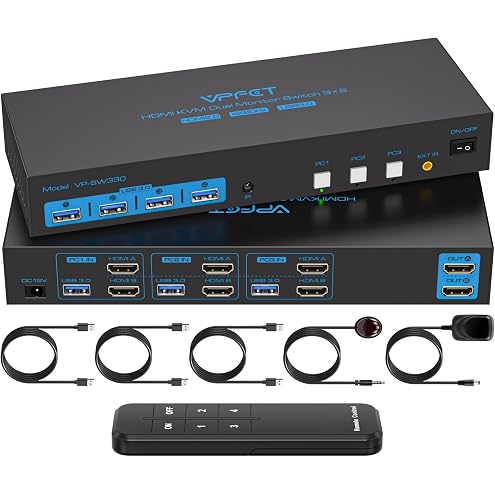
TIGKTING HDMI KVM Switch 2 Monitors 3 Computers 4K@60Hz Dual Monitor | KVM Switch for 3 Computers Share Keyboard Mouse Printer and U Disk.Simulation EDID Wired Controller and DC 12V Adapter
£89.99