 1 / 7
Razer Kiyo V2 4K Webcam, 30 fps
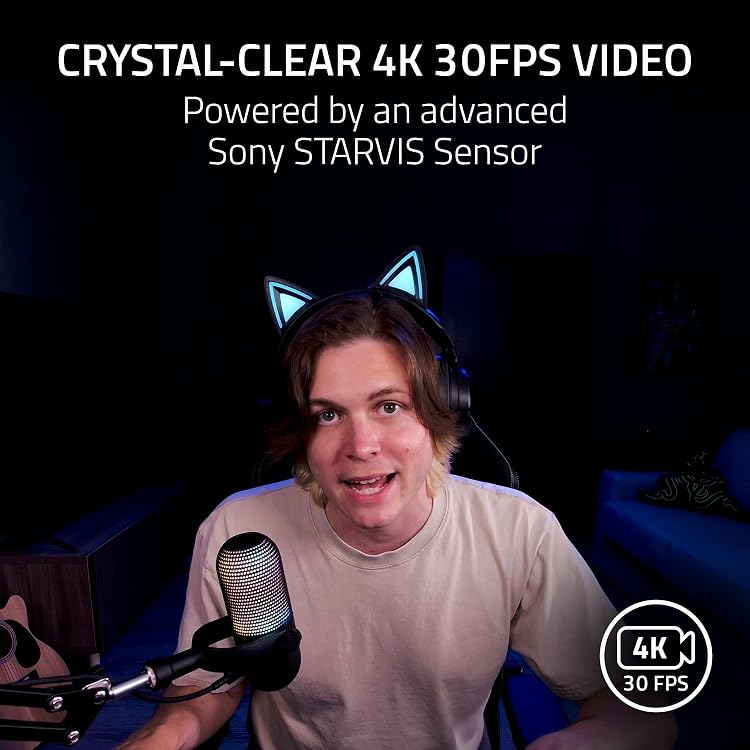
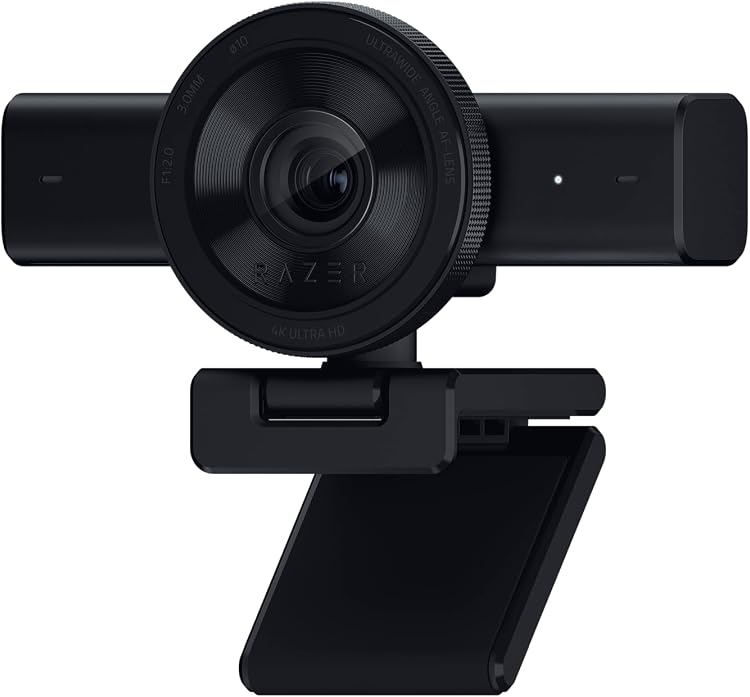
The Razer Kiyo V2 is a USB webcam listed for 4K video at 30 fps, with AI-powered auto-framing, HDR and an integrated privacy shutter. Its ultra-wide-angle lens and pivoting monitor or tripod mount suit streaming, calls and recording, while image adjustments require Razer Synapse.
At a glance
- The title lists 4K at 30 fps and 1080p at 60 fps. The supplied detail fields specify 4K resolution but do not confirm either frame rate.
- AI-powered auto-framing is described as using pan, tilt and zoom effects to keep the subject centred.
- Razer Synapse offers image controls including ISO and shutter speed, alongside automatic exposure, white balance and noise reduction.
- The listing claims HDR, an ultra-wide-angle lens and uncompressed video encoding.
- The integrated privacy shutter twists over the lens. The mount pivots for monitor positioning and has a built-in tripod thread.
Pros and cons
Pros
- Built-in privacy shutter offers a direct way to cover the lens when not in use.
- Pivoting mount and built-in tripod thread allow monitor or tripod positioning.
- Listed image settings include ISO and shutter speed, with automatic exposure and white-balance controls also described.
Technical specifications
10 specifications| Brand | Razer |
|---|
| Video capture resolution | 4K |
|---|---|
| Video format listed | MP4 |
| Audio formats listed | AAC, PCM |
| Sensor technology | CMOS |
|---|---|
| Maximum focal length | 3 Millimeters |
| Maximum aperture | 2 f |
| Connection listed | USB |
|---|
| Flash memory type | Internal Flash Memory |
|---|---|
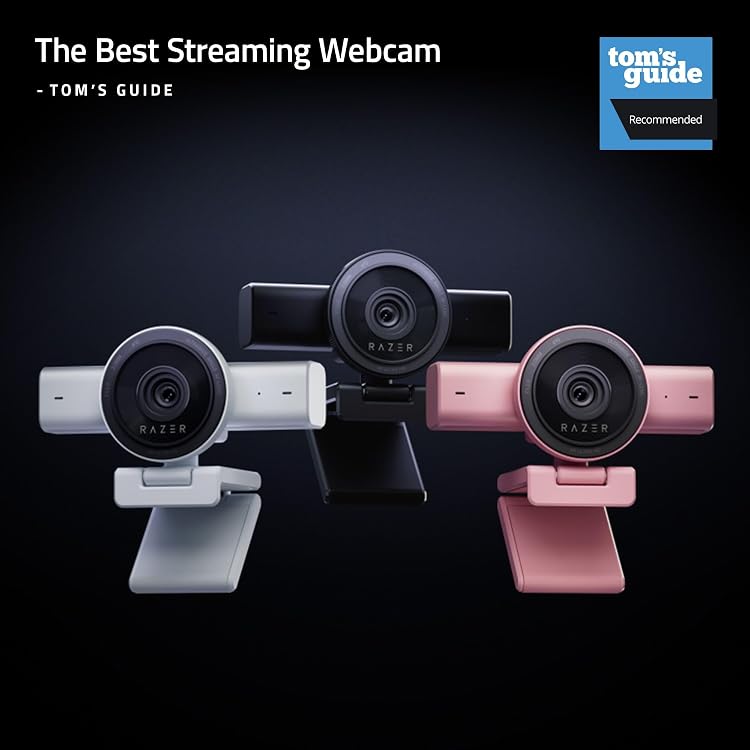
| Colour | Black |
What to know before buying
Listing details to confirm
The listing's title claims 4K at 30 fps and 1080p at 60 fps, while the details provide only 4K resolution and no frame rates. Treat the frame-rate claims as unconfirmed. The stated focal length, aperture, internal flash memory and audio formats are listed without further context. The connection field says USB, while the title specifies USB-C. Check the exact video modes, connection and optical details before buying.
What’s in the box
- CaseCheck selected pack
Check which accessories are included in your selected pack before buying.
Who is it for?
A good fit for
- Streamers and content creators wanting a webcam with listed 4K resolution, auto-framing and manual image controls.
- People who want a built-in privacy shutter and a mount that can attach to a tripod.
Less suited to
- Buyers who need confirmed 1080p 60 fps performance or a precisely specified USB-C connection before purchase.
Customer reviews on Amazon
- 5 stars
68% 68% - 4 stars
18% 18% - 3 stars
4% 4% - 2 stars
5% 5% - 1 star
5% 5%
Aggregate ratings lean positive, with most ratings in the five-star category, but a smaller share fall in the one- and two-star categories. This gives a cautiously favourable overall signal, not a clear account of specific strengths or complaints. Ratings do not confirm the listed video modes or connection details, which remain worth checking if they matter to your setup.
Frequently asked questions
Does the Razer Kiyo V2 record at 4K 30 fps?
The title claims 4K at 30 fps, but the supplied technical details confirm only 4K resolution and do not state a frame rate. Verify the supported mode if 30 fps is essential.
Does it support 1080p at 60 fps?
That mode appears in the title, but is not confirmed in the supplied technical details.
Can the webcam be mounted on a tripod?
The listing describes a pivoting mount with a built-in thread for tripod attachment. It does not specify that a tripod is included.
How does the privacy shutter work?
The listing describes an integrated shutter that twists to cover the lens.