 1 / 7
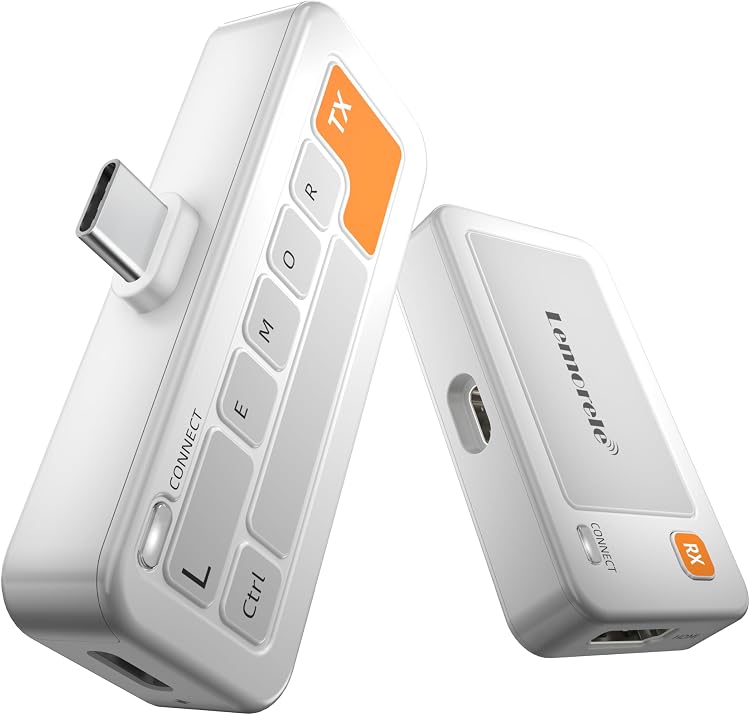
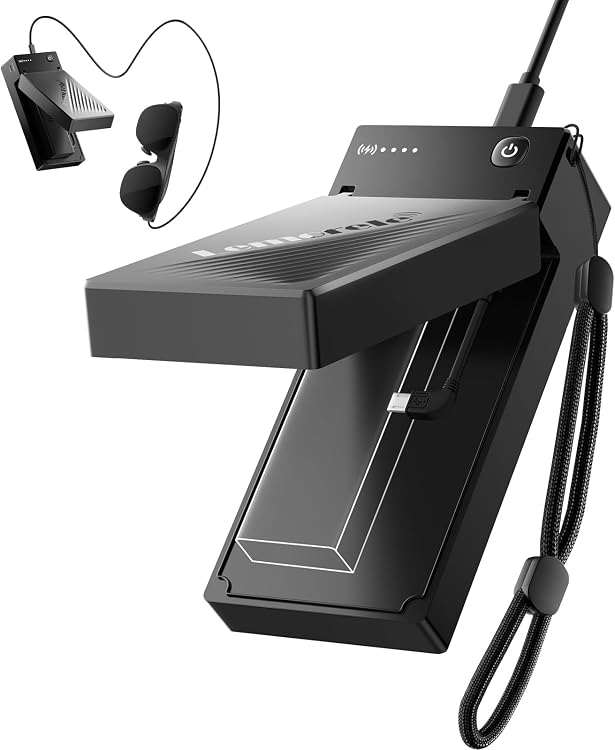
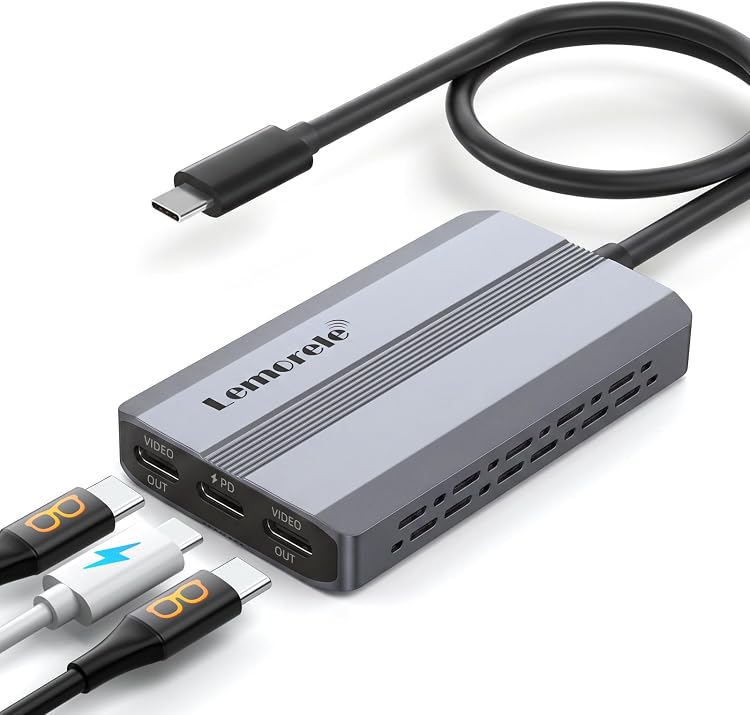
Lemorele USB-C Video Splitter, Dual 4K@60Hz Outputs, 100W PD Input
Outputs: The Lemorele USB-C Video Splitter sends video to two USB-C displays and provides a PD charging input. The listing claims dual simultaneous output up to 4K@60Hz, but extended desktops depend on the host operating system: Windows supports MST extension, while Macs mirror the screens.
At a glance
- Two USB-C DP video outputs are claimed to work simultaneously with displays or AR glasses.
- Windows hosts with a compatible USB-C DP Alt Mode or Thunderbolt port can use MST extended displays. Macs mirror the connected screens instead.
- PD input is rated up to 100W, with up to 85W pass-through to the host as stated in the listing.
- The listing describes a fixed input cable and driver-free operation. It is a video splitter, not a USB data hub.
Reference price: £45.99
Price checked: 16 Nov 2026
View offerAhead of Black FridayExplore the selectionPros and cons
Pros
- Provides two USB-C video outputs for a dual-display setup or two compatible AR glasses.
- The stated 85W pass-through can power a compatible host while the splitter is in use.
- Fixed host cable avoids needing a separate loose input cable.
Cons
- It does not provide USB data transfer, so it cannot replace a USB hub.
- Mac users cannot use the claimed MST extended-desktop mode and receive mirrored content instead.
Technical specifications
12 specifications| Connector type | USB Type C |
|---|---|
| Maximum stated video output | 4K@60Hz |
| Host cable | 10.24in fixed input USB‑C cable |
| USB data transfer | no USB data transfer capability |
| PD input | up to 100W PD power input |
|---|---|
| Pass-through power to host | 85W pass‑through power |
| Windows display mode | MST multi-stream transport |
|---|---|
| Mac display mode | mirrored identical content |
| Stated compatible devices | Windows USB‑C/Thunderbolt 3/4 laptops, iPad Pro, Android phones, Steam Deck, Switch 1, Switch 2, ROG Ally, MSI Claw handheld consoles |
| Stated compatible AR glasses | Xreal, RAYNEO, Lenovo Legion Glasses |
| Colour | Space Gray |
|---|---|
| Dimensions (L × W × H) | 8 x 4.5 x 1.3 centimetres |
What to know before buying
- For dual displays, the listing advises connecting a 100W PD charger to reduce the risk of unstable video transmission. Displays need separate power. Phone or tablet use also requires an extra PD power supply. Confirm the host has compatible video output over USB-C, and check its supported display mode and resolution.
Who is it for?
A good fit for
- Windows laptop users seeking two extended USB-C displays, provided the host supports DP Alt Mode or Thunderbolt and MST.
- Handheld-console users wanting to connect two compatible USB-C displays or AR glasses, with suitable external power.
- Travellers who want a compact video adapter with an attached host cable and do not need USB data ports.
Less suited to
- Mac users who require two separate extended desktops.
- Anyone needing USB data connections from a hub or a single adapter that also powers the connected displays.
Customer reviews on Amazon
- 5 stars
67% 67% - 4 stars
11% 11% - 3 stars
6% 6% - 2 stars
3% 3% - 1 star
13% 13%
Aggregate ratings lean positive, with a substantial five-star share, but a notable one-star share means experiences are not uniformly favourable. Without comment-level feedback, the reasons are unknown. Treat the ratings as limited context rather than confirmation of compatibility or display performance, and check the host's video-output support and the Mac mirroring limitation against your setup.
Frequently asked questions
Can this splitter extend two displays on a Mac?
No. The listing says Mac devices mirror identical content to both connected screens. It describes MST extended displays for compatible Windows laptops.
Does it work as a USB hub?
No. The listing specifies dual USB-C DP video outputs and a PD charging port, with no USB data transfer capability.
Does the splitter power the displays?
The listing says connected displays require separate power. It advises connecting a 100W PD charger when using two displays simultaneously.
What should I check before connecting a laptop or handheld?
Confirm its USB-C port supports video output through DP Alt Mode or a compatible Thunderbolt connection. Check host display-mode limits and provide separate power for displays.