 1 / 7
HUION Kamvas 13 13.3-inch Drawing Tablet with Screen
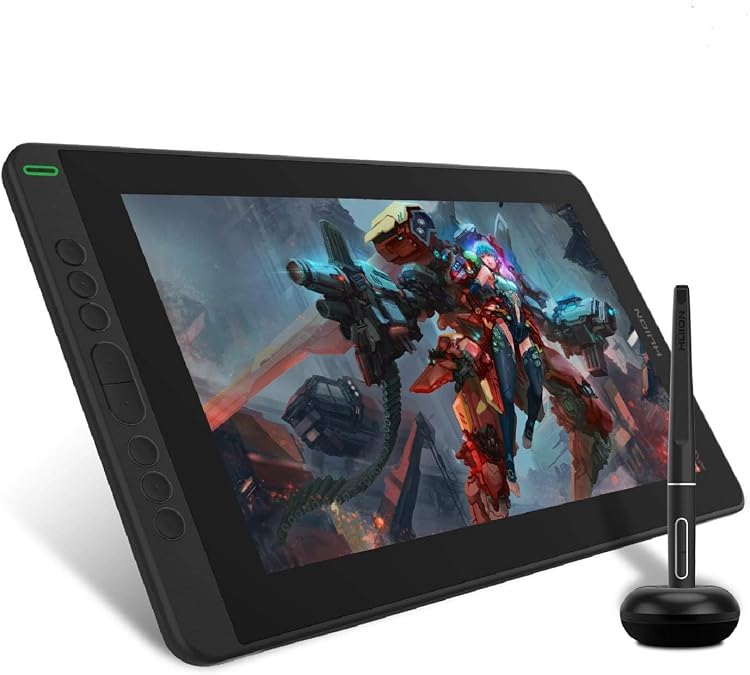
The HUION Kamvas 13 is a 13.3-inch pen display for drawing while connected to a computer or compatible phone. Its Full HD listing specification, 8 programmable keys and 8192-level pressure claim suit screen-based illustration, but it is not a standalone tablet.
At a glance
- The screen is listed at 13.3 inches with a 1920x1080 resolution.
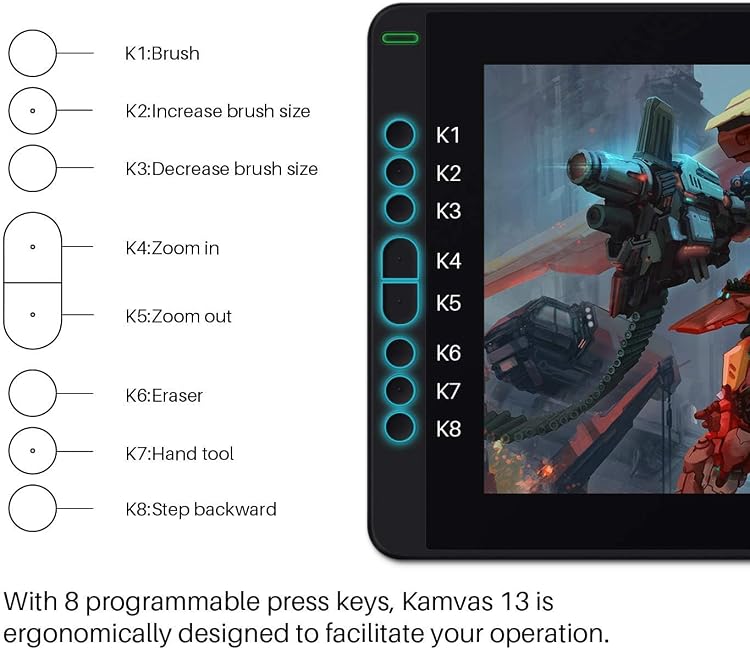
- Eight programmable press keys can be configured for shortcuts and are described as suitable for left- and right-handed users.
- The manufacturer describes a fully laminated, anti-glare screen intended to reduce parallax.
- Pen pressure is specified as 8192 levels. The PW517 pen is described as battery-free.
- The tablet can operate as a pen display or, with its screen off and reconnected by USB, in pen-tablet mode.
Often bought together
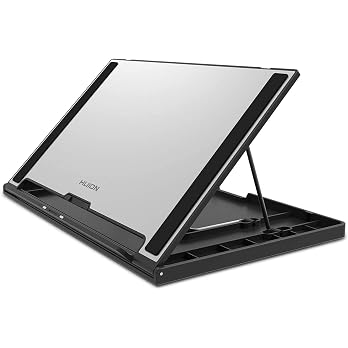
HUION Adjustable Drawing Tablet Stand ST300 Foldable Drawing Monitor Stand | Suitable for 15.6 Inches and Under Drawing Tablet with Screen, Kamvas 13/16 (Gen 3), Kamvas 12/13/16, Kamvas Pro 12/13/16
£27.99
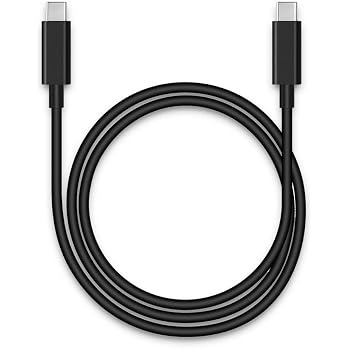
HUION UC06 USB-C to USB-C Cable and USB-A to USB-C Power Cable | Suitable for Kamvas 12/13/16, Kamvas 13 (Gen 3), Kamvas Pro 13/16 (2.5K), Kamvas Pro 16 (4K)/Pro 16 Plus (4K)
£24.64
Pros and cons
Pros
- A screen-based drawing surface lets users work directly on the displayed image rather than looking away at a separate monitor.
- Eight programmable keys provide customisable shortcuts without relying solely on keyboard commands.
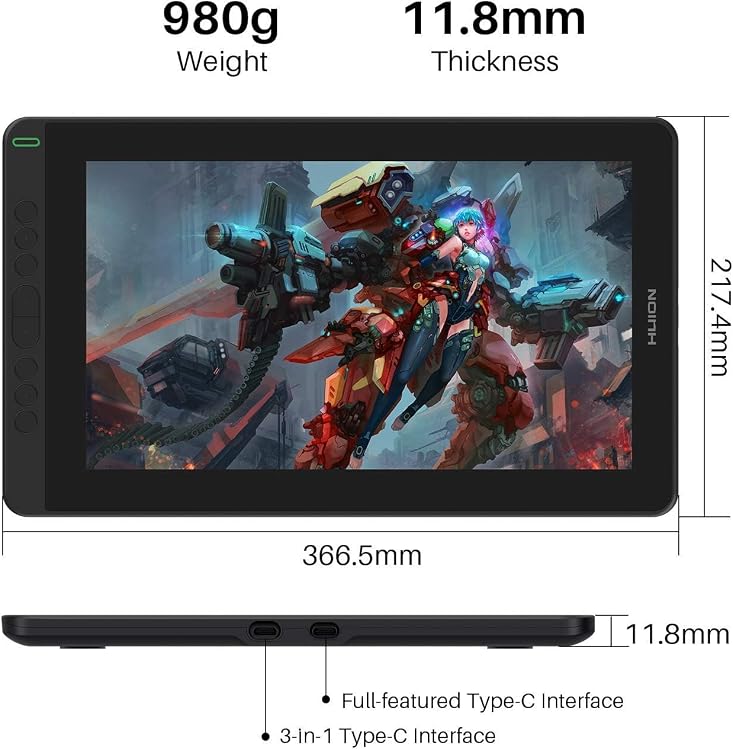
- The stated 980g weight and 11.8mm thickness are convenient for carrying between workspaces.
Cons
- It is not a standalone drawing computer and must be connected to a computer or phone to work.
- Android use requires extra power, while the full-featured USB-C cable needed for some connections is not included.
Technical specifications
13 specifications| Brand | HUION |
|---|---|
| Model | kamvas |
| Screen size | 13.3 Inches |
|---|---|
| Screen technology listed | IPS |
| Resolution | 1920x1080 |
| Colour | Black |
| Pressure sensitivity | 8192 Levels |
|---|---|
| Shortcut keys | 8 programmable press keys |
| Connection listed | USB |
|---|---|
| Android support | Android |
| Weight listed | 980 Grams |
|---|---|
| Dimensions | 21.7L x 36.7W centimetres |
| Thickness | 11.8mm |
What to know before buying
Listing details to confirm
Connection depends on the host and cable: USB-C to USB-C requires a compatible port supporting USB 3.1 Gen 1, DP 1.2 or above, and the listing says extra power is needed with Android devices. The tablet must connect to a computer or phone rather than operate alone. Listing details are inconsistent or unconfirmed: the title and features call this a Kamvas 13, while the part number says “Huion Kamvas Pro”. The technical details list Android as the operating system although the product is described as a connected display, and the listed USB connection does not specify a complete connection setup. Confirm the exact model, supported host and required cables for your setup.
What’s in the box
- Pen displayCheck selected pack
- Digital pen PW517Check selected pack
- 3-in-1 USB-C cableCheck selected pack
- USB extension cableCheck selected pack
- Pen holder PH05Check selected pack
- Pen nibs (10)Check selected pack
- Pen nib clipCheck selected pack
- Glove and cleaning clothCheck selected pack
- Quick start guideCheck selected pack
- Full-featured USB-C cableNot included
Check which accessories are included in your selected pack before buying.
Who is it for?
A good fit for
- Illustrators and digital artists who want a screen-based drawing surface connected to a computer.
- Users who value programmable shortcut keys and want a pen display that can also be used with its screen off in pen-tablet mode.
- People looking for a portable display for drawing away from a fixed desk, provided they can supply a compatible host and connection.
Less suited to
- Anyone seeking a standalone tablet with its own drawing apps and no computer or phone connection.
- Buyers who need Android drawing without additional power or expect the full-featured USB-C cable to be included.
Customer reviews on Amazon
- 5 stars
70% 70% - 4 stars
17% 17% - 3 stars
3% 3% - 2 stars
4% 4% - 1 star
6% 6%
Customer feedback highlights the display and drawing experience, with some customers saying direct-on-screen work feels quicker than drawing with a mouse. Connectivity is a reported concern, including disconnections and Mac compatibility complaints. Experiences with responsiveness and programmable buttons are mixed, which matters for a workflow that depends on reliable input and shortcuts. The product is specified as a connected display, so host and cable compatibility are important alongside those reported experiences.
Positive themes
- Customers praise the display quality and drawing experience.
- Some customers describe digital drawing as quicker and easier than using a mouse.
Negative themes
- Customers report connection problems, including disconnections and difficulty getting the tablet to work with Macs.
Mixed feedback
- Feedback about responsiveness ranges from highly responsive to laggy.
- Button experiences differ, with some customers appreciating customisation and others finding the buttons unusable.
Frequently asked questions
Does the HUION Kamvas 13 work without a computer or phone?
No. The listing says it must connect to a computer or phone to work. It is a pen display, not a standalone drawing tablet.
Can it connect to an Android device?
The listing claims Android-device support, but says extra power is required. A full-featured Type-C cable is also required for this connection and is not included.
What screen resolution is listed?
The technical details specify 1920x1080. The page also describes the screen as Full HD.
Is the full-featured USB-C cable in the box?
No. The package information explicitly says the full-featured USB-C cable is not included. The listing separately claims a 3-in-1 USB-C cable is standard.
Alternative options
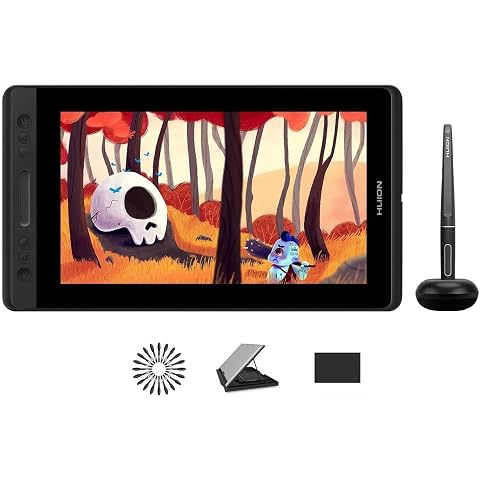
HUION Kamvas Pro 13 Drawing Tablet with Screen with Stand 13.3" 8192 Levels | 4 Press Keys and 1 Touch Bar Full Laminated Graphic Tablet with Screen for Animation Creation Work with Windows/Mac/
£188.99
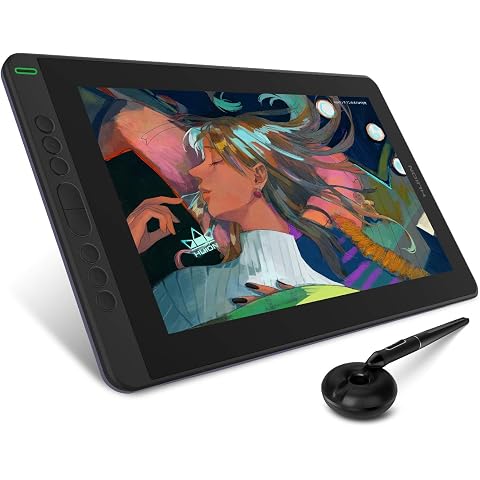
HUION Kamvas 13 Drawing Tablet with Screen 8 Shortcut Keys 13.3" Purple | PenTech 3.0, 8192 Pen Pressure, Fully Laminated Anti-Glare Glass, Works with Windows, Mac and Linux for Illustration Creation
£169.99
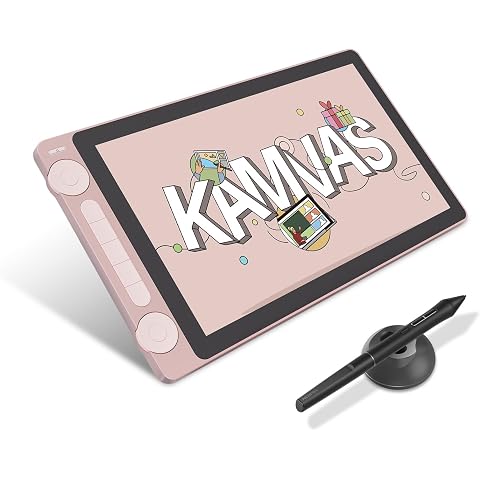
HUION Kamvas 13 Gen 3 Drawing Tablet with Screen, Dual Dial, 13.3", Pink | PenTech4.0 16384 Pen Pressure, 5 Express Keys, Anti-Glare Glass, Works with Windows/Mac/Android for Art Design
£198.55
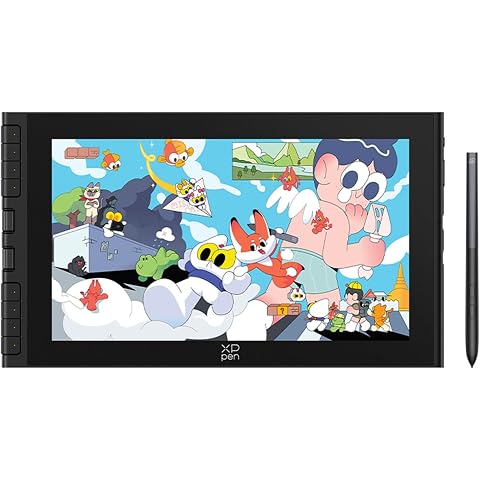
XPPen Artist 12 3rd Drawing Tablet with 11.9" FHD Screen & 16K Pen Pressure | Portable Graphics Display with X-Dial, Supports Windows/macOS, Ideal for Graphic Design & Illustration & Education
£189.99
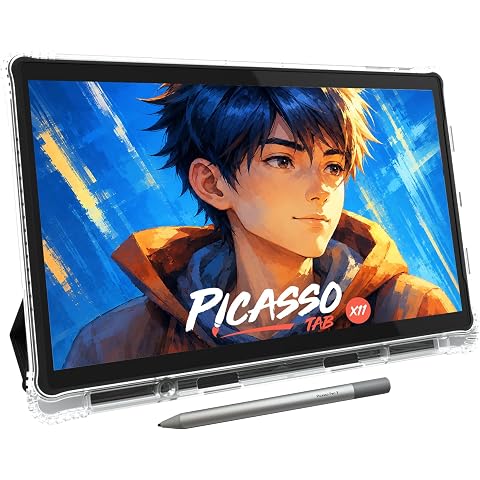
11" Standalone Drawing Tablet, Portable PicassoTab, No Computer Needed -X11 | 6 Bonus Items, Pro Drawing Apps & Tutorials, Laminated 2K Screen • 4096 Pressure Pen, 6GB+128GB, Made for Students, Artists
£209.95
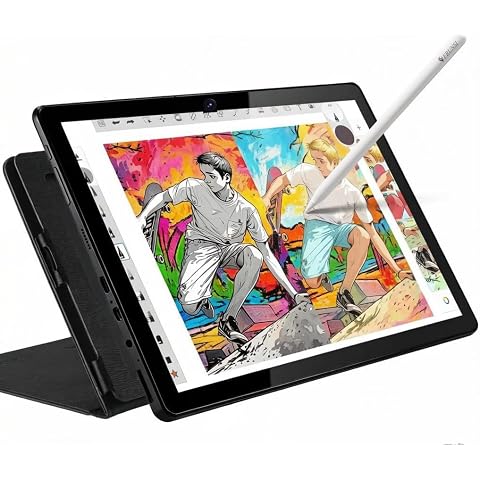
Frunsi T11 Pro Standalone Drawing Tablet with Screen,No Computer needed,10.1 inch FHD Display,Octa-Core CPU,Pre-installed Sketchbook & Flipaclip - Ideal for Digital Artists, Designers
£179.99
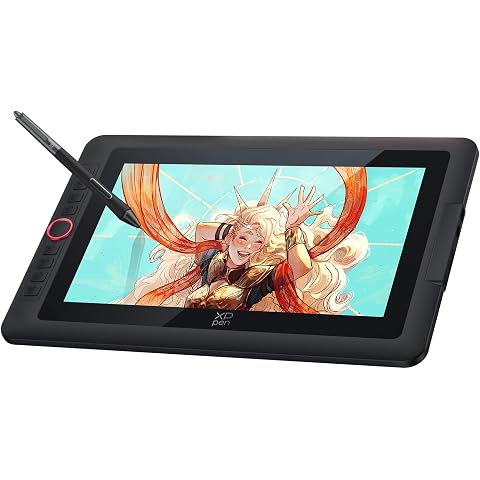
XPPen Artist13.3 Pro V2 Drawing Tablet with 13.3" Full-laminated Screen | Portable Graphics Pen Display with X3 Pro Smart Chip Stylus, 8 Shortcut Keys, 99% sRGB Color Gamut, Works with Windows, macOS
£269.99
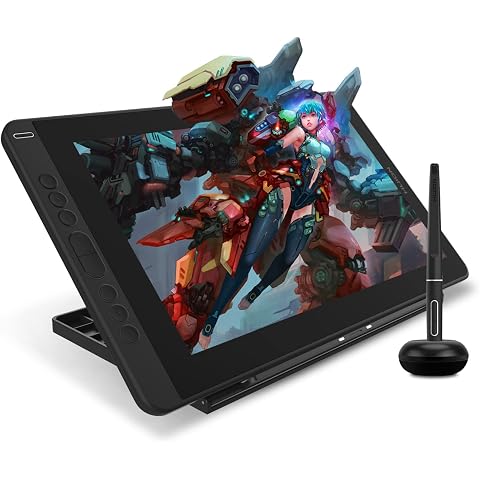
HUION Kamvas 13 Drawing Tablet with Screen 13.3" Green Adjustable Stand | 8192 Pen Pressure, 8 Shortcut Keys, Fully Laminated Anti-Glare Glass, Works with Windows/Mac/Linux for Illustration Creation
£179.99
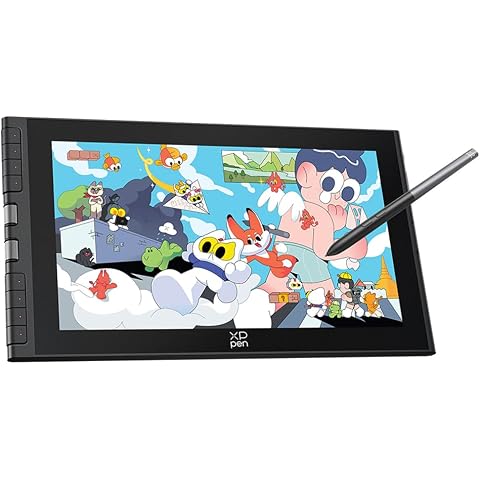
XPPen Artist 12 3rd Drawing Tablet with 11.9" FHD Screen & X4 Chip Stylus | Graphics Tablet with 8 Shortcut Keys & Dual Dial, Ideal for Beginners & On-the-Go Creators, Requires PC/Laptop Connection
£189.99
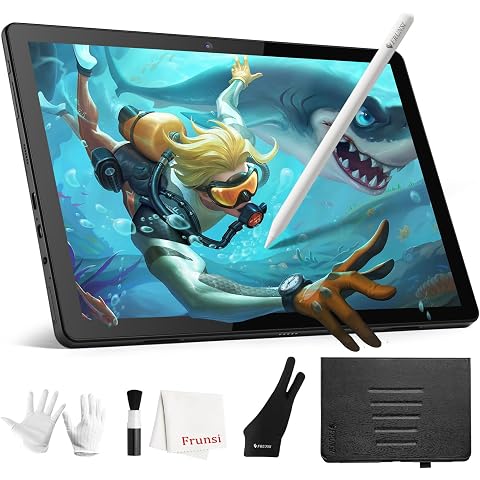
FRUNSI RubensTab T11Pro 10.1 Inch Standalone Drawing Tablet No Computer Needed with Stylus Pen,Octa-Core CPU,Pre-Installed Sketchbook & Flipaclip -Best Gift for Beginner Digital Graphic Artis
£169.99
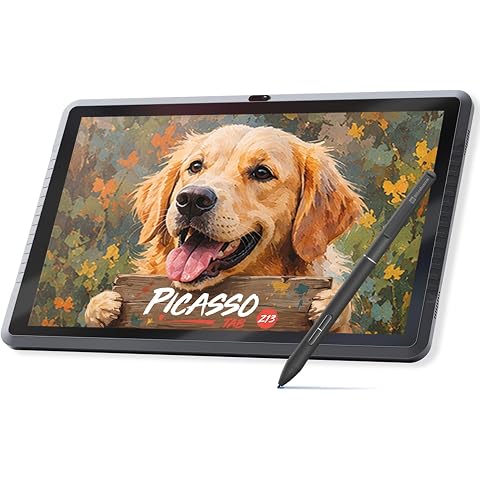
13.3" EMR Standalone Drawing Tablet, No Computer Needed -Z13 | Battery-Free 8192 Levels Pen, Paper-Like 13.3" Screen, Pro Drawing Apps & Tutorials, Android 15, Made for Students, Artists
£329.95
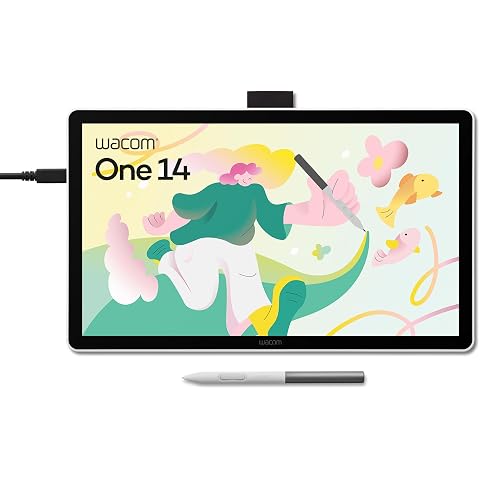
Wacom One 14, Pen Display, Full HD, incl. battery-free Standard Pen | Drawing Tablet (PC necessary), Pen-on-paper feel with anti-glare etched glass, lightweight FHD with Japanese technology.
£200.99