 1 / 7
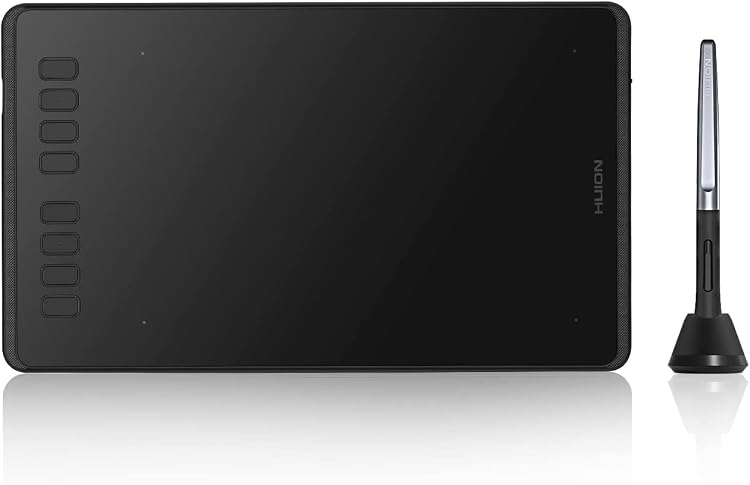
HUION Inspiroy H950P Graphics Tablet, 8192-Level Pressure
The HUION Inspiroy H950P is a USB-connected graphics tablet with a battery-free stylus and 8192 pressure levels. It needs a connected computer or Android device, so drawing does not appear on the tablet itself.
At a glance
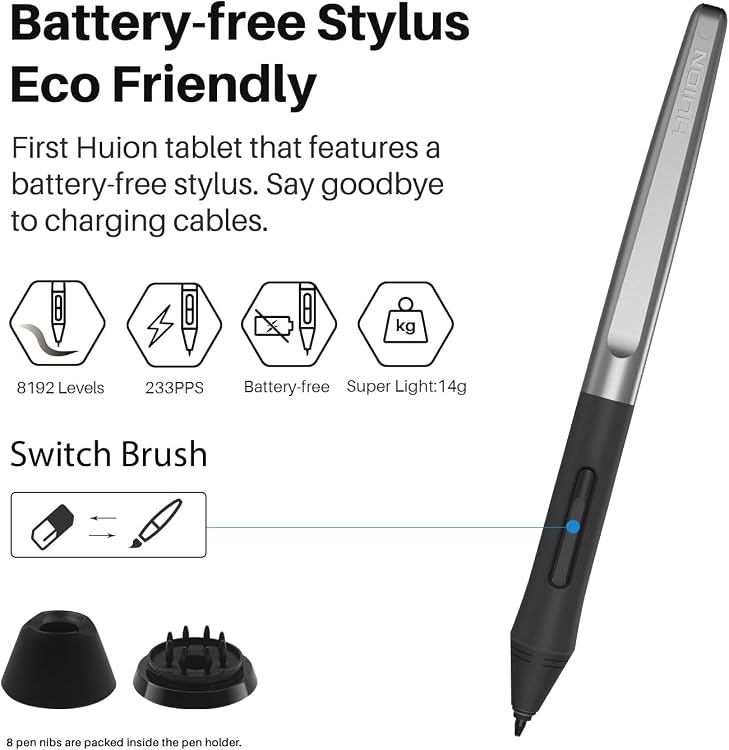
- Battery-free PW100 stylus has two customisable buttons, according to the listing.
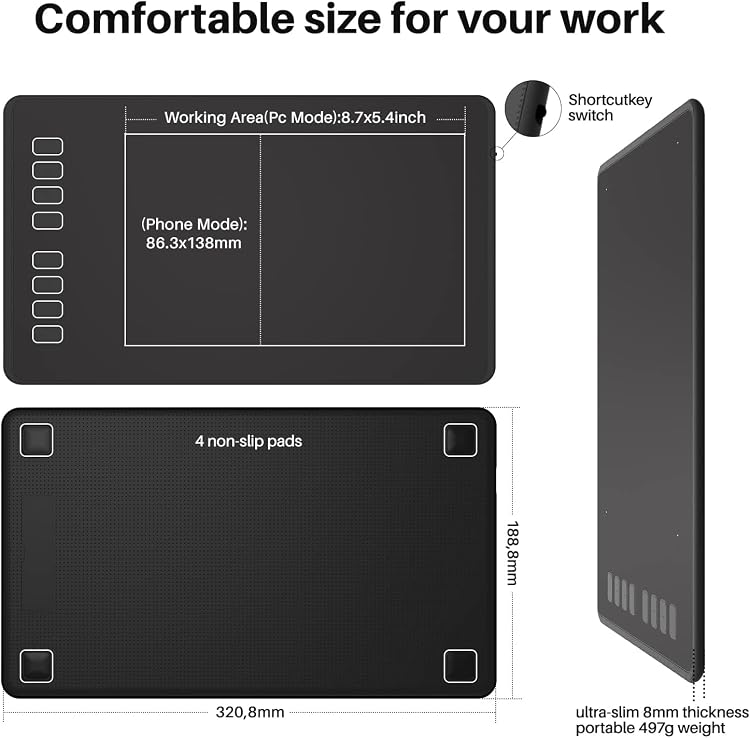
- Eight user-defined shortcut keys and a lock key are listed. The tablet is described as usable by left- and right-handed people.
- The listing names compatibility with Windows, macOS, Android, Linux and ChromeOS, with system versions varying across its details.
- Full lamination is listed as a feature, though the tablet is not a display for the artwork.
Often bought together
Pros and cons
Pros
- Battery-free stylus avoids charging the pen.
- Eight customisable tablet shortcuts can provide quick access to frequently used commands.
- The listing describes support for both computer and Android-device workflows.
Cons
- This is a pen tablet rather than a pen display. It must connect to a computer or Android phone, and the drawing is shown on that connected device.
Technical specifications
11 specifications| Brand | HUION |
|---|---|
| Model | Inspiroy H950P |
| Screen size listed | 8.7 Inches |
|---|---|
| Screen technology listed | LCD |
| Connection listed | USB |
|---|---|
| Pressure sensitivity | 8192 Levels |
| Shortcut keys | 8 User-defined Shortcuts |
| Stylus | Battery-free stylus PW100 |
| Operating systems claimed | Windows 7 or later macOS 10.12 or later Android 6.0 or later Linux |
|---|---|
| Active surface area | 47,14 pollici quadrati |
| Dimensions | 13.7L x 22.1W centimetres |
What to know before buying
Listing details to confirm
The listing details are inconsistent: it identifies the product as an 8.7-inch LCD tablet but also says drawings do not appear on the tablet and must be viewed on a connected device. The title describes it as 8x5 inches, while another field gives an active area in square inches using Italian decimal punctuation. System compatibility also varies across claims, including differing macOS versions and a ChromeOS claim. Confirm the selected device, operating system and active drawing area before buying. The listing says a driver may need to be downloaded for the corresponding system.
What’s in the box
- Digital penIncluded
- PW100 stylusCheck selected pack
- 8 pen nibsCheck selected pack
- Pen holderCheck selected pack
- Micro USB cableCheck selected pack
- USB-C adapterCheck selected pack
- Quick Start GuideCheck selected pack
Check which accessories are included in your selected pack before buying.
Who is it for?
A good fit for
- Digital artists and students who want a pen tablet for drawing, painting, photo editing or animation on a connected device.
- People who want programmable shortcuts for creative work, online teaching or document annotation.
- Users seeking a battery-free stylus and compatibility with a supported computer or Android device.
Less suited to
- Anyone who needs artwork to appear directly beneath the pen on a built-in screen.
- Users who need confirmed iOS compatibility. The listing explicitly says iOS is not supported.
Customer reviews on Amazon
- 5 stars
71% 71% - 4 stars
18% 18% - 3 stars
7% 7% - 2 stars
2% 2% - 1 star
2% 2%
Customer feedback describes easy setup, a comfortable grip and a drawing area that users appreciate, with some customers also reporting suitability for beginners, experienced artists and online teaching. Button responsiveness receives mixed feedback, so buyers relying on the eight programmable shortcuts should consider that uncertainty. The positive overall rating distribution is encouraging but cannot establish how well the tablet will fit a particular device or workflow.
Positive themes
- Customers praise ease of setup and the drawing area.
- Customer feedback mentions a comfortable grip and use by both beginner and advanced artists.
Mixed feedback
- Feedback on button responsiveness is mixed.
Frequently asked questions
Does the Inspiroy H950P have a screen for drawing?
The listing includes an LCD screen-size field but also states that the tablet must connect to a computer or Android phone and that drawings will not appear on it. Treat the LCD and size details as inconsistent and confirm the configuration before purchase.
Can it work with an Android phone or tablet?
The listing claims Android support and specifies Android 6.0 or later in its compatibility details. You will need a compatible connected device, and compatibility can depend on the device and setup.
Is the stylus rechargeable?
The listing describes the PW100 as battery-free and says it does not need charging.
Does it work with iOS?
No. The listing says the H950P does not support iOS.
Alternative options
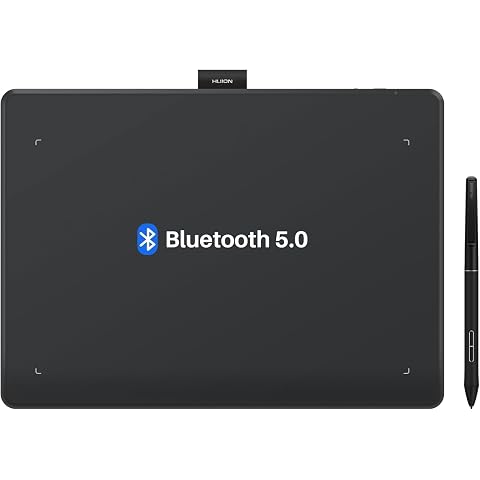
HUION Inspiroy Frego L610 Wireless Drawing Tablet 10X6.25 Inch Bluetooth | 8192 Pen Pressure, Bluetooth 5.0, Ideal Designer Tool for Note-taking Photo Editing, Work with Windows/Mac/Android
£79.99
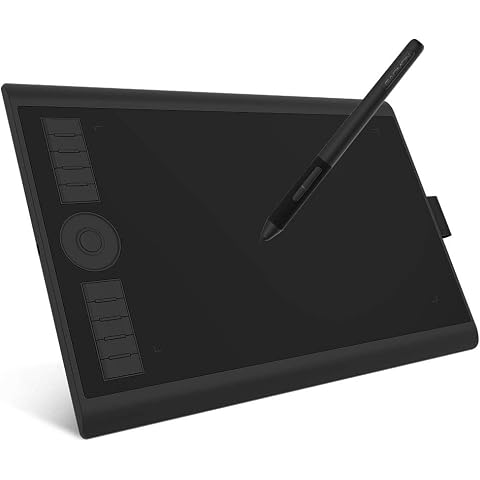
GAOMON M10K PRO Drawing Tablet 10×6.25 Inches Graphics Tablet | 8192 Pen Pressure,10 Hot Keys +1 Dial Controuer, Battery-Free Stylus, Art Tablet Support OTG, Windows/Mac/Android Compatible
£42.49
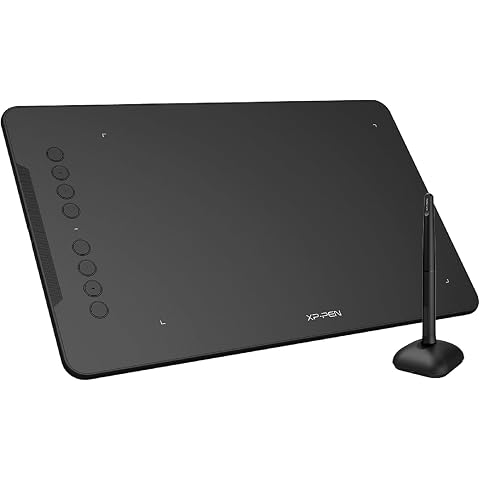
XPPen Deco 01 V3 Drawing Tablet with 10" x 6.25" Working Area | Portable Graphics Tablet with 8 Shortcut Keys, 16K Pen Pressure, Works with Windows, Mac & Android, Ideal for Sketch, Design
£47.99
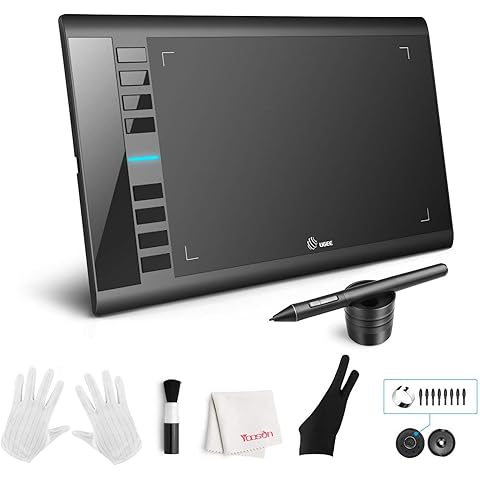
UGEE M708 Drawing Tablet,10x6in 3D Digital Graphics Tablet with 16384 Level Battery-free Tilt Pen,8 Hot Keys,Art Design Creation Tablet for PC with Windows 11/10/8/7,Mac OS 10.10 or above,Chromebook
£39.99
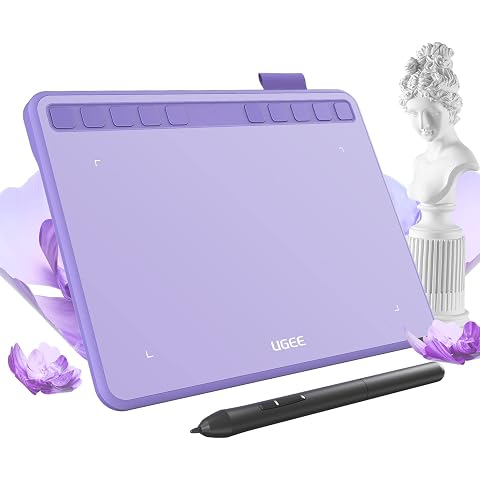
ugee S640 Drawing Tablet 6.3 x 4 In Graphics Pad for Beginner | 8192 Pen Pressure 10 Customisable shortcut Keys with Battery-free Stylus Compatible with for Mac, Windows PC and Android
£27.99
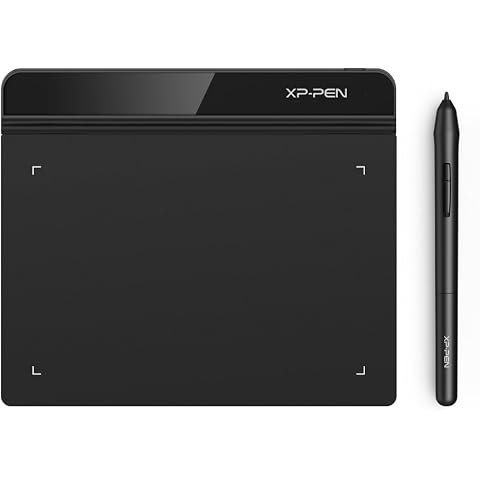
XPPen Star G640 Drawing Tablet with 6x4 inch Active Area | Digital Art Tablet with 8192 Battery-free stylus for Graphics Design, Business Signature, OSU!, Works with Windows&Mac OS
£23.99
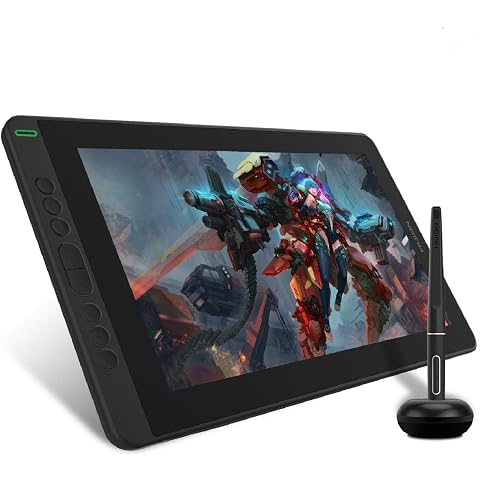
HUION Kamvas 13 Drawing Tablet with Screen 8 Shortcut Keys 13.3" Black | PenTech 3.0, 8192 Pen Pressure, Fully Laminated Anti-Glare Glass, Works with Windows, Mac and Linux for Illustration Creation
£169.99
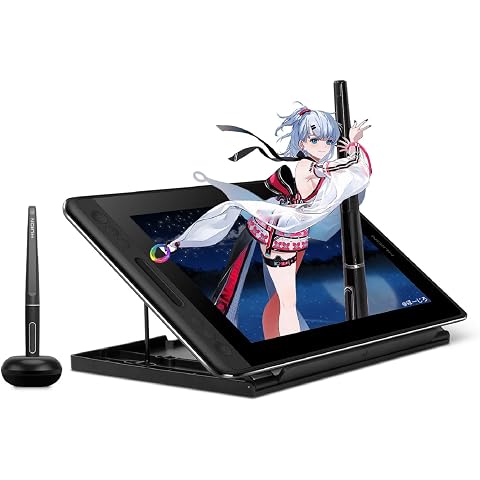
HUION Kamvas Pro 12 Drawing Tablet with Screen 11.6" Adjustable Stand | Battery-free Pen with Tilt Function 4 Express Keys & 1 Touch Bar Best Gift for Beginner Digital Graphic Artis
£151.99
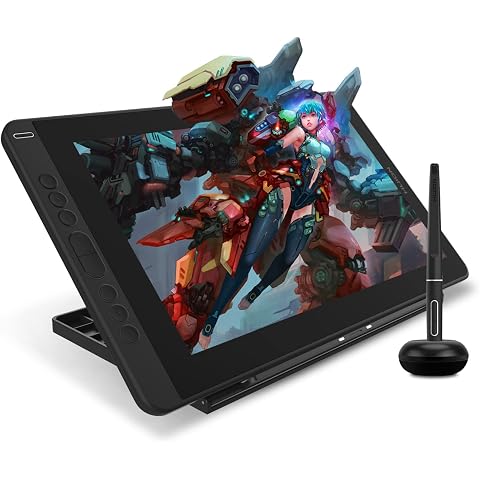
HUION Kamvas 13 Drawing Tablet with Screen 13.3" Green Adjustable Stand | 8192 Pen Pressure, 8 Shortcut Keys, Fully Laminated Anti-Glare Glass, Works with Windows/Mac/Linux for Illustration Creation
£179.99
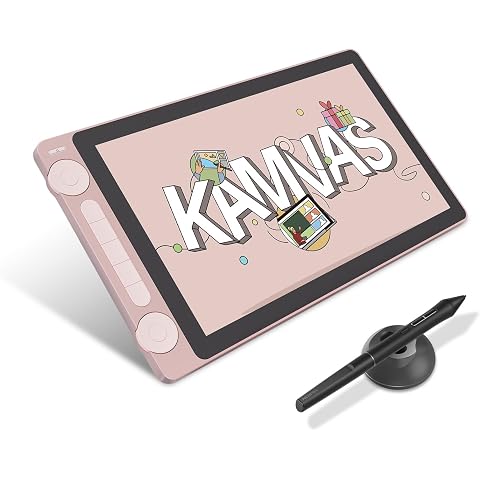
HUION Kamvas 13 Gen 3 Drawing Tablet with Screen, Dual Dial, 13.3", Pink | PenTech4.0 16384 Pen Pressure, 5 Express Keys, Anti-Glare Glass, Works with Windows/Mac/Android for Art Design
£198.55
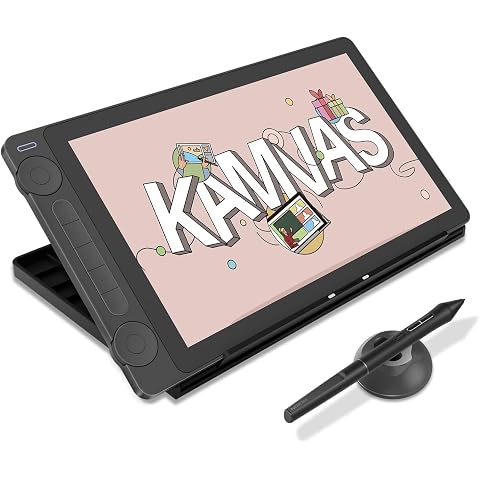
HUION Kamvas 13 Gen 3 Drawing Tablet with Screen with Stand 13.3", Black | PenTech 4.0 16384 Pen Pressure, 5 Express Keys, Dual Dial, Anti-Glare Glass, Works with Windows/Mac/Android for Art Design
£217.16
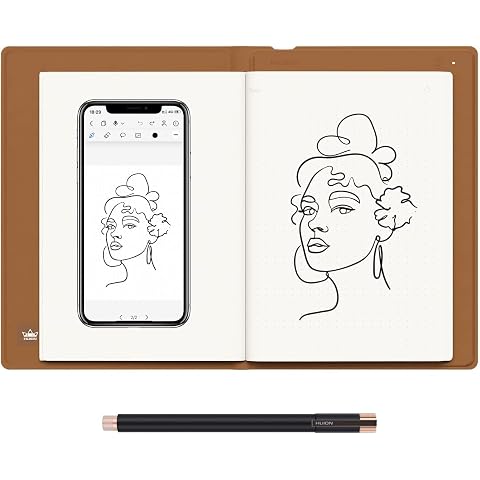
HUION Note X10 Digital Notebook 8192 Pressure Bluetooth 5.0 | Brown Cover, Passive Magnetic Pen, Cross iOS Windows Mac Linux, for Paper Note-Taking, Sketching And Meeting Records
£81.69