 1 / 6
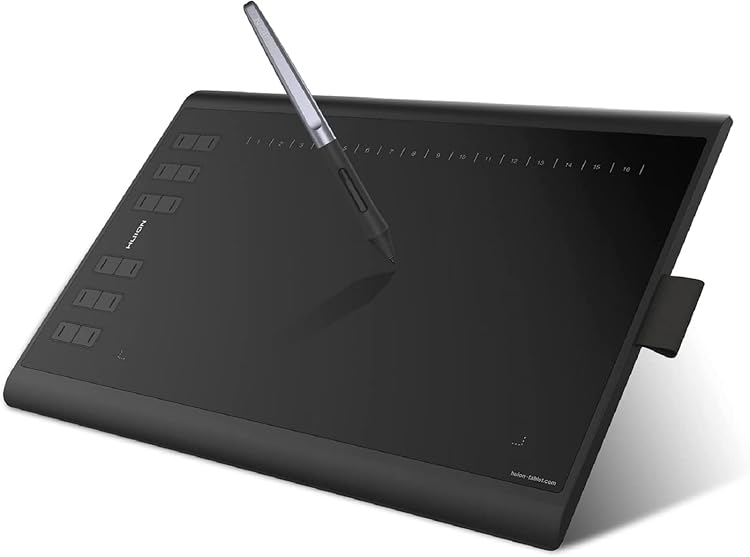
HUION Inspiroy H1060P Drawing Tablet, 10 × 6.25-inch active area
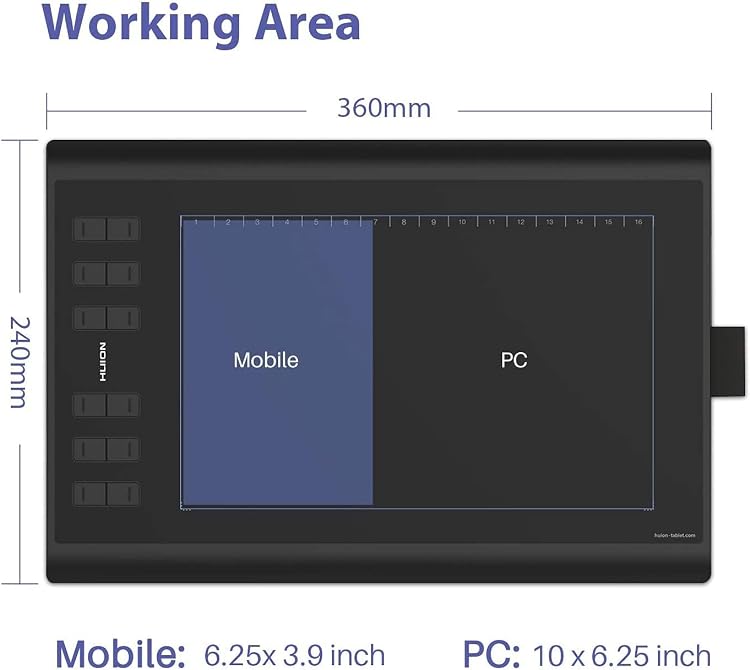
The HUION Inspiroy H1060P is a USB-connected graphics tablet with a 10 × 6.25-inch active area, a battery-free pen and customisable shortcut controls. Its large working area and support for Android devices may suit drawing on a computer or compatible phone, though the package contents and some compatibility details differ across the listing.
At a glance
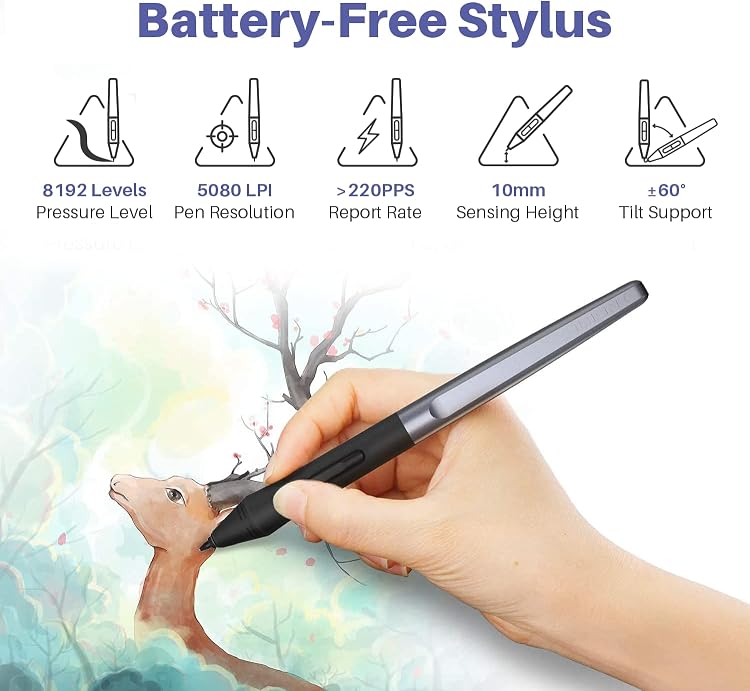
- The manufacturer describes the pen as battery-free and says it supports pressure and tilt input.
- Twelve express keys and 16 soft keys are described as programmable through the driver. The listing says the tablet can be configured for left-handed use.
- Android connection is described as requiring Android 6.0 or later and OTG support. The listing excludes iPhone and iPad.
Often bought together
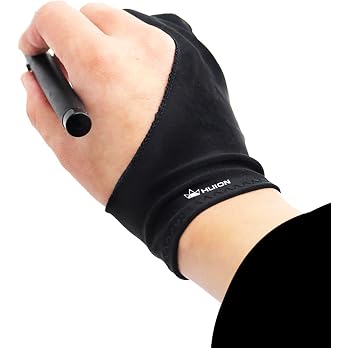
Huion Artist Glove for Graphics Drawing Tablet - Cura CR-01 (1 Unit of Free Size, Good for Right Hand or Left Hand)
£6.63
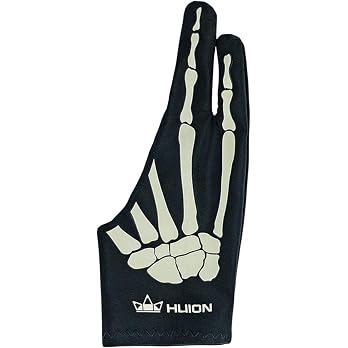
HUION Skeleton Artist Drawing Glove for Graphic Tablet, One Size,Right Hand | Anti-Smudge Skeleton Design, Breathable Elastic Fabric, Nylon Glove for Sketching, Coloring, Digital Drawing,Reduces Friction
£8.99
Pros and cons
Pros
- The listed 10 × 6.25-inch active area gives drawing input more room than a compact tablet.
- Battery-free pen operation avoids charging or replacing pen batteries, according to the listing.
- Programmable keys and left-handed configuration offer scope to tailor controls to a workflow.
Technical specifications
19 specifications| Brand | HUION |
|---|---|
| Model | HUION Inspiroy H1060P |
| Screen size listed | 10 Inches |
|---|---|
| Screen technology listed | LCD |
| Active drawing area | 10 x 6.25 pulgadas |
| Pen pressure sensitivity | 8192 Levels |
|---|---|
| Pen tilt support | ±60 degree |
| Report speed | 233 PPS |
| Express keys | 12 |
| Soft keys | 16 |
| Connection listed | USB |
|---|---|
| Operating system listed | Windows,Android |
| Computer connection | USB cable |
| Android version requirement | Android 6.0 or later |
| Weight listed | 770 Grams |
|---|---|
| Dimensions | 36L x 24W centimetres |
| Thickness | 10mm |
| Colour | Black/White |
|---|---|
| Stylus power | Without Battery |
What to know before buying
Listing details to confirm
Listing details are inconsistent or unconfirmed: the title and feature text describe a 10 × 6.25-inch drawing area, while detail fields list a 10-inch screen and LCD, and a separate native-resolution field gives 8192 without a unit. The operating-system fields omit Mac and Linux, although feature text names them. Package details also differ: the details list only a digital pen and USB cable, while the product-description list adds a pen holder, eight nibs, USB-C adapter and quick-start guide. Confirm the selected listing's configuration and compatibility before buying. Android use also requires a compatible device with OTG. The listing says the cursor may not appear on Samsung devices except Note series and that Linux Ubuntu requires Xorg, not Wayland.
What’s in the box
- Digital penIncluded
- USB cableIncluded
- Pen tabletCheck selected pack
- Pen holderCheck selected pack
- Pen nibs (8)Check selected pack
- USB-C adapterCheck selected pack
- Quick-start guideCheck selected pack
Check which accessories are included in your selected pack before buying.
Who is it for?
A good fit for
- Artists and designers who want a larger non-display drawing surface and programmable controls.
- People who want to connect a graphics tablet to a compatible Android device with OTG support.
- Left-handed users willing to configure the driver settings.
Less suited to
- Buyers who need a built-in display or direct on-tablet image viewing. The listing describes a graphics tablet connected to a computer or compatible mobile device.
- iPhone and iPad users, which the listing identifies as unsupported.
Customer reviews on Amazon
- 5 stars
71% 71% - 4 stars
18% 18% - 3 stars
7% 7% - 2 stars
2% 2% - 1 star
2% 2%
Customer feedback highlights ease of setup, a roomy drawing area and a comfortable grip, with users also describing the tablet as suitable for beginners and more experienced artists and useful for online teaching. These reports align with the listed active area and customisable controls, but button responsiveness receives mixed feedback, so buyers who rely on shortcut keys may want to account for that uncertainty.
Positive themes
- Customers describe setup as easy and report that the tablet works well out of the box.
- Customers praise the drawing area and comfortable grip.
- Feedback describes the tablet as useful for artists at different experience levels and for online teaching.
Mixed feedback
- Feedback on button responsiveness is mixed.
Frequently asked questions
Does the Inspiroy H1060P have a built-in screen?
The listing describes a graphics tablet connected to a computer or compatible mobile device. Although one detail field says LCD, it does not clearly establish that this model has a built-in drawing display, so confirm this if a screen is essential.
Can it be used with an Android phone or tablet?
The listing says Android 6.0 or later and OTG support are required. It also says the cursor may not show on Samsung phones or tablets outside the Note series.
Does the pen need charging?
The listing describes the pen as battery-free, so it does not require pen batteries or charging.
What comes in the box?
The details list a digital pen and USB cable. A separate package list also names the tablet, pen holder, eight pen nibs, USB-C adapter and quick-start guide. Confirm the contents for the selected listing.
Alternative options
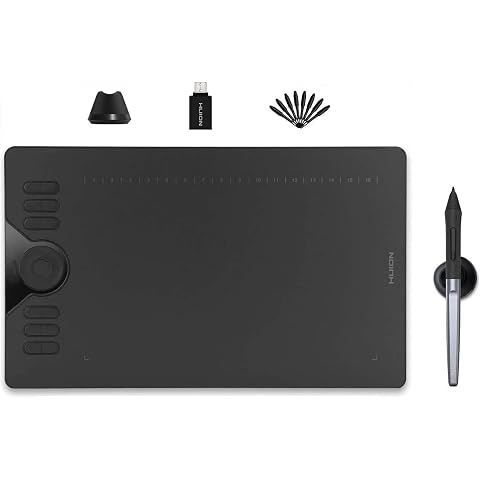
HUION Drawing Tablet HS610 10x6.25 inch 12 Express Keys & Touch Strip | Battery-Free Stylus, 8192 Pen Pressure, Tilt, Work with Windows/Mac/Android, Graphic Tablet for Animation, Design, Writing
£42.74
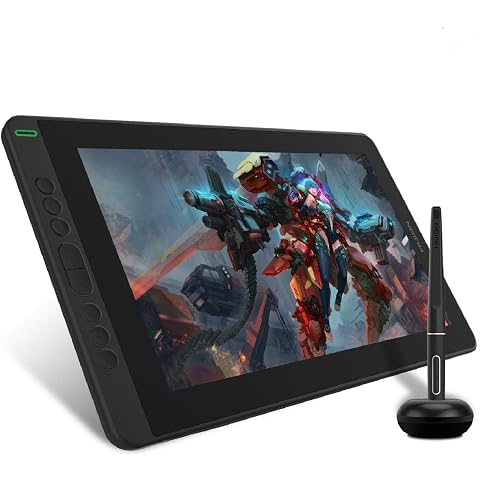
HUION Kamvas 13 Drawing Tablet with Screen 8 Shortcut Keys 13.3" Black | PenTech 3.0, 8192 Pen Pressure, Fully Laminated Anti-Glare Glass, Works with Windows, Mac and Linux for Illustration Creation
£169.99
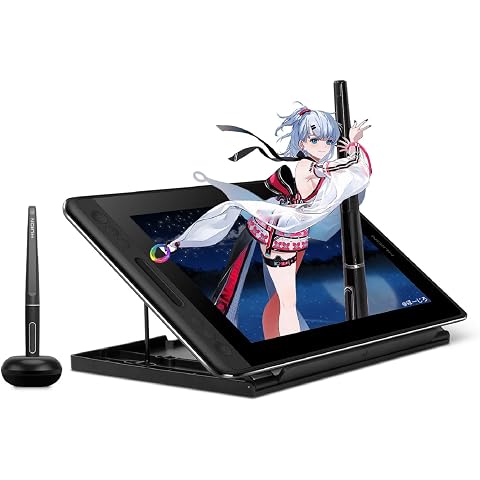
HUION Kamvas Pro 12 Drawing Tablet with Screen 11.6" Adjustable Stand | Battery-free Pen with Tilt Function 4 Express Keys & 1 Touch Bar Best Gift for Beginner Digital Graphic Artis
£151.99
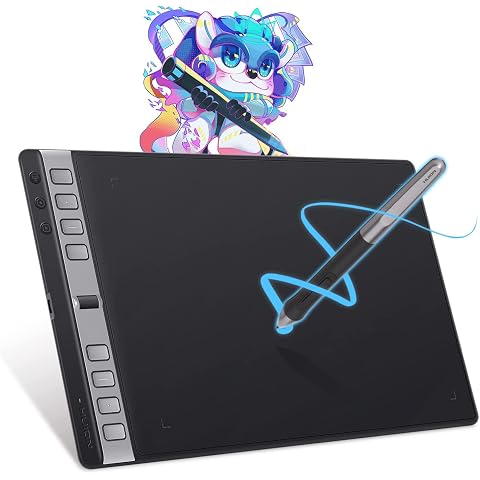
HUION Inspiroy 2 Large Drawing Tablet with 3-Group 8 Customized Express Key | 10.5x6.56" Art Tablet with Scroll Wheel, 8192 Pen Pressure, Graphics Tablet for Drawing, Design, Works with Mac/Windows/Linux
£75.98
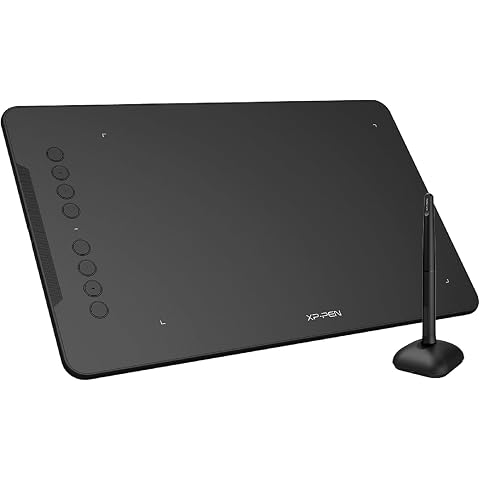
XPPen Deco 01 V3 Drawing Tablet with 10" x 6.25" Working Area | Portable Graphics Tablet with 8 Shortcut Keys, 16K Pen Pressure, Works with Windows, Mac & Android, Ideal for Sketch, Design
£47.99
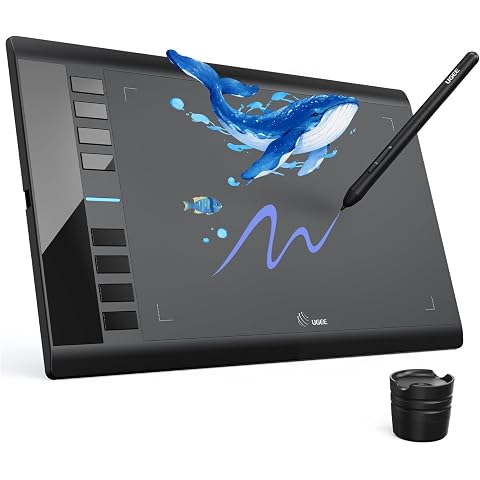
UGEE M708 V3 Graphics Drawing Tablet,10X6 Inches Drawing Digital Tablet with 8 Hot Keys 8192 Levels Pen | Compatible with Chromebook, Linux, Windows 7/8/10, MAC OS 10.10
£47.49
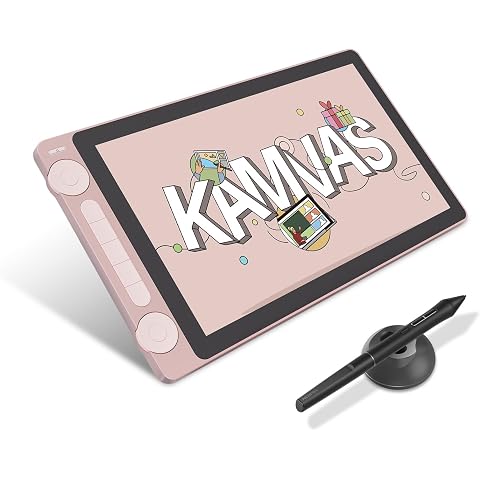
HUION Kamvas 13 Gen 3 Drawing Tablet with Screen, Dual Dial, 13.3", Pink | PenTech4.0 16384 Pen Pressure, 5 Express Keys, Anti-Glare Glass, Works with Windows/Mac/Android for Art Design
£198.55
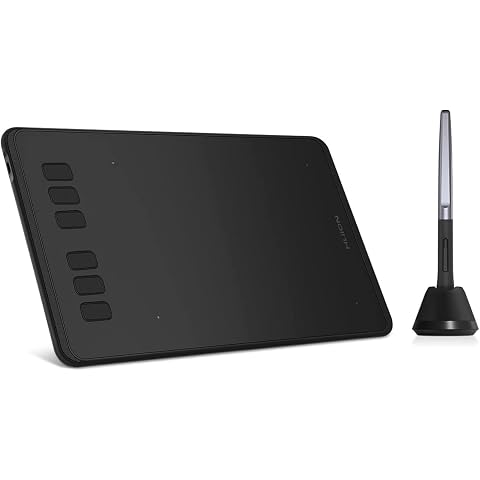
HUION Inspiroy H640P Drawing Tablet 6x4 inch Graphic Tablet for Beginner | Battery-Free Stylus, 8192 Pen Pressure, 6 Hot Keys, Work with Mac/PC/Android, Digital Art for Drawing Writing Design Teaching
£27.07
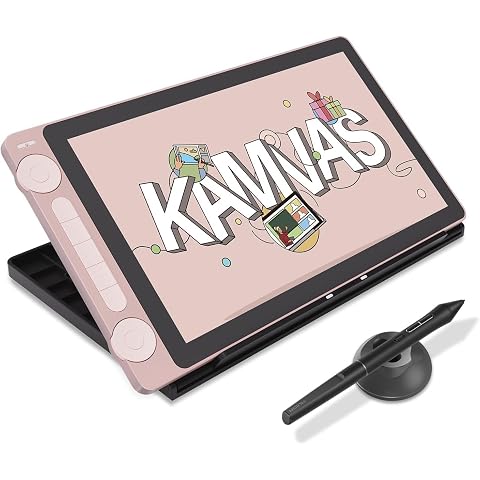
HUION Kamvas 13 Gen 3 Drawing Tablet with Screen with Stand Dual Dial, Pink | 13.3", PenTech 4.0 16384 Pen Pressure, 5 Express Keys, Anti-Glare Glass, Works with Windows/Mac/Android for Digital Painting
£217.16
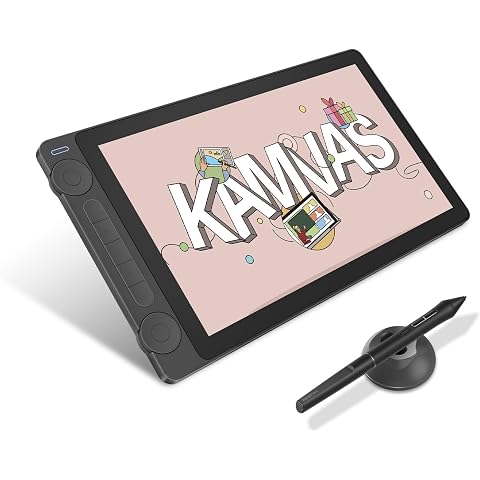
HUION Kamvas 13 Gen 3 Drawing Tablet with Screen, 16384 Pen Pressure, Black | 13.3", PenTech4.0, 5 Express Keys, Dual Dial, Anti-Glare Glass, Works with Windows/Mac/Android for Digital Painting
£198.55
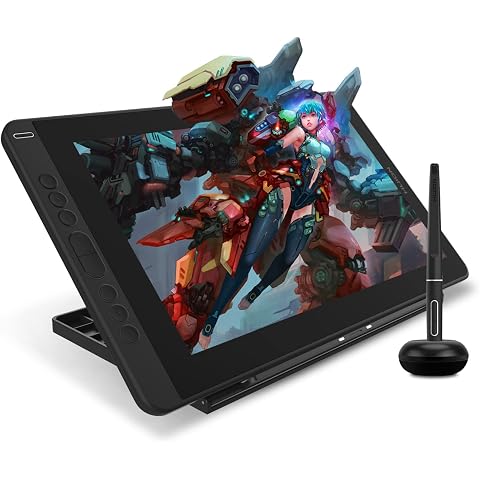
HUION Kamvas 13 Drawing Tablet with Screen 13.3" Green Adjustable Stand | 8192 Pen Pressure, 8 Shortcut Keys, Fully Laminated Anti-Glare Glass, Works with Windows/Mac/Linux for Illustration Creation
£179.99
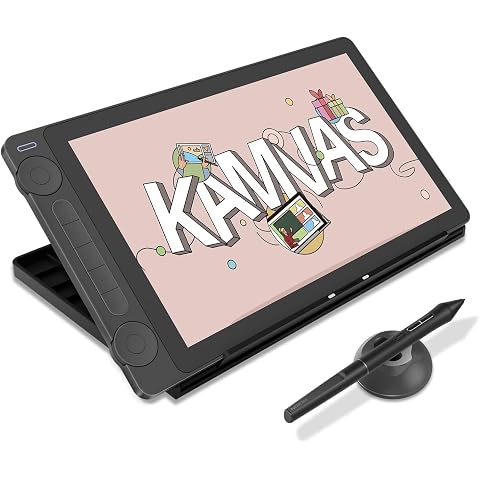
HUION Kamvas 13 Gen 3 Drawing Tablet with Screen with Stand 13.3", Black | PenTech 4.0 16384 Pen Pressure, 5 Express Keys, Dual Dial, Anti-Glare Glass, Works with Windows/Mac/Android for Art Design
£217.16