 1 / 7
HUION H1161 Drawing Tablet, 11 × 6.875-inch active area
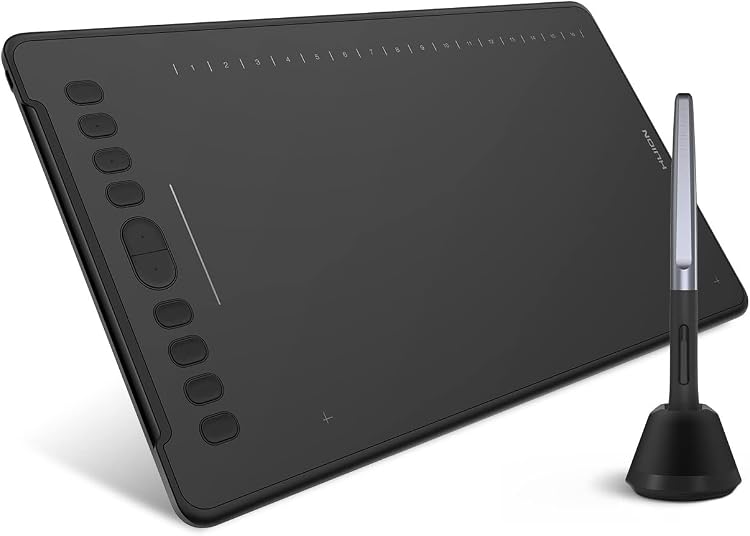
The HUION H1161 is a USB graphics tablet with a listed 11 × 6.875-inch active area, pressure-sensitive pen input and configurable controls. It suits drawing, photo editing and shortcut-led workflows, but it is a pen tablet rather than a display you draw directly on.
At a glance
- The listing describes a large active drawing surface, with a smaller working area specified for Android devices.
- Ten physical shortcut keys, 16 soft keys and a programmable touch bar can be assigned to workflow controls.
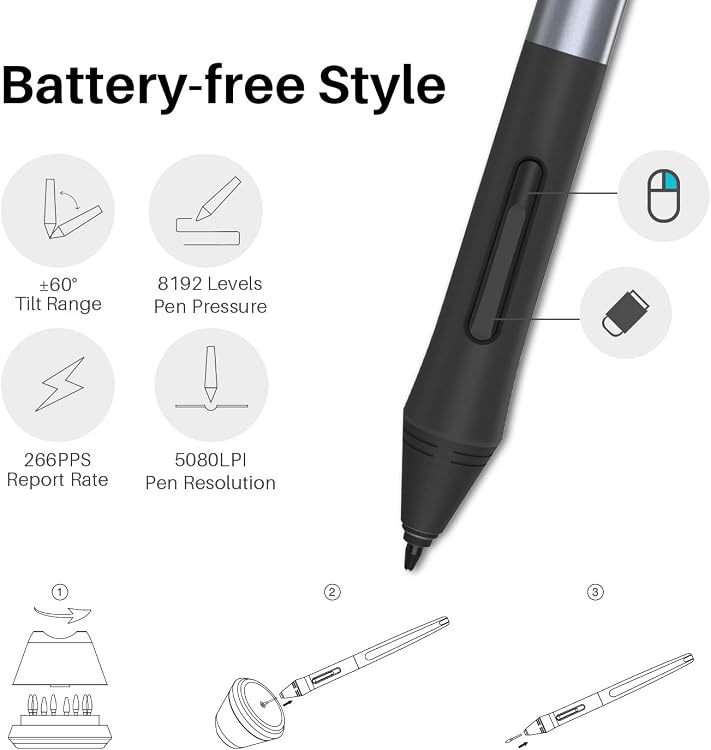
- The listing claims battery-free pen input with pressure sensitivity and tilt support in compatible drawing software.
Pros and cons
Pros
- The generous listed active area leaves room for broader pen movements on compatible computer setups.
- Customisable keys and touch-bar functions can reduce reliance on keyboard shortcuts during drawing or editing.
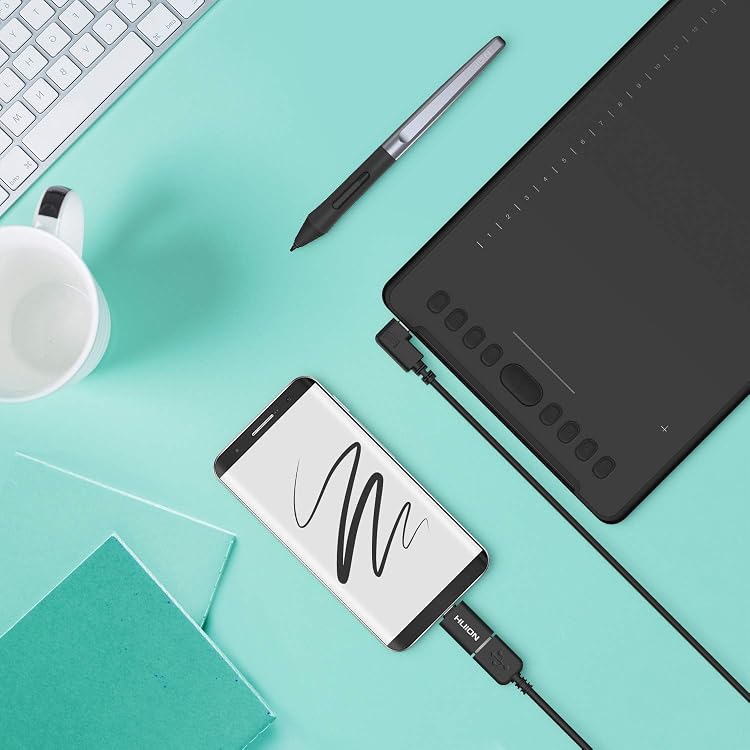
- The listing names Windows, macOS, Android and ChromeOS compatibility, with a separate feature claim also mentioning Linux.
Cons
- It is a non-screen graphics tablet, so drawing is performed on the pad while viewing the result on a connected device.
Technical specifications
13 specifications| Brand | HUION |
|---|---|
| Model | h1161 |
| Screen size | 11 Inches |
|---|---|
| Screen technology listed | LCD |
| Connection listed | USB |
|---|---|
| Pressure sensitivity | 8192 Levels |
| Controls | 10 hard shortcut keys, 16 soft shortcut keys and a touch bar |
| Active surface area | 11 x 6.875 inches |
|---|---|
| Weight listed | 570 Grams |
| Dimensions | 27.9L x 17.4W centimetres |
| Operating systems listed | Windows, macOS, Android, ChromeOS |
|---|---|
| Tilt support | ±60° |
| Report rate | 266PPS |
What to know before buying
Listing details to confirm
The listing is inconsistent about display details: it calls this a drawing tablet but also lists LCD and 1920x1080, without confirming that these describe a built-in screen. Android is assigned a smaller working area. OS claims differ, with the main details listing Windows, macOS, Android and ChromeOS while a feature claim lists Windows, macOS, Android and Linux. Confirm the tablet's screen status and software compatibility for your device before buying.
What’s in the box
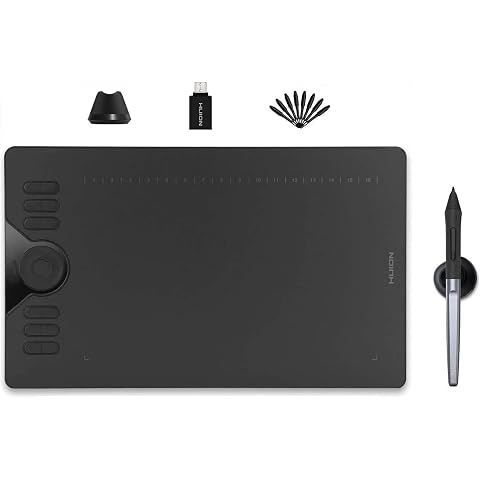
- StylusCheck selected pack
Check which accessories are included in your selected pack before buying.
Who is it for?
A good fit for
- Digital artists and illustrators who want a broad active area and configurable controls.
- Photo editors or users who can benefit from programmable shortcuts and touch-bar adjustments.
- Teachers or remote learners seeking a pen-input tablet for use with compatible devices and applications.
Less suited to
- Buyers who need a display tablet to draw directly on the screen.
- Users who require confirmed support for a specific operating system or drawing application without checking compatibility first.
Customer reviews on Amazon
- 5 stars
69% 69% - 4 stars
17% 17% - 3 stars
6% 6% - 2 stars
4% 4% - 1 star
4% 4%
Customer feedback describes the tablet as effective and good value, while reports on compatibility and ease of setup are mixed, including accounts of inconsistent performance. This matters if you need dependable setup across a particular device or app. The listing itself names several operating systems but gives differing compatibility claims, so customer sentiment does not settle support for your configuration.
Positive themes
- Customers describe the tablet as effective.
- Customers report that it offers good value.
Mixed feedback
- Customer feedback is mixed on compatibility and ease of use, with some reporting easy setup and others inconsistent performance.
Frequently asked questions
Does the HUION H1161 have a built-in screen?
The listing calls it a drawing tablet but also supplies LCD and 1920x1080 display details. It does not clearly confirm a built-in screen, so check this point before buying. It is presented as a graphics tablet for use with a connected device.
What controls does it offer?
The listing specifies 10 hard shortcut keys, 16 soft shortcut keys and a touch bar. Their functions can be customised, and the touch bar is described as defaulting to canvas zoom.
Which operating systems does it support?
The main details list Windows, macOS, Android and ChromeOS. A feature description also names Linux, so support is inconsistent in the listing. Confirm compatibility for your operating system and apps.
Does the pen need batteries?
The listing describes the pen as battery-free and claims ±60° tilt support in compatible drawing software.
Alternative options
HUION Drawing Tablet HS610 10x6.25 inch 12 Express Keys & Touch Strip | Battery-Free Stylus, 8192 Pen Pressure, Tilt, Work with Windows/Mac/Android, Graphic Tablet for Animation, Design, Writing
£42.74
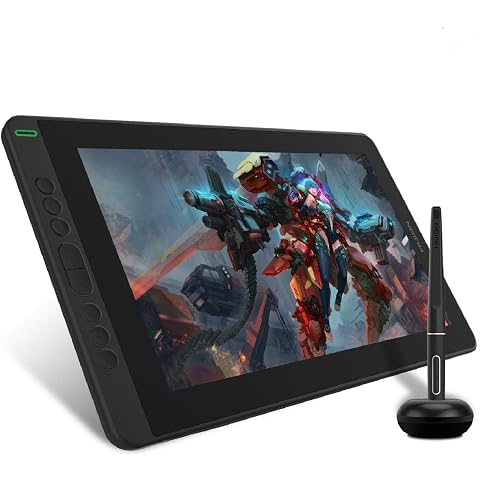
HUION Kamvas 13 Drawing Tablet with Screen 8 Shortcut Keys 13.3" Black | PenTech 3.0, 8192 Pen Pressure, Fully Laminated Anti-Glare Glass, Works with Windows, Mac and Linux for Illustration Creation
£169.99
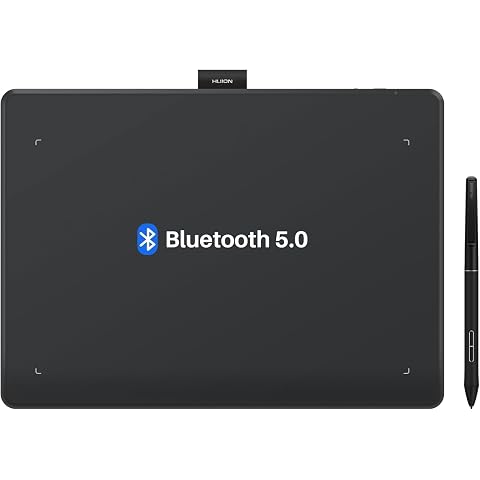
HUION Inspiroy Frego L610 Wireless Drawing Tablet 10X6.25 Inch Bluetooth | 8192 Pen Pressure, Bluetooth 5.0, Ideal Designer Tool for Note-taking Photo Editing, Work with Windows/Mac/Android
£79.99
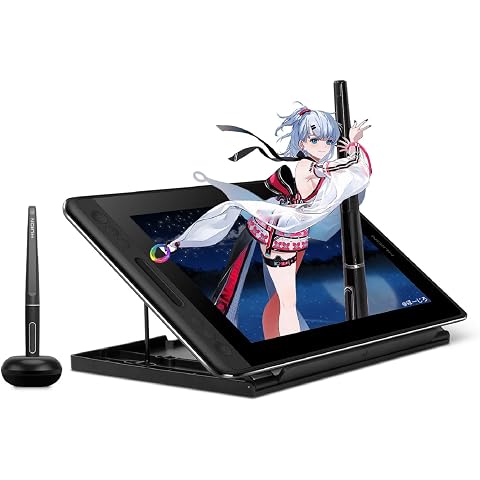
HUION Kamvas Pro 12 Drawing Tablet with Screen 11.6" Adjustable Stand | Battery-free Pen with Tilt Function 4 Express Keys & 1 Touch Bar Best Gift for Beginner Digital Graphic Artis
£151.99
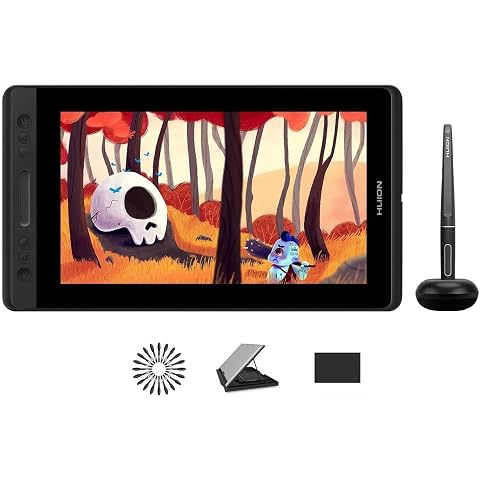
HUION Kamvas Pro 13 Drawing Tablet with Screen with Stand 13.3" 8192 Levels | 4 Press Keys and 1 Touch Bar Full Laminated Graphic Tablet with Screen for Animation Creation Work with Windows/Mac/
£188.99
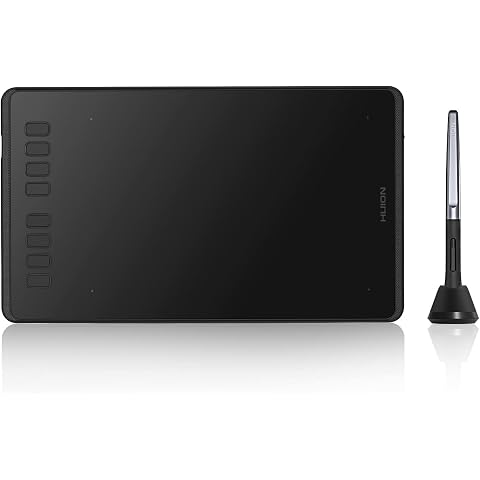
HUION Inspiroy H950P Drawing Tablet 8x5 Inch Graphics Tablet 8192 Levels | 8192 Pen Pressure, Battery-Free Stylus, Art Tablet for OSU,Animation,Painting,Photo Editing Works with Mac, Windows and Linux
£37.99
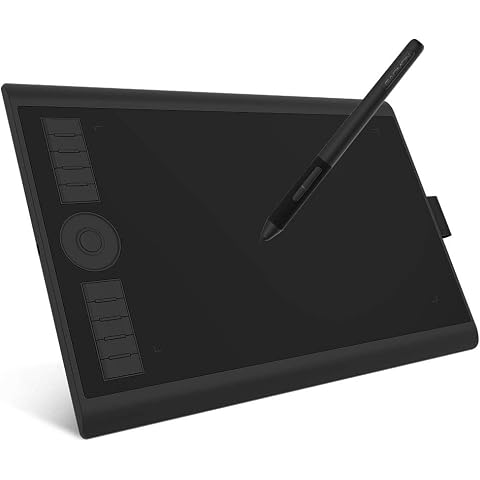
GAOMON M10K PRO Drawing Tablet 10×6.25 Inches Graphics Tablet | 8192 Pen Pressure,10 Hot Keys +1 Dial Controuer, Battery-Free Stylus, Art Tablet Support OTG, Windows/Mac/Android Compatible
£42.49
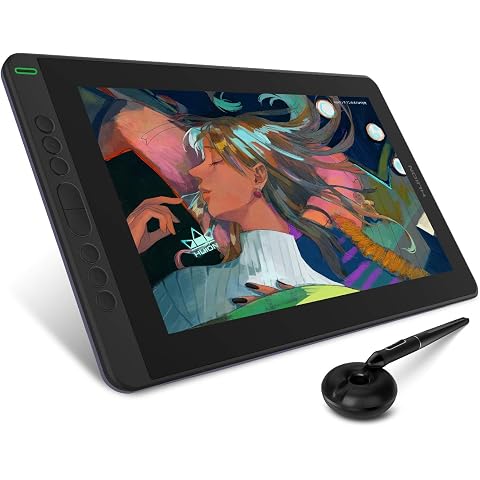
HUION Kamvas 13 Drawing Tablet with Screen 8 Shortcut Keys 13.3" Purple | PenTech 3.0, 8192 Pen Pressure, Fully Laminated Anti-Glare Glass, Works with Windows, Mac and Linux for Illustration Creation
£169.99
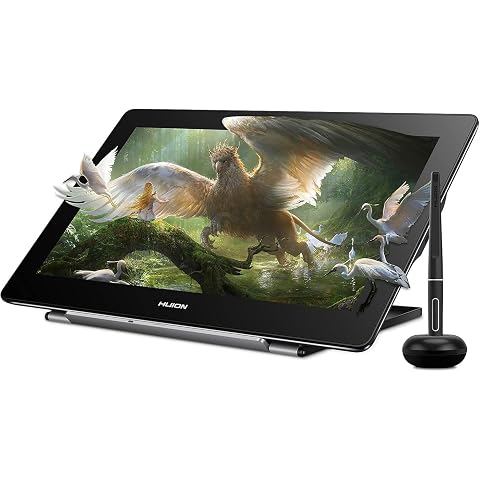
HUION Kamvas Pro 16 4K Drawing Tablet with Screen 15.6" | UHD 4K Resolution, Full Laminated Anti-Glare Glass, Tilt Function, 8192 Pressure Stylus for Professional Artists
£382.49
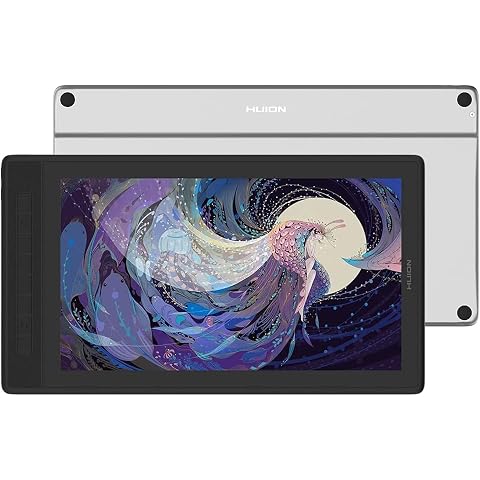
HUION Kamvas Pro 16 2.5K Drawing Tablet with Screen 145% SRGB | QHD Full Lamination, 99% Adobe RGB, PW517 Battery-Free Stylus for Art and Design, Works with PC, Mac and Android
£339.15
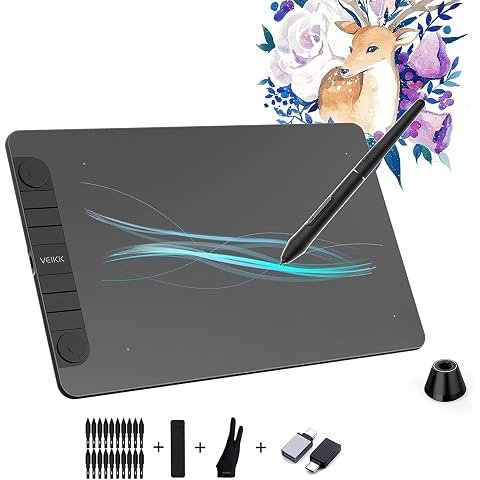
VEIKK VK1060PRO Graphics Tablet, 10 x 6 Inch Drawing Tablet with 8 Shortcut Keys, Double Dial Design, 8192 Pressure Levels, Battery-Free Pen, Compatible with Windows/Mac OS/Android/Linux
£49.99
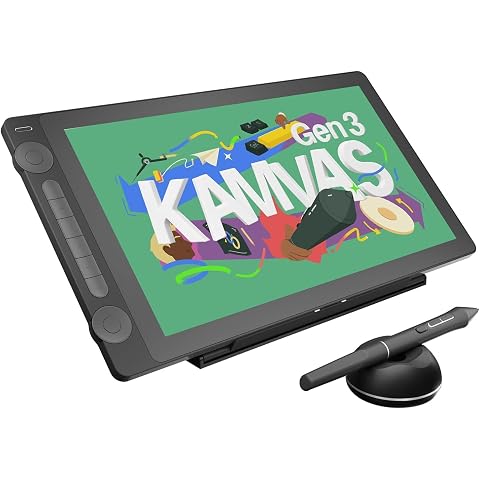
HUION Kamvas 16 Gen 3 Drawing Tablet with Screen 15.8" 2.5K QHD Dual Dials | PenTech4.0 16384 Pressure, 120% SRGB Gamut, Full Laminated, Anti-Sparkle Glass Work with Mac/PC/Android for Design &Animation
£398.99