 1 / 6
GAOMON M106K Graphics Tablet, 10 × 6.25-inch active area, AP20 stylus
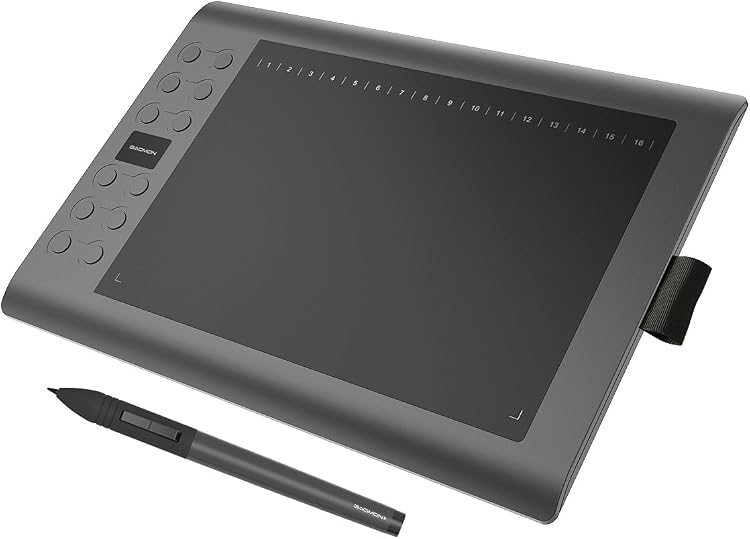
GAOMON M106K is a USB-connected graphics tablet with a 10 × 6.25-inch active area, a rechargeable AP20 stylus and customisable shortcut controls. Its pressure sensitivity and key layout suit drawing, image editing and teaching workflows, but feedback is mixed on functionality and build quality.
At a glance
- The tablet has a 254 x 158.8 mm active surface, while the listing also identifies its screen size as 10 Inches.
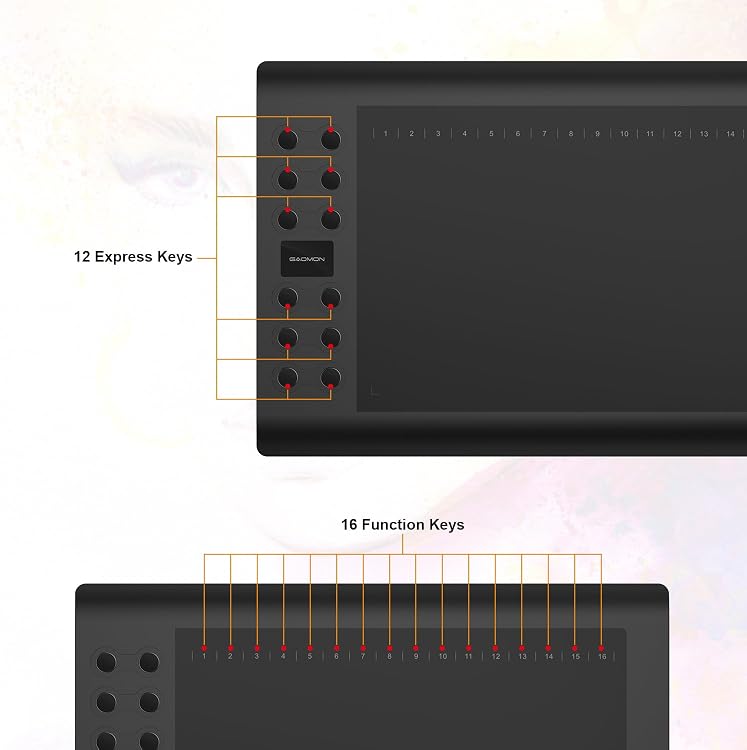
- Twelve Express keys and 16 Function keys are described as customisable for shortcuts.
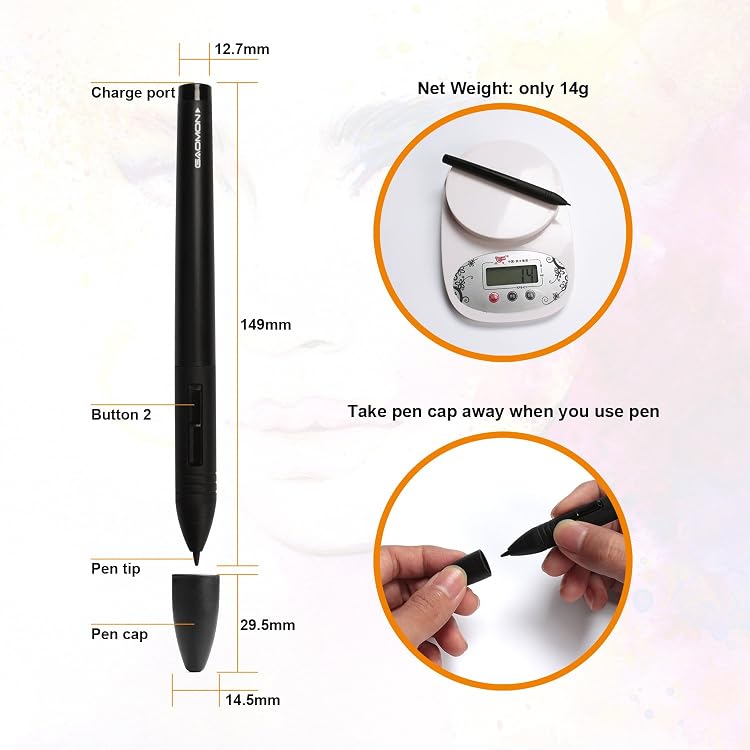
- The AP20 stylus is rechargeable and is claimed to work for 350 hours after charging.
- Left-hand mode can be selected in the driver control panel, according to the listing.
Pros and cons
Pros
- A generously sized active drawing surface is paired with programmable controls for shortcuts.
- The rechargeable stylus avoids routine battery replacement, and a pen holder is built into the tablet.
- Listing claims include use with Windows and Mac software and a range of drawing applications.
Cons
- The pen requires charging, unlike a battery-free stylus.
Technical specifications
14 specifications| Brand | GAOMON |
|---|---|
| Model | GAOMON M106K |
| Screen size listed | 10 Inches |
|---|---|
| Screen technology listed | LCD |
| Active surface area | 254 x 158.8 mm |
| Resolution | 5080 LPI |
| Connection listed | USB |
|---|---|
| Pressure sensitivity | 2048 Levels |
| Report rate | 233 PPS |
| Operating system | Windows 7/ Mac OS 10.12/ Andorid 6.0 oder höher |
|---|---|
| Claimed pen use after charging | 350 hours |
| Weight listed | 780 Grams |
|---|---|
| Dimensions | 24L x 36W centimetres |
| Colour | Black |
What to know before buying
Listing details to confirm
Listing details are inconsistent: the title gives a 10 × 6.25-inch tablet, the active-area specification is 254 x 158.8 mm, and the separate screen-size field says 10 Inches. The operating-system details also differ between fields, and the stated 350-hour pen use is a listing claim, not an independently confirmed runtime. Check OS and app compatibility for your setup before buying.
What’s in the box
- AP20 stylusCheck selected pack
- Mouse functionCheck selected pack
Check which accessories are included in your selected pack before buying.
Who is it for?
A good fit for
- Illustrators, students and teachers wanting a graphics tablet for drawing, image editing, handwriting or online education.
- Users who prefer shortcut controls and a larger active area for desktop or laptop workflows.
Less suited to
- Buyers who need a tablet with a built-in drawing display, rather than a graphics tablet used alongside a computer.
- Anyone wanting a battery-free pen or a clearly confirmed compatibility guarantee for a particular device or application.
Customer reviews on Amazon
- 5 stars
63% 63% - 4 stars
15% 15% - 3 stars
7% 7% - 2 stars
4% 4% - 1 star
11% 11%
Customer feedback highlights easy installation and use and perceived value, while build quality and functionality receive mixed comments. Some customers describe the tablet as working well, while others report that it does not work at all. The shortcut controls and USB connection may suit drawing workflows, but buyers who rely on consistent operation should weigh those differing experiences.
Positive themes
- Customers describe installation and use as easy.
- Customers mention good value for the price.
Mixed feedback
- Feedback on build quality and functionality is mixed, including reports ranging from satisfactory operation to not working.
Frequently asked questions
Does the GAOMON M106K have a built-in display for drawing?
The listing calls it a graphics drawing tablet but does not establish a usable built-in drawing display. Treat it as a tablet for use with a computer unless the selected listing confirms otherwise.
What is the active drawing area?
The stated active surface area is 254 x 158.8 mm. The listing separately says 10 Inches for screen size, so confirm the intended dimensions if they are critical.
Is the stylus rechargeable?
Yes. The AP20 is described as rechargeable, with a claimed 350 hours of use after charging. This runtime is a manufacturer listing claim.
Which operating systems are supported?
The technical details state Windows 7, Mac OS 10.12 and Android 6.0 or later, while feature text gives different Windows and Mac versions. Verify compatibility with your device and drawing software.
Alternative options
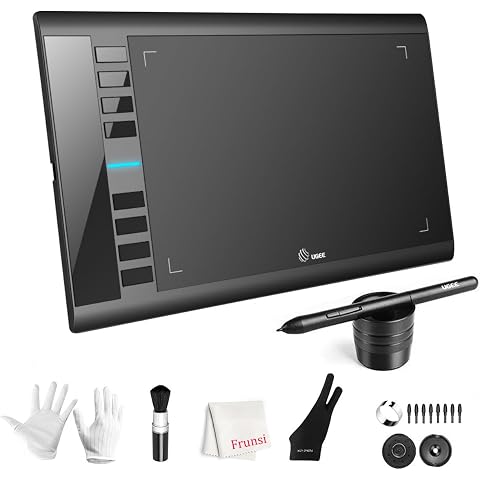
UGEE M708 Drawing Tablet, 10*6 inch, 16k Sensitivity Stylus Graphic Design | 16384 Level Pressure Battery Free Pen Stylus, 8 Hot Keys Compatible with Windows PC Macbook Chromebook Linux
£45.99
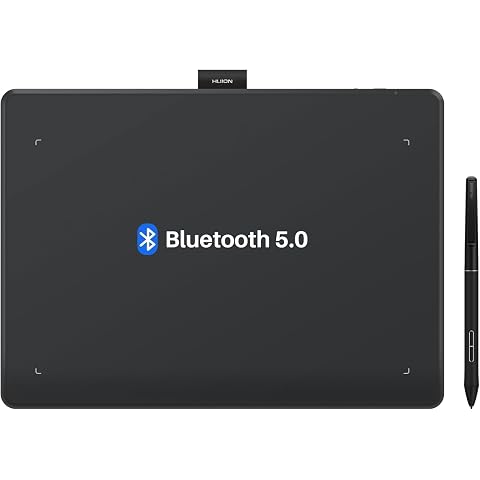
HUION Inspiroy Frego L610 Wireless Drawing Tablet 10X6.25 Inch Bluetooth | 8192 Pen Pressure, Bluetooth 5.0, Ideal Designer Tool for Note-taking Photo Editing, Work with Windows/Mac/Android
£79.99
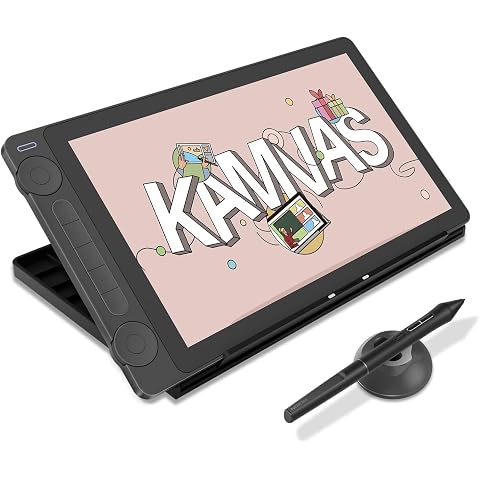
HUION Kamvas 13 Gen 3 Drawing Tablet with Screen with Stand 13.3", Black | PenTech 4.0 16384 Pen Pressure, 5 Express Keys, Dual Dial, Anti-Glare Glass, Works with Windows/Mac/Android for Art Design
£217.16
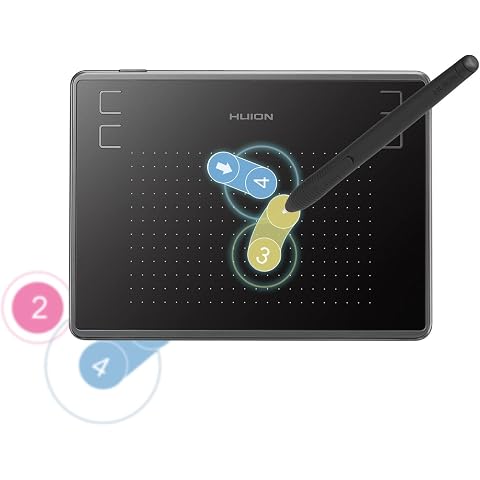
HUION Inspiroy H430P Drawing Tablet 4.8X3 Inch with 4 Hot Keys | Compact Portable Size, Battery-Free Pen, Works PC Mac Linux Mobile, for Drawing, Design, Teaching & Note-Taking
£18.99
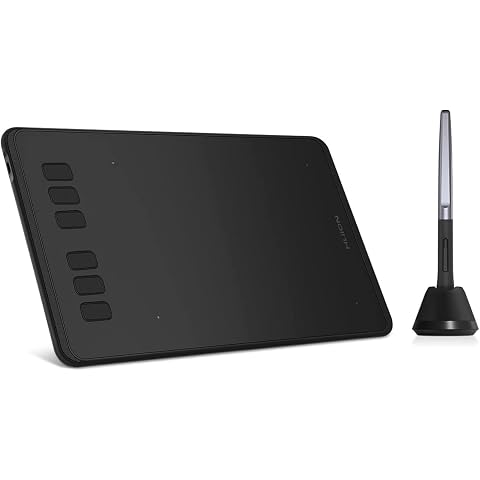
HUION Inspiroy H640P Drawing Tablet 6x4 inch Graphic Tablet for Beginner | Battery-Free Stylus, 8192 Pen Pressure, 6 Hot Keys, Work with Mac/PC/Android, Digital Art for Drawing Writing Design Teaching
£27.07
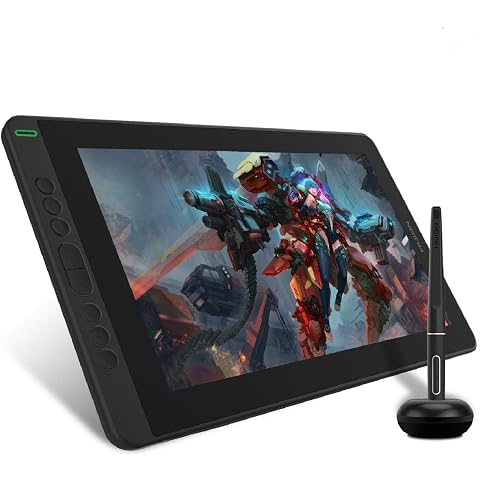
HUION Kamvas 13 Drawing Tablet with Screen 8 Shortcut Keys 13.3" Black | PenTech 3.0, 8192 Pen Pressure, Fully Laminated Anti-Glare Glass, Works with Windows, Mac and Linux for Illustration Creation
£169.99
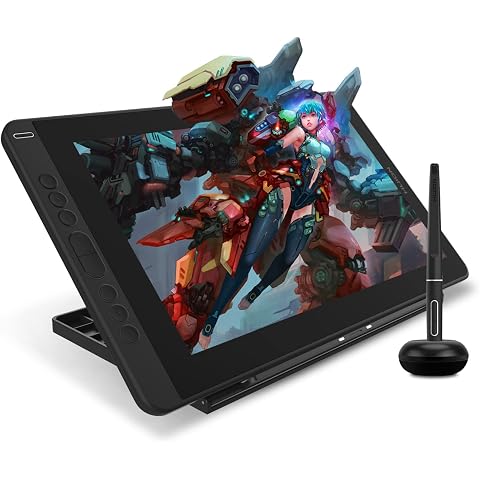
HUION Kamvas 13 Drawing Tablet with Screen 13.3" Green Adjustable Stand | 8192 Pen Pressure, 8 Shortcut Keys, Fully Laminated Anti-Glare Glass, Works with Windows/Mac/Linux for Illustration Creation
£179.99
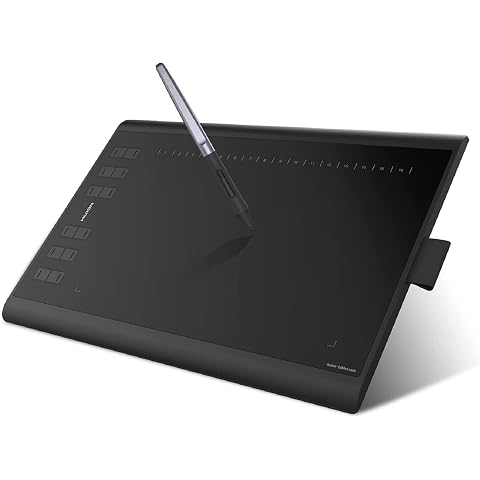
HUION Inspiroy H1060P Drawing Tablet 10X6.25 Inch 12 Hard Plus 16 Soft Keys | 8192 Pen Pressure, Battery-Free Stylus,Graphics Tablet for Animation,Painting,Photo Editing Works with Mac, Windows and Linux
£39.89
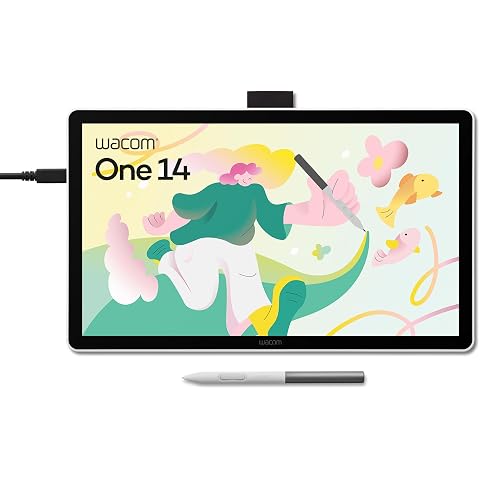
Wacom One 14, Pen Display, Full HD, incl. battery-free Standard Pen | Drawing Tablet (PC necessary), Pen-on-paper feel with anti-glare etched glass, lightweight FHD with Japanese technology.
£200.99
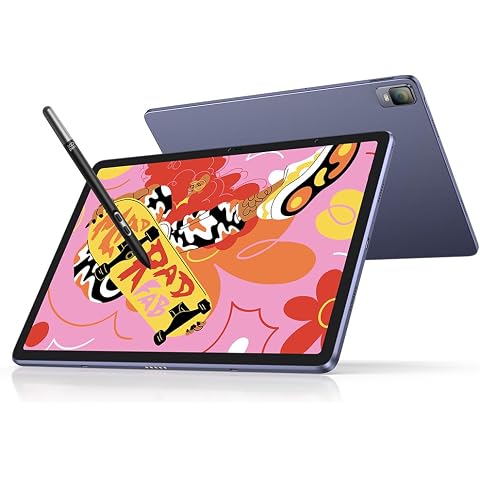
XPPen Magic Drawing Pad Standalone Graphics Tablet with 12.2" Screen | Portable Digital Art Pad with X3 Pro Slim Stylus, 16K Pressure Levels, Ideal for Painting, Reading, Gaming, Photographing
£499.99
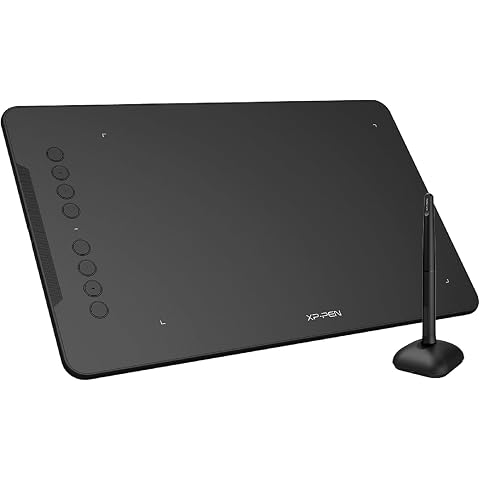
XPPen Deco 01 V3 Drawing Tablet with 10" x 6.25" Working Area | Portable Graphics Tablet with 8 Shortcut Keys, 16K Pen Pressure, Works with Windows, Mac & Android, Ideal for Sketch, Design
£47.99
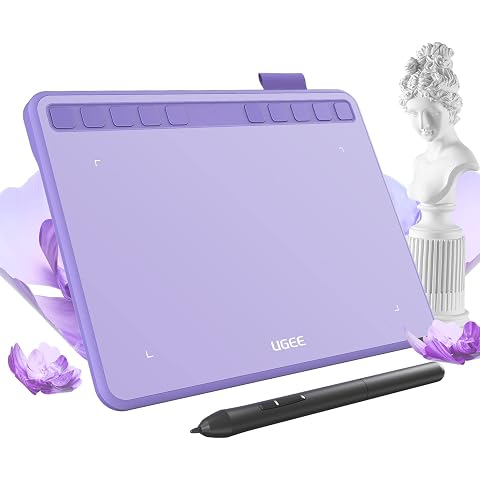
ugee S640 Drawing Tablet 6.3 x 4 In Graphics Pad for Beginner | 8192 Pen Pressure 10 Customisable shortcut Keys with Battery-free Stylus Compatible with for Mac, Windows PC and Android
£27.99