Environmental Thermometers & Hygrometers
Products · Environmental Thermometers & Hygrometers
2 active deals
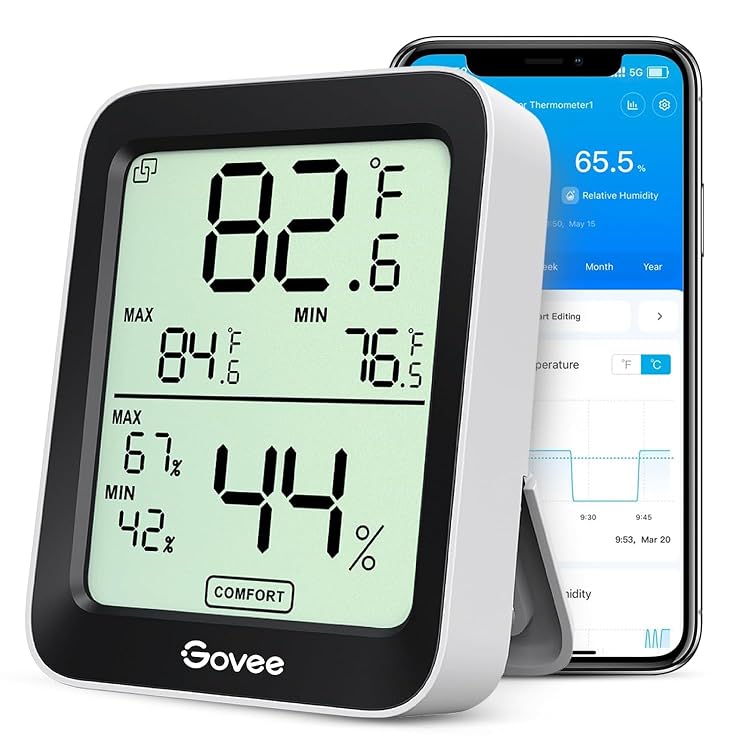
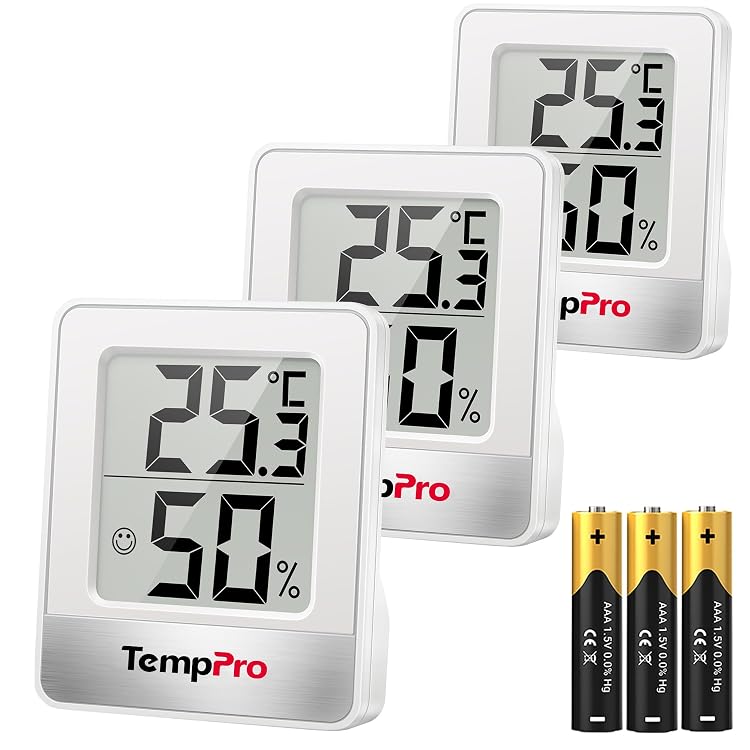
Choosing environmental thermometers and hygrometers
An environmental thermometer displays air temperature, while a hygrometer measures moisture in the air, usually as relative humidity. These devices help you follow changes in a room, cupboard or sheltered area. Decide whether you need an occasional reading, measurements from several locations or a dated history before comparing displays and connectivity features.
Understand the measurement specifications
Check whether the device measures temperature, humidity or both, and inspect the supported range for each. Display resolution is not accuracy: a decimal place does not establish an error of only one tenth. Look for the stated tolerance and the conditions under which it applies. These environmental monitors are not intended to measure body temperature or for clinical use; any certification must be checked in the model's documentation. They neither control humidity nor independently identify airborne contaminants.
- Confirm the available units and how readings outside the supported range are displayed.
Choose a representative sensor position
Every reading reflects the sensor's location. To observe the room rather than a local heat source, avoid direct sun, nearby radiators and the stream from an air outlet. A measurement beside a window may differ from conditions elsewhere in the room. Compare refresh intervals and the time needed to settle after moving the device. For bathrooms or outdoor use, check the declared protection: measuring humidity does not make a unit resistant to splashes, condensation or rain.
- Match a tabletop stand, wall fitting or separate probe to the actual measurement location.
Compare displays, remote sensors and logs
For quick checks, prioritise digits you can read at the intended distance under the available lighting. When comparing rooms, establish how many sensors the base supports, whether they are included and how each is labelled. Walls and other obstacles can reduce advertised wireless range. For connected models, inspect operating system compatibility, account or network requirements and history access. Stored maximum and minimum readings do not replace a sequence of measurements linked to dates and times.
- Check stated retention, export options and what happens to records when the connection drops.
Maintain the unit and respect its limits
Consider replaceable batteries, a low battery indicator and the availability of spare sensors. Keep ventilation openings clear and follow cleaning instructions without wetting the sensing element. Comparing two settled units in the same place may reveal disagreement, but it is not certified calibration. A manual offset does not establish traceability either. Interpret trends alongside placement and conditions: a single number or comfort symbol cannot guarantee freedom from mould or prove that the indoor environment is healthy.
- Use appropriately specified equipment and procedures for tasks that explicitly require certified measurements.