E-readers
Products · E-readers
1 active deal
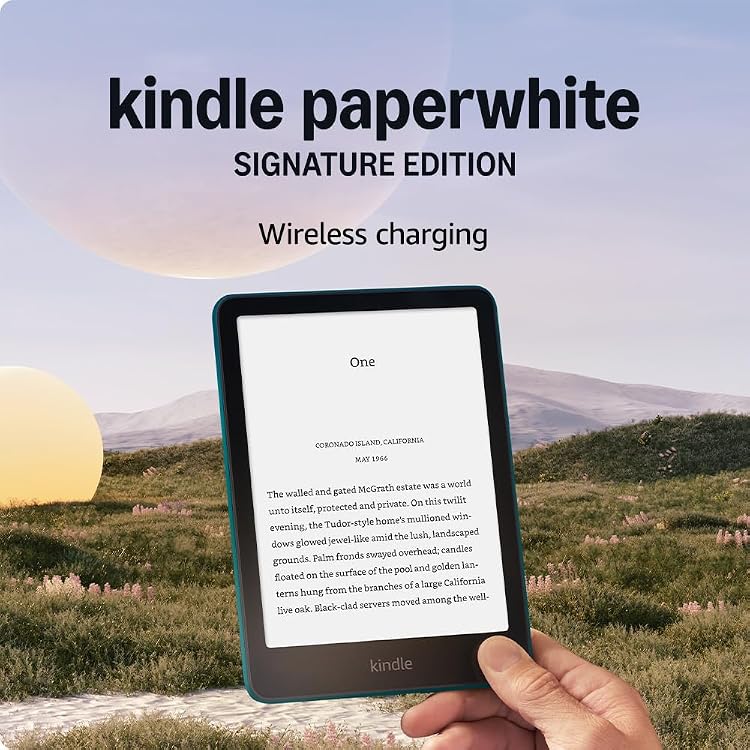
E-readers: choose around the books you actually read
An e-reader's screen matters, but the buying decision starts with your library. Shop-bought novels, digital loans, work documents and comics create different requirements. A good match opens your usual reading comfortably; it is not necessarily the device with the longest list of features.
Check how books get onto the device
List where your books come from and which formats they use. Supporting a file format does not mean supporting its copy protection. For borrowing, confirm your library's system and the devices accepted in your country. A lending feature advertised for another market may not be available locally.
Find out whether files transfer by cable or require an account, an application or conversion. Books bought from one shop may remain tied to its ecosystem. Do not assume that every title in an existing collection can move to another reader.
Match screen size to the page, not just the bag
Reflowable novels allow font and margin changes on small screens. A PDF preserves its layout: shrinking the page can make tables and footnotes tiny. A larger screen helps, but adds weight and makes one-handed reading less convenient.
Colour can be useful for illustrations, yet ordinary text contrast and readability still need comparison. A colourful cover image does not tell you how a complete comic page will look.
- Try a document similar to yours, including columns or footnotes when relevant.
- Check whether zooming and moving around pages remain tolerable over a long session.
Distinguish lighting, response and physical comfort
Front lighting helps in dim conditions; adjustment and evenness matter more than the marketing name. A warm-light setting changes the screen's appearance without proving a sleep benefit. Physical page buttons can avoid awkward gestures in your preferred reading position.
Electronic ink does not respond like a tablet screen. Turning novel pages and navigating a large document place different demands on the device. Judge the navigation you will actually need, and do not treat advertised battery life as guaranteed hours with lighting and wireless connections active.
Consider ownership and access to your notes
Check how notes and highlights export, including restrictions on protected books. If handwriting matters, verify the compatible pen, whether it is included and how notes can be accessed later. A cover provides protection but also adds carrying weight.
Look into updates, usable storage and whether personal files remain readable without shop services. Water resistance applies only under the stated conditions. It does not make the reader waterproof in every situation or remove the need to look after its charging port.