Processors
Products · Processors
12 active deals
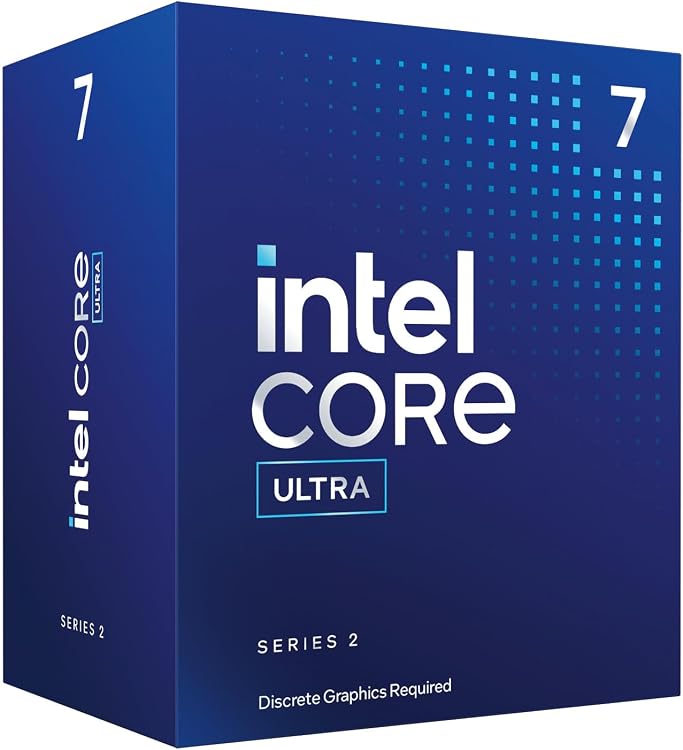
Intel Core Ultra 7 265F Desktop Processor, 20 cores, up to 5.3 GHz
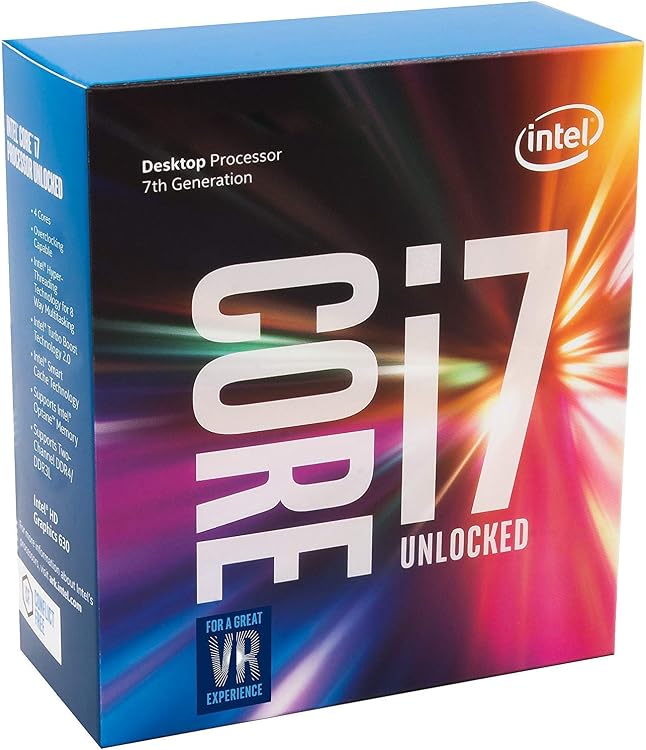
Intel Core i7-7700K 4.2 GHz Quad-Core Processor
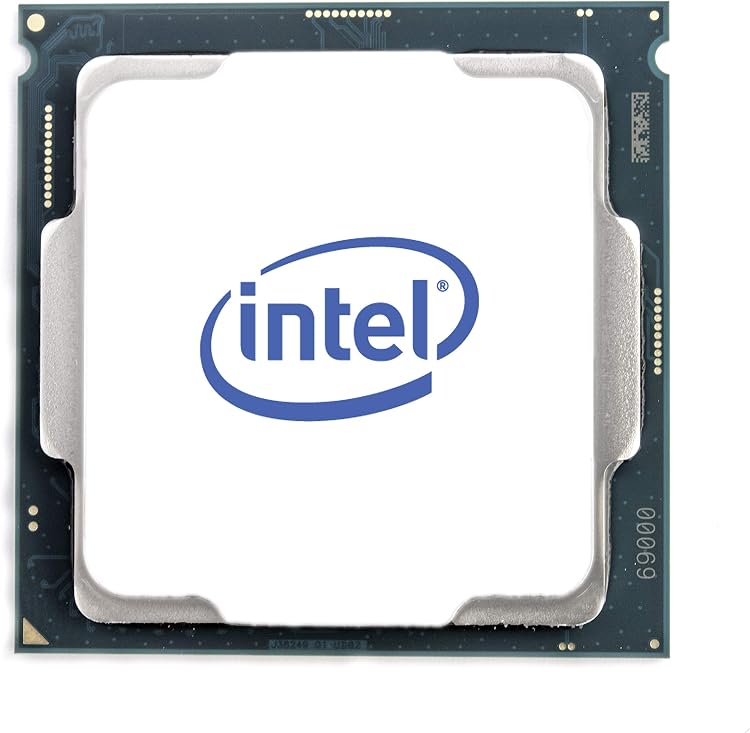
Intel Core i9-9900KF 3.6 GHz Eight-Core LGA 1151 Processor
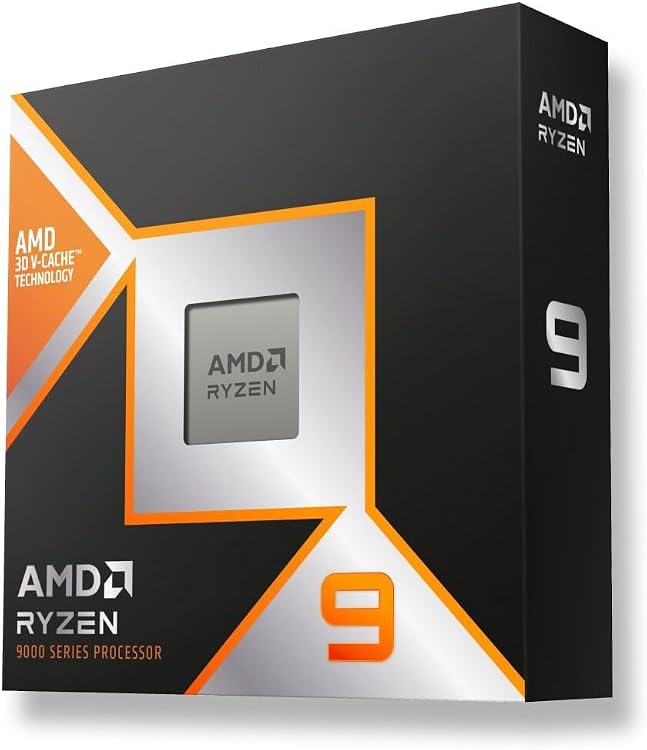
AMD Ryzen 9 9900X 3D Processor, 12 Cores, 24 Threads, up to 5.5 GHz
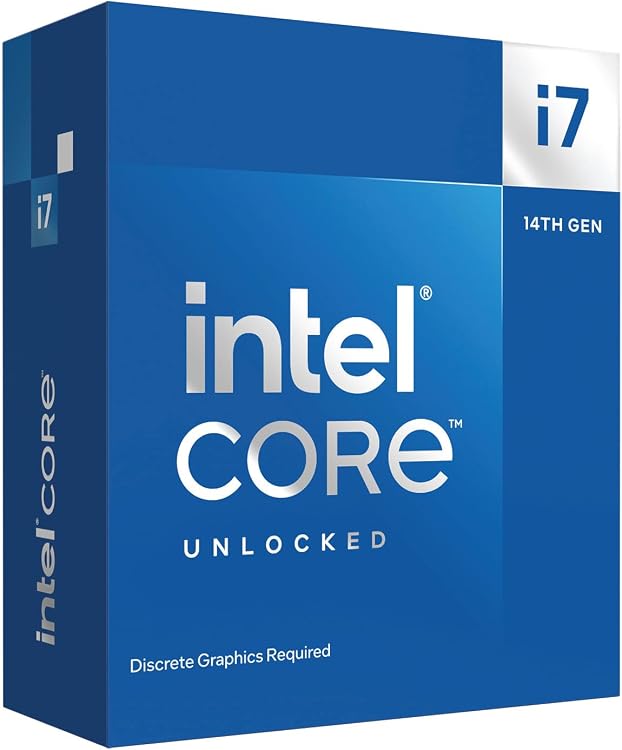
Intel Core i7-14700KF 14th Gen Desktop Processor
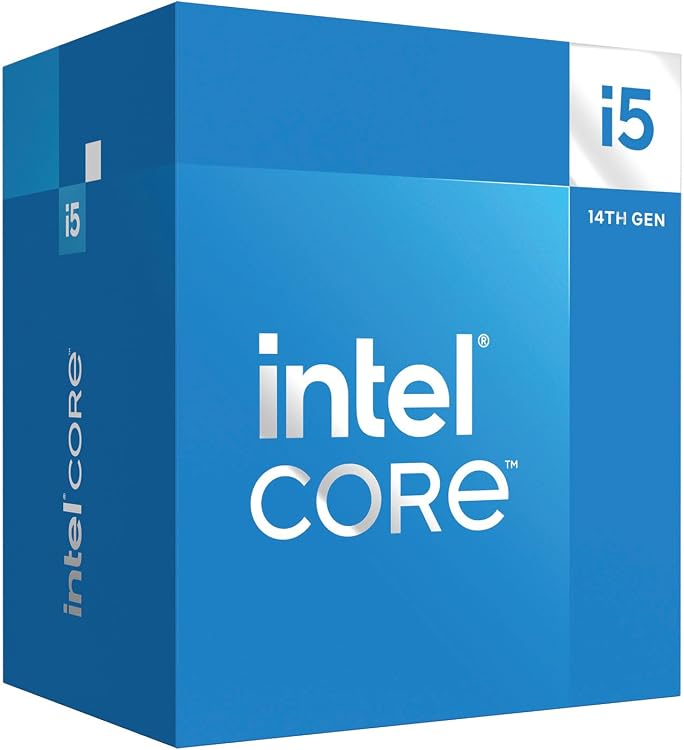
Intel Core i5-14400 Desktop Processor, 10 cores up to 4.7 GHz
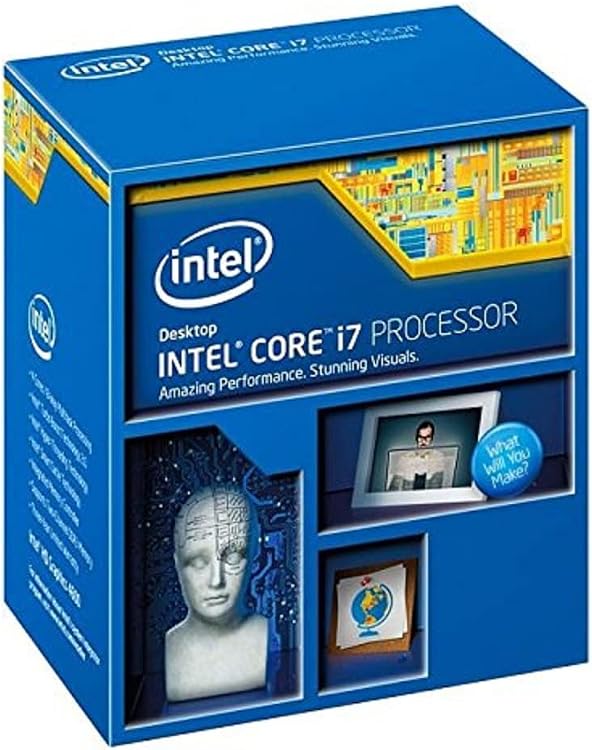
Intel Core i7-4790K quad-core 4 GHz CPU
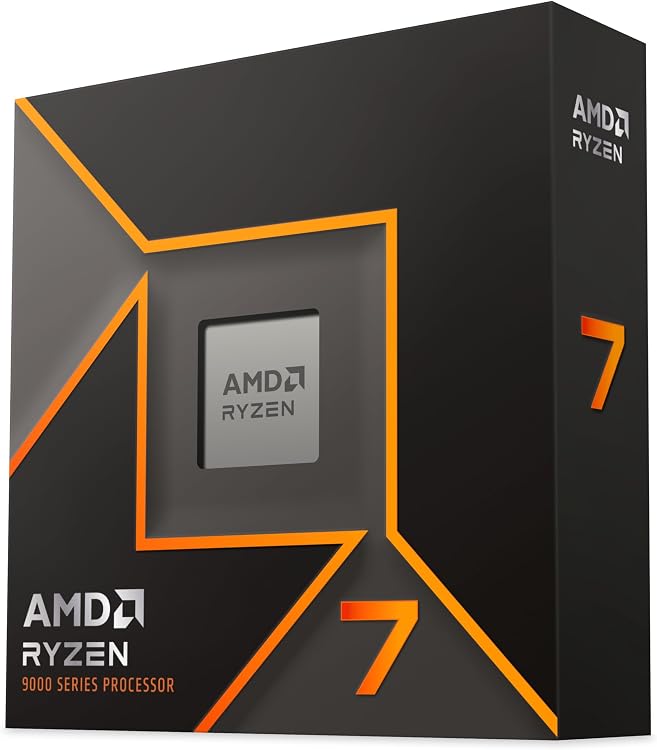
AMD Ryzen 7 9700X Processor, 8 Cores, 16 Threads, AM5
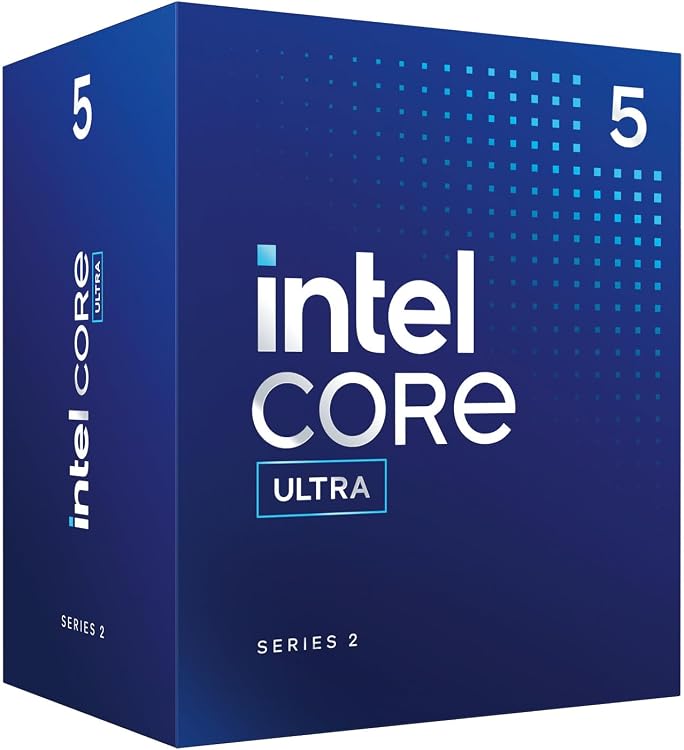
Intel Core Ultra 5 225 Desktop Processor, 10 cores, up to 4.9 GHz
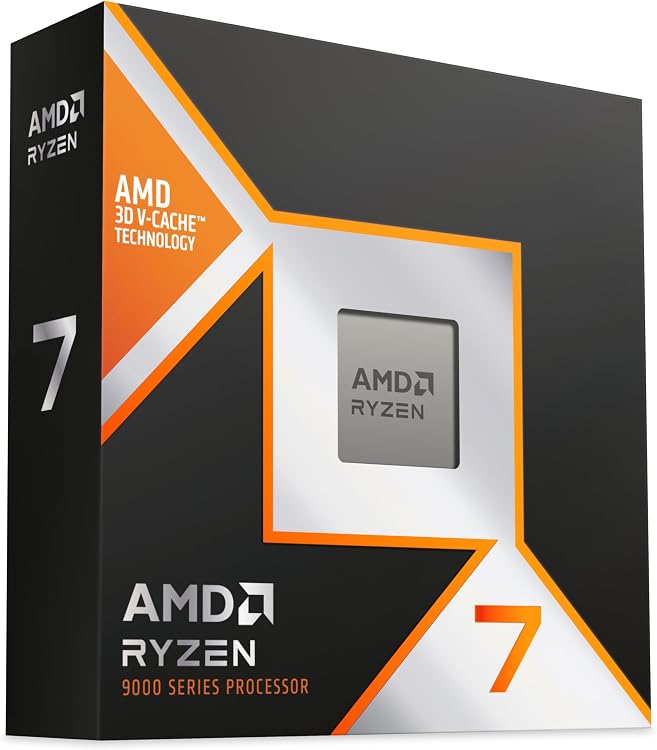
AMD Ryzen 7 9850X3D 8-core AM5 Processor
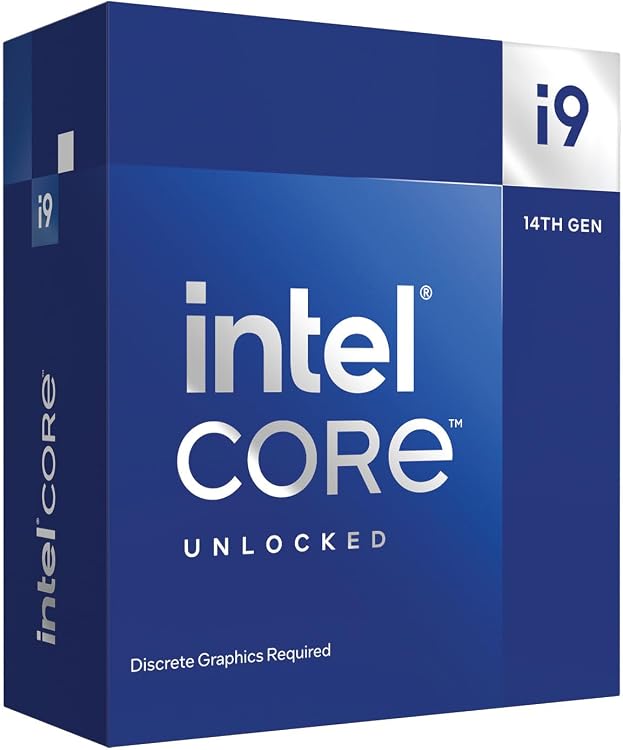
Intel Core i9-14900KF 24-core desktop processor
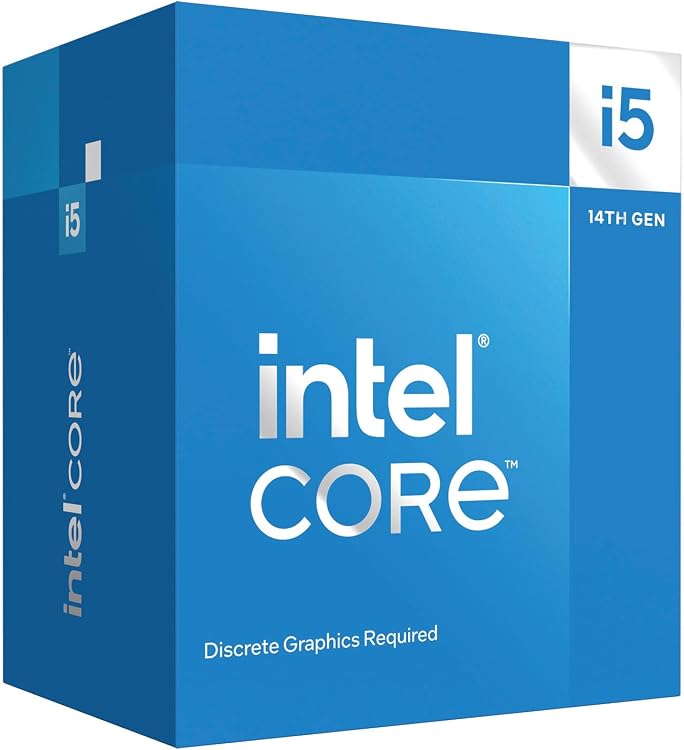
Intel Core i5-14400F Desktop Processor, 10 cores, up to 4.7 GHz
Top deals in Processors
Big discounts across a variety of models and stores.
AMD Ryzen 9 9900X 3D Processor, 12 Cores, 24 Threads, up to 5.5 GHz
AMD Ryzen 7 9700X Processor, 8 Cores, 16 Threads, AM5
Intel Core i5-14400F Desktop Processor, 10 cores, up to 4.7 GHz
Intel Core i5-14400 Desktop Processor, 10 cores up to 4.7 GHz
Intel Core i7-14700KF 14th Gen Desktop Processor
Intel Core Ultra 5 225 Desktop Processor, 10 cores, up to 4.9 GHz
Intel Core Ultra 7 265F Desktop Processor, 20 cores, up to 5.3 GHz
Intel Core i9-14900KF 24-core desktop processor
Intel Core i7-4790K quad-core 4 GHz CPU
Intel Core i7-7700K 4.2 GHz Quad-Core Processor
Processors: choose a CPU around the work it must finish
The best CPU for a task is not necessarily the one with the most cores. Some applications wait for a single thread; others spread work across many cores for minutes at a time. Choosing a processor means knowing what you want to accelerate and separating a compatible replacement from a complete platform change.
Compare evidence from your kind of workload
For games, look for tests using a graphics card and resolution comparable to yours: a GPU bottleneck can hide processor differences. In compilation, simulation or rendering, establish whether the software benefits from many cores. Gigahertz are not a universal measure across architectures, and adding different kinds of cores together does not explain performance on its own. Prefer completion times or responsiveness in relevant applications over a single overall score combining work you never do.
Check the exact model and its requirements
CPUs with similar names can differ in integrated graphics, power behaviour or compatibility. Check your motherboard's supported-processor list and required firmware version before ordering. Without a separate graphics card, confirm that the processor has integrated graphics and that the board provides suitable outputs. Also check operating-system support and features your applications require. A processor physically fitting the socket does not guarantee that the system will start or provide all the functions you expect.
Sustained speed depends on thermal headroom
The advertised maximum frequency usually describes a limited situation, not every core working indefinitely. Examine behaviour during extended workloads and the cooling used to measure it. A thermal-design figure does not always equal actual maximum power consumption. Consider the included cooler, whether its mounting hardware fits, and the cooling capability of your case. Paying for performance your system can maintain for only a few moments offers little benefit during a long daily processing job.
Calculate the whole replacement cost
A processor supported by your existing motherboard may offer a worthwhile improvement without replacing memory or cooling. A new platform can open other options, but include the motherboard, RAM, cooler and possible technical assistance in the cost. For used processors, verify physical condition, origin and return terms; do not assume accessories or equivalent warranty cover are included. Decide according to time saved in your work and the additional parts needed to realise that improvement.