Mouse Pads
Products · Mouse Pads
6 active deals
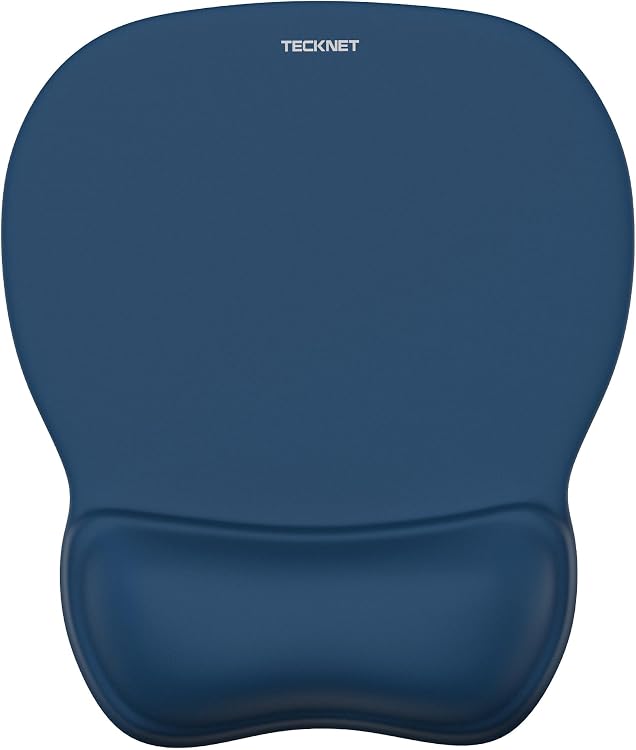
TECKNET 622511 Gel Mouse Mat with Wrist Support, Blue
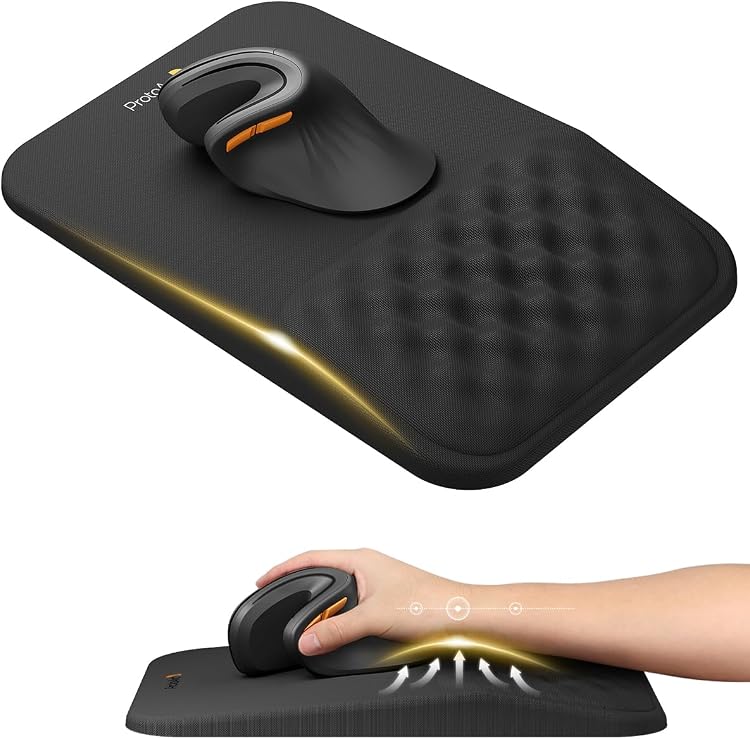
ProtoArc MP50 Ergonomic Mouse Pad with Memory Foam Wrist Support
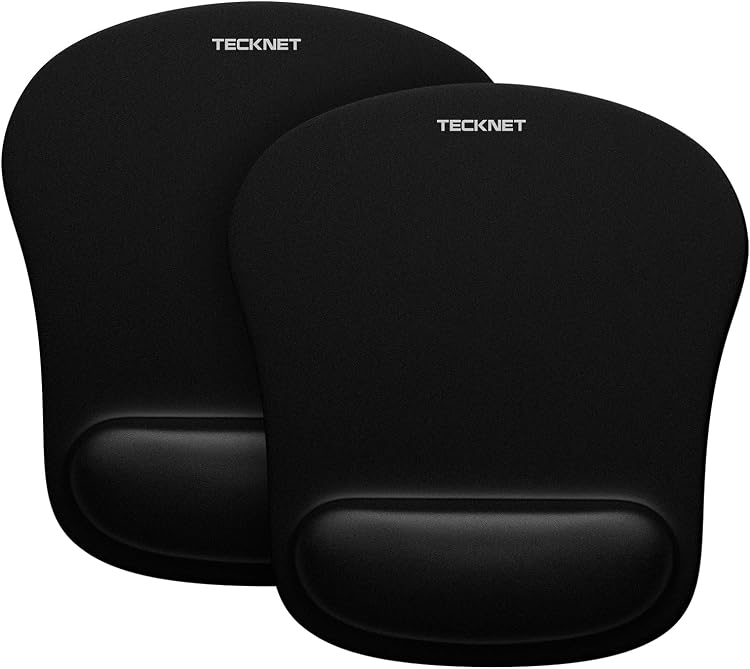
TECKNET MGM01105 Memory Foam Mouse Mats, 2 Pack
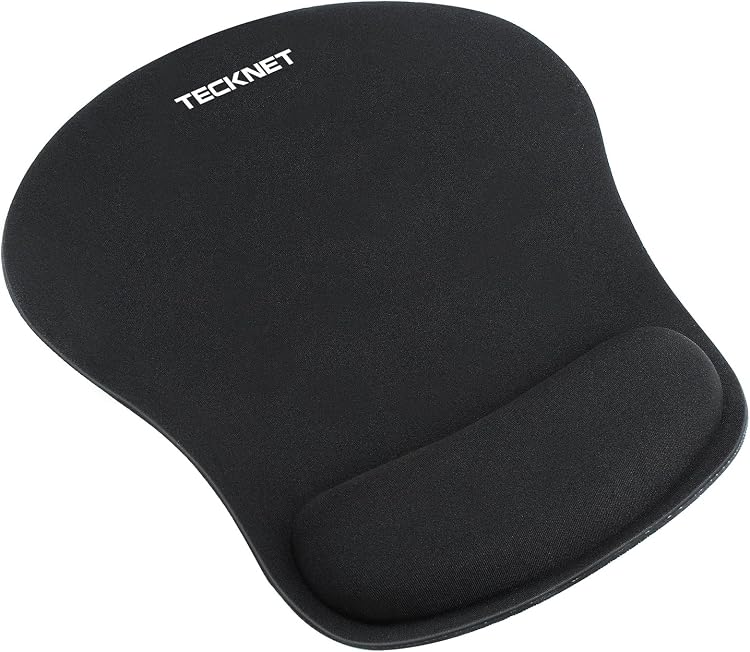
TECKNET 41195 Memory Foam Mouse Mat with Wrist Support

AFIING PU Leather Desk Mat, 80 x 40 cm, Olive Green
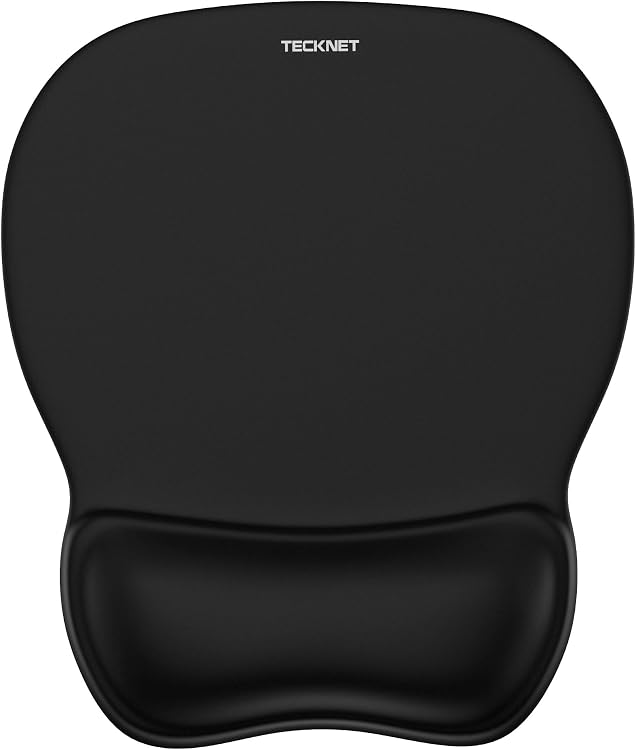
TECKNET 622740 Gel Mouse Mat with Wrist Support, Black
Top deals in Mouse Pads
Big discounts across a variety of models and stores.
TECKNET 41195 Memory Foam Mouse Mat with Wrist Support
TECKNET 622740 Gel Mouse Mat with Wrist Support, Black
TECKNET 622511 Gel Mouse Mat with Wrist Support, Blue
TECKNET MGM01105 Memory Foam Mouse Mats, 2 Pack
AFIING PU Leather Desk Mat, 80 x 40 cm, Olive Green
ProtoArc MP50 Ergonomic Mouse Pad with Memory Foam Wrist Support
Mouse pads: match surface and space to your movements
A mouse pad provides a surface for movement and sensor tracking. Choose according to your actual travel, preferred feel and desk layout, not simply because the product is labelled for gaming.
Measure the movement you use rather than the whole desk
Observe where the mouse ends up when you move the pointer across the screen at your normal sensitivity. If your work or games involve broad movements, a small pad means lifting and repositioning more often. Leave a margin without surrounding objects obstructing your hand. Extended formats also cover the keyboard, but that area is not available to the mouse. Check depth, width and the position of legs or supports before buying. A generously sized pad in the wrong place can still restrict usable travel.
Gliding and stopping are different sensations
A fast surface makes movement easy but can require more control when stopping. A cloth surface with greater friction offers different resistance and may change with dust or humidity. Consider both starting a movement and making fine adjustments, using the kind of task you actually perform. Mouse feet matter too. For hard, glossy or glass surfaces, verify that the sensor and feet suit the particular pad model. A mouse working on another desk does not establish compatibility with this surface.
The base and edge affect how your arm rests
A shifting base changes movement even if the top surface is good. Check that the pad lies flat on your desk without folds or persistent curling. Thickness may soften minor unevenness but also raises the mouse; prominent stitching may bother your forearm. An integrated wrist rest takes up surface and needs to fit your posture. Do not rely on it as a treatment for pain. Comfort requires assessing the desk, hand position and space together, without universal ergonomic guarantees that a product label cannot establish.
Care matters more than decoration
Check the manufacturer's permitted cleaning method and let a washable pad dry completely before use. Do not assume a rigid base or a pad containing electronics can be immersed. Worn areas may create an uneven feel even while the printed design remains intact. Lighting and connections add cables and take up space, but do not demonstrate better tracking. If wireless charging is built in, explicitly check supported mouse models and required accessories: a wireless mouse does not automatically support that charging system.